PLHR76
HTTP://WWW.PYLEAUDIO.COM
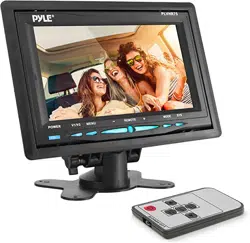
7" Widescreen TFT/LCD Video Monitor
w/Headrest Shroud and Stand
Thank you for purchasing the TFT LCD color monitor. To enjoy the
features of this device and to ensure years of trouble-free operation,
please read this manual carefully and follow the instructions.
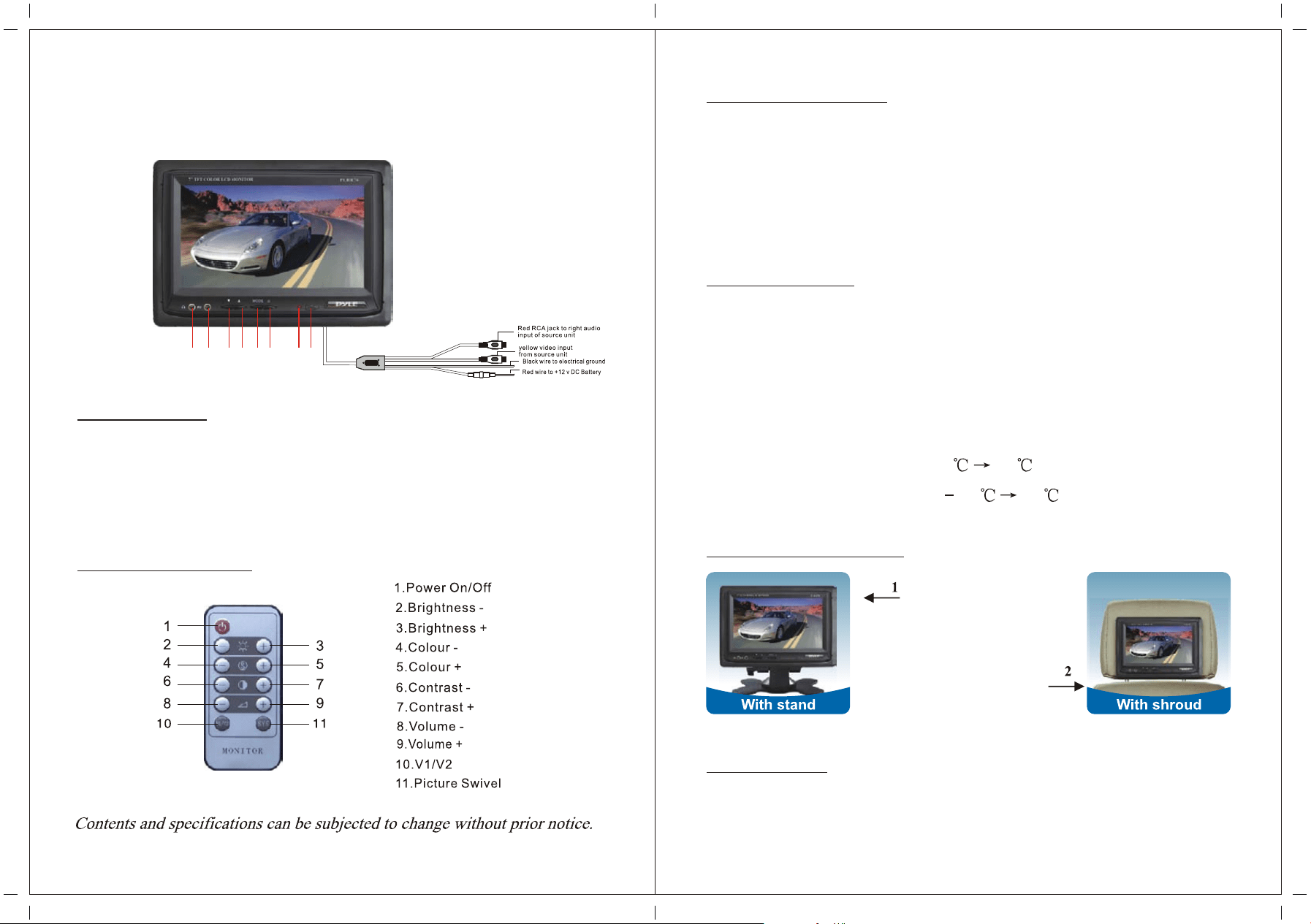
Front Panel
1. earphone jack
3. Negative adjustment
5. Activation of Menu Indicator
7. Light
2. Audio/Video input
4. Positive adjustment
6. Power ON/OFF
8. Remote sensor
Basic operation
1. Make sure the video and power connection are properly executed.
2. Press MENU to display the adjustments in this order.
Brightness-->Color-->Contrast-->Volume-->Brightness...
3. Adjust the values by pressing AN+ or AN- .
4. The POWER button activates/deactivates the monitor. It is not
Necessary to disconnect the power source.
Specification
Screen Size:
System:
Power source:
Power consumption:
Video Input:
Operating Temperature:
Storage Temperature:
7 inch
NTSC/PAL
DC12V ±10%
< 9W
Composition Video Signal
0 60
20 80
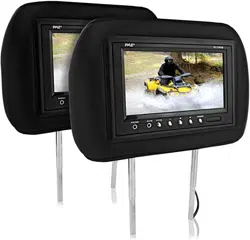
Headrest bracket
Suitable for any kinds of car
seats. Easy and conveniently
installation without damage
to the seats. Length can be
adjusted(as Picture).
1 x headrest shroud
1 x user's manual
HTTP://WWW.PYLEAUDIO.COM
Accessory
1 x bracket
1 x remote control
2 x connection wire
Remote control
1 2 3 4 5 6 7 8