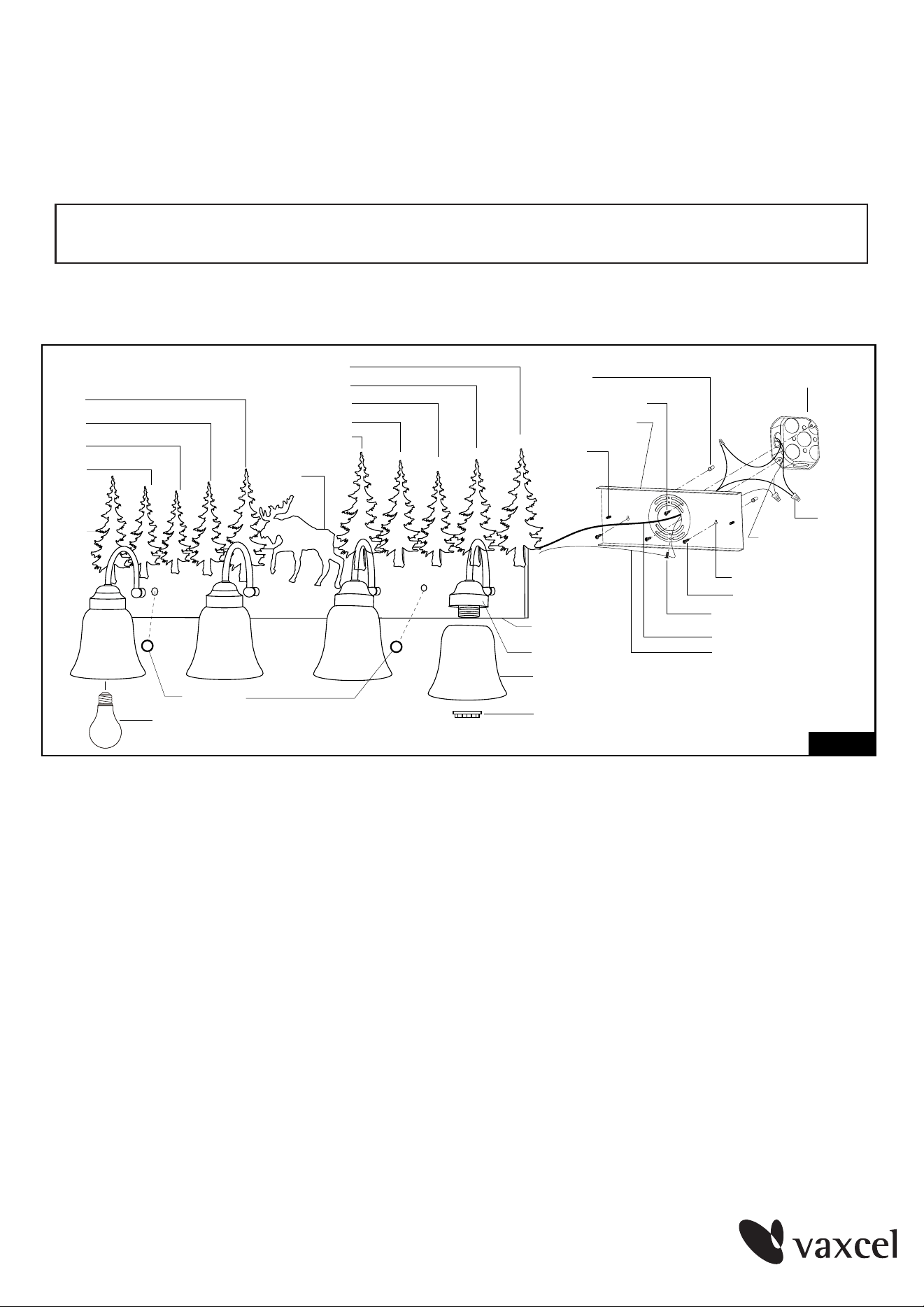
Glass Shade
Glass Holder
House Grounding
Wire
Wire Nut
Outlet Box
V-B1
V-C
V-E
V-D
V-B2
V-C
Back Plate
Bolt Nut
Socket Ring
Mounting Plate
Screw
Mounting Screw
Anchor
V-C
V-B2
V-D
V-B3
V-C
Dry Wall Screw
Set Hole
Green Grounding Screw
Fixture Wire
Fixture Grounding wire
Figure 1
100525
ASSEMBLY AND INSTALLATION
INSTRUCTIONS
WARNING: BE SURE TO SHUT OFF POWER AT THE MAIN FUSE OR CIRCUIT
BREAKER BOX BEFORE INSTALLING OR SERVICING THIS FIXTURE.
NOTE: 1. Before installing, consult local electrical codes for wiring and grounding requirements.
2.
READ AND SAVE THESE INSTRUCTIONS
.
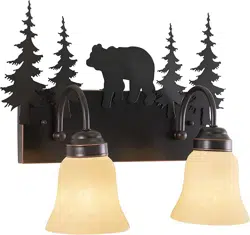
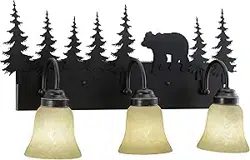
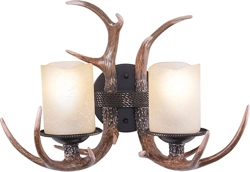
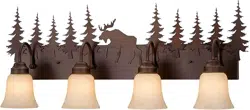
VL55404 / VL55504 / VL55604 / VL55704
1. Unscrew two bolt nuts, and remove the mounting plate from the back plate.
2. Fix the mounting plate to the wall.
a) For wooden material:
Attach the mounting plate to the outlet box by using two mounting screws, and
then secure the dry wall screws through the set holes to the wall.
b) For cement material:
Place the mounting plate to the outlet box and mark the target on the wall from
the set hole for drilling two holes. Remove the mounting plate from the outlet box.
Thread the anchors into the holes, then attach the mounting plate to the outlet
box by using two mounting screws. Secure the dry wall screws through the set
holes into the anchors.
Page 1
Bulb Type A Max.100W
(not included)
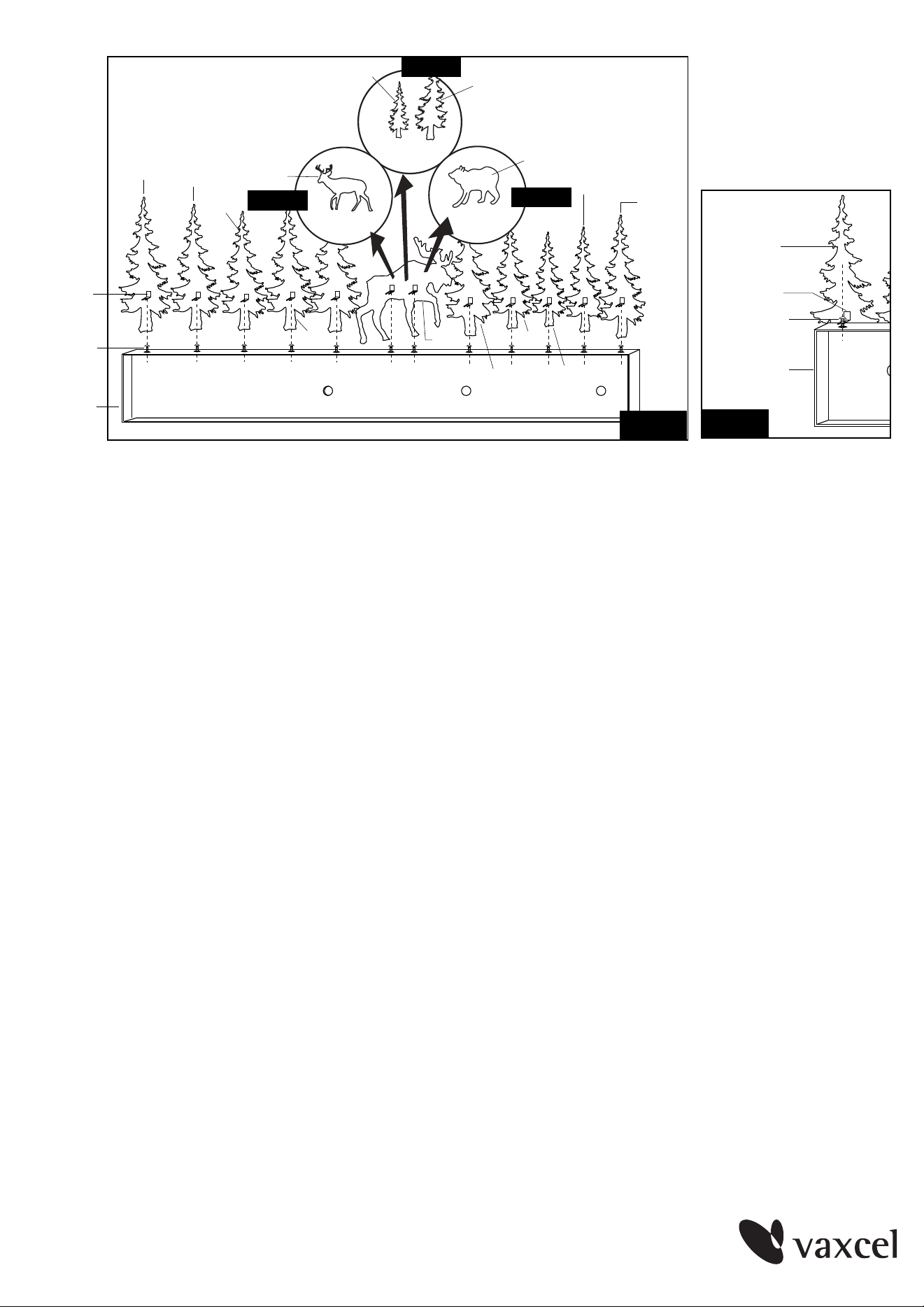
Back Plate
Set Screw
"L" Clip
V-B2
V-E
V-B2
V-C
V-D
V-C
V-B1
Fig.2
V-C
V-D
V-C
V-B3
Back Plate
V-B3
"L" Clip
Set Screw
Fig.3
100525
Page 2
3. Install the silhouettes onto the back plate.
a. Take a silhouette and place it onto the back plate with the hole in the back plate
aligning the slot in the clip of the silhouette, secure it with a set screw.
(See Figure 3)
b. Repeat with the other silhouettes.
c. Please follow the sequence shown in Figure 2 to install the silhouettes onto the
back plate.
d. You can install the silhouettes which marked V-R (for VL55404) or marked V-D &
V-B4 (for VL55504) or marked V-S (for VL55704) to the location of silhouette which
marked V-E (for VL55604) to replace them. (See Figure 2-a/b/c)
4. Pull out the outlet wires and the house grounding wire from the outlet box. Make wire
connections using the wire nuts:
---Connect the black wire from the fixture to the black wire from the power source.
---Connect the white wire from the fixture to the white wire from the power source.
---Attach the fixture grounding wire to the mounting plate with the green grounding
screw. Then connect it to the house grounding wire with a wire nut.
Carefully put the wires back into the outlet box.
5. Attach the back plate to the mounting plate by inserting the screws, secure it with
two bolt nuts.
6. Attach the glass shades to the glass holders, secure them with the socket rings.
7. Install bulbs (not included). See relamping label at socket area or packaging for
maximum allowed wattage.
8. Turn on the power at the main fuse or circuit breaker box.
Parts for
VL55504
V-B4
V-D
Figure 2-b
Parts for
VL55404
V-R
Figure 2-a
V-S
Figure 2-c
Parts for
VL55704