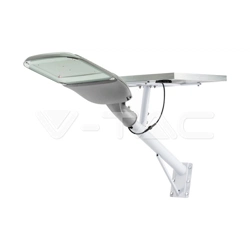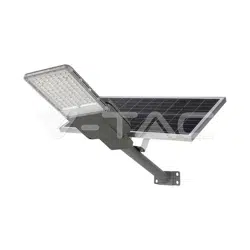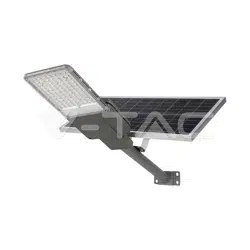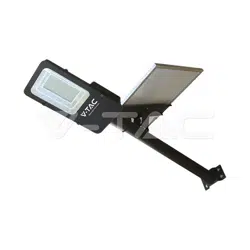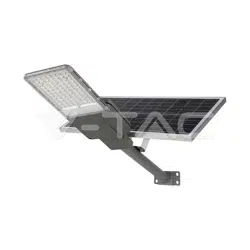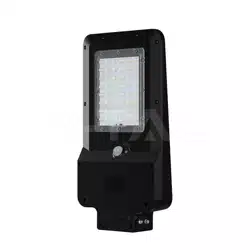
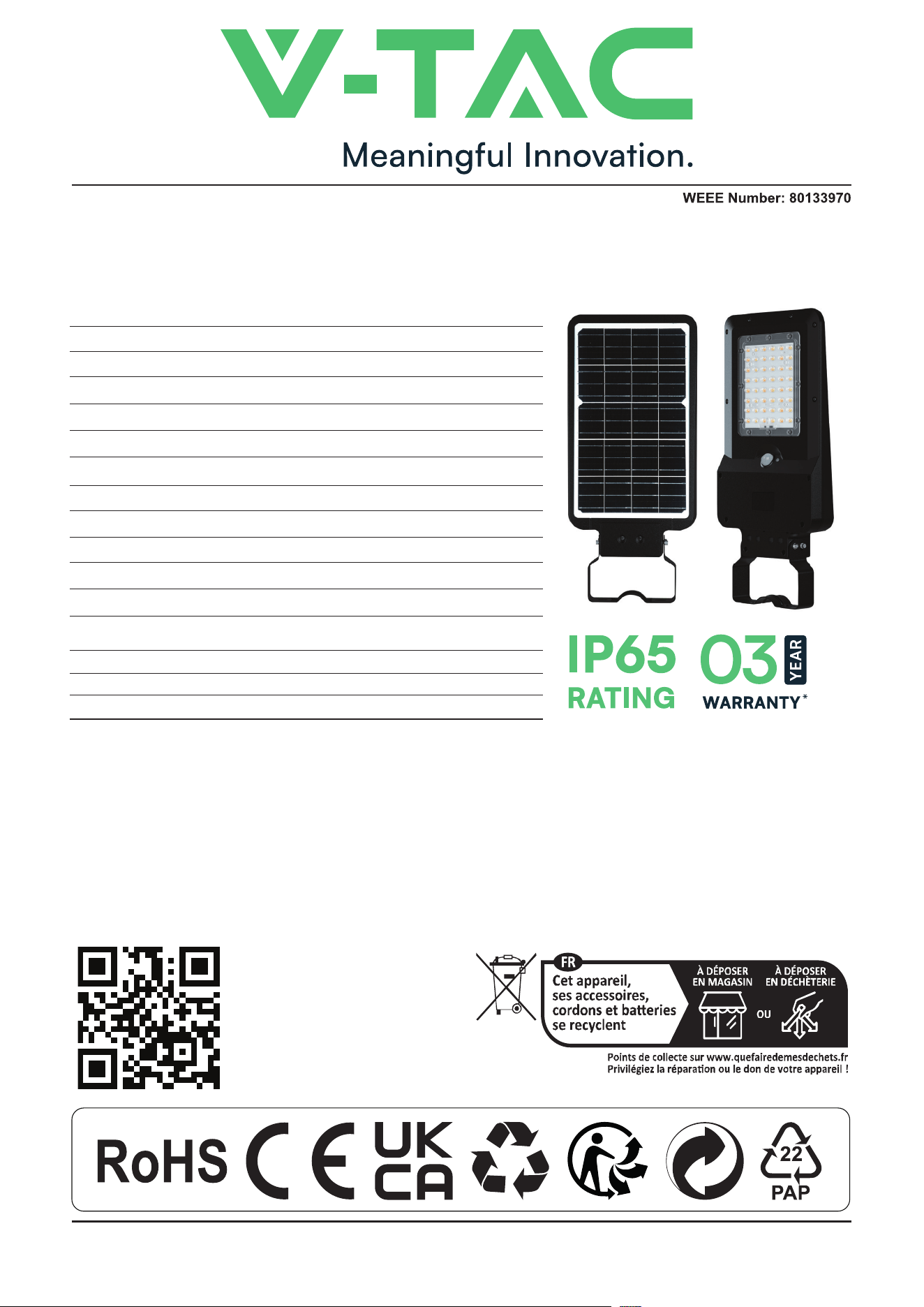
SOLAR LED STREET LIGHT WITH SENSOR
INSTRUCTION MANUAL
TECHNICAL DATA
BATTERY SPECIFICATIONS
INTRODUCTION & WARRANTY
Thank you for selecting and buying V-TAC product. V-TAC will serve you the best. Please read these
instructions carefully before starting the installation and keep this manual handy for future reference. If you
have any another query, please contact our dealer or local vendor from whom you have purchased the
product. They are trained and ready to serve you at the best. The warranty is valid for 3 years from the date
of purchase. The warranty does not apply to damage caused by incorrect installation or abnormal wear
and tear. The company gives no warranty against damage to any surface due to incorrect removal and
installation of the product. The products are suitable for 10-12 Hours Daily operation. Usage of product for
24 Hours a day would void the warranty. This product is warranted for manufacturing defects only.
MULTI-LANGUAGE
MANUAL QR CODE
Please scan the QR code
to access the manual in
multiple languages.
IN CASE OF ANY QUERY/ISSUE WITH THE PRODUCT, PLEASE REACH OUT TO US AT: SUPPORT@V-TAC.EU
FOR MORE PRODUCTS RANGE, INQUIRY PLEASE CONTACT OUR DISTRIBUTOR OR NEAREST DEALERS.
V-TAC EUROPE LTD. BULGARIA, PLOVDIV 4000, BUL.L.KARAVELOW 9B
MODEL
SKU
POWER/LUMEN
BEAM ANGLE
LEDS
SOLAR PANEL
DETECTION ANGLE/AREA
DIMENSION
INSTALLATION HEIGHT
LIFESPAN
BODY TYPE
VT-ST20CCT
24099
20W / 3000LM
140° x70°
SMD2835 x 96PCS
12.5W, Mono Crystalline Silicon
120°/ 3-8Mtrs
232x492.5x58MM
3-5Mtr
35,000hrs
ABS+PC
BATTERY
CHARGING TIME
WORKING TIME
Lithium, 18650/7.4V/5400mAh, Replaceable
6-7Hrs
Mode A: 60Hr Max. Mode B: 45Hr
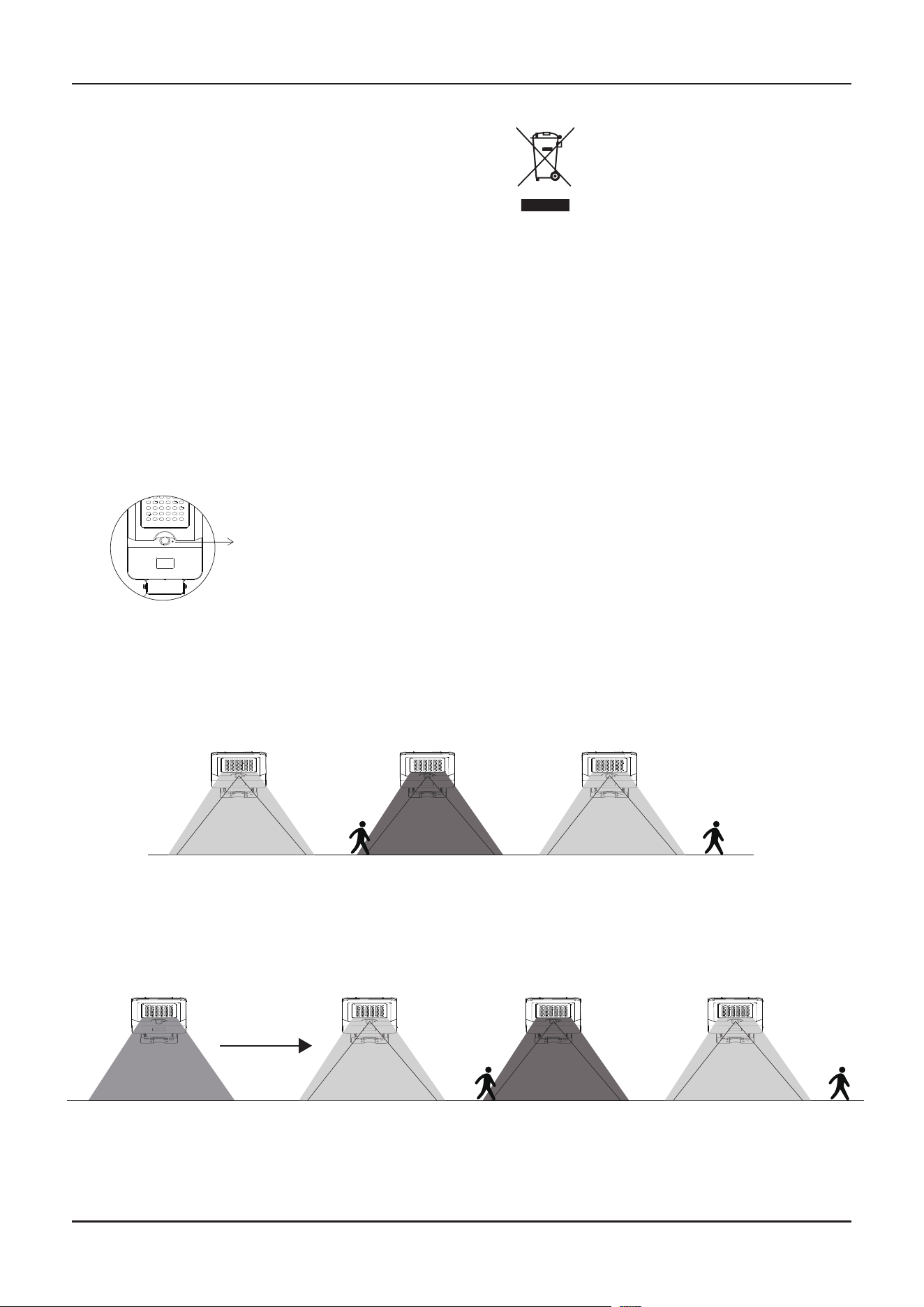
Press the button 1st time, the lamp turns on to Mode A:
Press the button 2nd time, the lamp turns to Mode B:
Lamp automatically lights up at night and keeps 60% brightness for 5 hours,
then turns to Mode A.
Press the button 3rd time, the lamp turns o.
On / O
Select Work Mode
Switch CCT
MODE A: SENSOR MODE
MODE B: KEEP LIGHTING MODE
O:
* In Mode A or Mode B, long press the button
for 3 seconds to switch lighting color.
* The CCT Switch includes a memory function.
Switch CCT
120°
120°
120°
120°
120°
120°
Aer 5 hours
WARNING
NOTICE
WORKING MODE
1. Installation must be performed by a qualified
electrician
2. Once finishing the installation, remember to press
the button on lamp to turn on the power.
1. This is a solar-powered lamp. Install it in a location that receives sucient sunlight.
2. The lamp charges during the daytime and lights up automatically at night.
3. It will continue to charge even when turned o.
4. Lighting duration depends on sunlight exposure and the selected operating mode.
5. Equipped with overcharge and over-discharge protection for enhanced safety and durability.
6. The lamp includes a built-in, replaceable battery.
7. Do not disassemble the lamp unless performed by a qualified professional.
8. Do not dispose of the battery with household waste, as it may cause an explosion hazard.
Lamp automatically lights up at night, and it will turn to full brightness when motion is
detected in the range ≤8mtrs, then dim to 5% brightness aer 20 seconds of no motion.
This marking indicates that this
product should not be disposed
of with other household wastes.
3-5M
Loosen the screws here
to adjust angle.
20°
10°
3 DIFFERENT INSTALLATIONS
INSTALLATION B: STRAIGHT POLE
ACCESSORIES INCLUDED
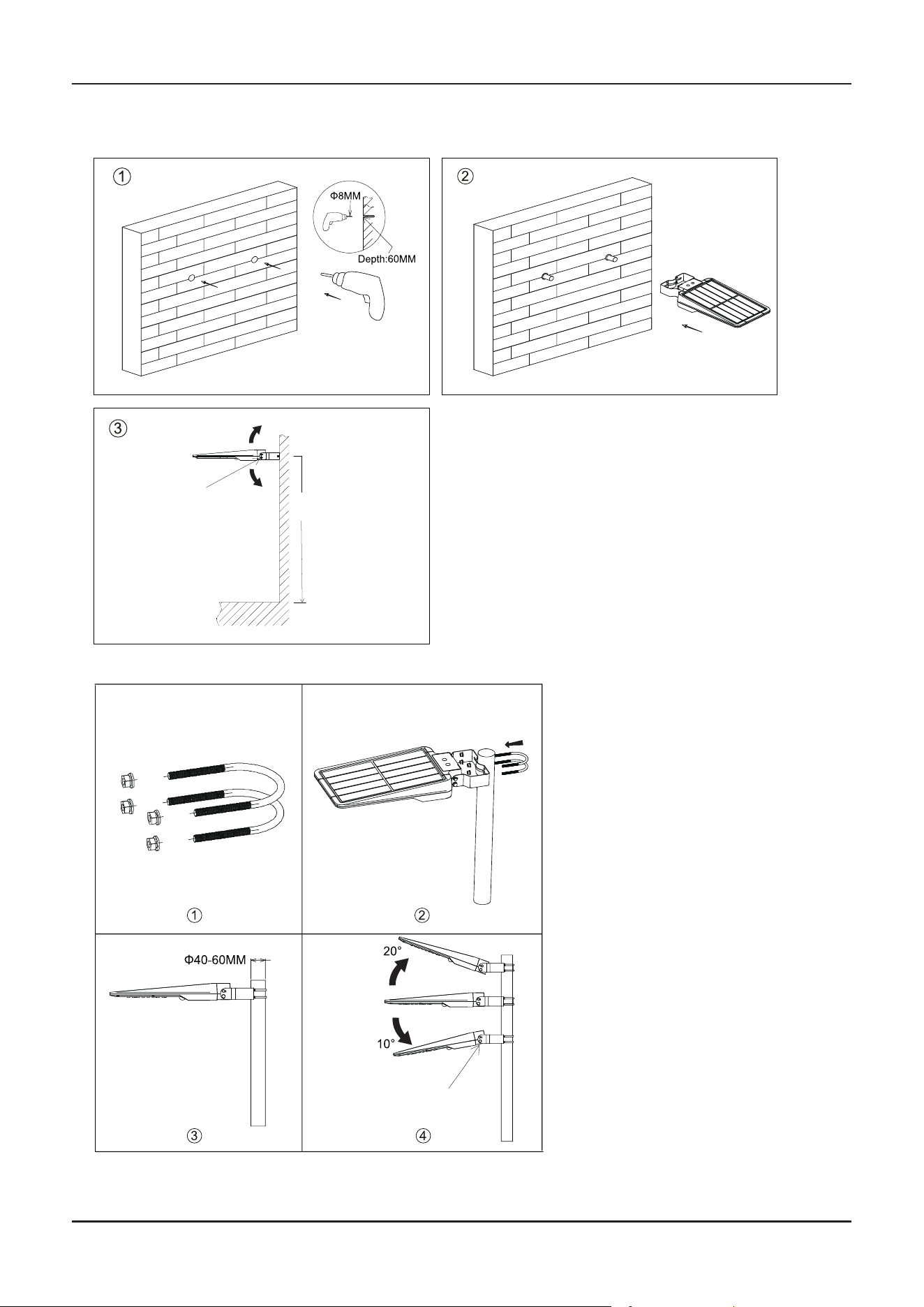
INSTALLATION A: WALL MOUNTED
1. Prepare lamp, accessories and tools well firstly.
2. Drill two holes of Ø8mm with a depth of 60mm on
the wall. (Picture 1)
3. Fix the expansion screws into the holes. (Picture 2)
4. Then use a wrench to fix the lamp on the wall with
expansion screws. (Picture 3)
1. Prepare lamp, accessories and tools
well firstly.
2. Remove the nut spacer of U-shaped
brackets. (Picture 1 )
3. Use the U-shaped brackets to fix the
lamp on the pole. (Picture 2)
4. Loosen the screws at both ends of
the bracket and adjust the angle of
the lamp as needed, which is 20°
adjustable in clockwise direction and
10° adjustable in counterclockwise
direction, then tighten the screws.
(Picture 3) 4)
*This installation applies to the poles
with a diameter of Ø40-60mm.
• Clamp for Straight Pole
U-shaped Bracket
Loosen the screws
here to adjust angle.
• Clamp for Curved Pole • Screws & Allen Wrench
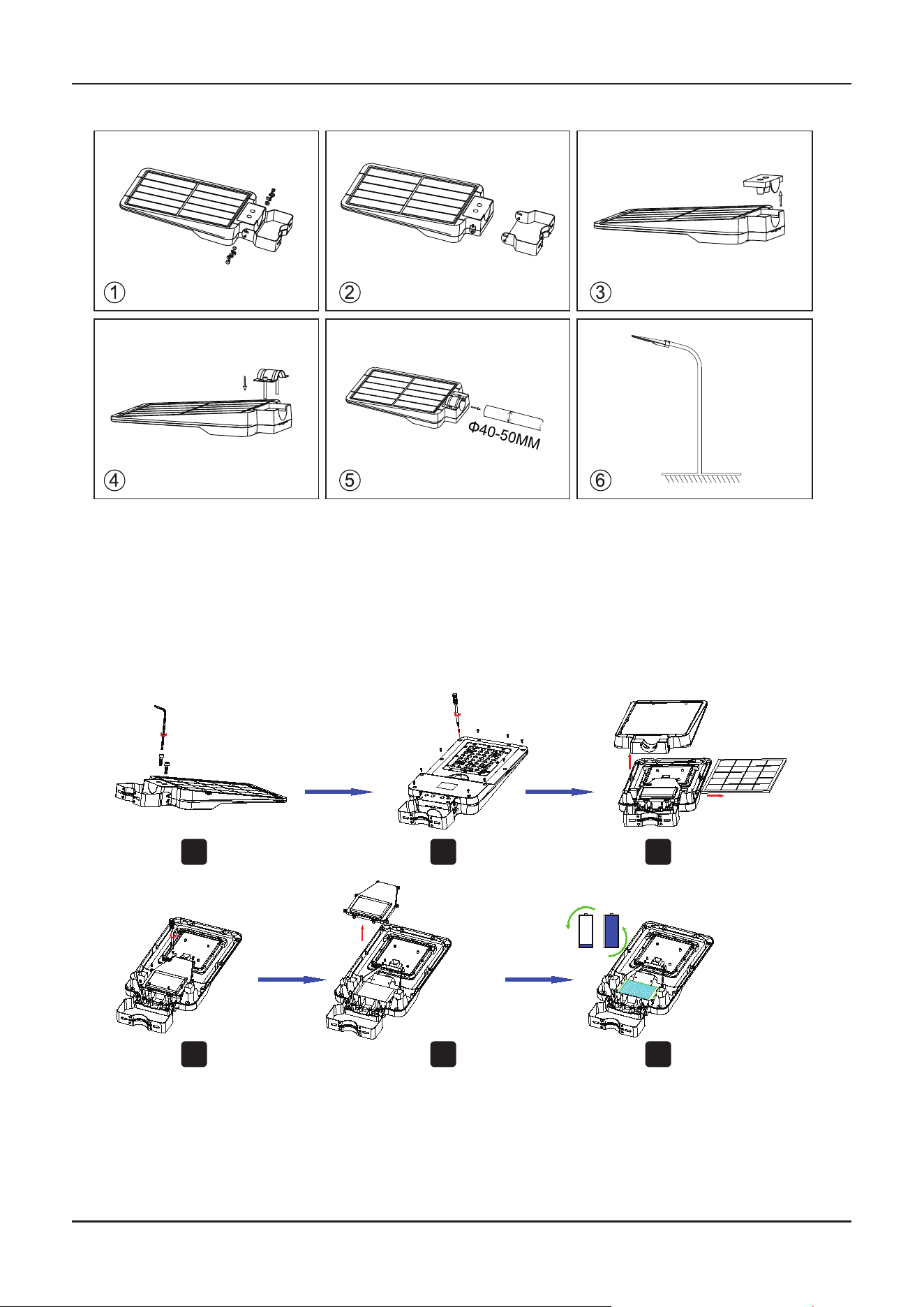
INSTALLATION C: CURVED POLE
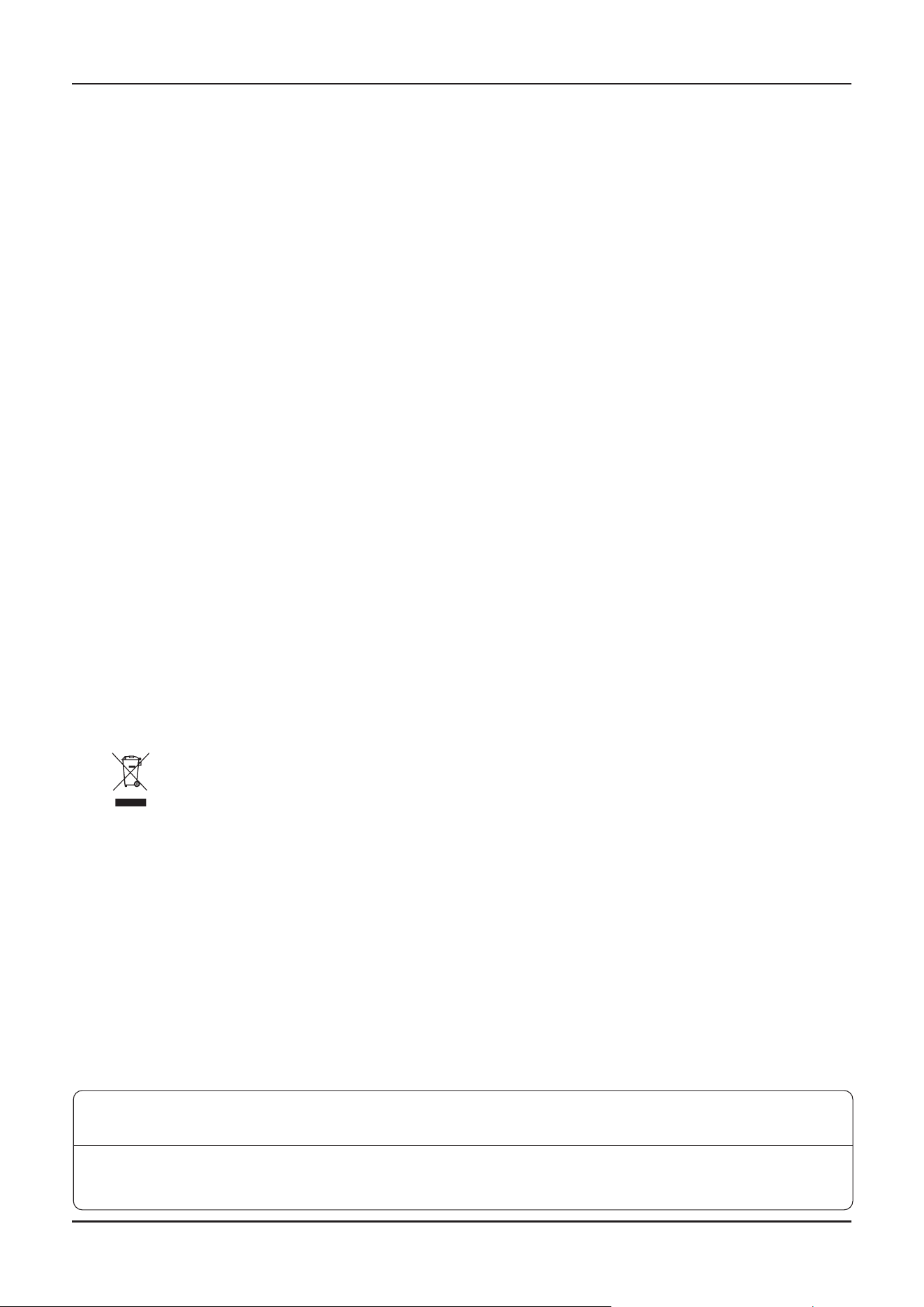
BATTERY REPLACEMENT INSTRUCTIONS
1. Prepare lamp, accessories and tools well firstly.
2. Loosen the screws and take o the bracket. (Picture 1 2 )
3. Move the cover of lamp socket. (Picture 3))
4. Fix the arch-shaped bracket onto the lamp socket (do not lock first). (Picture 4)
5. Set up the lamp onto the lamp pole. (Picture 5 )
6. Adjust the lamp and balance it, then lock the arch-shaped bracket. (Picture 6)
*This installation applies to the poles with a diameter of Ø40-50MM.
1. Loosen the cover plate screws and remove the cover plate.
2. Loosen the cover screws.
3. Remove the cover and solar panel separately.
4. Loosen the battery cover screws.
5. Remove the battery cover.
6. Remove the battery and disconnect the battery terminal to proceed with replacement.
1
2
3
4 5 6
V-TAC UK LTD. IN CASE OF ANY QUERY/ISSUE WITH THE PRODUCT PLEASE REACH OUT TO US AT
SUPPORT@VTACEXPORTS.COM V-TAC, 5A TUNGSTEN PARK, DOWNS ROAD, WITNEY, OXFORDSHIRE, OX29 0AX
V-TAC WEST EUROPE LTD. IN CASE OF ANY QUERY/ISSUE WITH THE PRODUCT, PLEASE REACH OUT TO US AT:
[email protected] FOR MORE PRODUCTS RANGE, INQUIRY PLEASE CONTACT OUR DISTRIBUTOR OR NEAREST DEALERS.
V-TAC WEST EUROPE LTD. GROUND FLOOR, 71 LOWER BAGGOT STREET, DUBLIN 02, IRELAND DO2 P593
• This product contains battery type "Secondary" (rechargeable).
• Electrical and electronic equipment that has become waste is known as old equipment/device. Old
devices must not be disposed of with other household waste.
• Owners of old devices at the end of its service life must return the device by taking them to the
collection points set up by public waste disposal authorities or distributors. This return does not entail
any costs for you.
• Owners of old devices have an obligation to remove accessible batteries / rechargeable batteries as
well as non-destructively removable lamps from the old device prior to return. This does not apply if
old devices are being prepared for reuse with the participation of a public law firm.
• Battery removal warning: The battery contained in this product must be removed only by professional
personnel only. The battery must never be removed by the end user, if not removed correctly it could
damage the battery which could cause fire.
• Batteries removed from an old electronic device should be disposed of separately. This return of
battery does not entail any costs for you and the user is obliged to return the battery.
• Please make sure that this product is not powered on when removing the battery. Fire hazard! Avoid
short-circuiting the contacts of a detached battery. Do not incinerate the battery. Please handle the
battery with Caution!
• If electrical appliances or batteries are disposed of in landfills or dumps, hazardous substances can
leak into the groundwater and get into the food chain, damaging your health and well-being.
• The symbol of "Crossed rubbish bins "indicates that this product should not be disposed of with other
household wastes and must be collected separately from unsorted municipal waste at the end of its
service life.
• Please use the link below to view the online directory of the collection and return points:https://ww-
w.ear-system.de/ear-verzeichnis/sammel-und-ruecknahmestellen
IMPORTANT NOTES
SOLAR PANEL MAINTENANCE & WARNING
• Do not use solvents, petrol, etc. Otherwise the light will be damaged.
• Clean the light with a dry, lint-free cloth.
• Check the solar panel for dirt regularly. If dirt or is present remove it to guarantee
flawless function of the product.
• Especially during the winter, keep the product free from snow and ice.
• Confirm installation direction is correct (solar panel should be at top)
• Confirm no objects blocking the solar panel to receive sunlight
• Keep away from the fire.
• Don’t immerse in the water