TRI-BAND
WIRELESS AUDIO
ADAPTER
Owner’s Manual
(Additional Tri-Band Wireless Receiver)
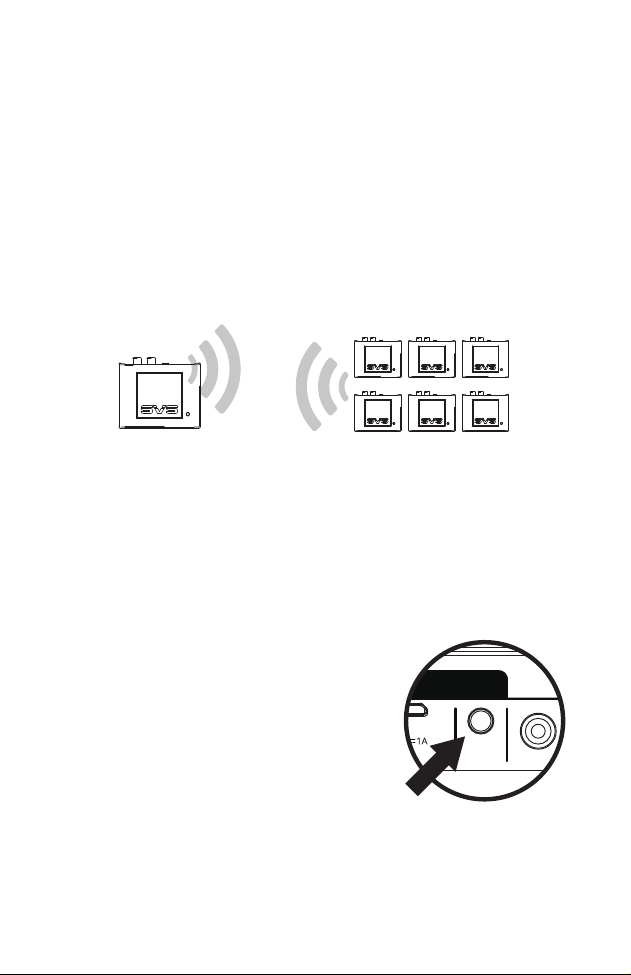
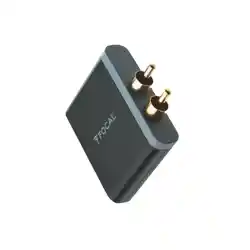
(Transmitter)
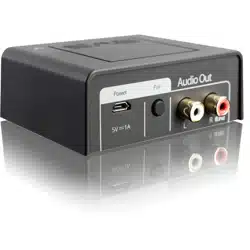
(Receivers)
Thank you for choosing SVS!
The following instructions will help you setup additional Tri-Band wireless Receivers with your
SVS SoundPath Tri-Band Wireless Audio Adapter. Before proceeding, please complete the
setup and pairing instructions for the primary Transmitter/Receiver kit.
Installation requires only a few simple steps. If you have questions about subwoofer or speaker
placement, system optimization or installing the SVS SoundPath Tri-Band Wireless Audio Adapter,
please contact the SVS Sound Experts tech support 7-days-a-week.
[email protected] | 877.626.5623 | www.svsound.com
Adding Additional Wireless Receivers
A single SVS SoundPath Tri-Band Wireless Audio Adapter Transmitter can wirelessly connect and
transmit a signal to up to six (6) Receivers.
Before Pairing
Confirm the primary SoundPath Tri-Band Wireless Audio Transmitter and Receiver are paired.
Successful pairing will be indicated by a steady blue light on both the transmitter and receiver.
It is important to put the Receiver in pairing mode first, before the Transmitter.
If done in reverse, they will appear to pair but lose connection after 60 seconds.
Steps for Pairing Additional Receivers with Transmitter
1. Power down any Receivers currently paired with the Transmitter. This can be done by
disconnecting the power supply cable.
2. Connect additional Receiver to subwoofer or
speakers via RCA cable and connect power cord via
USB or AC power outlet. A slow flashing light indicates
the unit is not paired.
3. Press and hold the PAIR button located on the back of
the Receiver until the blue LED light located on the
top of the unit flashes quickly.
4. Within 30 seconds, press and hold the PAIR button
located on the back of the Transmitter.
5. When your Transmitter and additional Receiver are
paired, the wireless status lights on the top of both units will turn solid blue.
6. Power up any Receivers that were powered down in step #1.
7. Repeat steps for any additional Receivers.
INPUT OUTPUT
Audio In
L
Power Pair
R