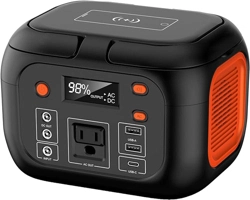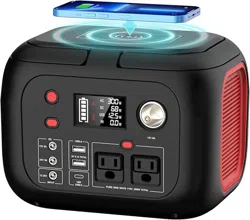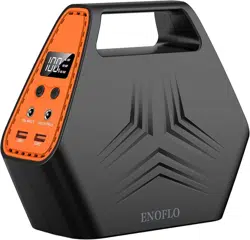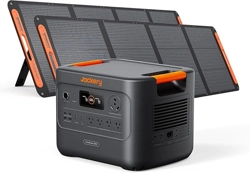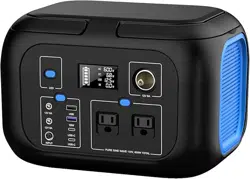
Can be Carried to anywhere, charging to your devices anytime and get recharged easily from
a compatible solar panel.
WHAT YOU NEED TO KNOW
Q: What devices can G600 power to?
A: Please kindly be noted it can only charge/power your devices that less than 600 Watts,
please check out the operating power of your device before use.
Q: How long it can power to my exact device?
A: Working time = Fully charged 296Wh* 0.85 / operating power of your device.
For your information, if the power consumption of your device was 50W, The running time will
be 296Wh*0.85/50W=5 hrs (rough calculated).
Q: Can I charge this power station while supplying power at same time?
A: Yes
Q: What kind of solar panel can pair with this power bank?
A: This unit can accept 13V-25V max Voltage input, we suggest to buy a solar panel with
100W+ power. The charging time depends on the sunlight intensity and the solar panel
power.
Battery Type: Lithium-ion
Capacity: 296Wh (8,0000mAh, 3.7V)
Input:
Charging Port: DC 7.9 x 0.9mm, 19V/4.74A max
Output:
AC Output(x2): 110V (60Hz) , Pure Sine Wave, 600W max continuous, 750W surge peak
DC Output(x3): 12V 8A max, Constant Voltage
USB-A Output(x2): 5V/2.4 A+ 18W Max(5V/3A,9V/2A,12V/1.5A)
USB-C Output(x2): 18W
,
5V/3A, 9V/2A, 12V/1.5A
Huge Capacity to Power Your Outdoors!
PRODUCT SPECIFICATIONS
DANGER
NONCOMPLIANCE MAY VERY LIKELY LEAD TO SERIOUS INJURY OR DEATH
* DO NOT disassemble, repair or modify the unit or the battery.
* DO NOT charge, use or store the unit in a bathroom or in an area exposed to rain or moisture.
* Only use the output socket to power external devices. Never connect the output to mains power
under any circumstances.
* DO NOT touch the unit or the plug-in points if your hands are wet.
* DO NOT connect any metallic objects to the AC input or output.
* DO NOT rub your eyes if fluid from inside the unit should get in your eyes.
* DO NOT dispose the unit together with household waste.
* DO NOT use any inappropriate power cords.
* DO NOT operate the unit above the specified input voltage.
* DO NOT use the unit if it is not functioning correctly.
* DO NOT move the unit if it is recharging or in use.
* DO NOT put fingers or hands into the product.
* DO NOT use a battery pack or appliance that is damaged or modified. The damaged or modified
battery may exhibit unpredictable behavior resulting in fire, explosion or risk of injury.
* DO NOT disassemble the power pack, take it to a qualified service person when service or repair is
required. Incorrect reassembly may result in a risk of fire or electric shock.
WARNING
NONCOMPLIANCE MAY LEAD TO SERIOUS INJURY OR DEATH
* DO NOT use and store the unit in dusty and wet environment. Use and store the unit only in a clean
and dry environment.
* DO NOT use the unit if it is damaged or broken, check the unit before every use.
* DO NOT use the unit if the power cord is damaged or broken.
* DO NOT let children use or play with the unit, keep the unit away from the children, keep the unit
away from pets.
* DO NOT use or store the unit in an area or environment with high temperature.
* If fluid from inside of the unit come in contact with your skin or clothing, wash the affected area with
tap water.
* In a storm, unplug the power cord from the socket.
* DO NOT charge the unit via power supply systems that operate outside of 100V-240V.
* DO NOT place the unit on its side or upside down while in use or storage.
* DO NOT use accessories for other usage.
CAUTION
NONCOMPLIANCE MAY LEAD TO INJURY OR PROPERTY DAMAGE
* If rust, peculiar odors, overheating or other abnormal circumstances are observed, stop using the
unit immediately and contact the dealer or our customer service team.
* The unit complies with all legal requirements for transport of dangerous goods.
* Make sure that the unit is properly secured when transporting it in a motor vehicle.
* Only charge, use and store the unit within an ambient temperature range of 0
℃
- 40
℃
/ 32°F -
104°F.
* Switch the unit off immediately if it has accidentally fallen, dropped or exposed to vibrations.
* Carefully read the instructions for the electric devices that you intend to connect to your power
supply unit.
* Make sure that the device you are connecting is switched off before you connect it.
ATTENTION
CONTACT US
* Not permitted on airplanes.
* To preserve the battery lifespan, please use and recharge at least once in every 3 months.
* Use original or certified charger and cables.
* Avoid extreme temperature.
* Avoid dropping.
* Do not disassemble.
* It's not waterproof, do not expose to liquids.
* Please dispose of batteries and electronic goods in accordance with local regulations.
PRODUCT OPERATING GUIDE
【Display Screen】
FCC Statement
This device complies with part 15 of the FCC Rules. Operation is subject to the following conditions:
* This device may not cause harmful interference.
* This device must accept any interference received, including interference that may cause undesired
operation.
DISCLAIMER
PRODUCT WARRANTY
* Our company cannot be held liable for damages caused by fire, earthquake, use by a third party,
other accidents, intentional misconduct on the part of the customer, abuse or other abnormal
conditions.
* Do not repair any damage devices on your own.
* Our company assumes no liability for damages caused by incorrect use or non-compliance with this
instruction manual.
The warranty period is 12 months by starting the date of purchase, we warrants to all original
customers that the product will be free from defects in workmanship and material under normal use.
The warranty does not apply to any misused, abused, modified, damaged by accident or used for any
other than normal consumer use.
* Click the “ DC ” button to turn on the DC outlets,press button one more time to turn off.
* Click the “ AC ” button to turn on the AC outlets,press button one more time to turn off.
* Press button for LED flashlight, then click to change the light from Hard to Soft, hold on button for
2-3 seconds for SOS function, press button one more time to turn off.
Bulb Type: LED Flashlight: Soft Light, Hard Light, SOS
Lifecycle:
>
1000 Times to 80% Capacity Remained
Working Temperature Range: 0°C - 40°C / 32°F - 104°F
Weight: 9.9 lbs / 4.5 kg
Dimensions: 11.2(Length) x 8.3(Width) x 7.8(Height) in / 28.5 x 21 x 20 cm
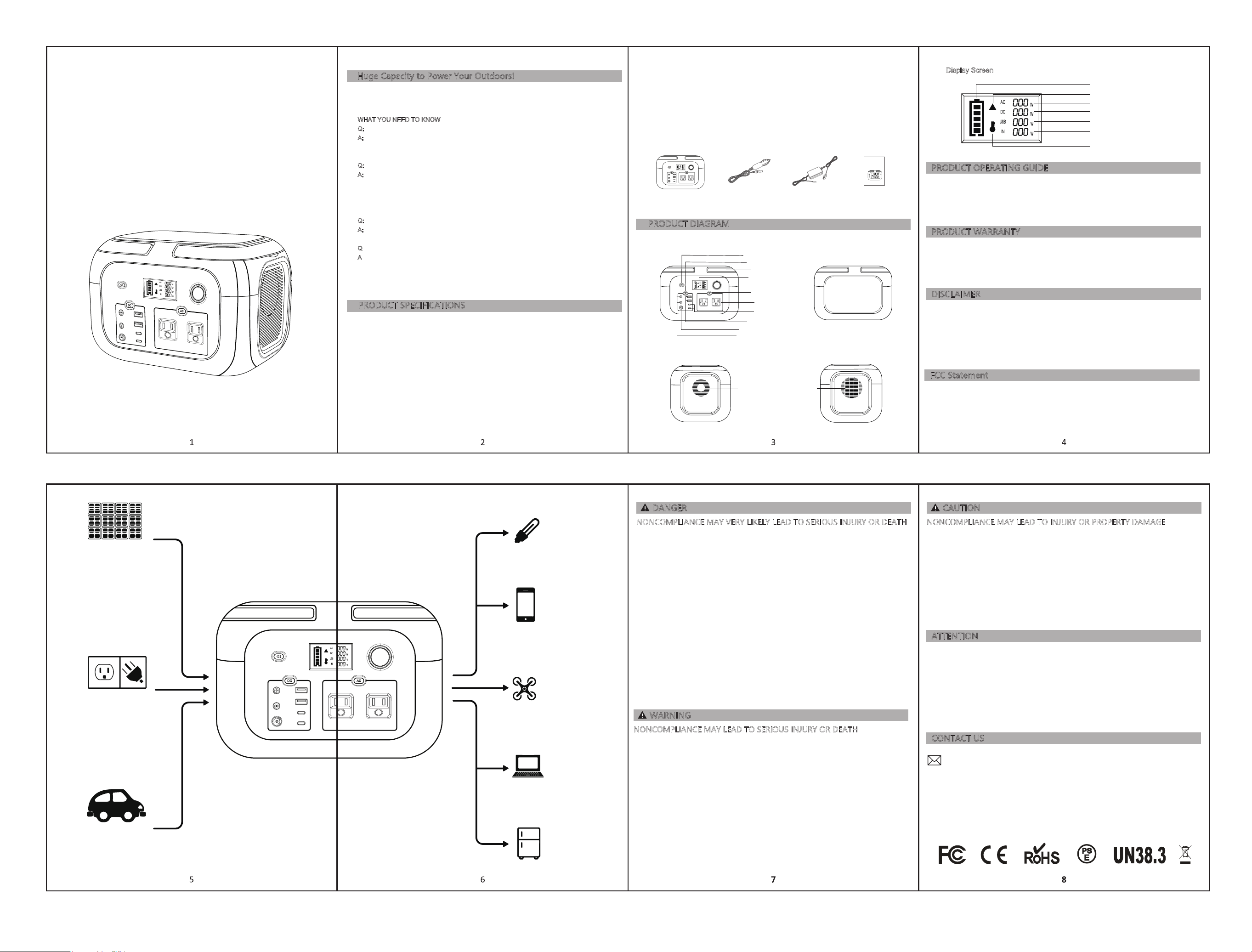
PRODUCT DIAGRAM
12V Car Port
6-8 Hrs
AC Plug
3 Hrs
Solar Panels(100W test)
(Depending on Weather)
(Not Included)
6-8 Hrs
10W Light
25+ Hrs
Phone
20+ Recharges
Drone
5+Recharges
Laptop
3 Recharges
Car Fridge(60W)
4+ Hrs
Handle
LED flashlight switch
LCD display
AC ON/OFF
USB-A output
USB-C 18W max output
AC output
DC 7.9x0.9mm input
DC output
LED Flashlight
Cooling VentSelf-Cooling Fans
Cigarette lighter port
DC output switch
600W 296WH
Portable Power Station
12V Car Port Charging Cable AC Home Charger User Manual
Package Included
【
Left
】
【
Front
】 【
Back
】
【
Right
】
DC Output Indicator
USB Output Indicator
Charging Input Indicator
Remaining Power
AC Output Indicator
Temperature Overheat Warning
Equipment Failure Warning
Portable Power Station G600
User Manual
Portable Power Station G600
User Manual