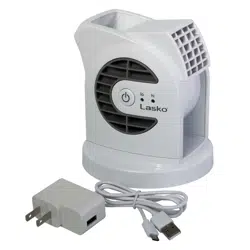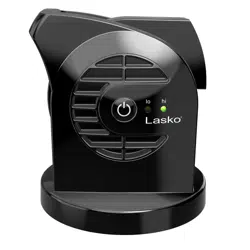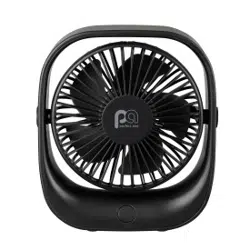
Owner’s Manual
Please Read & Save These Instructions
www.comfortzone-us.com
Dual Powered
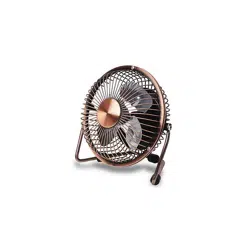
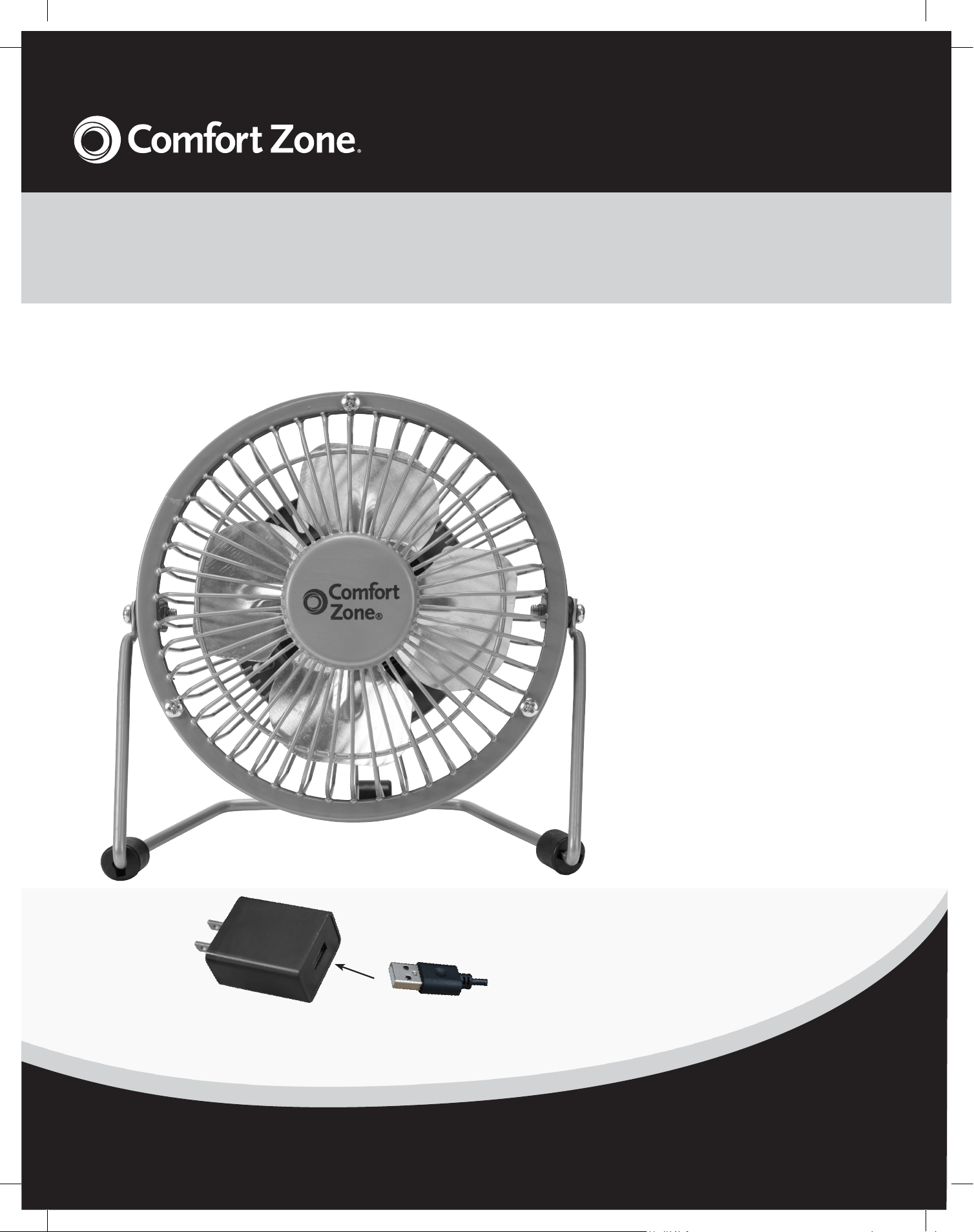
4" High Velocity Fan
Features:
• Dual Powered - 120V AC
(with included Adapter)
and USB
• Compatible with
Powered USB 1.0 & 2.0
Ports
• Powerful and Quiet
• All Metal Body and
Blades
• Adjustable Tilt Angle
• Rocker Style Power
Switch
CZHV4 Series
2
www.comfortzone-us.com
Intended Use:
This product is intended for indoor residential and office use only,
not for industrial or other commercial applications. Use only with
electrical wiring that is in good working order and that meets
applicable codes and ordinances. If you have any questions
whether your wiring is adequate, consult a qualified electrician.
While using your fan, you should follow the IMPORTANT
INSTRUCTIONS listed below. As part of those instructions, we
have used the word "WARNING" to indicate the level of hazard:
WARNING indicates a hazard which, if not avoided, could result
in injury or death.
IMPORTANT INSTRUCTIONS
As with all electrical appliances, basic safety precautions should
always be followed to reduce the risk of electric shock, fire, or
injury to persons, including the following precautions:
• Read all the instructions before using this fan.
• Use this fan only as described in this manual. Any other use not
recommended by the manufacturer may cause electrical shock,
fire or injury to persons.
• Do not operate the fan with a damaged power cord or after the
fan malfunctions or has been dropped in any manner.
• Use of extreme caution is necessary when any fan is used by or
near children, disabled persons or pets and whenever the fan is
left operating unattended.
• Do not place the fan on a small, unlevel, uneven or any surface
which might allow fan to tip or fall.
• For proper operation, fan should be placed on a smooth,
non-combustible, level surface.
• Always unplug fan when not in use, when moving from place
to place, when assembling or disassembling parts, and before
cleaning.
• The use of attachments, not recommended or sold by the
manufacturer, may cause hazards.
• Do not use outdoors.
• Do not use fan in window. Rain may cause electrical hazard
(for non-window models).
• Do not operate the fan with blade guards or any safety device
removed.
extension cord must be used, the cord must be minimum
14 AWG and rated not less then 1875 watts.
• Do not run power cord under carpeting. Do not cover cord with
throw rugs, runners or the like. Arrange cord away from traffic
area where it will not be tripped over.
• Do not insert or allow any object to enter any openings on the
Avoid contact with moving parts.
• This appliance is not intended for use by persons (including
children) with reduced physical, sensory or mental capabilities
or lack of experience and knowledge, unless they have
been given supervision or instruction concerning use of the
appliance by a person responsible for their safety.
• Children should be supervised to ensure they do not play with
the appliance.
READ & SAVE THESE
INSTRUCTIONS
m WARNING: Shock Hazard
Use your fan only in dry environments. This fan is not intended
for use in a bathroom, laundry area, or similar locations, or near
sinks, washing machines, swimming pools or other sources of
water. Never locate fan where it may fall into a bathtub or other
water receptacle. Do not use in damp environments such as
flooded basements.
m WARNING: Hot Surfaces
Do not touch fan motor when in use. This motor is hot when in
use, to avoid burns, do not let bare skin touch hot surfaces.
m WARNING: Fire Hazard
Fans have arcing or sparking parts inside. Do not use near
combustible materials or flammable gases or sources of heat.
DO NOT USE in areas where gasoline, paint or flammable
materials are used or stored. To prevent a possible fire, do not
block air intakes or exhaust in any manner. Do not insert or allow
foreign objects to enter any ventilation or exhaust opening as this
may cause an electric shock, fire, or damage the fan.
m WARNING: Electrical Shock Hazard
Do not use with damaged cord or plug. Use with adequate
electrical system that is up to code.
m WARNING: to Reduce the Risk of Fire or Electric
Shock, do not use this product with any solid-state speed
control device.
DO NOT operate any fan with a damaged cord or plug or after
fan malfunctions, has been dropped or damaged in any manner.
Do not operate fan with a broken blade, safety cage or any visual
imperfections. Disconnect power before servicing. For repairs
covered under warranty, see warranty statement. For all other
repairs contact Comfort Zone
®
Customer Service by telephone or
mail for information and assistance.
DO NOT run power cord under carpeting. DO NOT cover cord
with throw rugs, runners or the like. Arrange cord away from
traffic area where it will not be tripped over. Avoid the use of
extension cords due to risk of fire. If an extension cord must
be used, the cord must be minimum 14 AWG and rated not
less then 1875 watts. Do not use an extension cord unless the
plug can be completely inserted into its receptacle. Unplug
the fan when not in use. Do not operate fan with its ventilation
obstructed.
3
3
www.comfortzone-us.com
Limited Warranty
This unit is guaranteed to the original retail purchaser
against defects in quality or workmanship for a period of
one year from the date of original purchase. If this unit
fails because of a manufacturing defect within 30 days of
purchase, return the unit, with your receipt, to the retailer.
After 30 days, but within the warranty period, if the unit
was purchased within the continental United States, return
it, to Mr. Brands LLC for repair or replacement. If the unit
was purchased outside the continental United States,
return the unit to the place of purchase. This warranty
does not cover damage caused by misuse, abuse,
overheating or alteration. Repairs made by anyone other
than Mr. Brands LLC are not covered in this warranty. Mr.
Brands LLC will not be held liable for any losses due to
neglectful operation. All implied warranties, including the
warranties of merchantability and of fitness of purpose, if
applicable, are hereby limited in duration to the period of
one year from the date of original retail purchase. Some
states do not allow limitations on how long an implied
warranty lasts, so the above limitations may not apply to
you. Incidental or consequential damages arising from a
breach of either express or implied warranties are hereby
disclaimed and excluded. Some states do not allow the
exclusion of limitation of incidental or consequential
damages, so this limitation or exclusion may not apply to
you. Upon the expiration of this warranty all such liability
will terminate. No other warranties are expressed or
implied.
This warranty gives you specific legal rights, and you may also
have other rights which vary from state to state. No informal
dispute settlement mechanisms are available. This limited
warranty is given in lieu of all other warranties.
Mr. Brands LLC
113 Fillmore St
Bristol, PA 19007
1-877-420-7555
www.mrbrands.com
www.comfortzoneproducts.com
Rev. 09/07/23
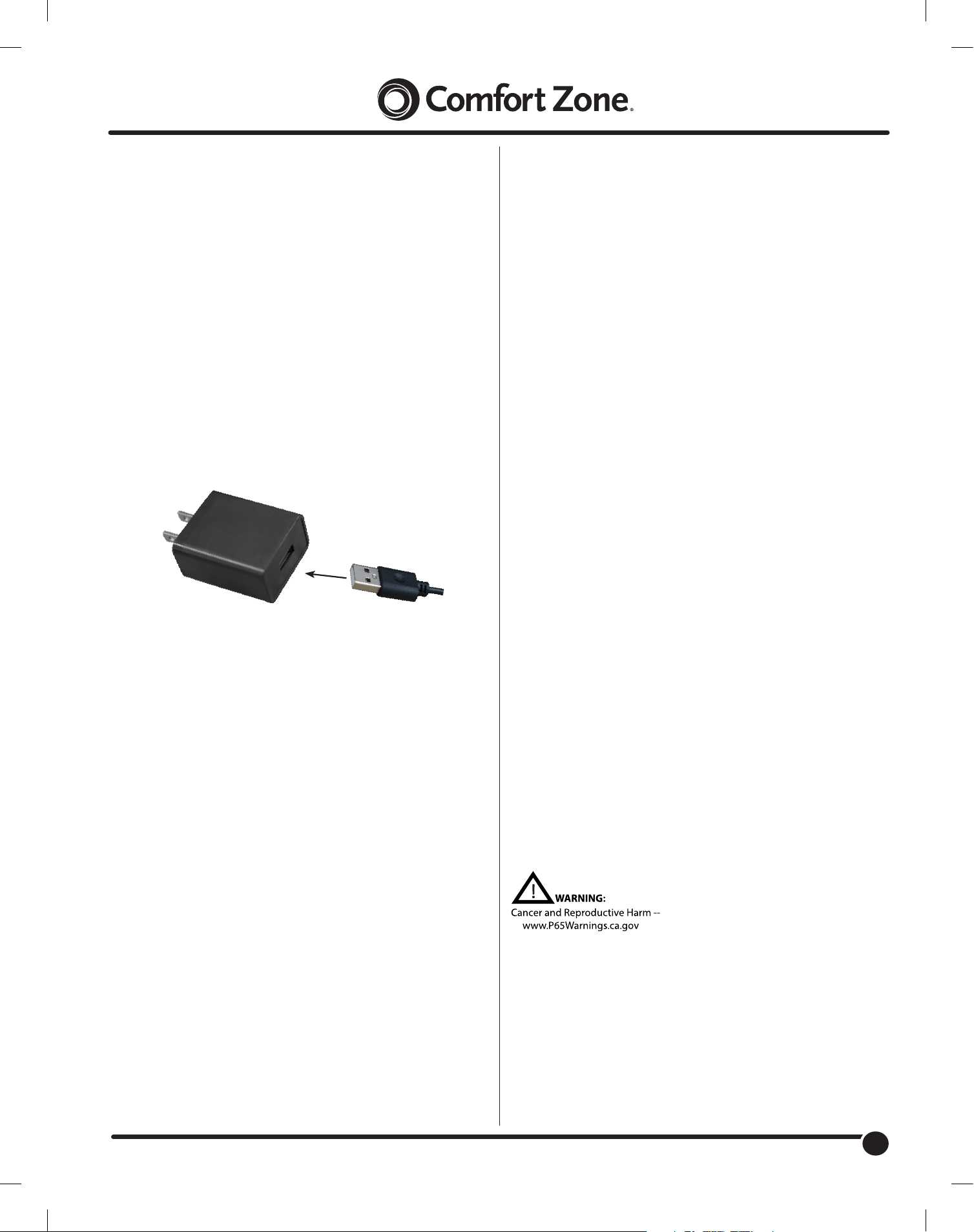
Fan’s USB Plug connects to included
AC Adapter or any Powered USB Port
CARE AND MAINTENANCE:
CLEANING: CAUTION-Before cleaning the fan be sure to
disconnect power cord from the plug. Unscrew and remove front
grille only. Clean the grille and fan blade surface with a clean
damp cloth. Do not use harsh chemical or abrasive cleaners. DO
NOT IMMERSE THE FAN OR ANY WIRES IN WATER. Replace
front grille before fan use. Allow fan to dry completely before use.
Periodic grille cleaning with a vacuum will prevent dust build up.
The motor does not require any interior maintenance, cleaning or
lubrication.
REPAIR: DO NOT OPERATE THE FAN WITHOUT THE GRILLE
IN PLACE. DO NOT USE THE FAN IF IT HAS MALFUNCTIONED
OR BECOME DAMAGED IN ANY WAY.
STORAGE: Keep original package for storage of the fan. Coil
and tie the power cord to avoid damage during storage.
Use Instructions:
Uncoil wire attached to fan and plug it directly to any available
powered USB port on your computer. This fan can also be
plugged directly into a USB hub attached to a computer.
Fan can be plugged directly into a wall receptacle with the
included A.C. Adapter. Simply insert USB plug into A.C. adapter
and plug into any 120V A.C. / 60Hz. household receptacle.
Note: for best operation, only use the 5-volt USB A.C. adapter
that is included with your fan. Phone charging adapters may
not work properly. The fan may operate at a slower speed when
plugged in to a computer.
Turn fan ON/OFF using rocker switch located on the back of
the fan.
Laptop Computer Users Note:
When plugged into your laptop USB port, this USB fan gets its
power from the computer laptop. To avoid laptop battery drain,
plug laptop computer into a receptacle while using this fan.