Questions? Issues?
We are here to help!
Phone: (1) 718-535-1800
Email: suppor[email protected]
PPHP42B
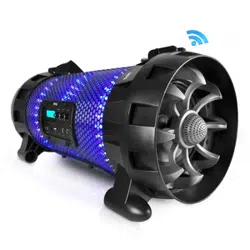
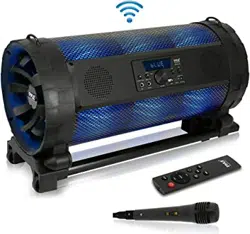
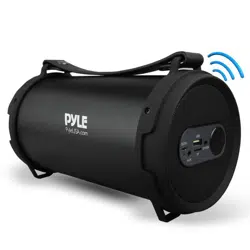
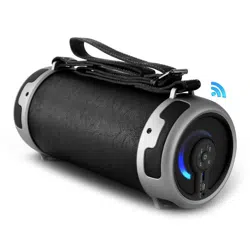
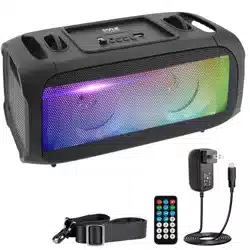
Wireless BT BoomBox Stereo Speaker System
Built-in Full Panel LED Lights, FM Radio/Aux/MP3/
USB Flash Drive Memory Reader/Micro SD
and 1/4 Input Jack for Microphone
WARNING
Illegal operation may cause personal injury, which could be fatal and may cause
damage to property. For safety, we do not suggest to charge unit and use micro-
phone together.
1. DO NOT place objects on top of the device, as objects may
scratch the device.
2. DO NOT expose the device to dirty or dusty environments.
3. DO NOT insert any foreign objects into the device.
4. DO NOT expose the device to strong magnetic or electrical eld.
5. DO NOT use the device in the rain
6. Please check with your Local Authority or retailer for proper
disposaI of electronic products.
7. DO NOT disassemble the device. Only a certied service
technician should perform repair.
8. The device has apertures to disperse heat. DO NOT block the
device ventilation, the device may become hot and malfunction
as a result.
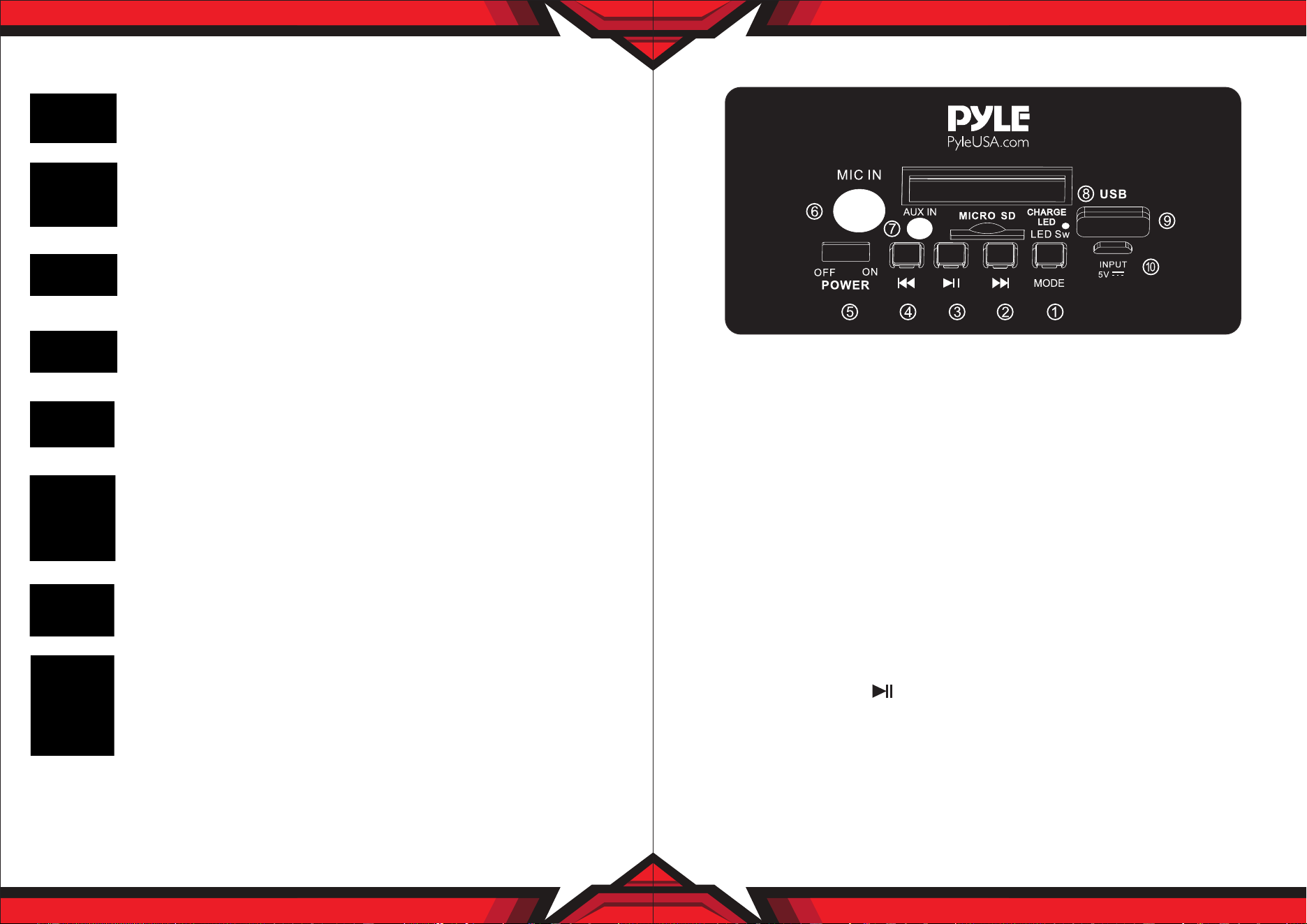
CONTROL BOARD FUNCTIONS
1. Short press to choose input signal, press and hold to turn o front light
2. Short press to choose next channel, press and hold to increase sound volume
3. Short press to Play/stop on USB/Micro SD mode, press and hold to start TWS function.
4. Short press to choose last channel, press and hold to decrease song volume
5. Turn ON/OFF unit
6. 6.5MM microphone input jack
7. 3.5MM AUX input jack
8. Charge LED indicator
9. USB/Micro SD slot
10. DC 5V input
TWS - True Wireless Setup
1. Turn on two same PA speakers that you’re attempting to pair together and switch
both units to Wireless BT mode.
2. Choose one of the unit to begin pairing process.
3. Press down on the PLAY button for 3 seconds until you hear a chiming sound;
This means the unit is already paired with another unit.
4. Now begin playing your music through Wireless BT enabled mobile device.
The speakers will begin to play your music simultaneously.
NOTE:
TWS function is for two speakers at a time only. It can not support more than two
speakers at the same time.
www.PyleUSA.com
2
www.PyleUSA.com
3
TROUBLESHOOTING
Wireless BT Connectivity:
•
Built-in BT for Wireless Music Streaming
• Simple & Hassle-Free Pairing
• Works with All of Today’s Latest Devices
• Smartphones, Tablets, Laptops, Computers, etc.
• Wireless BT Version: 5.0
• Wireless BT Network Name: ‘PYLEUSA’
• Wireless Range: Up to 32’ ft.
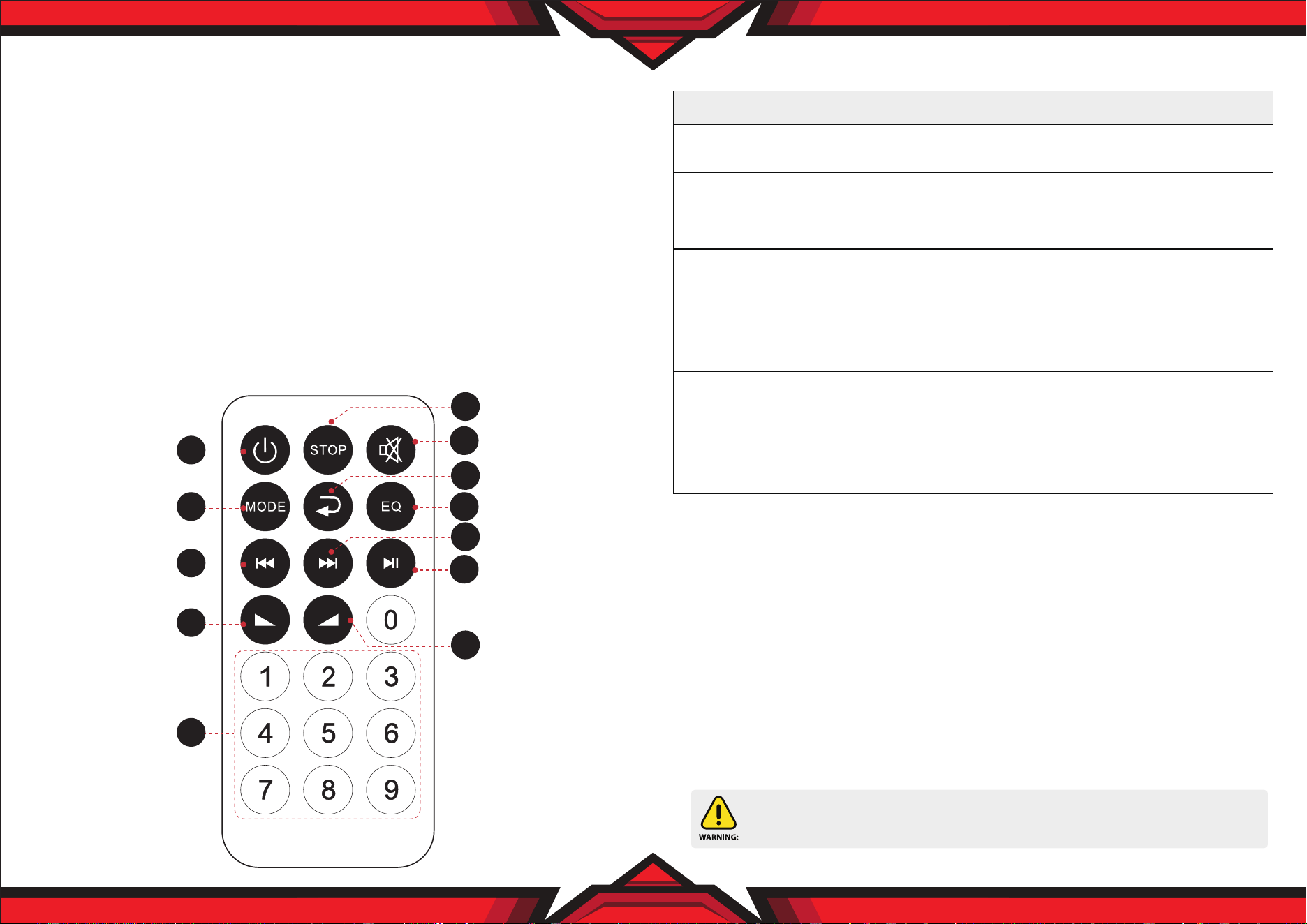
REMOTE CONTROL FUNCTIONS
1. Standby button
2. Choose input AUX/FM/BT/USB signal
3. Mute button
4. Play/Stop button on Mp3 mode, scan function on FM mode
5. Next song on USB/Micro SD Card, next channel on FM mode
6. Previous song of USB/Micro SD Card, last channel on FM mode
7. EQ eect on Mp3 mode
8. Increase speaker volume
9. Choose song number directly on Mp3 mode
10. Stop button
11. Decrease music volume
12. Repeat song on USB/Micro SD Card
www.PyleUSA.com
4
www.PyleUSA.com
5
1
2
6
11
9
3
10
7
4
12
5
8
This product can expose you to a chemical or group of chemicals, which may include
“Lead and lead compounds” which is known in the state of California to cause cancer, birth
defects, or other reproductive harm. For more info, go to https://www.p65warnings.ca.gov/.
1. The audio format in the USB
is incorrect.
2. Improper operation has caused
a process disorder.
3. USB disc is disconnected.
1. Convert audio format into Mp3
format.
2. Reboot the machine.
3. Insert USB disc properly.
MP3
does not
play
Fault
Possible Cause
Solution
No sound
Distortion
of sound
Karaoke
does not
work
1. No input sound source.
2. Volume is too low.
1. Volume too high.
2. Speaker may be damaged
1. Microphone plug is not fully
inserted.
2. Microphone switch is not on.
3. Microphone volume knob is at
the lowest position.
1. Use a better music signal.
2. Adjust volume.
1. Turn down the volume.
2. If speaker is damaged, repair
or replace it.
1. Plug microphone properly into
the socket.
2. Turn on microphone switch.
3. Adjust microphone volume
properly.

Features:
•
True Wireless Stereo System
• High-Powered Speaker System
• Wireless & Portable BoomBox Stereo
• Bluetooth Wireless Music Streaming Ability
• Multi-Color Flashing full panel LED Lights
• Built-in LED Lights for Stunning Visuals
• FM Radio with Digital LED Display
• Built-in Rechargeable Battery
• Aux (3.5mm) Input
• MP3 Digital Audio File Support
• Connect & Stream Audio from External Devices
• USB Flash Drive Memory Reader
• Micro SD card reader
• 1/4’’ Input Jacks for Microphone
• Ported Enclosure for Extended Bass Response
• Integrated Extending Carry Handle
• Convenient Carrying Strap
What's in the Box:
• Speaker System
• Remote Control
• USB charging cable
• Carrying Strap
Note:
You can use USB cable to connect 5V adapter (not included) to charge the unit.
Technical Specs:
• Max Power Output: 120 Watts MAX
• Sound System: 4'' speaker x 2
• Digital Media File Compatibility: MP3, WMA (USB 2.0)
• Maximum USB Flash Drive Support: Up to 32GB
• Housing Construction Material: Engineered PP + Iron Net
• Built-in Rechargeable Battery: Li-ion 1800mAh, 3.7V
• Battery Operated Remote Control:
1 Piece Button Cell Battery CR-2025 (Included)
• Power Supply: 110/240V (5V Power Adapter, not included),
USB Cable included
• Dimensions (L x W x H): 12.1’’ x 6.1’’ x 5.6’’ -inches
www.PyleUSA.com
6
www.PyleUSA.com
7