1. Install the PoE switch in a ventilated and dry place that is free of electromagnetic source, vibration, moisture, and dust.
2. Make sure the ventilation openings on the switch are not blocked.
3. Make sure to use Cat. 6 AWG 23 or better RJ45 cable when it’s longer than 100m.
Low quality cables will seriously limit the cabling distance.
4. AC input (100~240V/AC, 50~60Hz), for a max. power consumption of 65W.
AW-FET-060P-060 Unmanaged PoE Switch
Quick Installation Guide
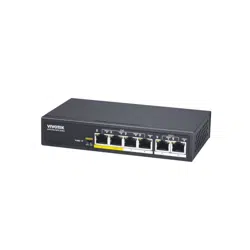
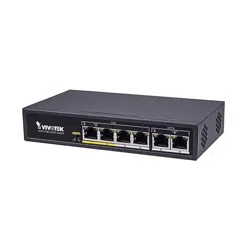
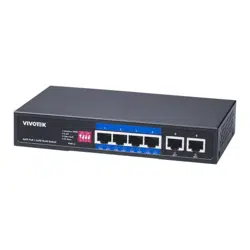
The AW-FET-060P-060 is a 4 port 10/100 BaseT unmanaged PoE switch capable of feeding 15.4W/30W to PoE Devices
It comes with 2 x FE RJ45 ports. The switch is capable of a total of 60W PoE power budget.
IMPORTANT:
INTRODUCTION
LED DEFINITIONS
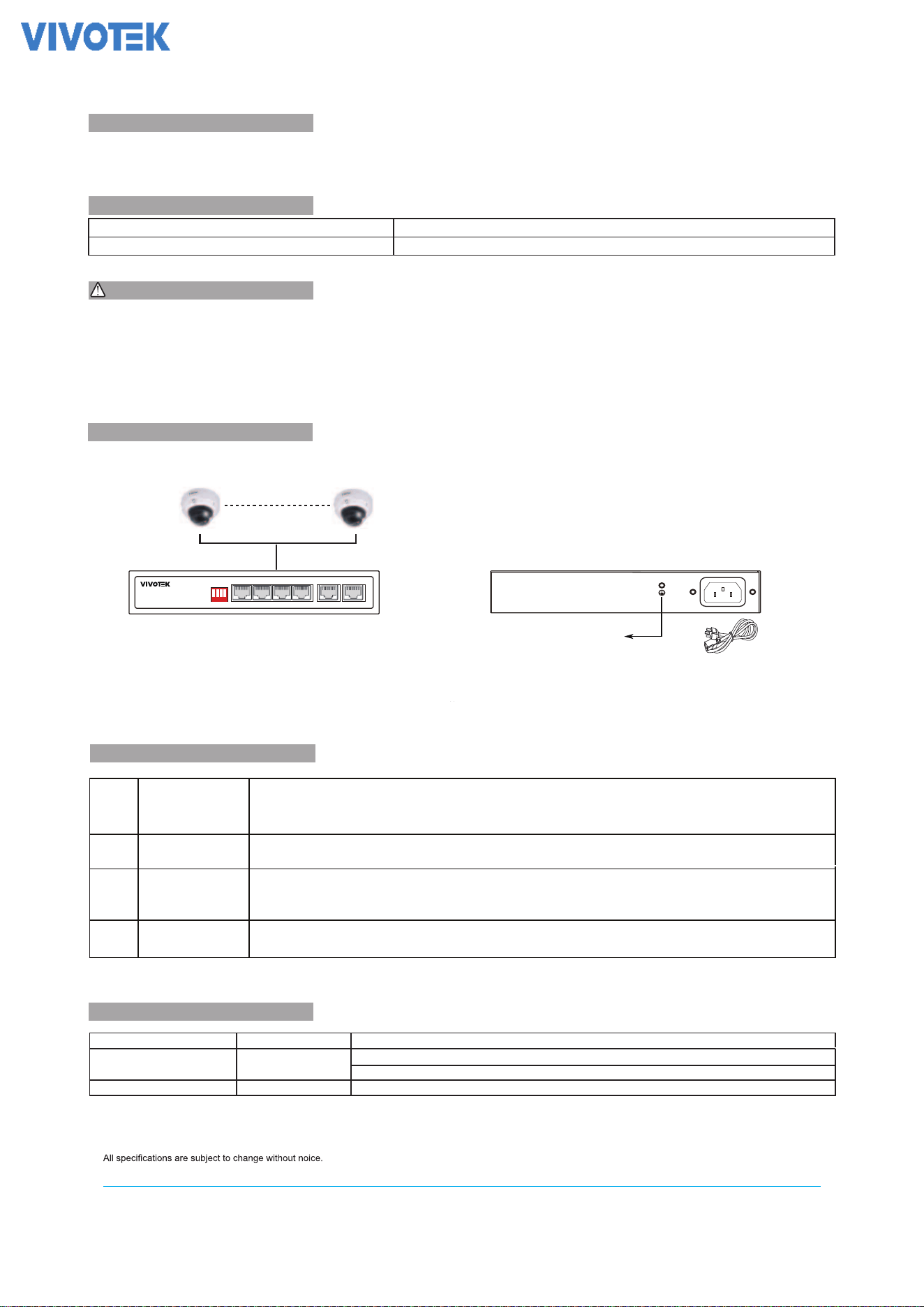
CONNECTION
* 1x PoE switch
* 1x Quick Installation Guide
PACKAGE CONTENTS
Front Panel Rear Panel
Copyright © 2023 VIVOTEK INC. All rights reserved.
Green ON
Link/Act
Green ON
Blink: port is connected with data transmission
PoE ports Amber ON The PoE port is connected with a PD and providing PoE power
PWD
Solid: port is connected without data transmission
VIVOTEK INC.
6F, No.192, Lien-Cheng Rd., Chung-Ho, New Taipei City, 235, Taiwan, R.O.C.
| +886 -2-82455282|F +886-2-82455532|E sales@vivotek.com
VIVOTEK USA, INC.
2050 Ringwood Avenue, San Jose, CA 95131
|T: 408-773-8686|F: 408-773-8298 | salesusa@vivotek.com
VIVOTEK Europe
Zandsteen 15, 2132 MZ Hoofddorp Delta Electronics
T:+31 (0)20 800 3817 E:saleseurope@vivotek.com
:
: E:T:
Power is on and normal
* 1x power cord (type by the shipped-to area)
The switch already comes with lightning protection mechanism.
You can also ground the switch through the PE (Protecting
Earth)
cable of AC cord or with Ground Cable.
Grounding Column
DIP Switch
Adaptive 250M
1
2
4
3
VLAN
Video QoS
PD Alive
When you enable Adaptive 250M, all the PoE ports can support to use RJ45 cable up to 250m. The PoE port can
detect the cable length and adjust the data rate automatically. When the cable is shorter than 100m, it will
support 100Mbps automatically, when the cable is longer than 100m, it will support 10Mbps automatically.
When you enable VLAN, Port 1 to 4 will be isolated from each other but still can comunnicate with uplink port 5 and 6.
It can help to stop broadcast storm and increase forwarding rate.
When you enable Video QoS and connect VIVOTEK camera,the video streaming packets will be the first priority to
make sure video streaming smoothly if the network traffic is high.
When you enable PD Alive, PoE ports will detect the traffic of PoE device. When there is no traffic in 90 seconds, the
PoE port will turn off/on PoE to reboot the PoE device as self-healing.
5. The operating temperature is from 0°C ~ 45°C.
AC 100 ~2 40V 5 0/ 60H z