OPERATION MANUAL
7
SPECIFICATIONS
ACCESSORIES
PANEL FUNCTIONS
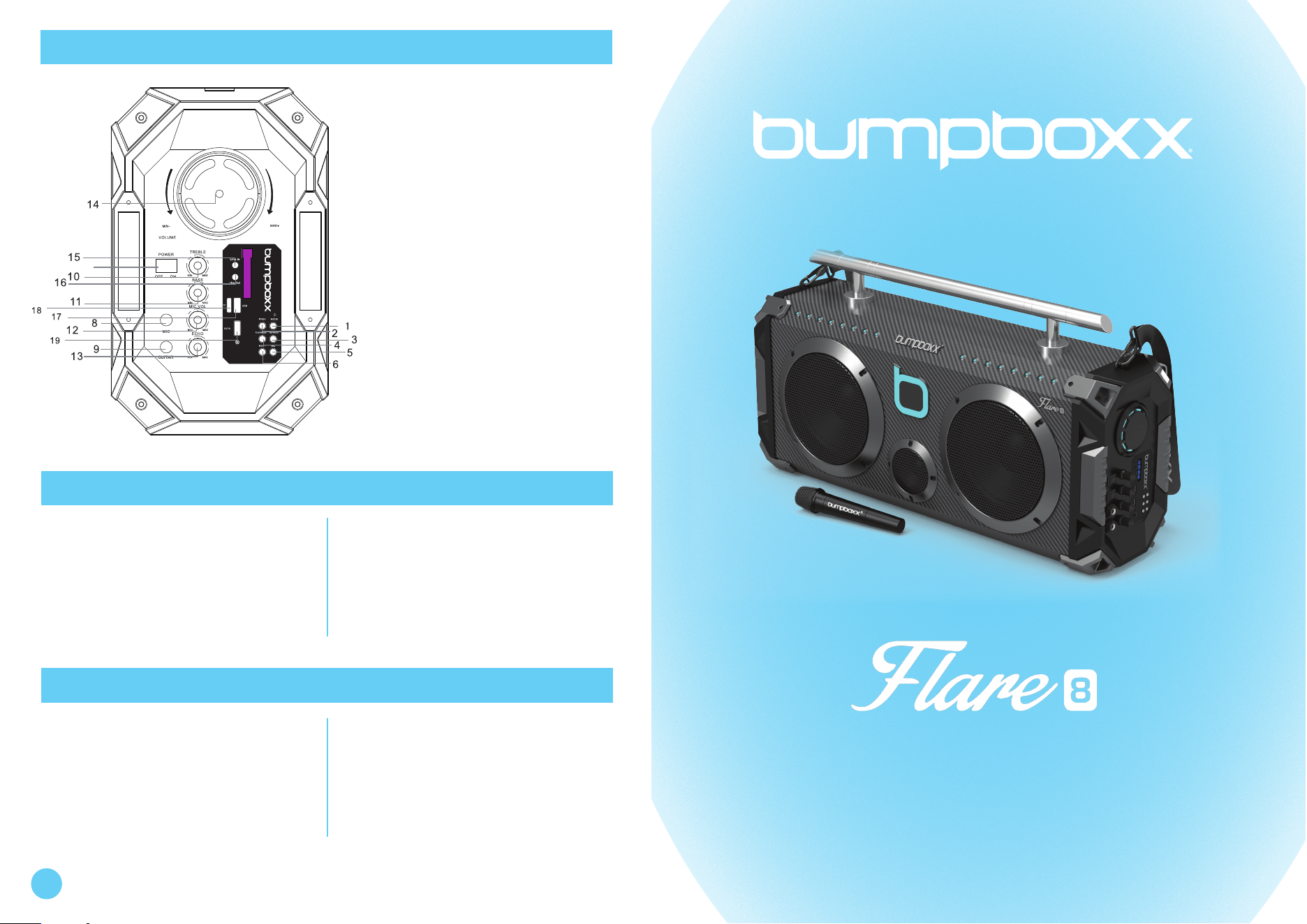
1. Mode Switch
2. Previous Track / Channel
3. Repeat
4. Play / Pause
5. EQ
6. Next Track / Channel
7. Power Switch
8. MIC
9. Guitar Input
10. Treble
11. Bass
12. Microphone Volume
13. Echo
14. Volume
15. Line In
16. Line Out
17. USB Slot
18. TF Card Slot
19. 5V1A Out Charging Port
Adapter x1
Shoulder Strap x1
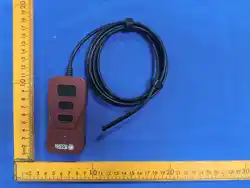
Remote Control x1
User Manual x1
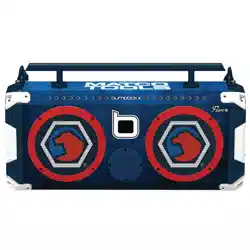
Speaker Unit 8” x2+1”
Power 200 W
Recharge Voltage DC 22V 6A
Recharge Battery 12V 9Ah
3
CAREFULLY READ THIS OPERATING MANUAL TO USE
AND ENJOY THIS UNIT PROPERLY.
KEEP THIS MANUAL HANDY FOR FURTHER REFERENCE.
BATTERY AND POWER
1. Speaker features rechargeable battery.
2. Charge your battery using the included 22V4A charger.
3. LED light will glow red once charging. Fully charged, LED will turn blue.
4. Full recharge takes 3 to 4 hours.
5. Full battery could be used for up to 12 hours.
6. Please charge the battery for 4 to 5 hours before using for the first time.
BLUETOOTH CONNECTION
1. Press the "MODE" button to display "BLUE" on the screen to start connection.
2. The speaker is ready for pairing with a mobile device.
3. Scan for the speaker's name "Bumpboxx - Flare8" ,
4. Pair via bluetooth.
5. Once paired, the volume and tracks can be controlled by both
speaker's control panel and by the paired mobile device.
MODE CONTROL
1. Insert USB into USB slot. (Unit automatically changes to USB mode)
2. Insert TF into TF slot. (Unit automatically changes to TF mode)
3. Press select previous or next track, press to play or pause.
FM RADIO
1. Change mode to FM. Station numbers will pop up in digital display.
2. Press Play to start automatic scan,
3. The unit will automatically pick up the strongest available stations.
4. To stop scan, press "Next" button
AUDIO INPUT & OUTPUT
1. Insert the audio cable into AUX input to connect external audio
resource, will automatically change to AUX input mode.
DC 5V 1A OUTPUT
1. Connect your mobile device via USB cable to the 5V1A charging slot to
charge the device.
FUNCTION DESCRIPTION REMOTE CONTROL
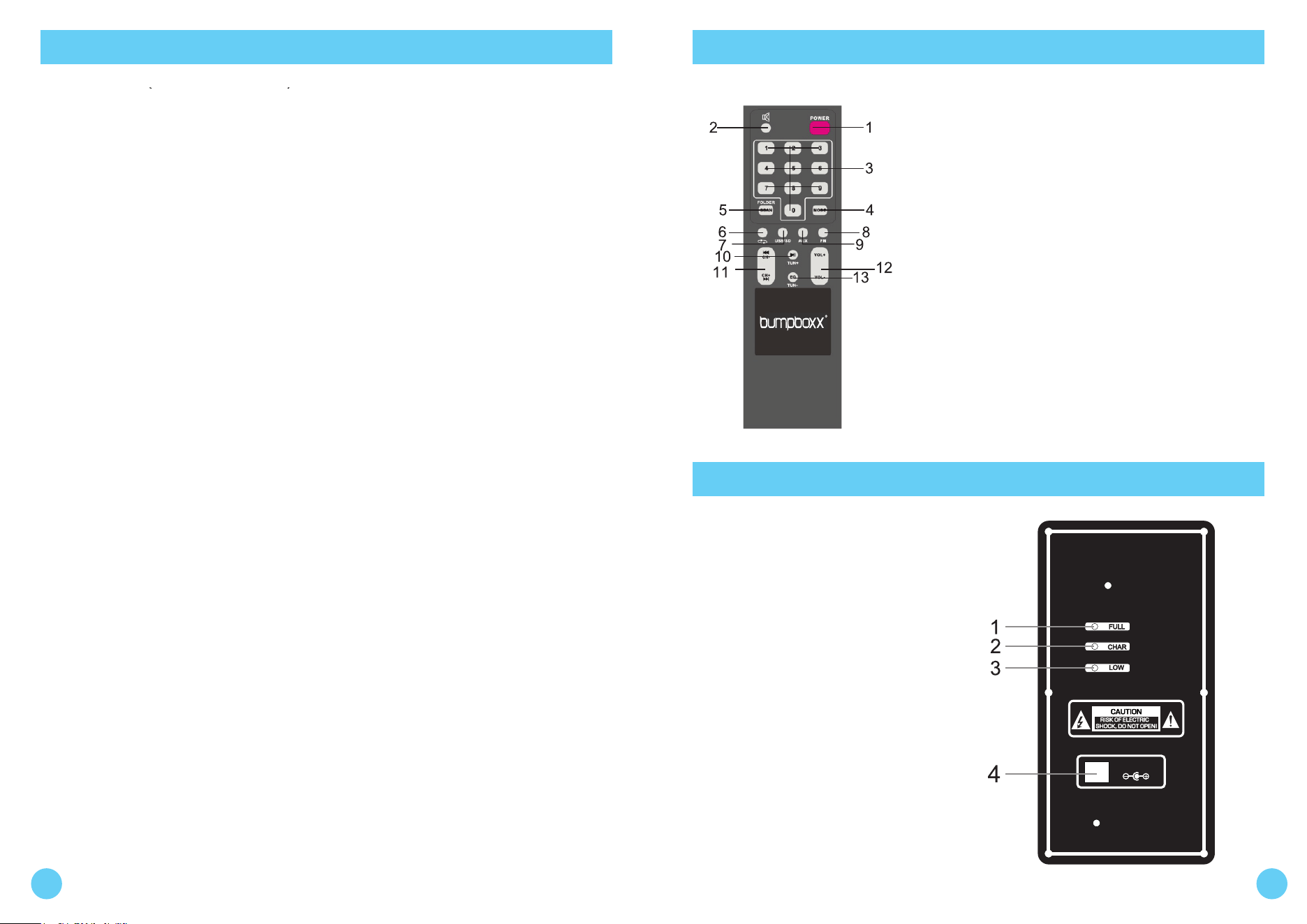
1. Power
2. Mute
3. 0-9
4. Mode
5. Scan
6. Repeat
7. USB/SD
8. FM
9. AUX
10. TUN +
11. CH+ / CH-
12. VOLUME +/-
13. TUN-
BACK PANEL
MADE IN CHINA
DC IN 22V4A
Bumpboxx USA rev1a2019
1. Fully charged, the LED will turn blue
2. While charging, LED will be red
3. While low power, LED will be red
4. DC IN 22V 4A (Charging Port)
1 2