
www.PyleUSA.com
2
Please read these instructions carefully
and retain for future reference.
Installation
1. Connect the telephone handset cord to the handset jack
2. Connect the telephone line cord to the line cord jack
3. Connect the other telephone line cord to the telephone wall socket
4. Adjust the desired level (L/H) of the ringer signal with the switch on the back
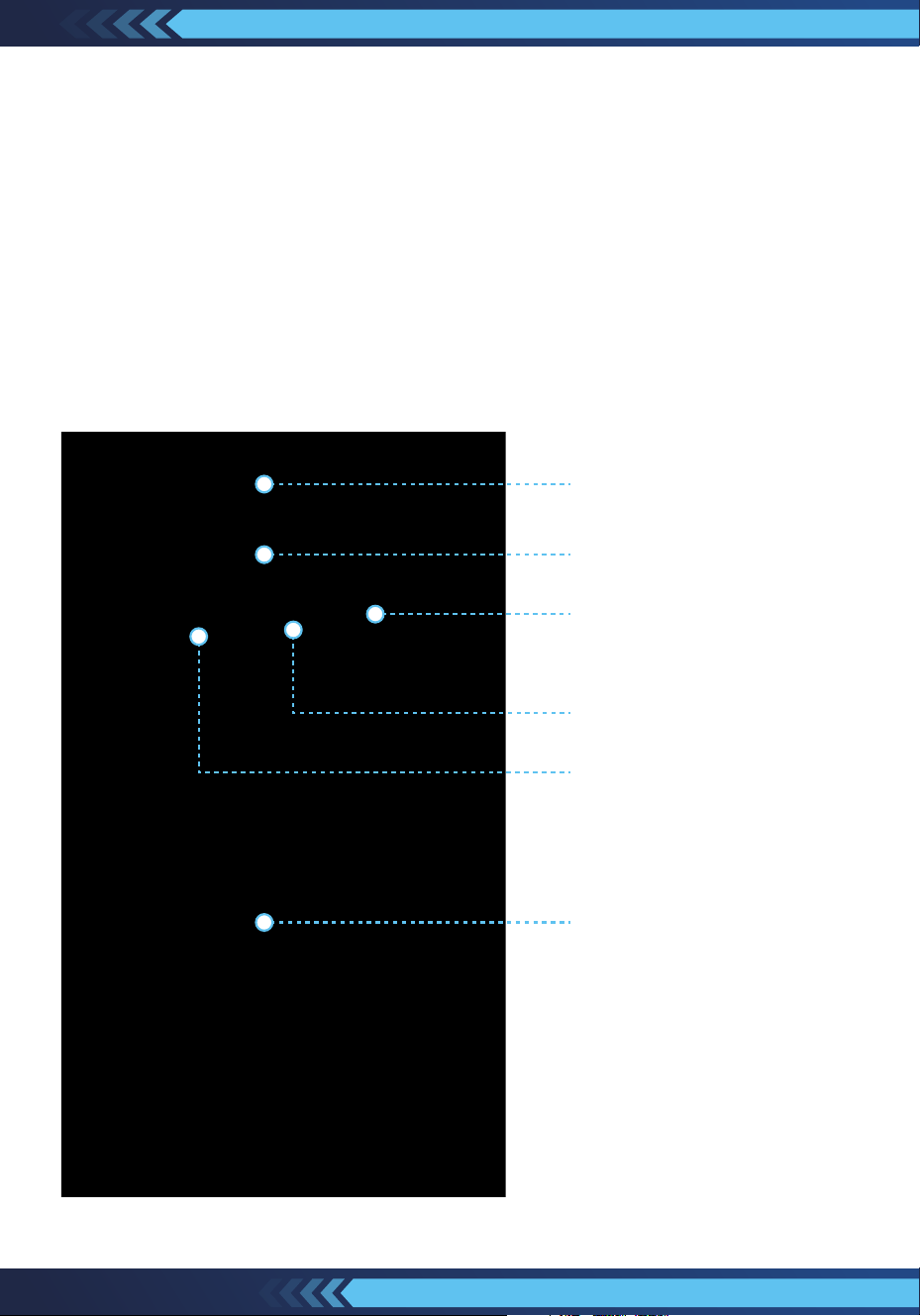
of telephone body. (See pictures below)
Wall Mounting Hole
Line Cord Jack
Groove for Handset Cord
Handset Jack
Ringer Volume
Groove for Line Cord Jack

www.PyleUSA.com
3
Parts Included
Your new telephone includes the following items
1- Telephone Body
1- Telephone handset
1- Handset coil cord
1- Line cord
1- Owners manual
Care and Maintenance
Use soft and dry cloth to clean the telephone, use polish for wood for
polishing the wooden parts
1. Protect the telephone from the high temperature.
2. Keep the telephone free from the dust and moisture;
If it gets wet please wipe it dry immediately.
3. Don’t use any kind of chemical or any abrasive powder to clean the cabinet.
4. Don’t use the telephone during the electrical storm;
A lightning strike can cause serious damage.
5. As extra protection to disconnect the telephone during electrical storms.

www.PyleUSA.com
4
How To Use
1. TONE/PLUSE SWITCH
On the bottom of telepone base is the P/T switchable dialer. If you have touch
tone service then slide the switch to the T (Tone) position; if you have rotary
dial service then slide the switch to the P (Pulse) position.
2. MAKING AND ANSWERING CALLS
To get a dial tone or answer an incoming call, lift the handset; To hang up,
either replace the handset or simply press the HANDSET CRADLE.
3. RINGER SWITCH
You can choose the loudness of the ringing of the phone by the ringer switch
located on the bottom of telephone base to either HIGH or LOW.
4. LAST NUMBER REDIAL (R)
The feature may be used to speed dial the last number dialed. Simply pick up
the handset listen for dial tone and then momentarily press the REDIAL button,
the last number dialed will dial out automatically.
5. FLASH FUNCTION
If you get a busy tone after entering the number, press the FLASH butoon rst,
after hearing the dial tone, institute a dial tone for another call. Press the FLASH
button to terminate a call, and institute a dial tone for another call to getting
another call from call waiting.
6. PAUSE FUNCTION
In some cases, such as PABX or Long distance service, a pause should be
inserted in dialing sequence. The PAUSE button can be insert about 4 seconds
interval with no dial output.

www.PyleUSA.com
5
Features:
•
Tone/Pulse Switch
•
Touch-Tone Buttons
•
Last Number Redial Function
•
Classic Design with Modern Technology
•
Ringer High/Low Ringer Volume Selection
•
Functional Crank Handle And Box, As Introduced In The 1920s
•
Handcrafted Wood and Veneer Construction with Brushed Bronze-Plated
Hardware
•
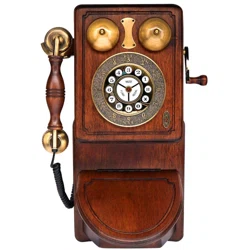
Country Wall Phone with Classic Design:
Authentic Reproduction of Early American Heritage Telephones