
Technical Support and E-Warranty Certificate https://www.vevor.com/support
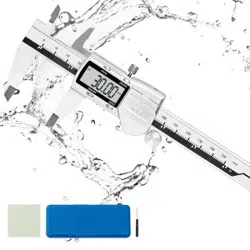
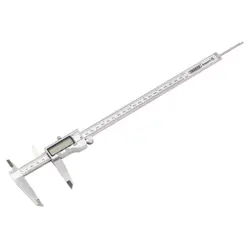
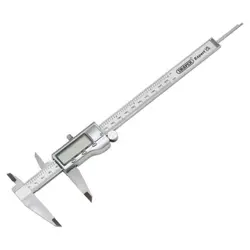
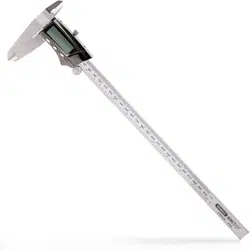
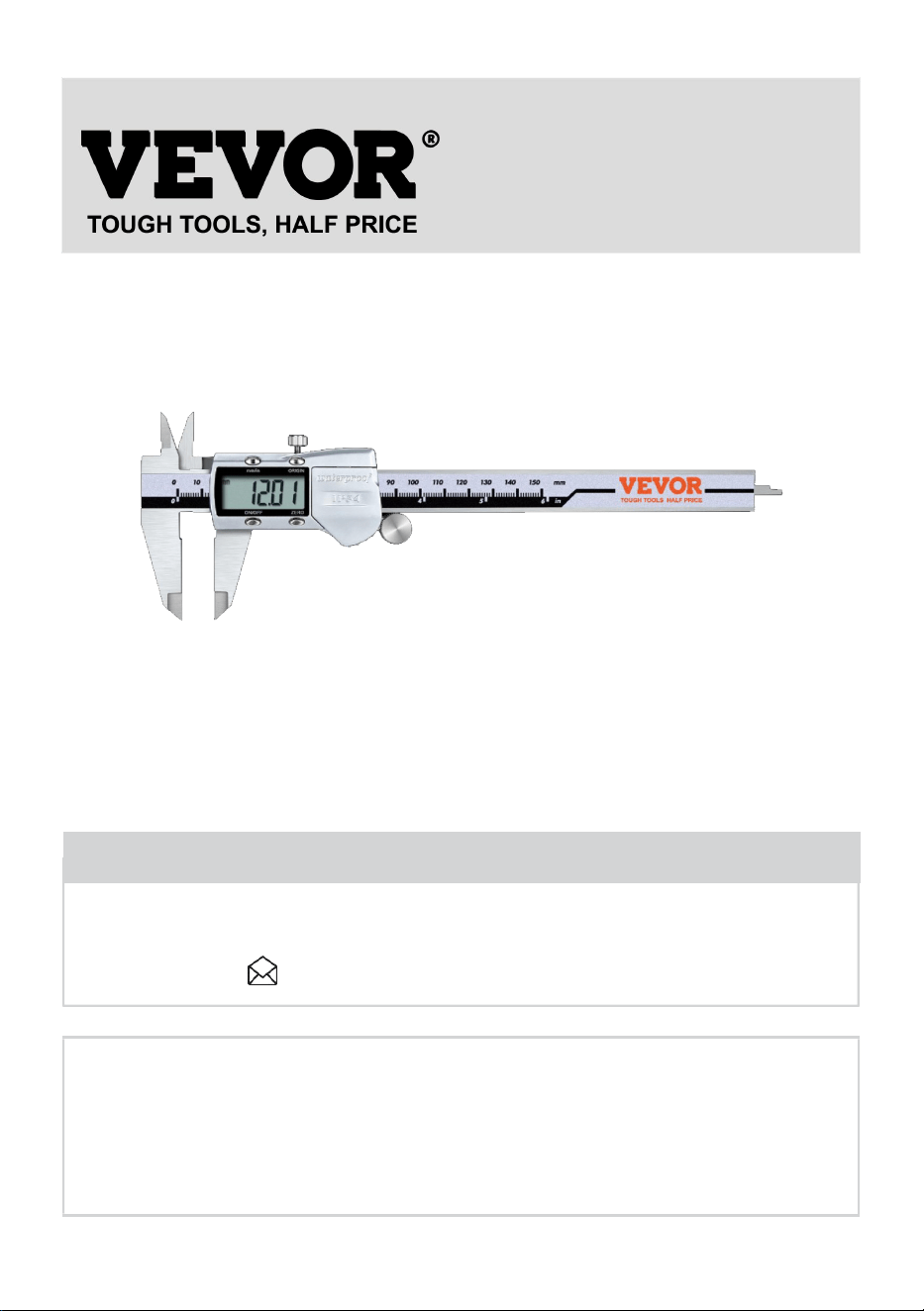
AUTO POWER-OFF DIGITAL CALIPER
USER MANUAL
We continue to be committed to provide you tools with competitive price.
"Save Half", "Half Price" or any other similar expressions used by us only represents an
estimate of savings you might benefit from buying certain tools with us compared to the major
top brands and doses not necessarily mean to cover all categories of tools offered by us. You
are kindly reminded to verify carefully when you are placing an order with us if you are
actually saving half in comparison with the top major brands.
- 1 -
Model: JS808F150SS JS021F150SS
Have product questions? Need technical support? Please feel free to
contact us:
CustomerService@vevor.com
NEED HELP? CONTACT US!
This is the original instruction, please read all manual instructions
carefully before operating. VEVOR reserves a clear interpretation of our
user manual. The appearance of the product shall be subject to the
product you received. Please forgive us that we won't inform you again if
there are any technology or software updates on our product.
AUTO POWER-OFF
Digital Caliper
- 2 -
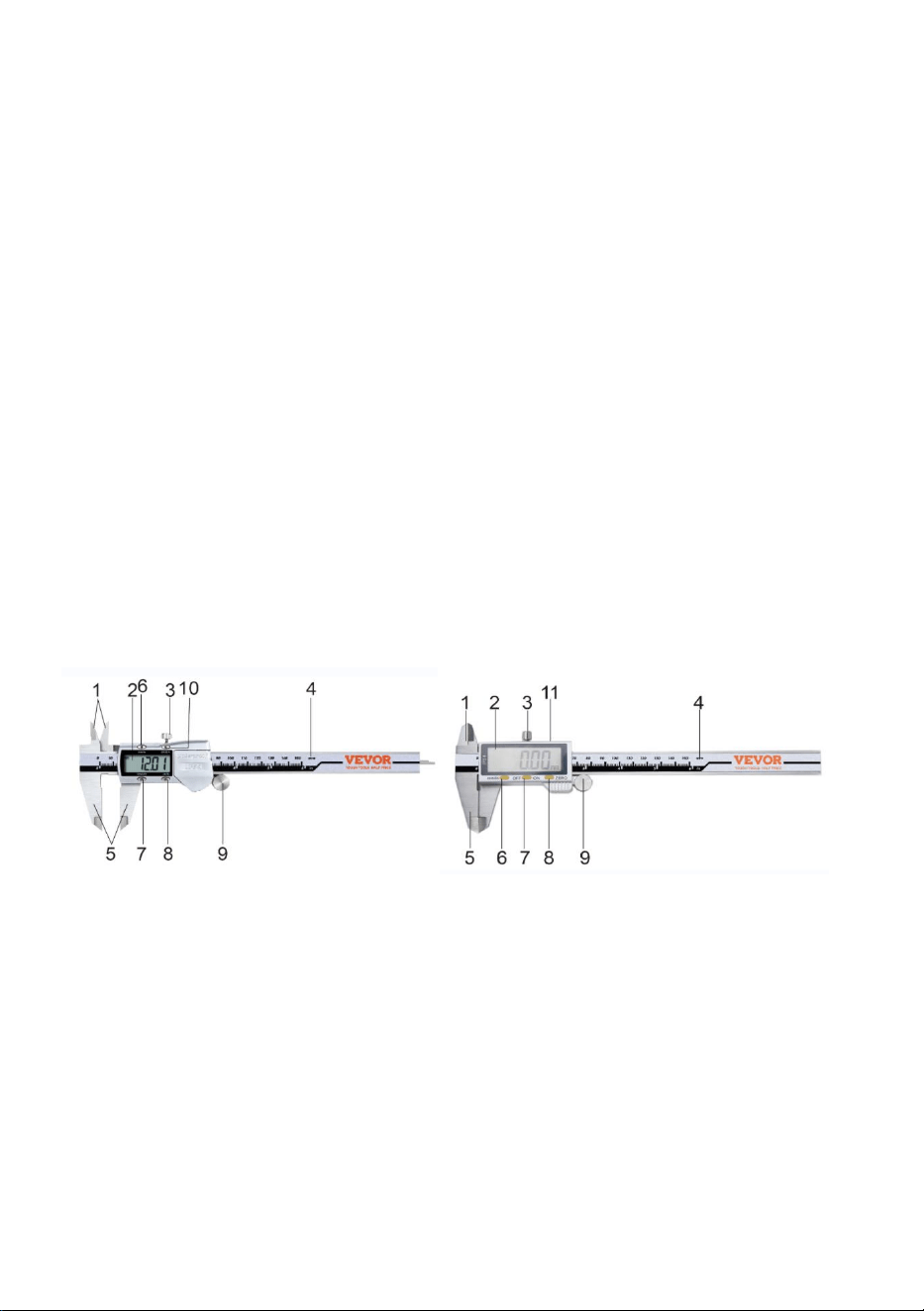
FEATURES
1. INTERNAL MEASURING JAWS
2. LCD DISPLAY
3. SLIDER CLAMP SCREW
4. BEAM
5. EXTERNAL MEASURING JAWS
6. METRICCONVERSION SWITCH
7. ON / OFF SWITCHCONVERSION SWITCH
8. ZERO SWITCH
9. THUMB ROLLER
10. Absolute Origin
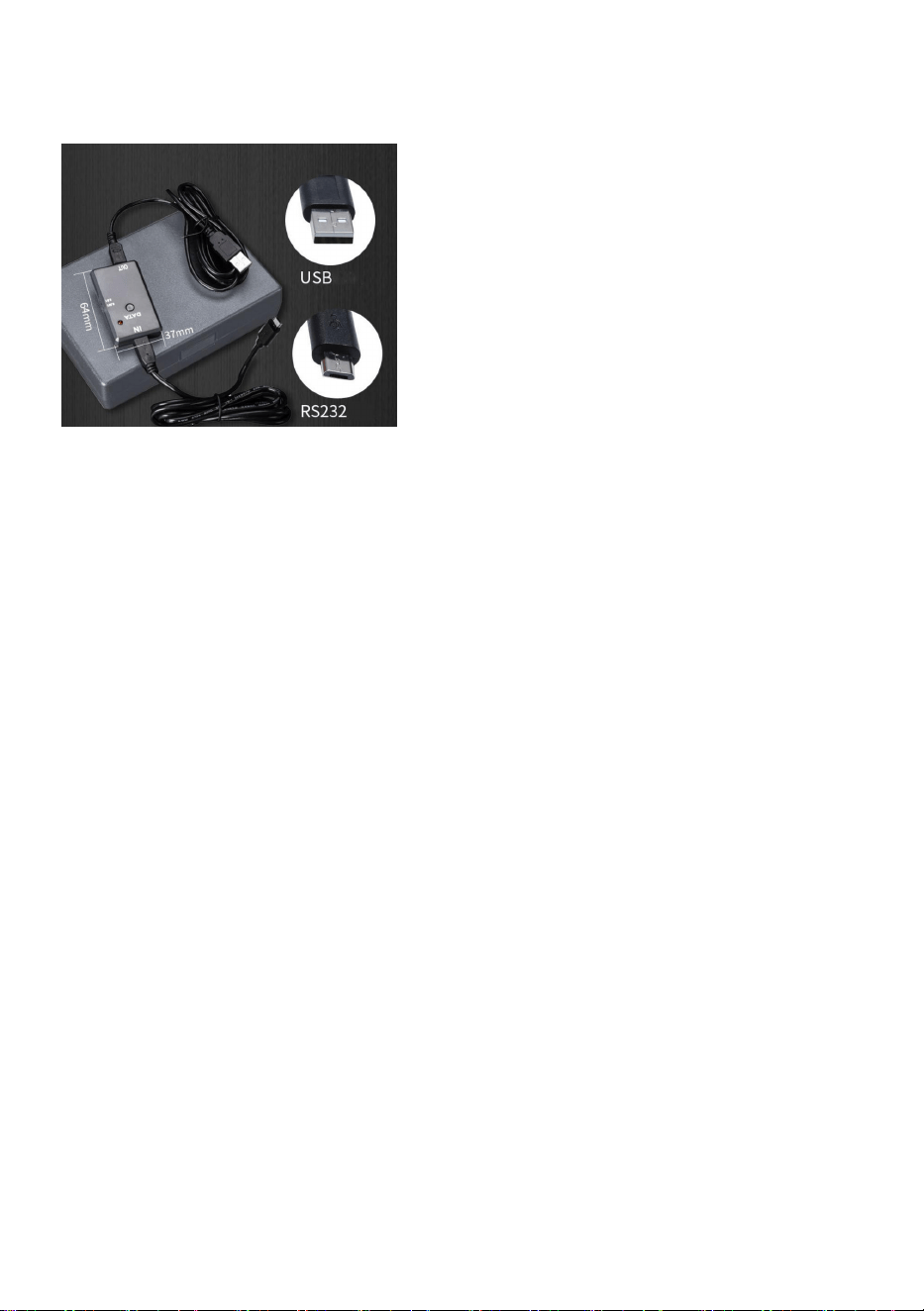
11. Data port (Do not connect to the computer USB port)
JS021F150SS JS808F150SS
- 3 -
NOTE: Data port need to connect to the computer through a USB data
converter(Figure 1)
Figure 1
CARE & MAINTENANCE
1.Keep body face clean ; prevent liquid material from getting into slider to destroy
electronics
2.Face should be cleaned with a clean , dry , lint-free cloth Lubricate body with a
few drops of clock oil Acetone & alcohol must not be used
3.Keep battery compartment clean and free of corrosion
TROUBLESHOOTING
PROBLEM :
Every second 5 digits Jump Simultaneously
Display can not count
Display shows 000.00Or IN 00.000
Function buttons not active
Reading error for full Length is ≥ 0 . 1mm
No display on LCD screen

- 4 -
SOLUTION:
Battery voltage is under 1 . 45V Remove cover and replace battery
Faulty circuit . Remove battery , after 30sec . put battery back into compartment
(See battery Replacement and disposal)
Function buttons and sliders signal end may have shorted out . Remove the
cover , put the button springs in place with rubber covers . Contact must be
unobstructed
Springs or rubber covers may be out of Shape due to excessive pressing . See
solution above for ti
Sensor may have dirt or deposits in it
Remove cover and slider assembly
Blow off sensor face with clean
pressurized air ( ≥51 kg/cm squared )
clean with a dry , lint-free cloth
1 ) Poor battery contact . Check battery compartment , clean if necessary
2 ) Battery voltage is under1.3V Replace with correct battery
Correct disposal:
This product is subject to the provision of European Directive
2012/19/EC. The symbol showing a wheelie bin crossed through
indicates that the product requires separate refuse collection in the
European Union. This applies to the product and all accessories marked with this
symbol. Products marked as such may not be discarded with normal domestic
waste, but must be taken to a collection point for recycling electrical and electronic
devices
Battery Replacement and disposal:
1. When the batteries are not high enough and must be replaced immediately.
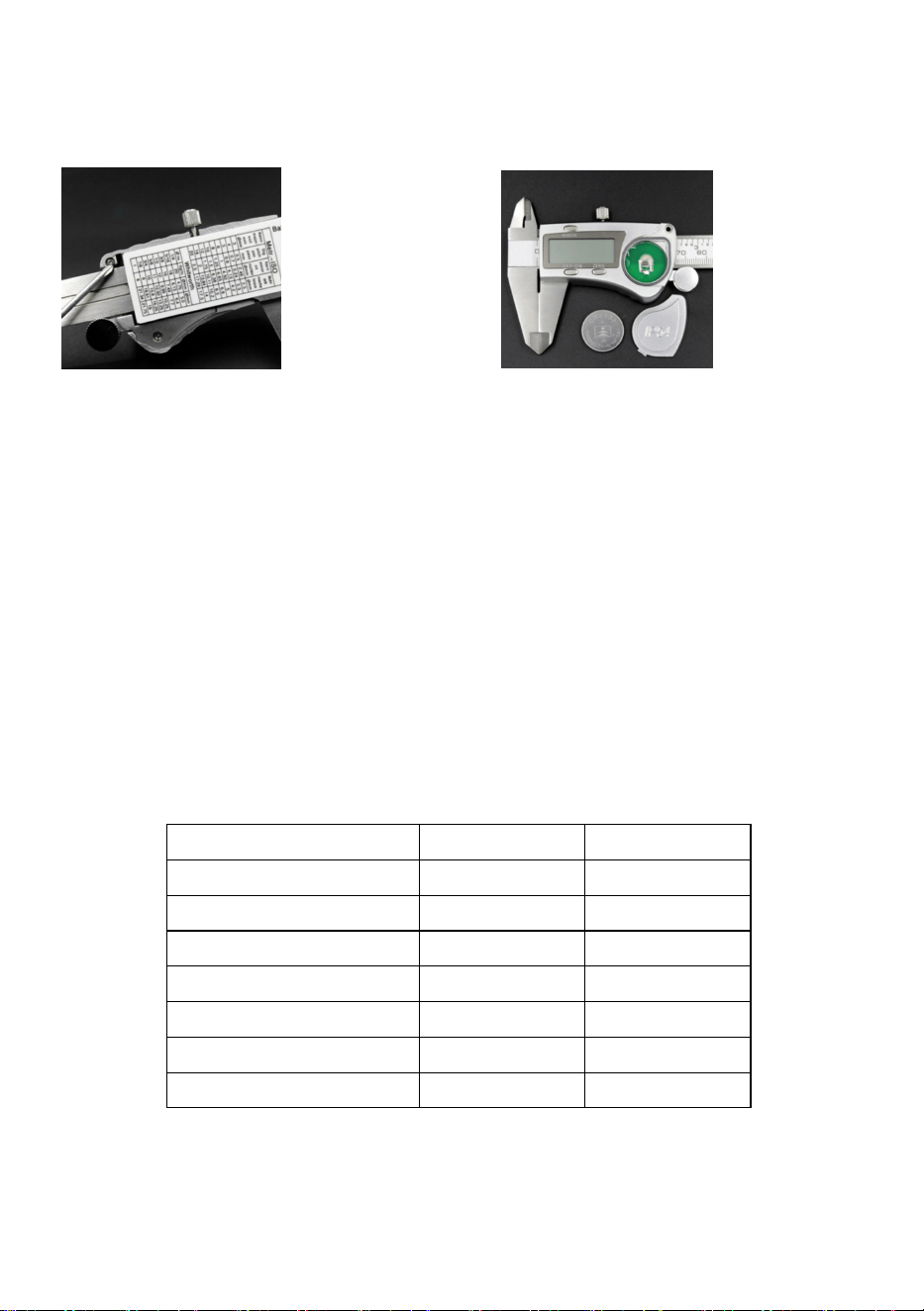
To replace the batteries, turn off the digital caliper first. Then remove the Battery
cover screws(Figure 2). Replace the old batteries with new ones of the same
type(Figure 3), make sure that the polarity connections are correct ( see the
- 5 -
polarity indications at the bottom of the battery compartment ). Reinstall the
battery cover.
Figure 2 Figure 3
2. To minimize hazards to health and the environment at the end of this product's
life,laws dealing with Waste Electrical and Electronic Equipment(WEEE)and The
Waste Battery Directive require you to dispose of this product at a suitable
collection facility where it will be sent in order to remove the batteries and for
appropriate recycling.Please contact your local authorities for more details on
recycling and safe disposal of these in your area.
Parameter Table
MADE IN CHINA
Model No.
JS808F150SS
JS021F150SS
range
150mm
150mm
Display Accuracy
0.01mm
0.01mm
measurement accuracy
0.03mm
0.03mm
battery type
CR2032
CR1632
IP Rating
IP54
IP54
Measurement unit
mm/in
mm/in
Absolute Origin
N
Y