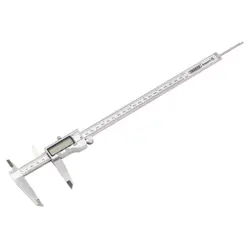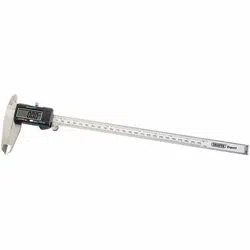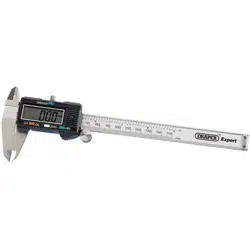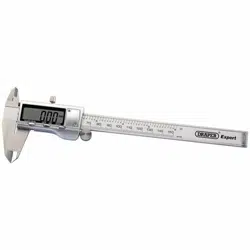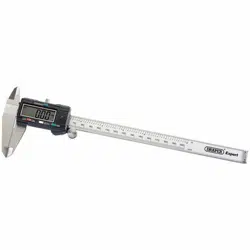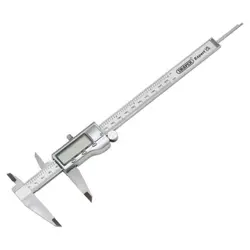
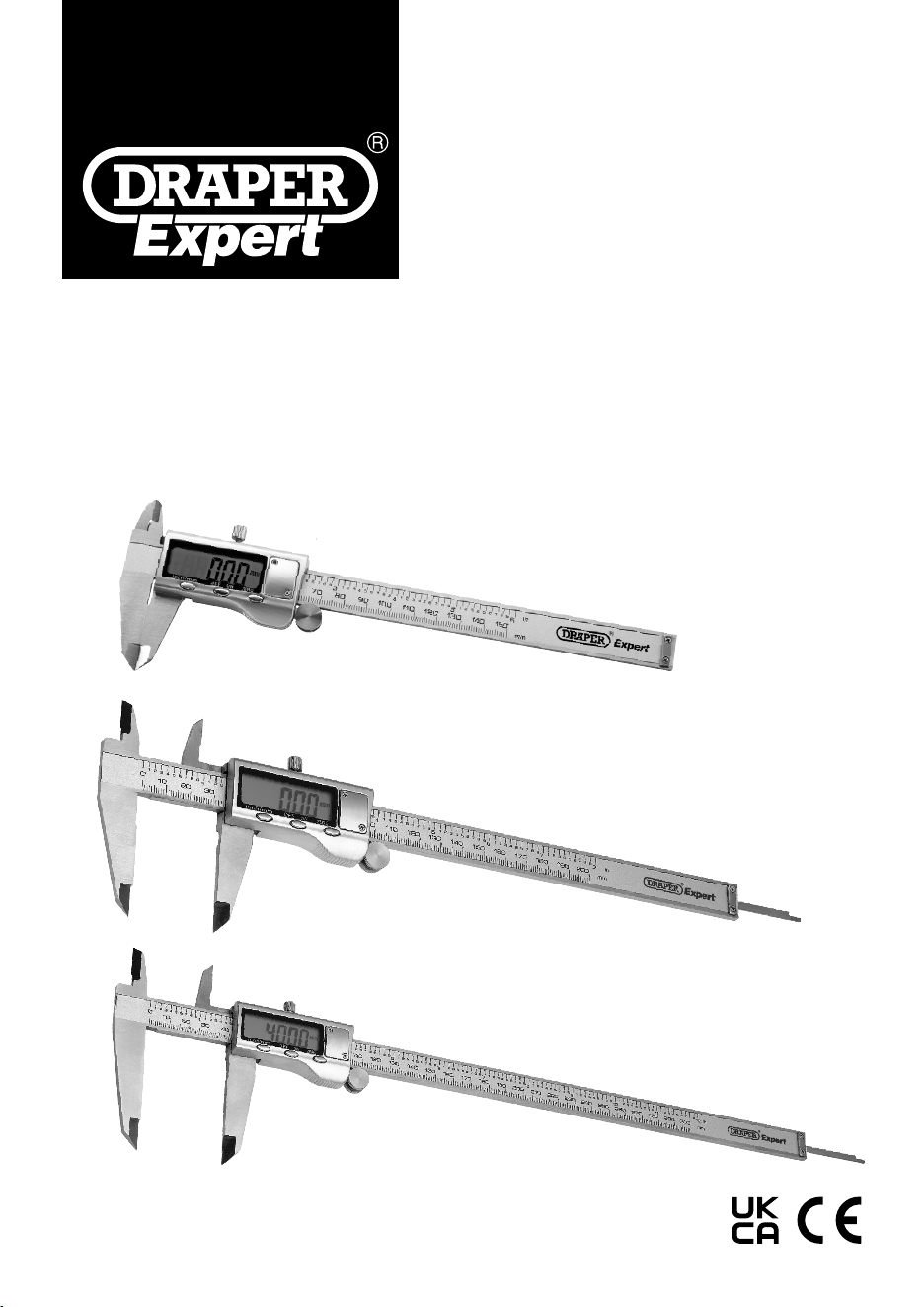
07088, 07089, 80859
80859
07088
07089
EN
Original Instructions
Version 1
August 2024
DIGITAL
CALIPERS

Version 1: August 2024 – First release
Read this manual in full before using this product and retain it for future use. Always use the latest version of the
manual. Please visit drapertools.com/manuals for the latest version.
1. Intended Use
This stainless-steel digital caliper is designed for carrying out external and internal metric and imperial measurements.
Any other application beyond the conditions established for use will be considered misuse. Draper Tools accepts no
responsibility for improper use of this product.
2. Specication
Stock No: 80859 07088 07089
Part No: PDVC150M/B PDVC200M/B PDVC300M/B
Battery Required:
2 x LR44 Alkaline button
cell (1 x tted/1 x spare)
1 x LR44 Alkaline button
cell (supplied not tted )
1 x LR44 Alkaline button
cell (supplied not tted )
Measuring Range: 0 – 150mm/0 – 6” 0 – 200mm/0 – 8” 0 – 300mm/0 – 12”
Resolution: 0.01mm/0.0005” 0.01mm/0.0005” 0.01mm/0.0005”
External Measurement:
Accuracy 0- 50mm +/- 0.02mm +/- 0.02mm +/- 0.02mm
Accuracy 50 – 200mm +/- 0.03mm +/- 0.03mm +/- 0.03mm
Accuracy 200 – 300mm N/A N/A +/-0.04mm
Max. Measuring Speed:
3m/sec
120”/sec
3m/sec
120”/sec
3m/sec
120”/sec
Operating Temperature: 0 to 40°C 0 to 40°C 0 to 40°C
Storage Temperature: -20 to 70°C -20 to 70°C -20 to 70°C
Auto Shutdown (approx.): 5min 30secs 5min 5min
– 2 –

3. HealthandSafetyInformation
Important: Read all the Health and Safety instructions
before attempting to operate, maintain or repair this
product. Failure to follow these instructions may result in
injury or damage to the user or the product.
3.1GeneralHealth&SafetyPrecautions
• DO NOT use the caliper if damaged.
• DO NOT use this device for any purpose other than for
which it is designed.
• DO NOT use in damp or wet locations or areas where
there is condensation.
• DO NOT dip or submerge the caliper in any type of
liquid.
• DO NOT expose to bright sunlight or dust.
• DO NOT disassemble the caliper. It must be checked
by qualied service personnel only.
• DO NOT apply any voltage to the caliper.
• The caliper is a precision instrument, treat with care,
avoid using force and do not subject to knocks or
shocks or damage or scratch the scale surface.
3.2ButtonBatteryHealth&Safety
BATTERY WARNING!
KEEP OUT OF REACH OF CHILDREN
• If the battery compartment does not close securely,
stop using the product and keep it away from
children.
• If you think batteries might have been swallowed or
placed in any part of the body, seek immediate
medical attention.
Battery swallowed - No obvious symptoms
• Unfortunately, it is not obvious and there are no
specic symptoms when a button or coin battery is
stuck in a child’s oesophagus (food pipe).
The child might:
− cough, gag or droll alot;
− appear to have a stomach upset or virus;
− be sick;
− point to their throat or stomach;
− have a pain in their abdomen, chest or throat;
− be tired or lethargic;
− be quieter or more clingy than usual or ‘not
themselves’;
− loss of appetite or reduced appetite; and
− not wanting to eat solid food/be unable to eat
solid food.
• These sorts of symptoms will vary or uctuate, as
the pain increases or subsides.
• A specic symptom to button or coin battery
ingestion is vomiting fresh bright red blood. If the
child does this seek immediate medical help.
• The lack of clear symptoms is why it is important to
be vigilant with ‘at’ or spare button or coin batteries
in the home and the product that contains them.
– 3 –
EN
4. Identication
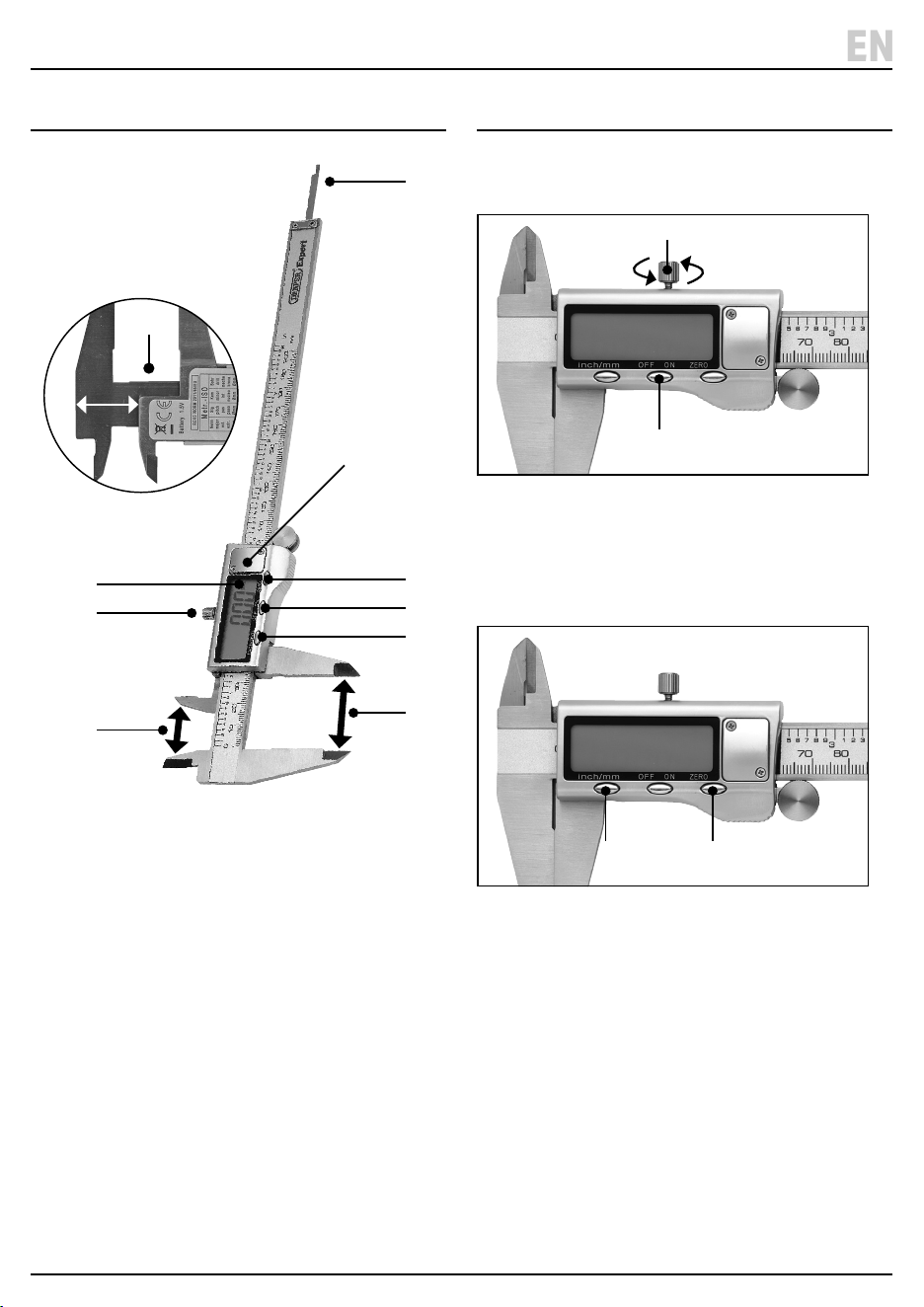
1. Step measure
2. Internal measure
3. External measure
4. Locking screw
5. Digital display
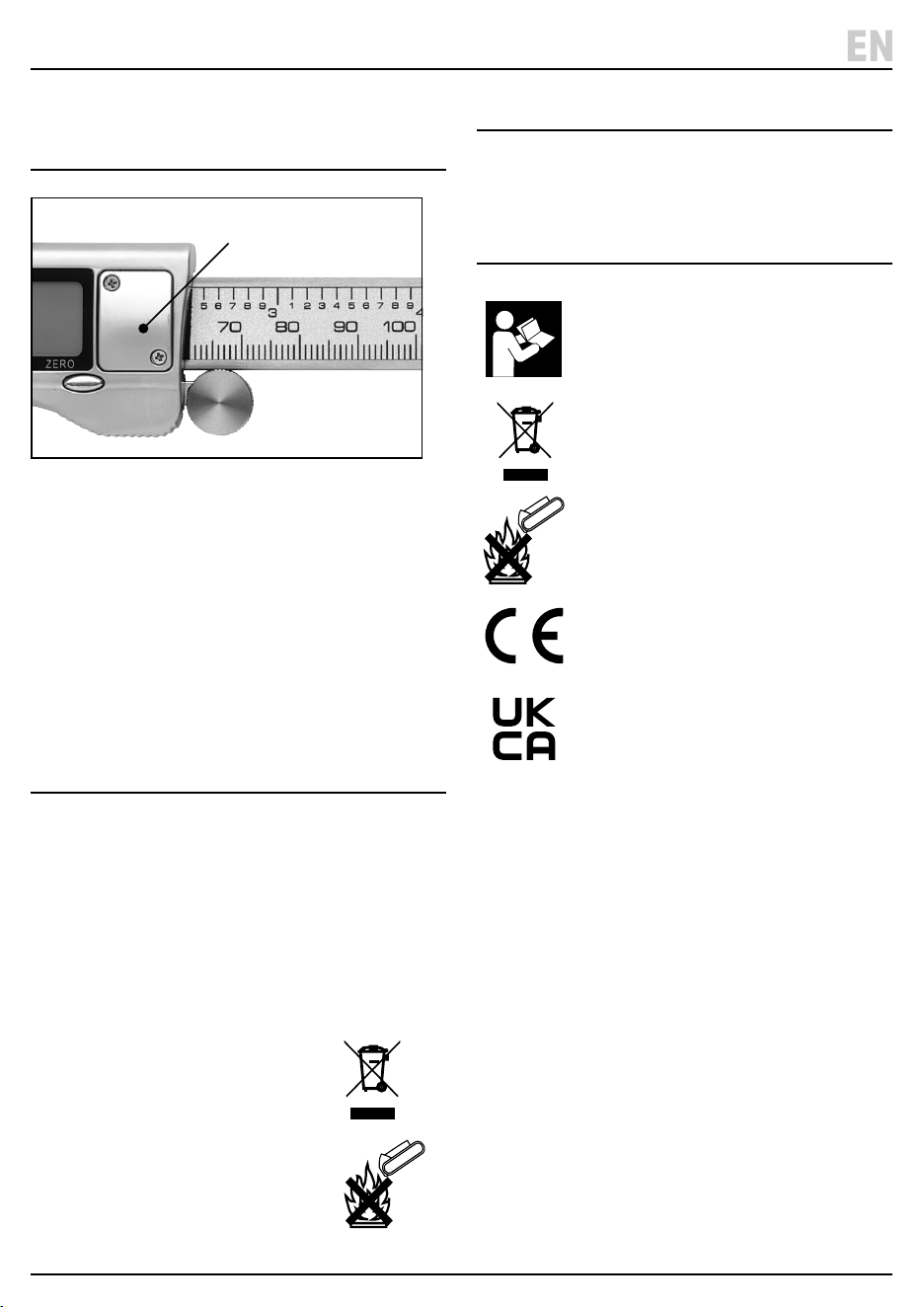
6. Battery compartment cover
7. Zero button
8. ON/OFF button
9. Inch/mm selector button
10. Depth measure
11. Storage box (not shown)
12. 1 x LR44 battery (2 x LR44 batteries with 80859)
5. OperationandUse
Note: Before use ensure the surfaces to be measured are
clean and free from burrs, oil and dirt.
1 Fig.
1. Ensure the locking screw (4) is loosened o and then
close the caliper.
2. Press the ‘ON/OFF’ button (8) and wait a few seconds
before using.
2 Fig.
• If the display does not show ‘0.00’ when the caliper is
closed, reset by pressing the ‘Zero’ button (7).
3. Press the ‘inch/mm’ button (9) as required to switch
between metric and imperial measurements.
4. Slide the main body to take the required measurement.
• A new zero reading can be obtained at any open
position of the caliper by pressing the ’Zero’
button (7).
5. When nished switch o and store in the storage
box supplied.
– 4 –
EN
(8)
(4)
(9) (7)
(9)
(3)
(2)
(4)
(5)
(8)
(7)
(6)
(10)
(1)
STEP
0.00
07088 images shown for illustrative purposes only.
6. BatteryInstallation
andReplacement
3 Fig.
1. Replace the battery when the screen is blank or the
digits are ashing.
2. Unscrew the battery cover (6) and lift o.
3. Remove the exhausted battery and replace with a new
LR44 battery – ensure the ‘+’ side is uppermost.
4. Ret the battery cover and secure with the screws.
7. Maintenance,Storage
andDisposal
• Keep the caliper clean and dry using a dry cotton
cloth only.
• When not in use, switch o and store the caliper in
the storage box supplied in a safe, dry, childproof
location. Remove the battery if the caliper is not used
for a prolonged period of time.
At the end of its working life, dispose of the product
responsibly and in line with local regulations. Recycle
where possible.
• DO NOT dispose of this product with
domestic waste; most local
authorities provide appropriate
recycling facilities.
• DO NOT burn or mutilate batteries; this
may release toxic or corrosive
substances.
8. Warranty
12 months Warranty -
Visit drapertools.com/warranty for full details.
9. ExplanationofSymbols
Read the instruction manual
WEEE –
Waste Electrical & Electronic Equipment
Do not dispose of Waste Electrical & Electronic Equipment
in with domestic rubbish
Do not incinerate or throw onto re
European conformity
UK Conformity Assessed
– 5 –
EN
(6)

Notes
– 6 –
EN

Notes
– 7 –
EN

© Published by Draper Tools Limited© Published by Draper Tools Limited
Delta International
Delta International BV
Oude Graaf 8
6002 NL
Weert
Netherlands
ContactDetails
Draper Tools
Draper Tools Limited
Hursley Road
Chandler’s Ford
Eastleigh
Hampshire
SO53 1YF
UK
Website: drapertools.com
Email: [email protected]
Product Helpline: +44 (0) 23 8049 4344
Telephone Sales Desk: +44 (0) 23 8049 4333
General Enquiries: +44 (0) 23 8026 6355
Please contact the Draper Tools Product Helpline for repair and servicing enquiries.