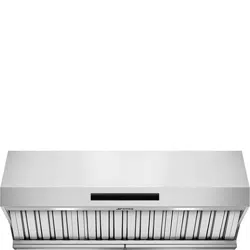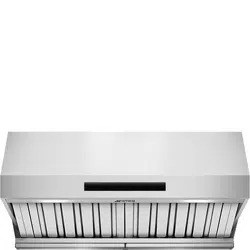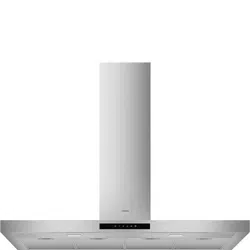

EN USER INTERFACE
FR GROUPE DE COMMANDES
ES GRUPO DE MANDOS
PT GRUPO DE COMANDOS
2EN
Instructions for use
CONTROL UNIT
For an optimal and efficient use of the product, it is recommended
that you switch on the hood a few minutes before you start cooking
and keep it on for at least 15 minutes after you have finished or
until the steam and odours have been completely eliminated. The
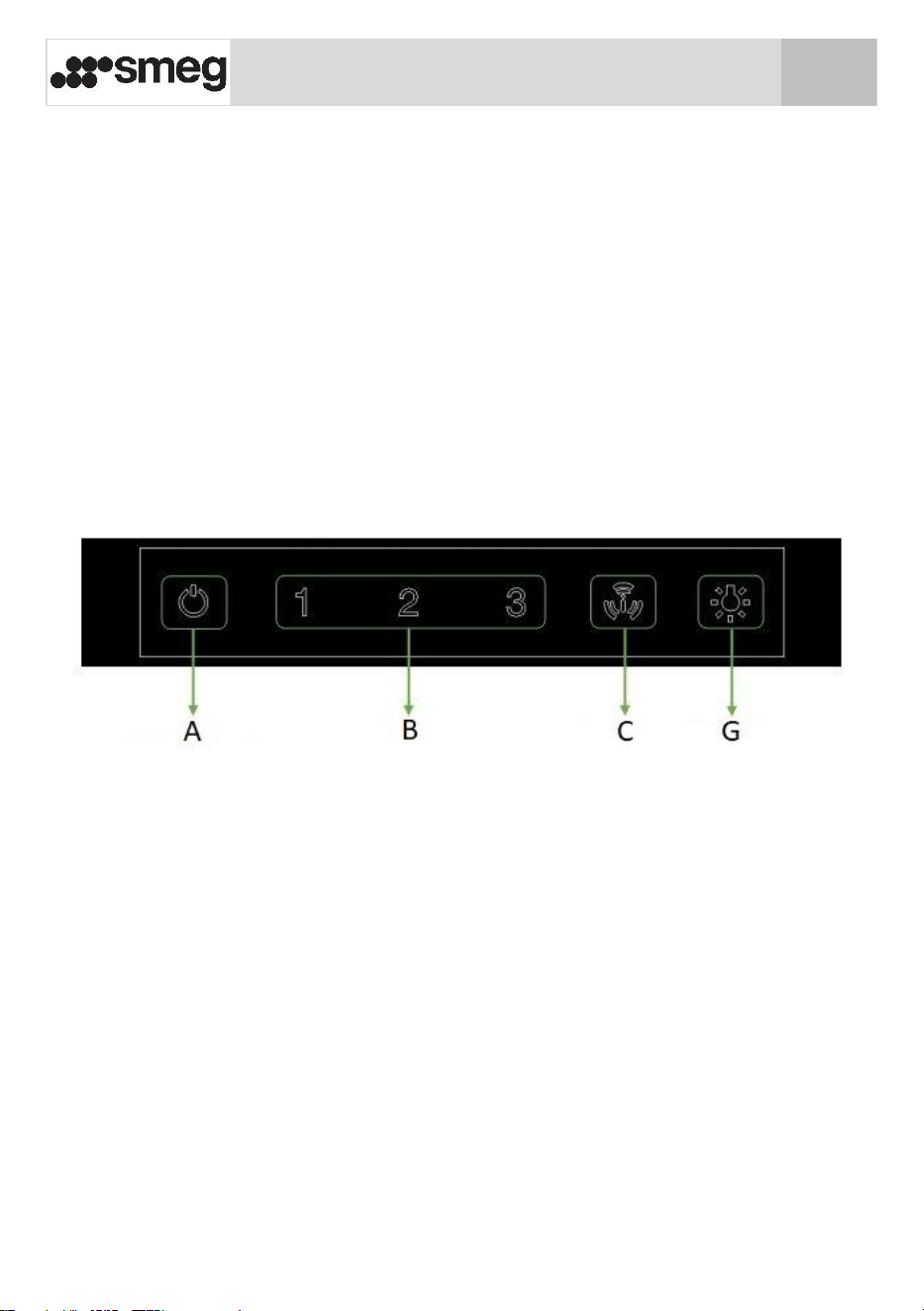
following types of controls can be found on the front of the hood:
6-button control panel
EN
3
Instructions for use
Button functions
_______________________________________________________
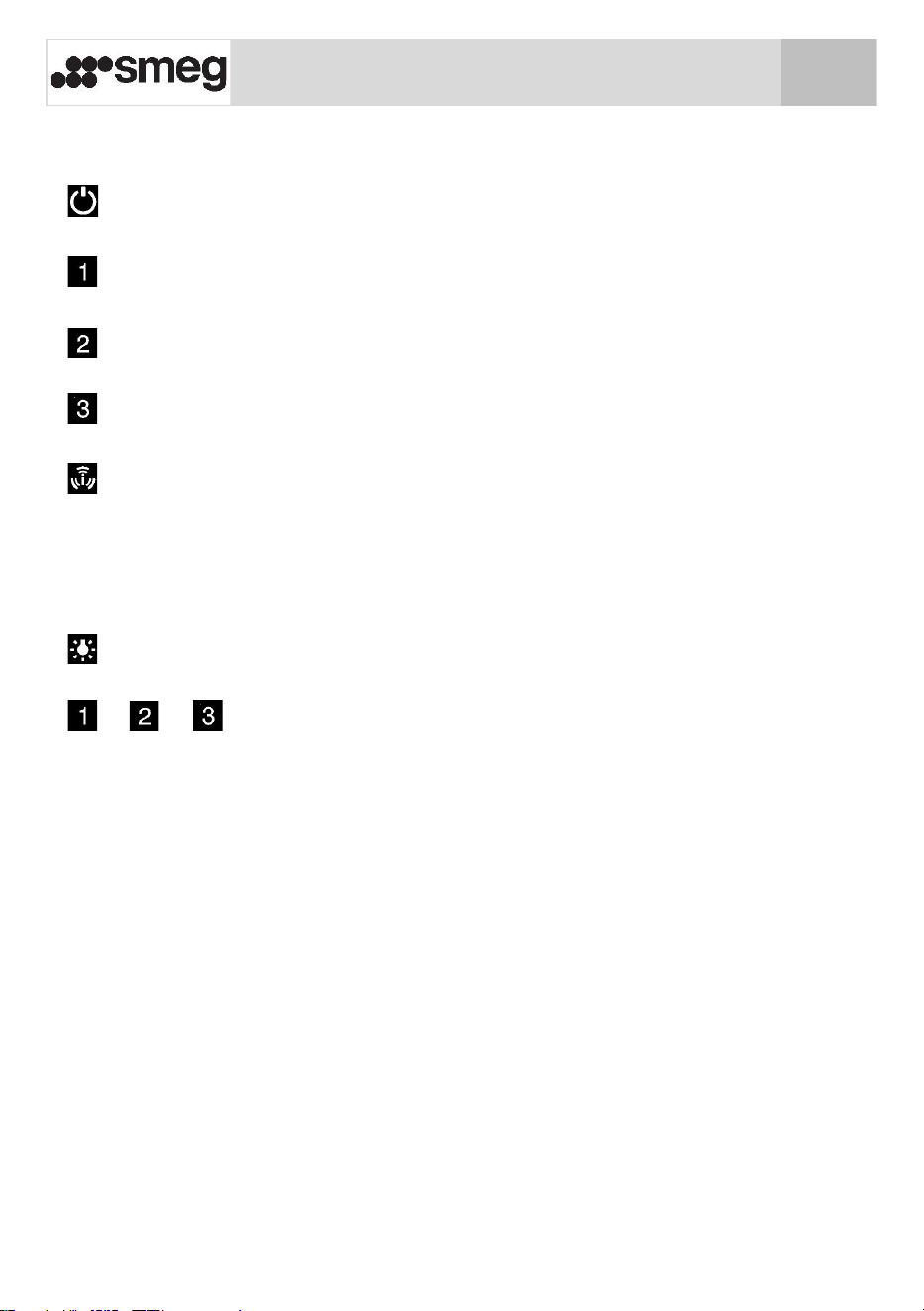
Hood OFF button. (If the fan and the lights are on).
Speed 1 button. Lights up when the motor is running at speed 1.
Speed 2 button. Lights up when the motor is running at speed 2.
Speed 3 button. Lights up when the motor is running at speed 3.
Turbo speed button. Lights up when the motor is running at
speed 4. The motor switches from speed 4 to speed 3 after
about 7 minutes. When the Turbo function is active, the button
flashes and the timer function is not active.
Lights On/Off button. Illuminated when the light is on.
- - Pressing these buttons twice activates the timer. The
timer function can only be activated when the fan motor is on.
Once activated, a 10-minute timer starts, when the time
elapses, the motor stops and the light switches off. The button
flashes during this time. The timer can be cancelled by touching
the same button.
EN
EN
4
Instructions for use
Light brightness adjustment
_______________________________________________________
Briefly touching the button immediately switches the lights on or
off. Touching and holding this button for more than 1 second gradually
increases the brightness to the maximum level and then decreases it to
the minimum level as long as the button is pressed. Release the button
once you have obtained the required brightness. This level of
brightness will be saved in the non-volatile memory so that it will be
set each time the light is switched on by tapping the button once.
Tapping the light button twice when the light is off will set it to
maximum brightness. It is factory set to maximum brightness.
Filter alarm reset
_______________________________________________________
After 100 hours of hood operation, buttons , , , will start
to flash to remind you to clean the filters. To reset this warning, press
the On/Off button for 5 seconds, the light of the On/Off button will
flash once to indicate that the filter time has been reset.
24h air exchange function
_______________________________________________________
The 24h air exchange function allows you to clean the air in the
room. To start the 24 hour function, press and hold the button
for 3 seconds. The extraction hood will run at minimum speed for 10
minutes every hour (up to a maximum of 24 hours). The and
buttons will flash as long as the function is active. Briefly touching
any button (apart from the button) will disable the function.
EN
EN
5
Instructions for use
GHOST function
_______________________________________________________
When this product is turned off, only the button remains
illuminated (at low brightness). If the button is pressed, the
hood will be set to standby and all buttons will light up with a
brightness of 5%. When in standby, if a function is activated, the
relative button will light up with 100% brightness. If you press the
button, the hood returns to standby mode and all buttons will
light up with a brightness of 5%.
EN
EN