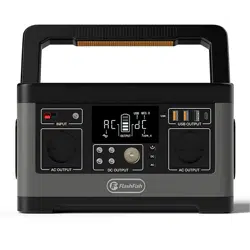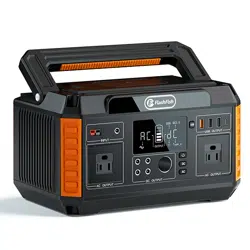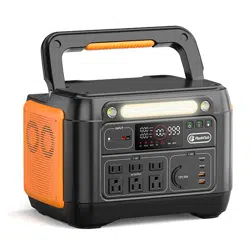
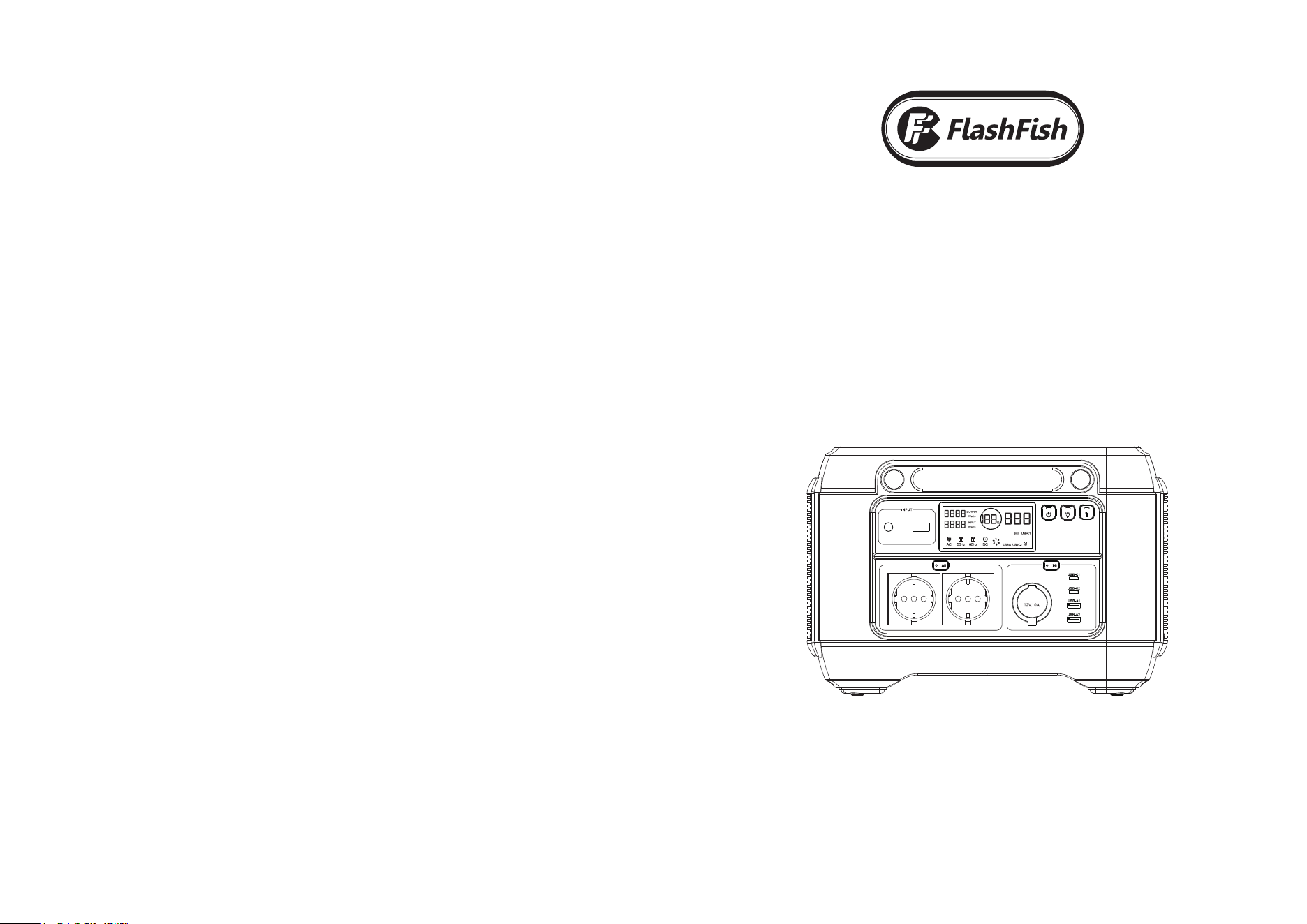
Portable Power Station
A1001
User Manual
AC 230V 1000W
1
4
9 10 11 12 13
6
7
8
5
2 3
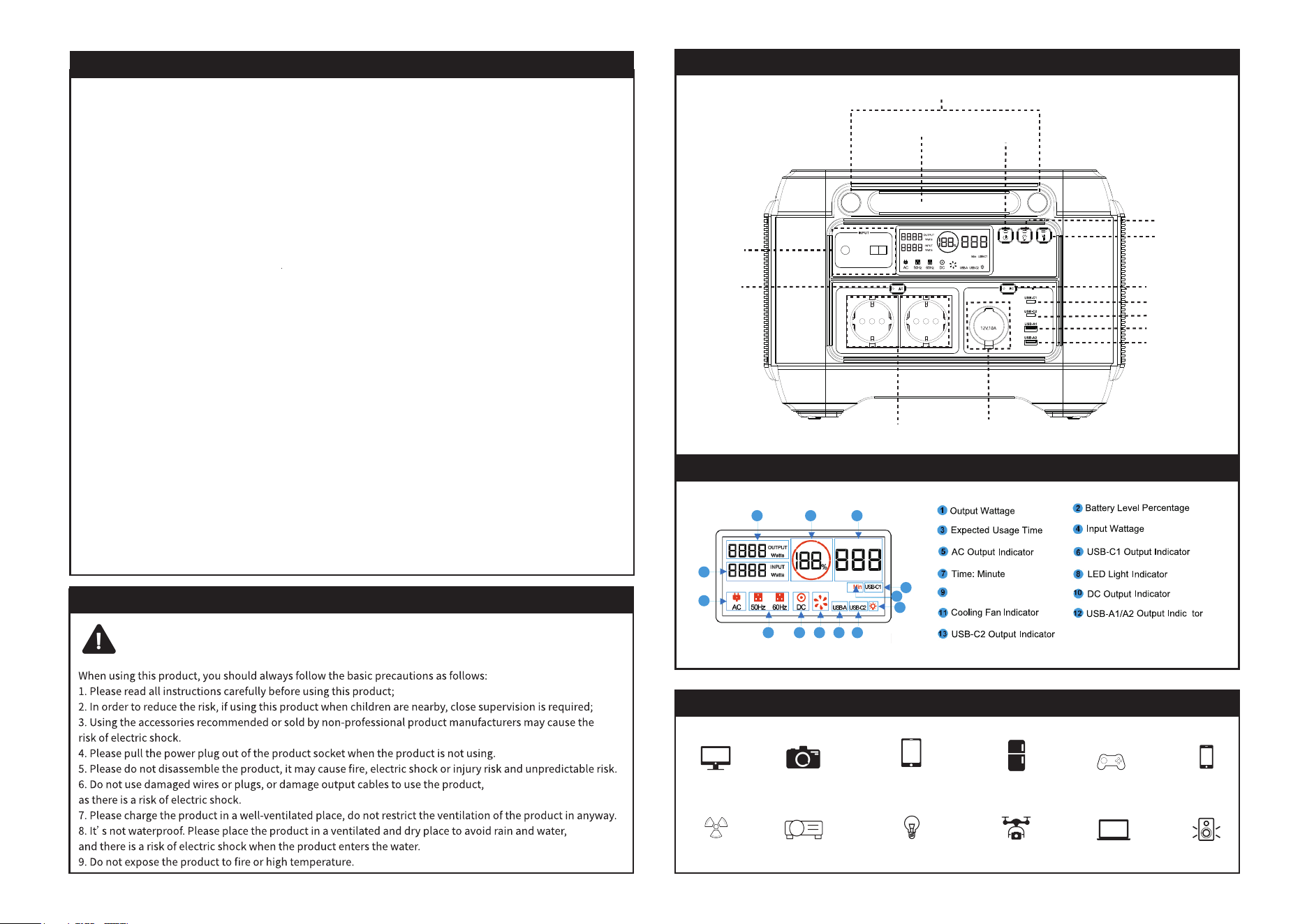
Frequency Indicator
AC Output
Support charging devices
Important Information
Caution:
Camera
Car refrigerator
Fan
LED Light
DroneProjector
Outdoor Speaker
BUTTON DESCRIPTION
Switch
Tablet
Display screen
Phone
Laptop
Schematic Diagram
LED Light
Spotlight
Power ON/OFF
Button
DC ON/OFF Button
USB-C1 Input/Output
USB-C2 Output
USB-A1 Output
USB-A2 Output
Car Port Output
DC Input
AC ON/OFF
Button
LED Light ON/OFF
Button
Spotlight ON/OFF
Button
LCD Display Screen
2. The LCD screen would display OUTPUT indicator, DC Indicator, USB-C Indicator, USB-A indicator, battery power percentage and
3. Short press again to turn on the A1001.
2. The display will standby for about 10S and then turn off to enter the sleep statue.
Power On/Off Button:
1. Short Press to start the product display and the button indicator lights up.
4. Long press 3S to turn it off;
(The button is invalid when charging.)
AC On/Off Button:
DC ON/OFF Button:
LED Read Light/SOS Mode On/Off Button:
(long-press 3S can turn off the light on any mode)
(long press about 3S can also turn off the LED)
Spotlight Mode On/Off Button:
1. Turn on the battery first by pressing the Power ON/OFF Button, then short press the AC power button to turn AC on.
2. The LCD screen would display OUTPUT indicator, AC Indicator, 60HZ indicator, battery power percentage, total output wattage.
3. Short press again to turn the AC and screen off.
1. Turn on the battery first by pressing the Power ON/OFF Button, then short press the DC power button to turn DC on.
3. Short press again to turn the DC and screen off.
real time total output wattage indicator.
1. Short press the LED button the 1st time to turn the LED on, the screen would display LED light indicator,
2. Short press the LED button the 2nd time - LED read light medium mode
3. Short press the LED button the 3rd time - LED read light high mode
4. Short press the LED button the 4th time - SOS light mode
5. Short press the LED button the 5th time to turn the LED light off
battery power percentage and total output wattage.
1. Short Press the LED light Button to turn on the LED light, LCD screen would display LED light indicator, battery power percentage,
real time total output wattage indicator.
2. Press again to turn the spot light and LED indicator off.
AC 230V 1000W
AC 230V 1000W
Charging Method
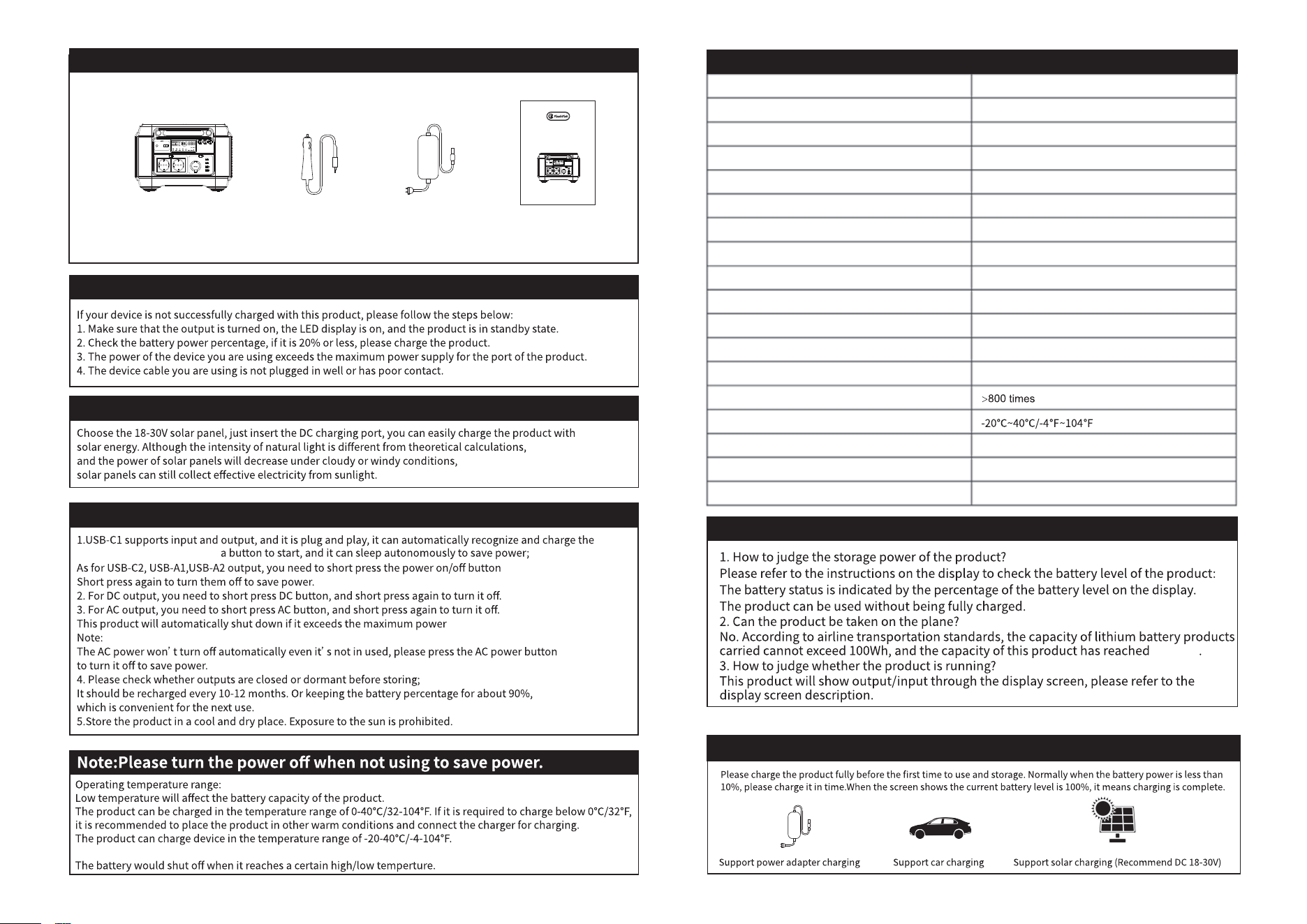
Packing List
Troubleshooting
Solar Panel Charging:
How to use the product:
Portable Power Station
Car Charger
AC Adapter
User Manual
Common Problem
to turn them on.
corresponding device without
Model
Capacity
AC Output
Car Port Output
USB-C1 Input / Output
USB-C2 Output
USB-A1 Output
USB-A2 Output
DC Input
Anderson Port Input
DC / Anderson Input + PD USB-C1
Solar Charging
Charging Time
Cycles
Operation Temperature
Weight
Size
Warranty
A1001
1030Wh/278400mAh
230V Rated 1000W Peak 2000W
12V/10A (Max)
5V/2.4A, 9V/3A, 12V/3A, 15V/3A, 20V/5A
5V 2.4A, 9V 3.0A, 12V 2.25A
4.5V/5A, 5V 2.4A, 9V 2.0A, 12V 1.5A
4.5V/5A, 5V 2.4A, 9V 2.0A, 12V 1.5A
25V/5A, 125W (Max)
5-30V/6A, 150W (Max)
260W (Max), 4-5 Hours Fully Charge
18V-30V/200W Recommended
8~9 Hours With Original AC Adapter
10.5kg/23.15lb
L341*W252*H235.2mm/L13.43*W9.92*H9.26in
12 Months Warranty From The Date Of Purchase
Technical Parameters
1030Wh
Portable Power Station
A1001
User Manual
AC 230V 1000W
Thank you for buying from
A1001
Warranty Period
Purchase Date
Product Name
Brand
12 months from the date of purchase
Year Month Day
Warranty Card
If you have any questions or need technical support, please contact us directly via the follow contact details.
When you apply for a return or replacement, please remember to provide us some pictures or a video
regarding the exact issue of the product. So that we can handle the after-sales service for you in the first time.
guarantees our products to the original purchaser that the solar generator is free from defects
in materials and workmanship.
If goods are faulty or doesn't do what is is supposed to do for 12 months from the date of purchase.
You can choose between a refund or replacement.
Damages from normal wear and tear, man-made reasons, unauthorized disassembly, alteration,
misuse, neglect, accident, and damage caused by irresistible reasons are not cover by the Warranty.
FF FLASHFISH
Flashfish
Flashfish