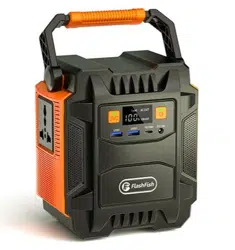
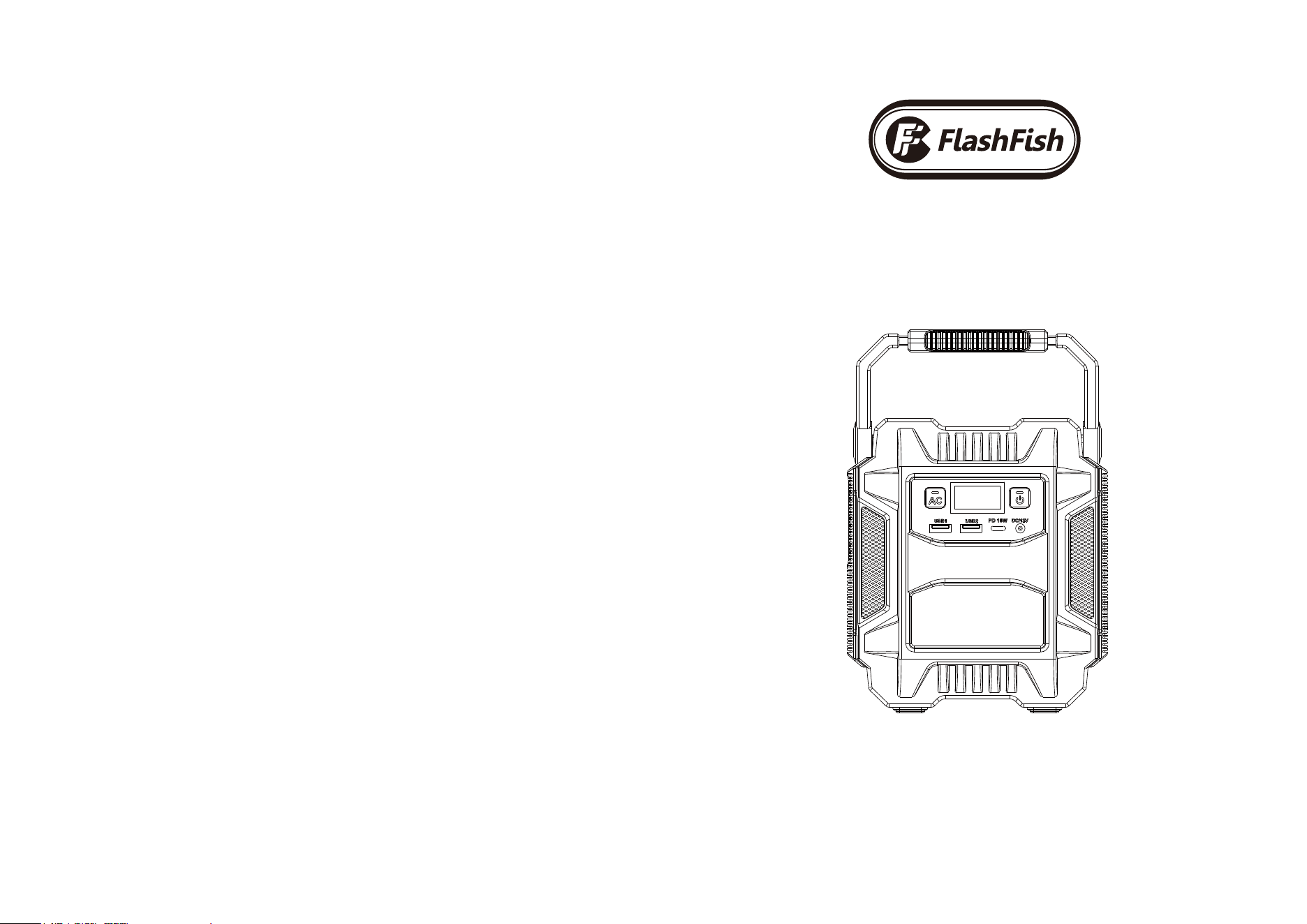
Portable Power Station
User Manual
Warranty Period
Purchase Date
Product Name
Brand
12 months from the date of purchase
Year Month Day
A201
Warranty Card
Thank you for buying from Flashfish
If you have any questions or need technical support, please contact us directly via the follow contact details.
When you apply for a return or replacement, please remember to provide us some pictures or a video
regarding the exact issue of the product. So that we can handle the after-sales service for you in the first time.
Flashfish warrants our products to the original purchaser that the solar generator is free from defects in
materials and workmanship.You can choose between a refund or replacement.
where goods are faulty or doesn't do what is is supposed to do for 12 months from the date of purchase.
Damages from normal wear and tear, alteration, misuse, neglect, accident,
service by Warranty anyone other that authorized service center are not included.
Flashfish
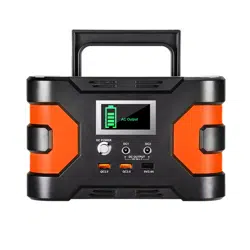
A301 Portable Power Station
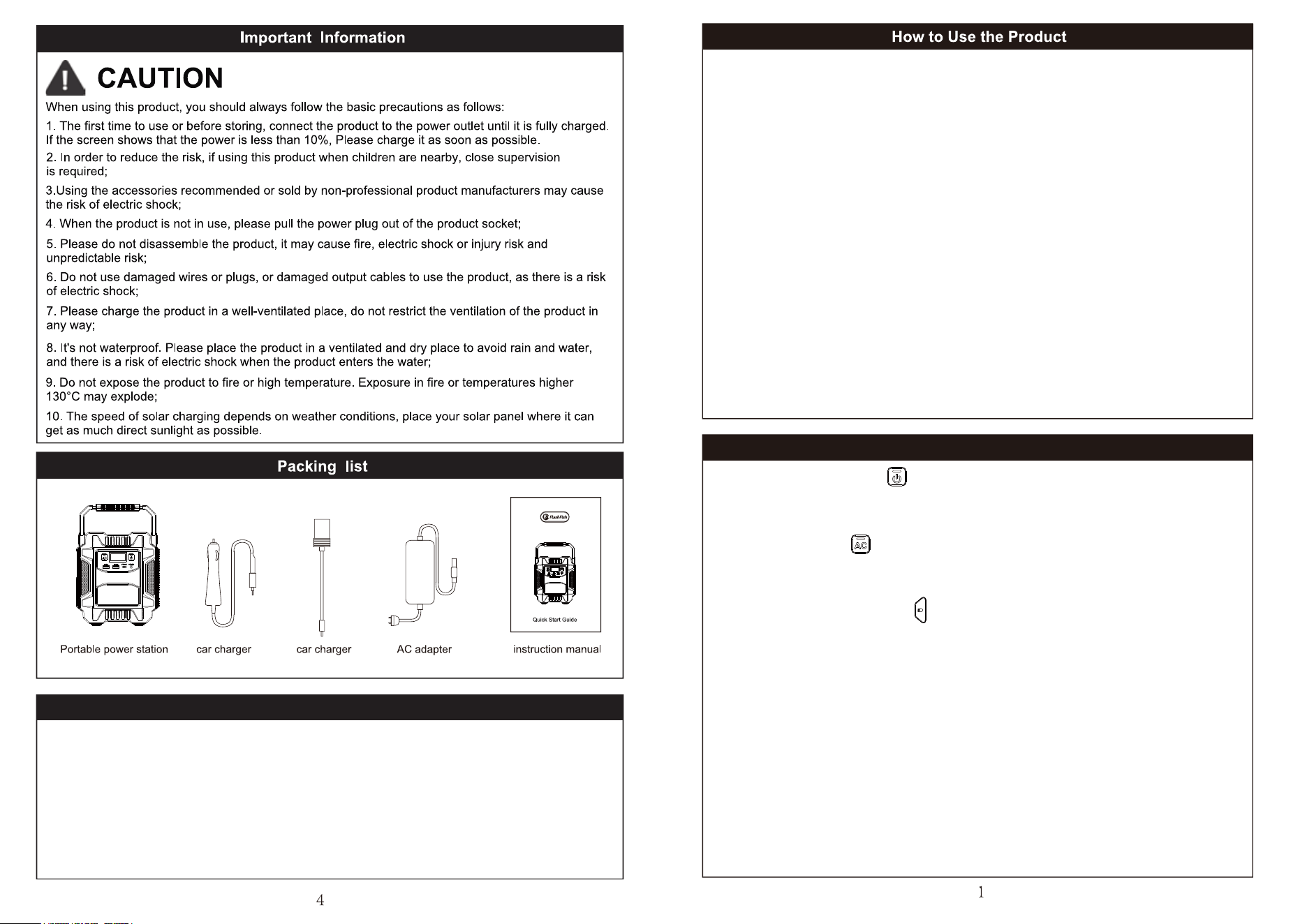
1. Before using it for the first time, please fully charge the product.
2. For DCType-C USB output, press the Power ON/OFF button first, when the LED display is on, press
the power button again, when the display shows DCType-C USB OUT, then you could use the DCTyp
e-C USB power.
3. Long press the AC power button to start or stop the AC output. The power rated 200W( peak 400W),
if the peak power is exceeded, the product will automatically turn off the power supply to ensure that the
product is overloaded and not to be damaged. When the AC output power reaches higher than 200W,
in order to meet the priority of the AC output power supply, the DC output ports will close the output.
4. Click the LED light button, the LED light will switch cyclically in the four states of read light low/high,
SOS, spotlight
5. If the product is not used for a long time, it should be charged fully at least every 1 month before storing.
The product should be stored in a cool and dry place.
When the AC port is not in use, it should be turned off manually(long press AC button)
to save power and can reduce unpredictable risks.
The battery will autommatically turn off after 10 seconds if it is not in use
BUTTON DESCRIPTION
Power ON/OFF Button:
1. Short press to turn screen on
2. Short press again to turn DC power on
3. long press 3 seconds turn off the A201
AC Power Button:
1. To turn on the battery first by pressing the Power ON/OFF Button
2. Then long press the AC Power button for 3s to turn on AC power
3. Long press for 3s again to turn it off
Note:
The AC power won’t turn off automatically even it’s not in used, please long press the
AC power button for 3s to turn it off to save power.
LED Light ON/OFF Button:
1. Read Light Mode:
(1) Short press the button the 1st time - LED read light low mode
(2) Short press the LED Button the 2rd time - LED read light high mode
(long-press 3S can turn off the light on any mode)
2. SOS Mode:
(1)Short press the LED Button the 3th time - SOS Mode
(2)Short press the LED Button the 4th time - Strobe Mode
(3)Short press the LED Button the 5th time - To turned off LED light
(long-press 3S can turn off the light on any mode)
If your devices can not be powered/charged successfully with the battery, please check the following steps:
1.Make sure all the outputs have been turned on
2.Check the battery level, if battery level less than 10%, please charge the battery first
3.The rated power of AC is 200W(Peak 400W), DC rated 120W total, please make sure the devices you run on the
battery, do not exceed the rated power of the outputs
4.Check whether the device charging cables are plugged in the battery well
Troubleshoot
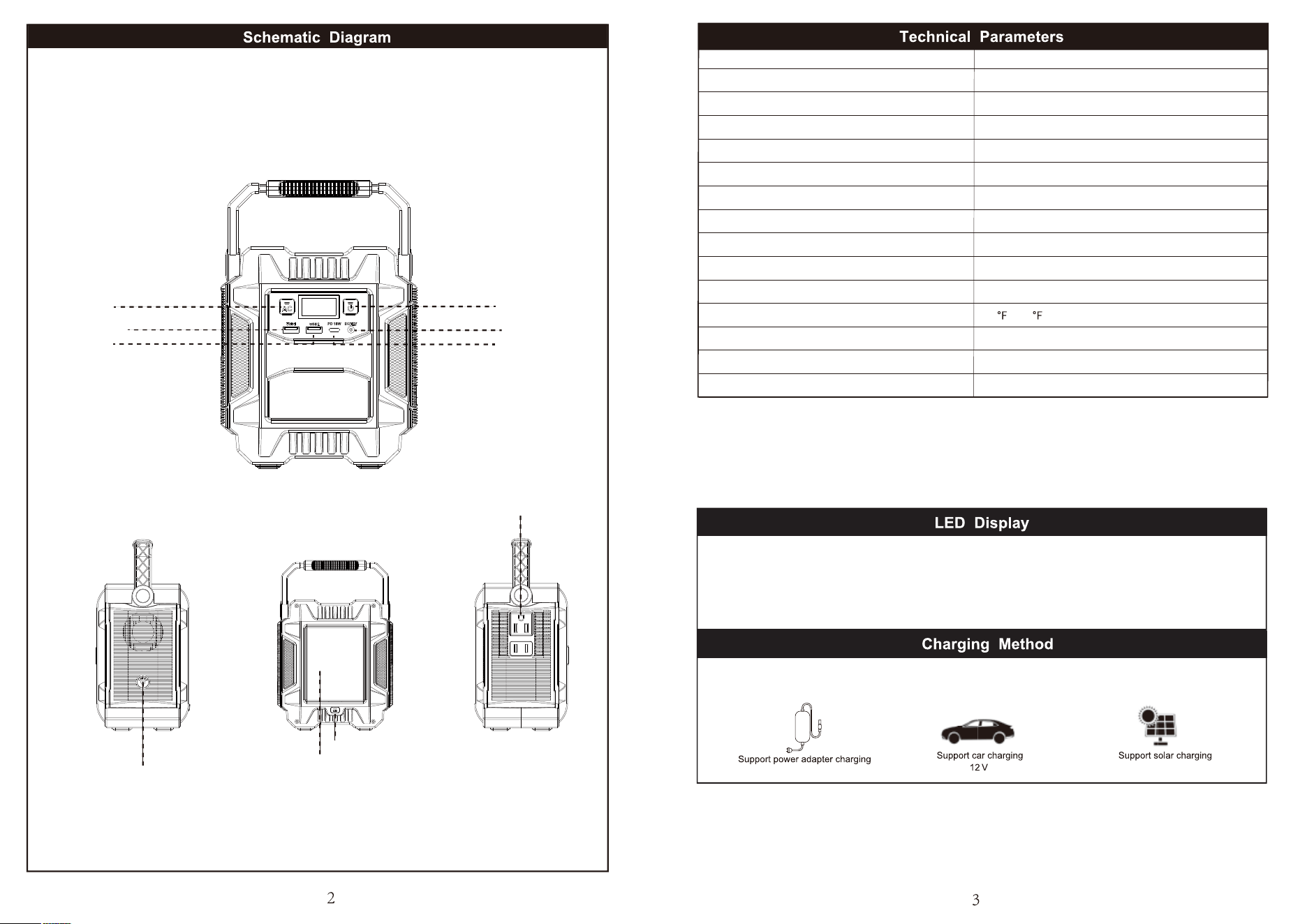
Model
Battery Capacity
AC Output
DC Output
PD Type-C Output
USB-1 /USB-2 Output
LED Mode
DC Inputt(Adapter)
Solar Charging
Charging Time
Cycles
Operation Temperature
Weight
Size
Warranty
A201
172.8Wh/48000mAh
Rated 200W Peak 400W
12V/10A (MAX)
18W
5V 2.4A, 9V 2.0A, 12V 1.5A
Read Light, SOS, Storbe
15V/2A
18V-24V
6 hours with 15V/2A AC Adapter
>800 times
14
~104
3.75lb
L6.02n*W4.33in*H6.81in
12 months from the date of purchase
DC Input
LED Light
LED ON/OFF Button
AC ON/OFF
Button
Power ON/OFF Button
DC ON/OFF Button
USB-A1
USB-A2
PD Type-c Output
AC Output
AC Output
DC Output
The display shows the battery power percentage, AC Output, DC Output and LED Lightning
1. The information on the left side of the display indicates the battery power percentage, and LED lightning indicator
2. The information on the right side of the display indicates AC and DC Output indicator
3. Related status display on the screen, you can refer to more information about the product's functions
Please charge the product fully before the first time to use and storage.Normally when the battery power is less than 10%, please charge it in
time. When the display shows that the current battery level is 100%, it means charging is complete.
DC 18-24V