Questions, problems, missing parts? Before returning to the store,
call Hampton Bay Customer Service
8 a.m. - 7 p.m., EST, Monday-Friday, 9 a.m. - 6 p.m., EST, Saturday
1-855-HD-HAMPTON
HAMPTONBAY.COM
THANK YOU
We appreciate the trust and confdence you have placed in Hampton Bay through the purchase of this light fxture. We strive to
continually create quality products designed to enhance your home. Visit us online to see our full line of products available for
your home improvement needs. Thank you for choosing Hampton Bay!
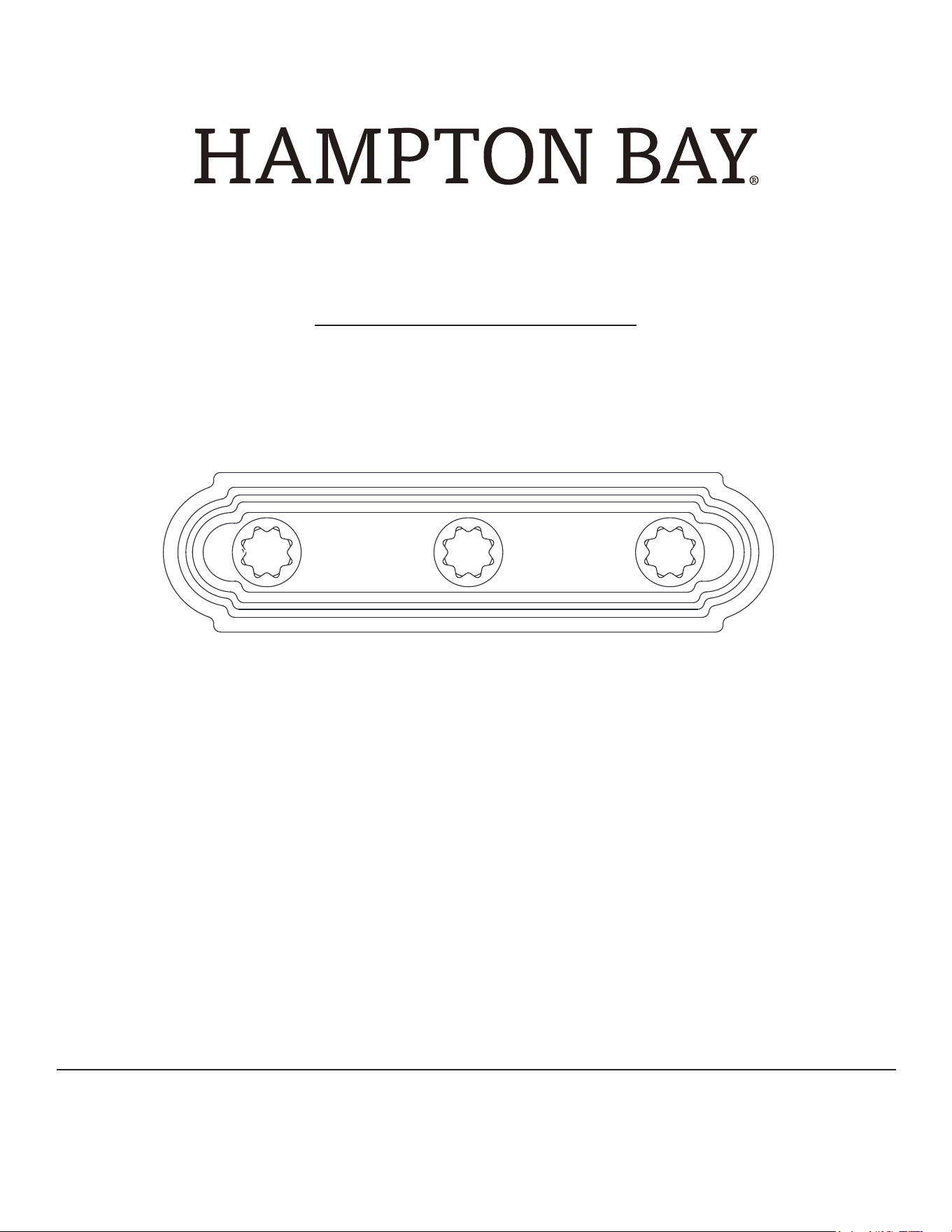
USE AND CARE GUIDE
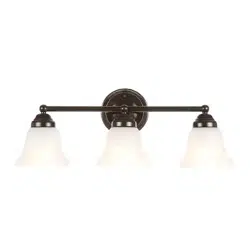
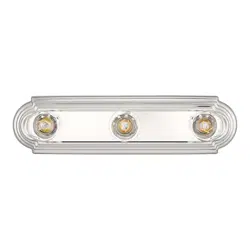
3-Light Vanity Fixture
Item# 644212
Model# RS220121L3
2
HAMPTONBAY.COM
Please contact 1-855-HD-HAMPTON for further assistance.
CAUTION: Inspect the wire insulation for any cuts,
abrasions, or exposed copper that may have resulted
during shipping. If there is a defect in the wire, do not
attempt installation. Please call our Customer Service
Team at 1-855-HD-HAMPTON.
The manufacturer warrants this lighting fixture to be free from defects in materials and workmanship for a period of three (3) years from
date of purchase. This warranty applies only to the original consumer purchaser and only to products used in normal use and service. If
this product is found to be defective, the manufacturer’s only obligation, and your exclusive remedy, is the repair or replacement of the
product at the manufacturer’s discretion, provided that the product has not been damaged through misuse, abuse, accident, modifications,
alterations, neglect, or mishandling. This warranty shall not apply to any product that is found to have been improperly installed, set-
up, or used in any way not in accordance with the instructions supplied with the product. This warranty shall not apply to a failure of the
product as a result of an accident, misuse, abuse, negligence, alteration, faulty installation, or any other failure not relating to faulty material
or workmanship. This warranty shall not apply to the finish on any portion of the product, such as surface and/or weathering, as this is
considered normal wear and tear. The manufacturer does not warrant and specially disclaims any warranty, whether express or implied,
of fitness for a particular purpose, other than the warranty contained herein. The manufacturer specifically disclaims any liability and
shall not be liable for any consequential or incidental loss or damage, including but not limited to any labor / expense costs involved in the
replacement or repair of said product.
Contact the Customer Service Team at 1-855-HD-HAMPTON or visit www.HAMPTONBAY.com.
Table of Contents
Safety Information
Warranty
Table of Contents ................................................................................2
Safety Information ..............................................................................2
Warranty .............................................................................................2
Pre-Installation ...................................................................................3
Planning Installation .....................................................................3
Tools Required .............................................................................3
Consult a qualified electrician if you have any electrical
questions.
Hardware .....................................................................................3
Package Contents ........................................................................4
Installation ..........................................................................................5
Operation ............................................................................................6
Care and Cleaning ..............................................................................6
Troubleshooting ..................................................................................6
WARNING: Before starting installation of this fixture
or removal of a previous fixture, disconnect the power
by turning off the circuit breaker or by removing the
fuse at the fuse box.
□
3
HAMPTONBAY.COM
Please contact 1-855-HD-HAMPTON for further assistance.
Pre-Installation
PLANNING INSTALLATION
Read all instructions before installation.
To avoid damaging this product, assemble it on a soft, non-abrasive surface, such as carpet or cardboard.
Keep your receipt and these instructions for proof of purchase.
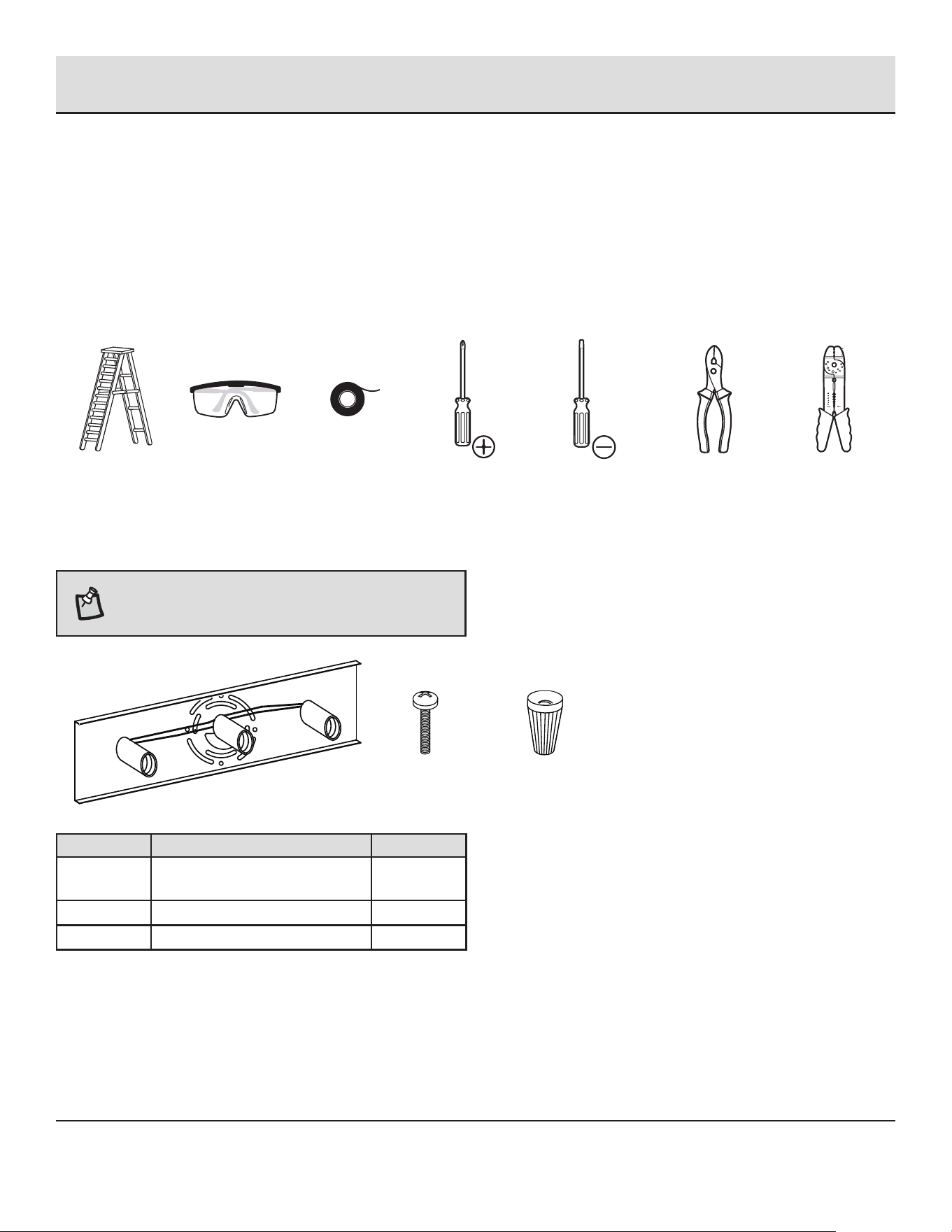
TOOLS REQUIRED
Ladder
Safety
glasses
Electrical
tape
Phillips
screwdriver
Flat blade
screwdriver
Pliers
Wire
strippers
HARDWARE INCLUDED
NOTE: Hardware not shown to actual size.
___________AA ___________BB ___________CC
Part Description Quantity
AA Mounting unit (pre-assembled
with light fixture)
1
BB Mounting screw 2
CC
Wire nut 3
□
□
□
4
HAMPTONBAY.COM
Please contact 1-855-HD-HAMPTON for further assistance.
Pre-Installation (continued)
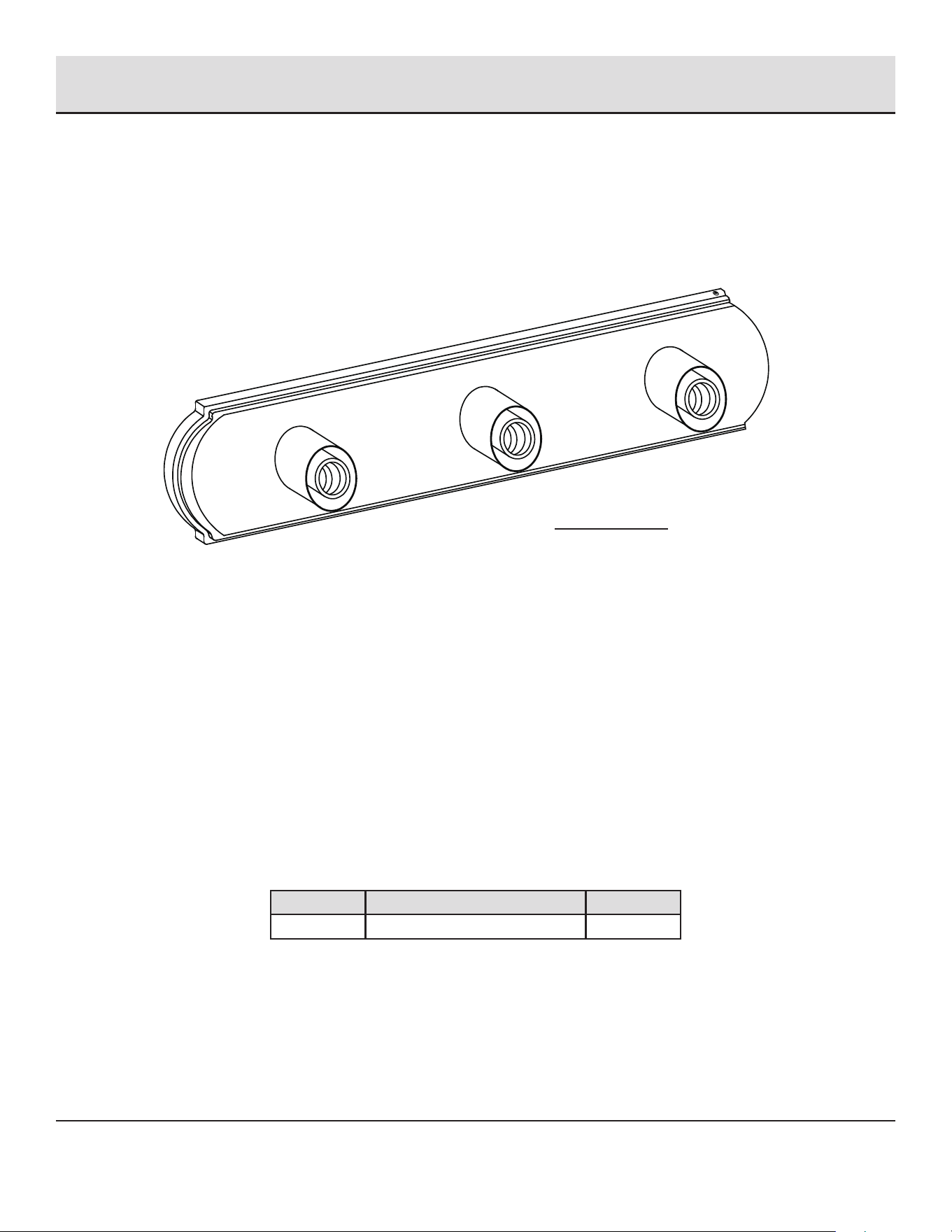
PACKAGE CONTENTS
Part Description Quantity
A Light fixture 1
A
5
HAMPTONBAY.COM
Please contact 1-855-HD-HAMPTON for further assistance.
Installation
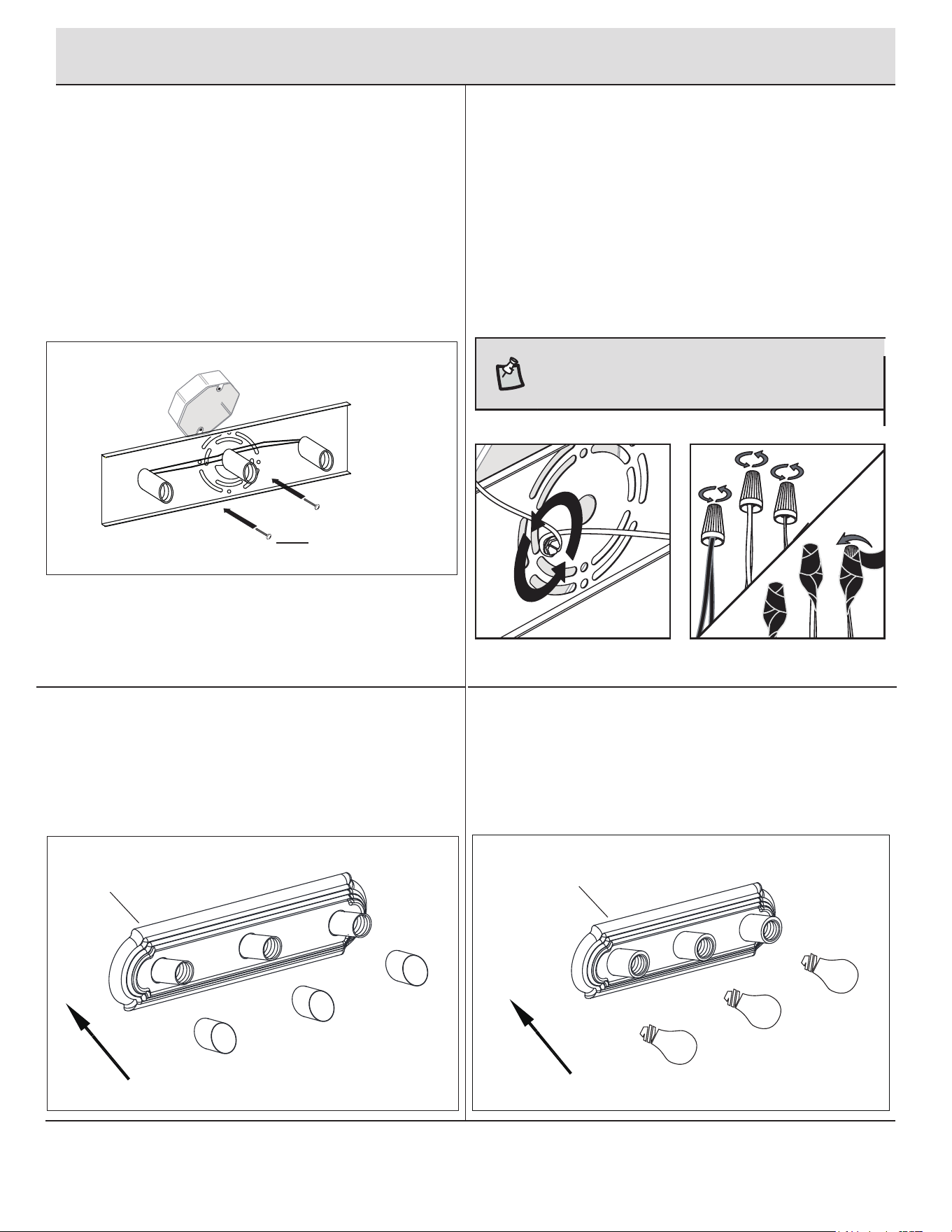
SECURING THE LIGHT FIXTURE
Secure the light fixture (A) by placing it over the mounting
unit (AA) and securing it with the previously removed
socket ring.
3
INSTALLING THE LIGHT BULBS
4
□
1
ATTACHING THE MOUNTING UNIT TO THE
JUNCTION BOX
Remove the pre-installed socket ring from the socket
of lamp base (A) and put them in a safe location. Attach
the mounting unit (AA) to the junction box (not included)
with the mounting screws (BB).
4. Secure the light fixture (A) to
box by placing it over the preins
screws on the mounting unit (A
securing it with the previously re
nut.
2
MAKING THE ELECTRICAL CONNECTIONS
Connect the copper wi
Install three 60-watt max. medium-base incandescent
bulbs or compatible CFL bulbs (not included).
re from the light fixture (A) to the
mounting unit (AA) by securing it with the pre-installed
ground screw.
Connect the black to black (power), the white to white
(neutral) and copper wire to ground wire with the wire
nuts (CC) and secure with electrical tape (not included).
NOTE: If the wires from the fixture are the same color,
attach the side with markings or letters to the black
(positive) wire and the other to the white (neutral) wire.
CC
□ □
□
□
A
A
AA
BB
6
HAMPTONBAY.COM
Please contact 1-855-HD-HAMPTON for further assistance.
Operation
Care and Cleaning
Troubleshooting
1
TURNING THE LIGHT ON
Turn the light switch on to activate the fixture.
Clean the lamp with a soft, dry cloth.
Do not use any cleaners with chemicals, solvents, or harsh abrasives.
Problem Possible Cause Solution
The bulb will not light. The bulb is burned out. Replace the light bulb.
The power is off. Ensure the power supply is On.
There is a faulty wire connection. Check the wiring.
The circuit breaker is off. Ensure the circuit breaker is in the On position.
The fuse blows or circuit breaker
trips when the light is turned on.
There are crossed wires or the
power wire is grounding out.
Check the wire connections.
Contact a qualified electrician or call the Customer Service
Team at 1-855-HD-HAMPTON.
□
□
□

Questions, problems, missing parts? Before returning to the store,
call Hampton Bay Customer Service
8 a.m. - 7 p.m., EST, Monday-Friday, 9 a.m. - 6 p.m., EST, Saturday
1-855-HD-HAMPTON
HAMPTONBAY.COM
Retain this manual for future use.