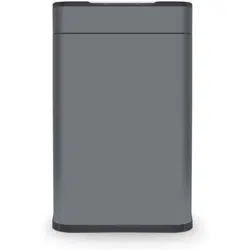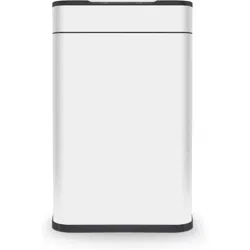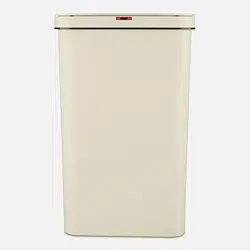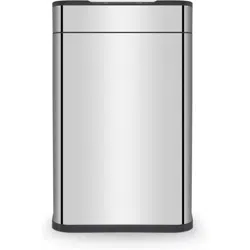
60 Litre
Ozone Sensor Bin
Instructions & Guarantee Registration
PLEASE READ CAREFULLY
*Subject to registering Your Extended Guarantee online at www.towerhousewares.co.uk
60 Litre Ozone Sensor Bin
2
Register Your Extended Guarantee online at www.towerhousewares.co.uk
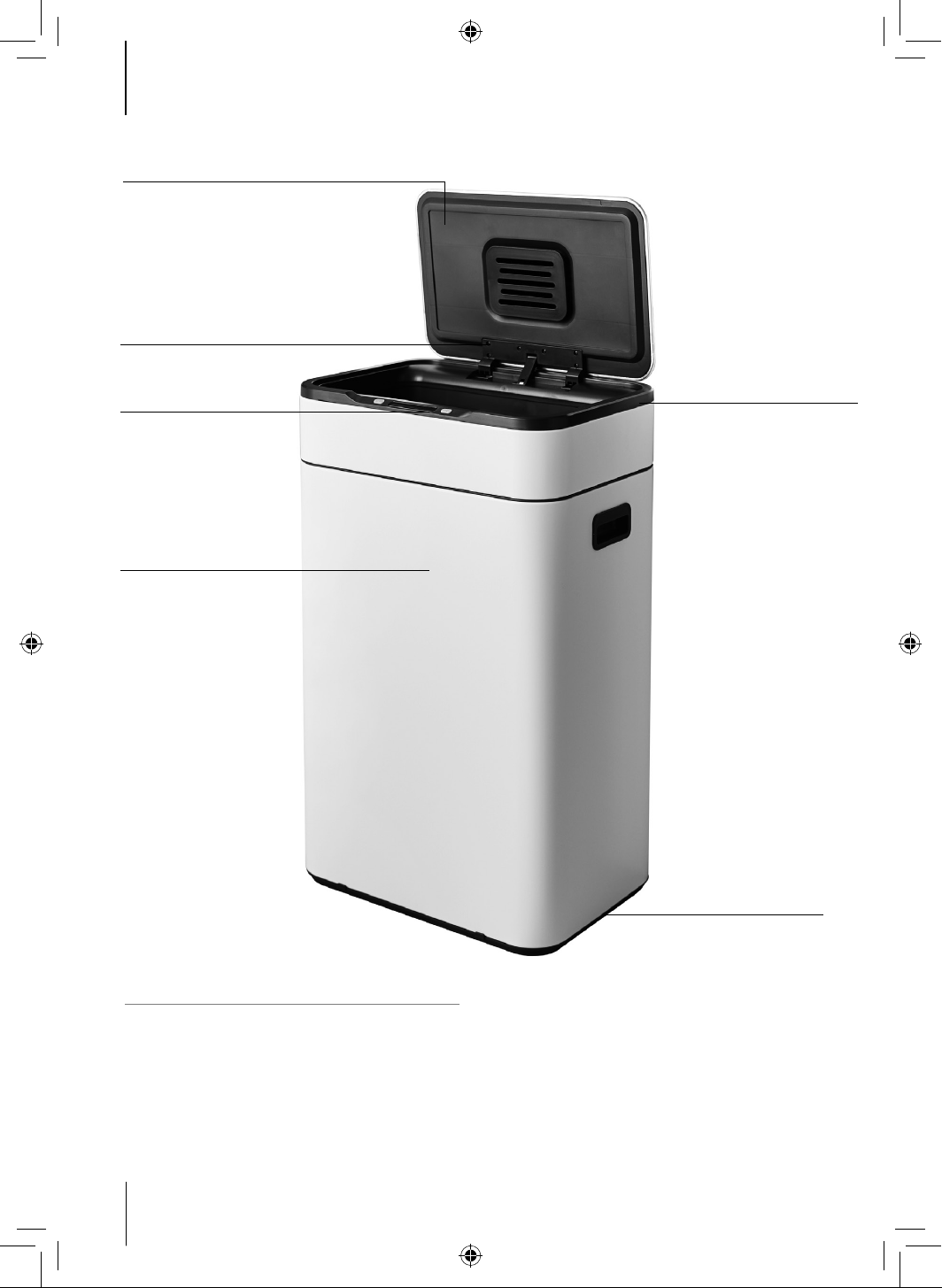
STRUCTURE OF THE SENSOR BIN
1. Sensor bin lid
2. Battery compartment / lter compartment
(inside of unit)
3. Open/Close button / Ozone Filtration On/O
button
2. Lid base/battery compartment/
lter compartment
4. Bin body
3. Open/Close button/
Ozone Filtration/
On/O button
1. Sensor Bin Lid
6. Base
4. Bin body
5. Retaining ring
6. Feet
5. Retainer ring

Instruction Manual
3Helpline: +44 (0)844 984 0055
NOTE: Save these instructions for future reference. This product is intended for household use.
IMPORTANT SAFETY INFORMATION
BEFORE FIRST USE
Thank you…
… for purchasing a Tower 60 Litre Ozone Sensor Bin. We hope
you have years of hassle-free cleanliness with your new purchase.
Please read these notes carefully BEFORE using your Tower product.
• Safety First! To avoid suocation,
keep wrappers away from babies and
children.
Read all instructions and safety information carefully before rst use. Please retain this
information for future reference.
1. Remove the product from the box.
2. Remove any packaging from the
product.
3. Assemble the product as detailed in
the relevant section below.
4. Please retain all packaging until you
have checked and counted all the
parts and the contents against the
parts list.
5. Dispose of the packaging in a
responsible manner.
60 Litre Ozone Sensor Bin
4
Register Your Extended Guarantee online at www.towerhousewares.co.uk
4
OPERATING INSTRUCTIONS
Note: If required, refer to the parts
diagram on page 2
Installing the Batteries
To use the sensor bin, start by inserting
6 x AA batteries into the corresponding
compartment inside the sensor bin lid. To
do this, carry out the following steps:
1. Locate the battery compartment and
remove the cover ap.
2. Remove the battery casing from the
battery compartment and insert 3 x
AA batteries (not included) on each
side of the casing (3 at the top and
3 at the bottom) for a total of 6 x AA
batteries.
3. Place the battery casing back into
the battery compartment. Ensure
the contacts on the casing line
up with the contacts inside the
compartment, otherwise the unit will
not work.
4. If the casing has been inserted
correctly, the lights on the underside
of the bin lid and the unit’s LED
control panel will briey light up
to show it is on. If this does not
occur, take out the battery casing
and re-insert it into the battery
compartment, ensuring the contacts
line up.
5. Once the batteries have been
correctly installed, replace the cover
ap onto the battery compartment,
ensuring it is secured into place.
6. The unit is now ready for normal use.
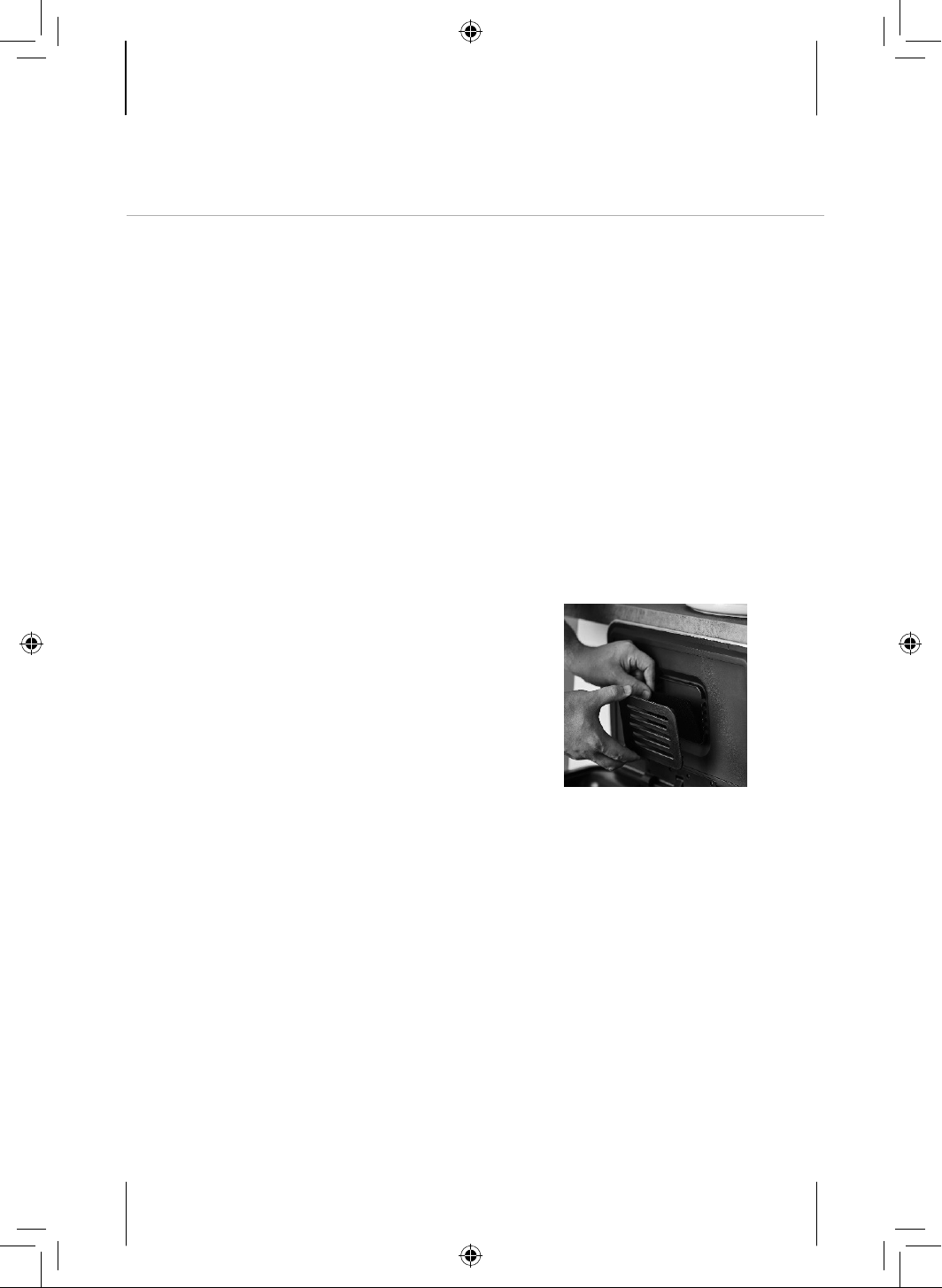
Installing the Carbon Filter
To use the sensor bin, start by installing
the lter. To do this, carry out the
following steps:
1. Turn the sensor bin lid upside down
and locate the lter compartment on
the underside of the lid.
2. Open the lter compartment lid by
holding one of the sides and pulling
it rmly up and away from the main
body of the unit, as shown in the
image below. DO NOT attempt to
pull the lter cover out by holding
onto the top or bottom, as this might
damage the unit.
3. Once the lter compartment is open,
place one of the included carbon
lters inside it and replace the cover,
ensuring it clicks into place.
4. The carbon lter is now ready for
normal use.
Note: For optimal performance, we
recommend replacing the Ozone Filter
Fresh carbon lter every three months.
5
Helpline: +44 (0)844 984 0055
Instruction Manual
OPERATING INSTRUCTIONS
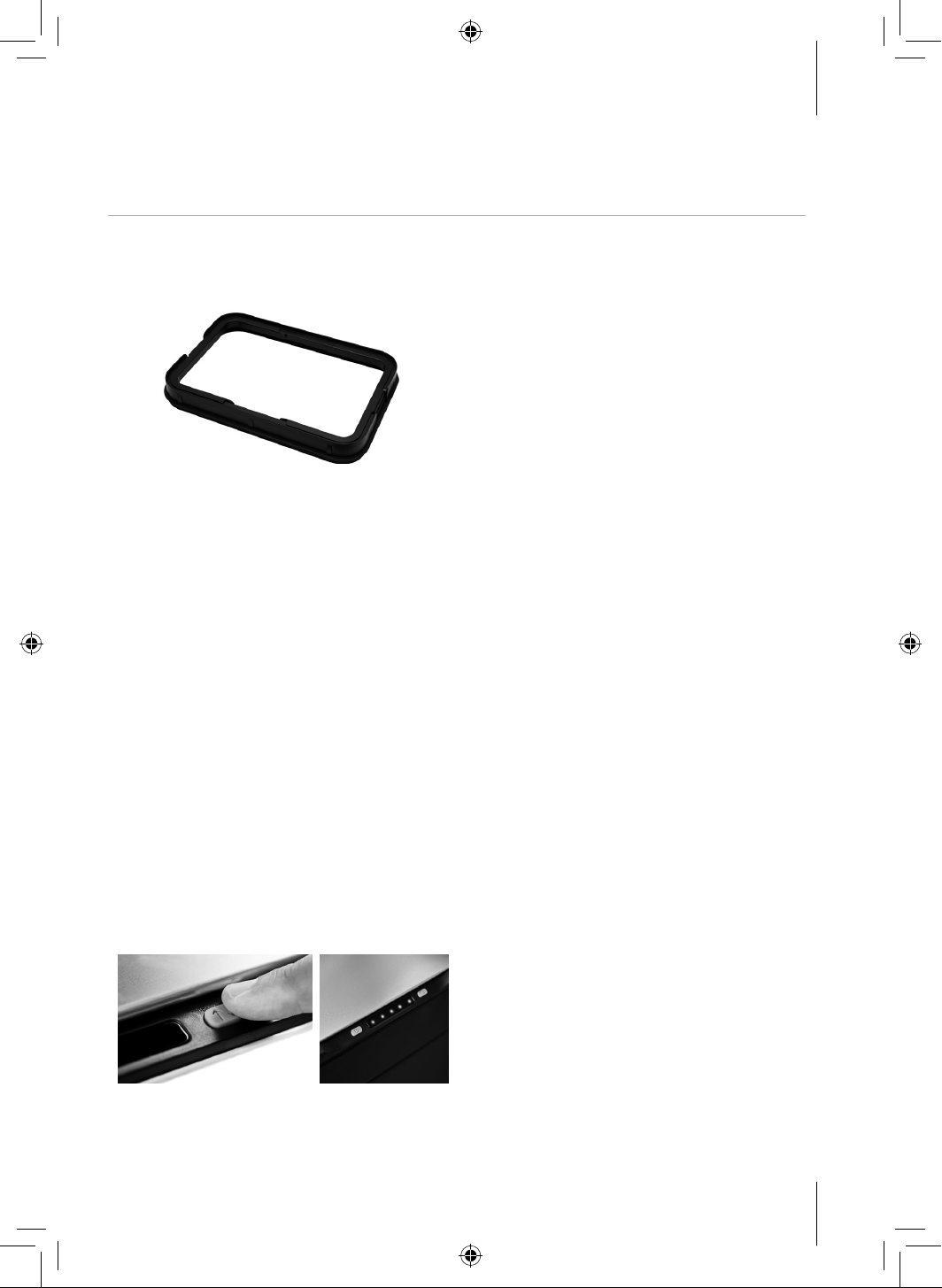
Installing the Retainer Ring
1. Place the bin liner in the centre of
the retainer ring. Fold the top of the
bag over the edge of the retainer
ring, then tuck the edges back into
the bin.
2. With the retainer ring and bag rmly
secured, place the lid back onto the
sensor bin. The unit is now ready for
normal use.
Using the Sensor Bin
1. Once the batteries and lter have
been correctly inserted, press and
hold the On/O button for ve
seconds to activate the automatic
sensor function, as shown in the
picture below. The ve blue LED
indicators on the unit’s control panel
will progressively illuminate from
right to left to show this function
has been activated, as shown in the
image below.
Note: Keep the button pressed until all
ve indicators are illuminated.
Note: Once the sensor function is
activated, the ve blue LEDs will
progressively illuminate every time the
sensor lid is activated, and progressively
de-illuminate as it closes.
2. Press and hold this button again
while the bin is in operation to
deactivate the automatic sensor
function. The ve blue LED
indicators on the unit’s control panel
will progressively de-illuminate from
left to right to show this function has
been activated.
The Ozone Filter Fresh Function
This unit is equipped with Ozone Filter
Fresh technology, which helps reduce
bacteria and odours.
Press and hold the Filter button
to activate the Ozone Filter Fresh
technology. The ve blue LED
indicators on the unit’s control panel will
progressively illuminate from left to right
to show this function has been activated.
(The sensor bin is now in the Ozone 60
second lter fresh cycle)
Note: Keep the button pressed until all
ve indicators are illuminated.

60 Litre Ozone Sensor Bin
6
Register Your Extended Guarantee online at www.towerhousewares.co.uk
Do Not apply any external power to the
lid when it is in use.
Do not press on the lid when it is
opening.
Do not manually open the lid as it may
damage it.
ONLY use type AA batteries and
remove them once they have run out
to prevent leakage. If the bin fails to
operate normally, it may mean the
batteries are running low, or need
replacing. Please avoid mixing brands,
or using old batteries.
Avoid staying in sensing mode for an
unduly long time to prolong the life of
the motor and batteries.
Do Not use water to rinse bin lid or
battery compartment. You can wipe
it with a slightly damp cleaning cloth
when the power is o.
DO NOT IMMERSE IN WATER.
Do not use harsh abrasive detergents
or scouring pads to clean the main
plastic body.
Avoid using the bin in a moist or steamy
environment.
Keep the inductive window away from
direct sunlight or lamplight.
Do not place the bin close to high
frequency electronic products, i.e.:
microwave ovens, energy saving lamps,
or remote controls, etc.
Avoid placing the bin in a contained
space and ensure that any obstacles
don’t block the inductive window within
a 2 metre distance.
The batteries can last 3-6 months
based on the bin lid opening and
closing 20 times a day.
High alkaline batteries can last up to 2
years on standby only.
CARE & USE
BATTERIES:

7
Helpline: +44 (0)844 984 0055
Instruction Manual
This product is guaranteed for 12 months
from the date of original purchase.
If any defect arises due to faulty
materials of workmanship, the faulty
products must be returned to the place
of purchase.
Refund or replacement is at the
discretion of the retailer.
The standard one year guarantee is only
extended to the maximum available
for each particular product upon
registration of the product within 28
days of purchase.
If you do not register the product with us
within the 28 day period, your product is
guaranteed for 1 year only.
GUARANTEE
VALIDATING YOUR 5 YEAR GUARANTEE
TERMS AND CONDITIONS
• The product must be returned to the retailer with proof of purchase.
• The product must be installed and used in accordance with the instructions
contained in this booklet.
• It must be used only for domestic purposes.
• It does not cover wear and tear, damage, misuse or consumable parts.
• RKW has limited liability for incidental, or consequential loss or damage.
This guarantee is valid in the UK and Eire Only.
To validate your extended warranty,
please visit:
www.towerhousewares.co.uk
and register with us online.
Alternatively, call our customer
registration line:
+44 (0)844 984 0055
Please note that length of extended
warranty oered is dependent on product
type and that each qualifying product
needs to be registered individually in
order to extend its warranty past the
standard 1 year.
60 Litre Ozone Sensor Bin
8
Register Your Extended Guarantee online at www.towerhousewares.co.uk
Should you encounter problems, or require a replacement part, please consult the table
below and then contact our Customer Services Department on:
+44 (0)844 984 0055.
Any necessary spare parts may also be purchased online from:
www.towerhousewares.co.uk
SPARE PARTS INFORMATION
CUSTOMER SERVICES
Should you have a problem with your appliance, or need any spare parts, please call
our Customer Services Department on: +44 (0)844 984 0055
It is important to retain the retailer’s receipt as proof of purchase, and we suggest you
staple it to this back cover for future reference.
Please make a note of the 60L Ozone Sensor Bin serial number and model number
(you will nd these on the box it came in).
Serial No.
Model No.
CODE DESCRIPTION
TS4036 Silicone Battery Cover
TS4037 Set of 2 Carbon Filter Replacements
TS4038BLK Black Ozone Bin Lid
TS4038COP Copper Ozone Bin Lid
TS4038GRY Grey Ozone Bin Lid
TS4038SS S/Steel Ozone Bin Lid
TS4038WHT White Ozone Bin Lid
Your warranty becomes void should you decide to use non Tower spare parts.
The spare part is guaranteed for one year from the date of purchase.

9
Helpline: +44 (0)844 984 0055
Instruction Manual

60 Litre Ozone Sensor Bin
10
Register Your Extended Guarantee online at www.towerhousewares.co.uk

11
Helpline: +44 (0)844 984 0055
Instruction Manual
Designed, developed and distributed throughout the UK by RKW Ltd.
60 Litre
Ozone Sensor Bin
great british design, innovation and excellence since 1912
thank you!
We hope you enjoy your product for
many years. As a thank you for purchasing
one of our fantastic products, we are
giving you 5 years peace of mind.
To receive your 5 year guarantee, register
your product online by visiting:
www.towerhousewares.co.uk
Should you have a problem or need any
spare parts, please call our
Customer Service Department on:
+44 (0)844 984 0055