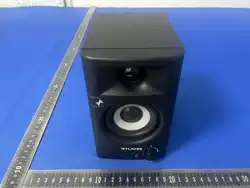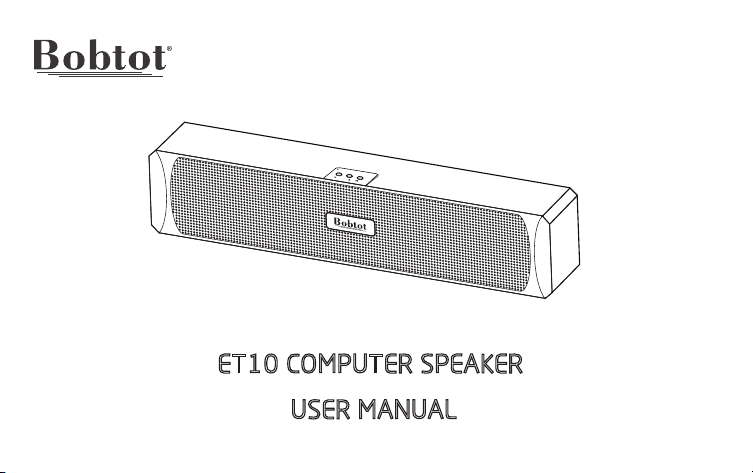
ET10 COMPUTER SPEAKER
USER MANUAL
/V+
/V-
M/
正

Product Features
1. Fashion design, light and smart, easy to carry, it is home Personal companion for travel.
2. Plug and Play, Easy to use, space saving, with 2.0 channel stereo.
3. European style cabinet design, infinite sound field, wider.
4. The cavity conforms to the principle of acoustic design, with a soft tone and clear layers.
5. Green low energy consumption digital power amplifier, high efficiency and energy saving.
6. The USB power supply cable plug can be directly inserted into any USB port.
Specifications
1. Output power: RMS 3Wx2 (THD=10%)
2. Input power: USB direct plug power supply (DC 5V, 1A)
3. Speaker specifications: 2 inches x2
4. Frequency response: 20Hz-20KHz
5. Signal to noise ratio: ≥80dB
6. Impedance: 4Ω
7. Distortion: ≤ 0.5%
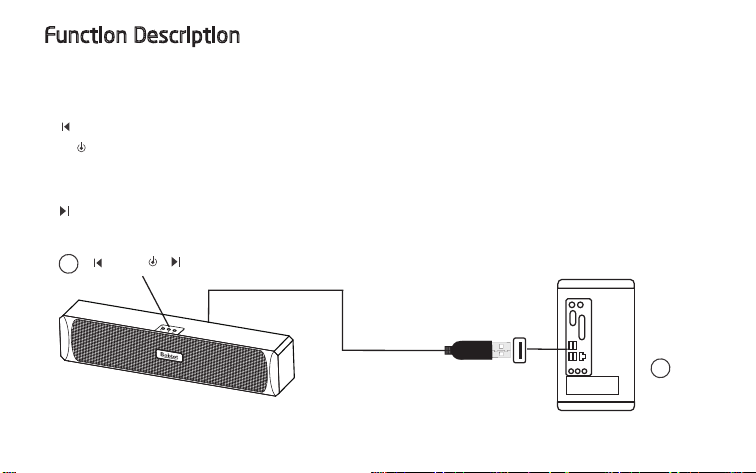
1. Single USB cable directly plug into computer USB port to ensure power supply.
2. Button Control
: Short press to decrease the volume; long press for 2 seconds to the previous song.
: Long press for 3 seconds to power on;Long press for 3 seconds to power off.
Quick double click to switch between computer audio sound and BT mode.
Short press to switch the RGB LED light mode or turn off the light.
: Short press to increase the volume; Long press for 2 seconds to the next song.
Function Description
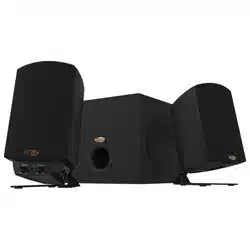
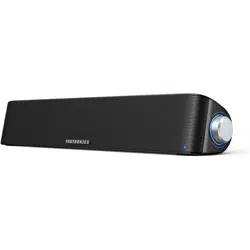
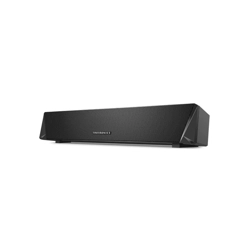
Note: The appearance of the speaker is for reference only, please refer to the actual product!
1
2
PC computer
socket location
Computer
USB port
M/
/V+
/V-
/V+
/V-
M/
/V+
/V-
M/
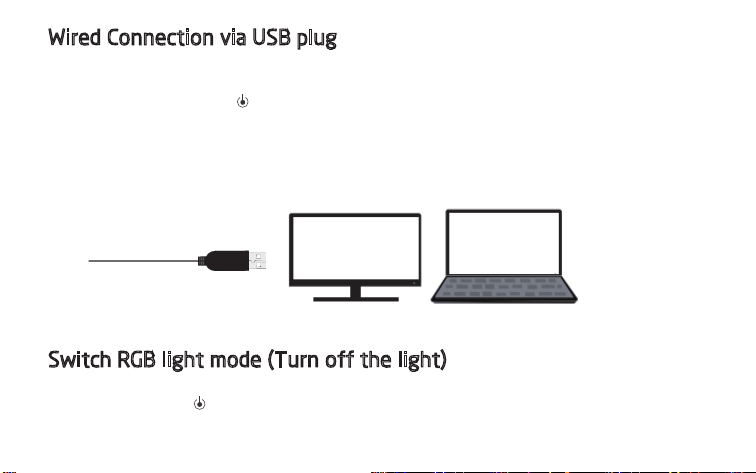
Wired Connection via USB plug
M/
Switch RGB light mode (Turn off the light)
Short press the in any mode. You can switch from RGB Breath Flash- RGB Slow Flash-
RGB Fast Flash-Light Off
M/
1. Plug it into the computer USB port
2. Turn on the power " ”, the LED light flashes and hear the prompt sound "power on".
3. The computer will automatically recognize and set the audio device (USB2.0 Device) as your
computer playback device. Then, the PC speaker is ready to work for you.
Note: When first booted, the USB computer speaker defaults to the sound card audio output.
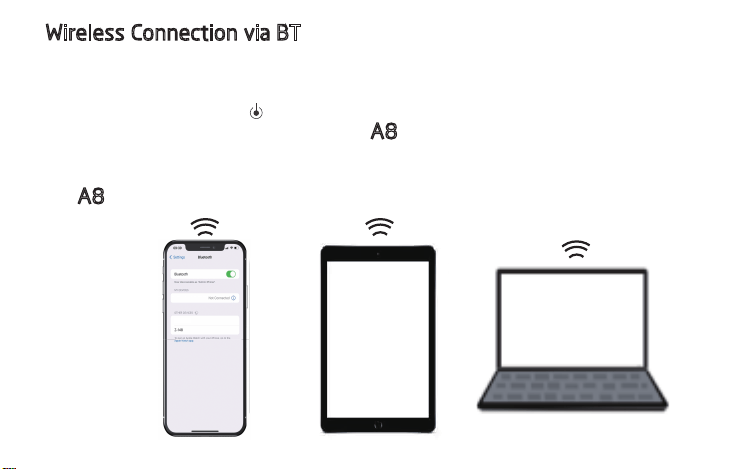
Wireless Connection via BT
When the computer speaker works as an output device for the computer or laptop;
1. Turn on the computer speaker and the prompt sound "power on".
2. Quick double-click the , and you will hear "du du du", it means BT Mode
3. Turn on the BT of your device, search for "
A8" and connect it, you will hear a prompt
sound"Connected".
(If directly plugging in the USB charger or power bank, only BT Mode, you could directly seach
for "
A8" and connect it.)
M/
A8
Troubleshooting of Sound
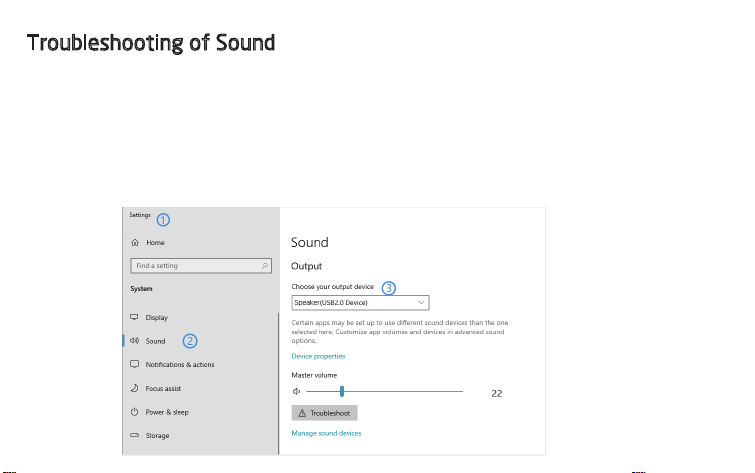
If there is no sound response after plugging it into the computer USB port, please make sure:
1. The USB interface of your computer can work normally or not?
2. The audio driver of your computer sound is up to date or not?
3. Click the "Speaker" icon in the taskbar, and make sure that "Speaker (USB2.0 Device)" is
selected as your computer playback device.
4
Precautions for safe use:
1. Please use this machine in a cool, dry, and clean place.
2. Do not place near the exposed flame sources. Do not expose to water droplets or splashes.
3. Do not use metal, wire or other objects to insert from the opening of the machine.
4. When using a power adapter to supply power, please use the voltage and current that are
consistent with the machine’s charging port.
5. Please do not energize the machine for a long time. Please unplug the power plug from
the power socket when going out or during thunderstorms.
Troubleshooting of BT Connection
1. Make sure the BT of the speaker is not connected by other devices.
2. Unplug the USB from your device.
3. Delete" A8" memorized on your device, then search for "A8" and connect again.
If it still doesn't work after the above inspection, please contact us for more details and
further instructions via message or

F
C
C
Requirement
Any changes or modifications not expressly approved by the party responsible for compliance could
void the user
’
s authority to operate the equipment.
This device complies with Part 15 of the FCC Rules. Operation is subject to the following two
conditions:
(1) this device may not cause harmful interference, and
(2) this device must accept any interference received, including interference that may cause
undesired operation.
Note: This equipment hasbeen tested and foun
d to comply with the limits for a Class B digital device,
pursuant to Part 15 of the FCC Rules. These limits are designed to provide reasonable protection
against harmful interference in a residential installation. This equipment generates, uses, and can
radiate radio frequency energy, and if not installed and used in accordance with the instructions,
may cause harmful interference to radio communications. However, there is no guarantee that
interference will not occu
r in a particular installation. If this equipment does cause harmful
interference to radio or television reception, which can be determined by turning the equipment off
2

Company: MOSWS INTERNATIONAL LIMITED
Add: FLAT/RM 07, BLK B, 5/F
KING YIP FACTORY BUILDING, 59 KING YIP STREET,
KWUN TONG, KOWLOON HONGKONG 999077
Production Standard: IEC/EN60065
MADE IN CHINA
and on, the user is encouraged to try to correct the interference by one or more of the following
measures:
– Reorient or relocate the receiving antenna.
– Increase the separation b etween the eq uipm ent and receiver.
–
Connect the eq uipm ent into an outlet on a circuit different from that to which the receiver is
connected .
– C onsult the d ealer or an experienced radio/TV technician for help .

反