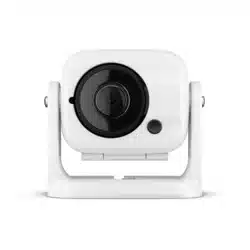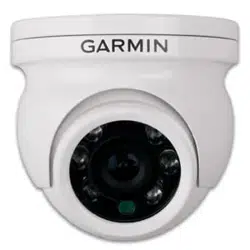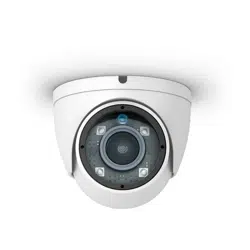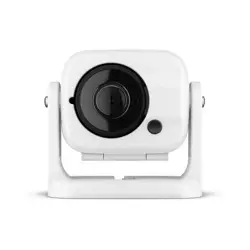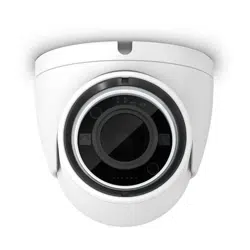
GC
™
14
INSTALLATION INSTRUCTIONS
Getting Started
WARNING
See the Important Safety and Product Information guide in the product box for product warnings and other
important information.
Mounting Considerations
You can mount the camera upside-down or sideways. You can reverse the camera image to use in rearview
mode. See your chartplotter owner's manual for instructions.
You should mount the camera in a location where it is
• not an obstacle in doorways or walkways.
• not exposed to extreme temperatures.
• not exposed to gas or oil.
• not exposed to radioactivity.
• not facing into direct sunlight or a direct reflection of sunlight.
Tools Needed
• 1A fuse or circuit breaker
• Drill and 2mm (
3
/
32
in.) drill bit
GUID-F3AB61D3-A701-4DF6-A841-B96657F5BE46 v5November 2022
Mounting the Camera
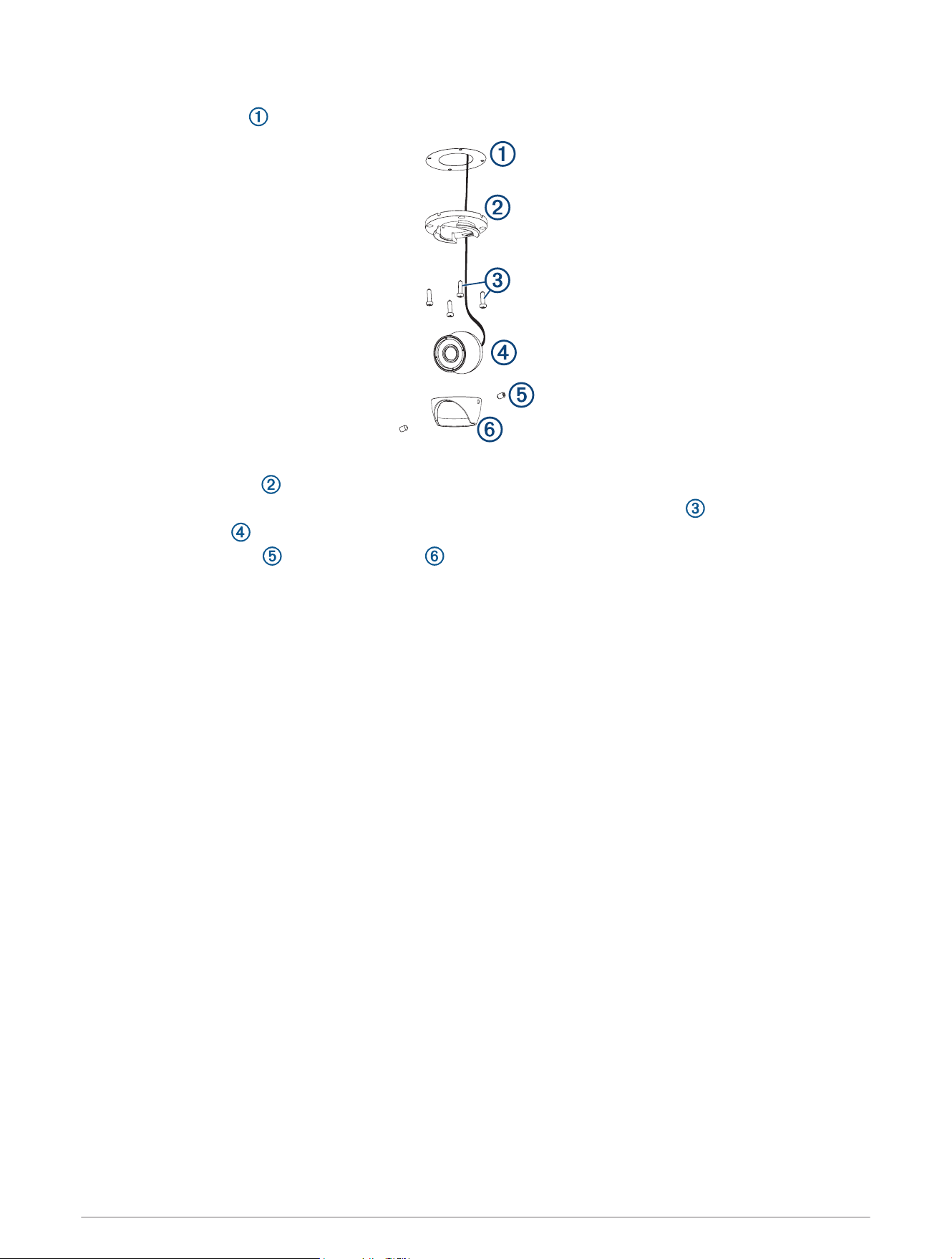
1 Secure the template to the mounting location.
2 Using a 2mm (
3
/
32
in.) drill bit, drill the pilot holes.
3 Adjust the dome base to the correct orientation for your desired camera tilt.
4 Secure the dome base to the mounting location using the included tapping screws .
5 Insert the camera into the dome base.
6 Secure the set screws into the dome front using the included wrench.
Installation Considerations
You must connect the camera power wire to the battery through a 1A fuse or circuit breaker. If you do not use a
fuse or circuit breaker, the camera can malfunction.
You must connect the camera to a Garmin
®
GPSMAP
®
chartplotter with a built-in CVBS video encoder. Video
from the camera or cameras appears on all chartplotters on the Garmin Marine Network when plugged into a
single CVBS IN port. Go to garmin.com/gc14 for a list of compatible GPSMAP chartplotters.
NOTE: To reduce the possibility of interference, you can install a composite video ground loop isolator (not
included) between the camera and any chartplotters that do not have isolated power grounds.
2
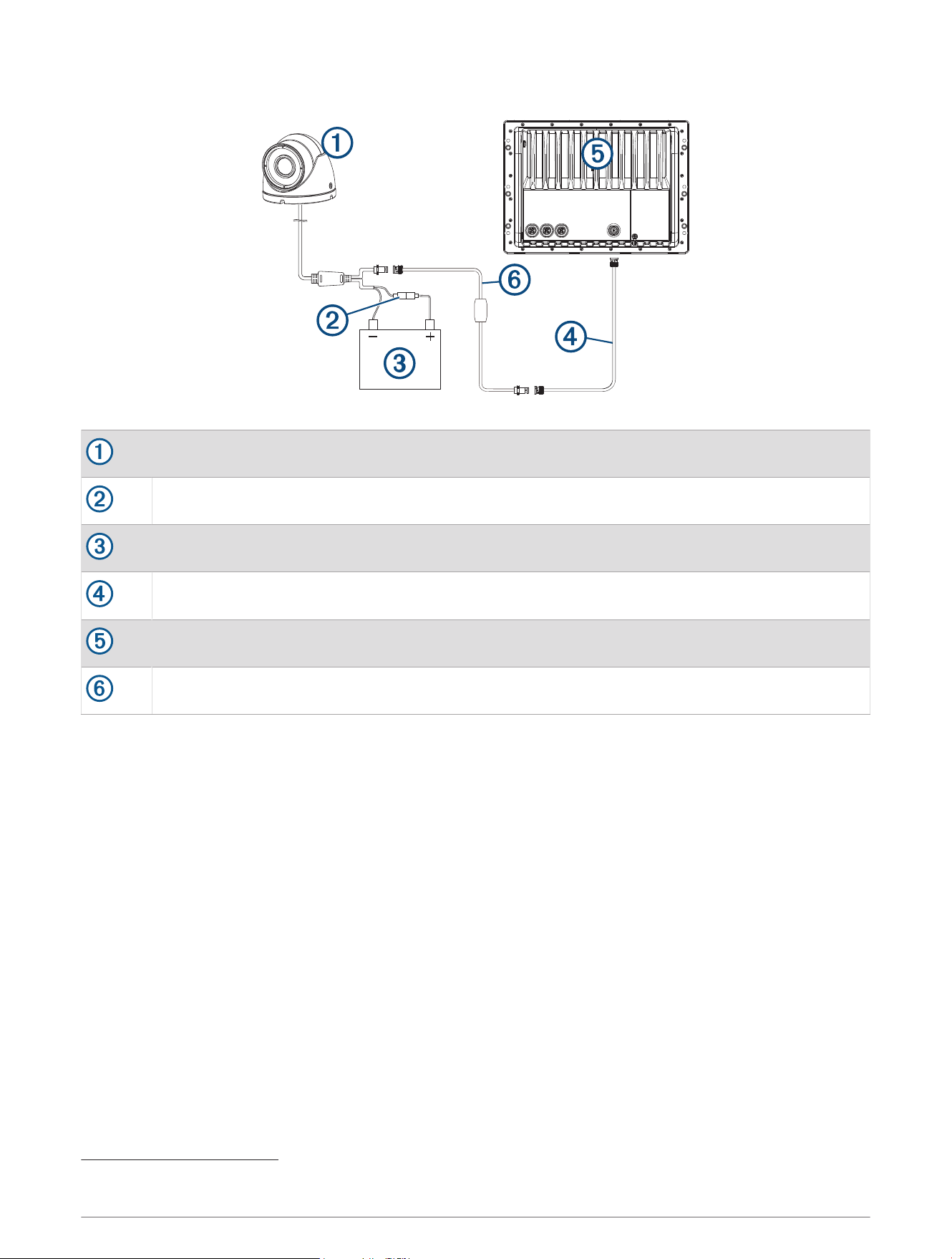
Installation Diagram
GC 14
1A fuse or circuit breaker (not included)
1
12Vdc power source
BNC to BNC coaxial video cable (not included)
Compatible Garmin chartplotter
Composite video ground loop isolator (not included)
Troubleshooting
Video Does Not Appear on the Chartplotter Screen
• Verify all cables are firmly connected.
• Verify the video cable is connected to the camera video output port.
Image on the Chartplotter Screen is Dim or Dark
• Verify the lens is clean. If necessary, wipe the lens with a soft, clean cloth.
• If the camera is exposed to too much direct light, change the camera position or location.
• Adjust the contrast on your chartplotter. See your chartplotter manual for instructions.
Image on the Chartplotter Screen Flickers
• Verify the camera points away from the sun.
• Adjust the contrast on your chartplotter. See your chartplotter manual for instructions.
Camera is Not Working and the Surface is Hot
• Verify the camera is connected to an appropriate power source.
1
You must connect the camera power wire to the battery through a 1A fuse or circuit breaker. If you omit a fuse or circuit breaker, the camera can malfunction.
3

Video Image Includes Scrolling Bars on the Chartplotter Screen
• Verify all cables are firmly connected.
• Install a composite video ground loop isolator (not included) between the camera and any chartplotter that
does not have an isolated power ground.
Specifications
Dimensions (W x H) 54.3 x 50.7mm (2.15 x 2.0 in.)
Weight 190 g (6.7 oz)
Operating temperature From -20 to 60°C (from -4 to 140°F)
Storage temperature From -20 to 60°C (from -4 to 140°F)
Water rating IEC 60529 IPX7
2
Input voltage From 9 to 18Vdc
Current draw
IR off: 90mA @ 12 Vdc
IR on: 183mA @ 12 Vdc
Compass-safe distance 254 mm (10.0 in.)
Viewing angle
Vertical : 52 degrees
Horizontal : 95 degrees
IR distance 15m (49ft.)
Video output 1.0Vp-p composite 75 Ω composite
Resolution PAL
Effective pixels
Vertical: 582
Horizontal: 976
© 2021 Garmin Ltd. or its subsidiaries
Garmin
®
, the Garmin logo, and GPSMAP
®
are trademarks of Garmin Ltd. or its subsidiaries, registered in the USA and other countries. GC
™
is a trademark of Garmin Ltd.
or its subsidiaries. These trademarks may not be used without the express permission of Garmin.
M/N: B0P0776
2
The device withstands incidental exposure to water of up to 1m for up to 30min. For more information, go to www.garmin.com/waterrating.
© 2021 Garmin Ltd. or its subsidiaries
support.garmin.com