HOLD
ZERO
…Lev el
HOLD
ZERO
…Lev el
Low
Battery
Warning
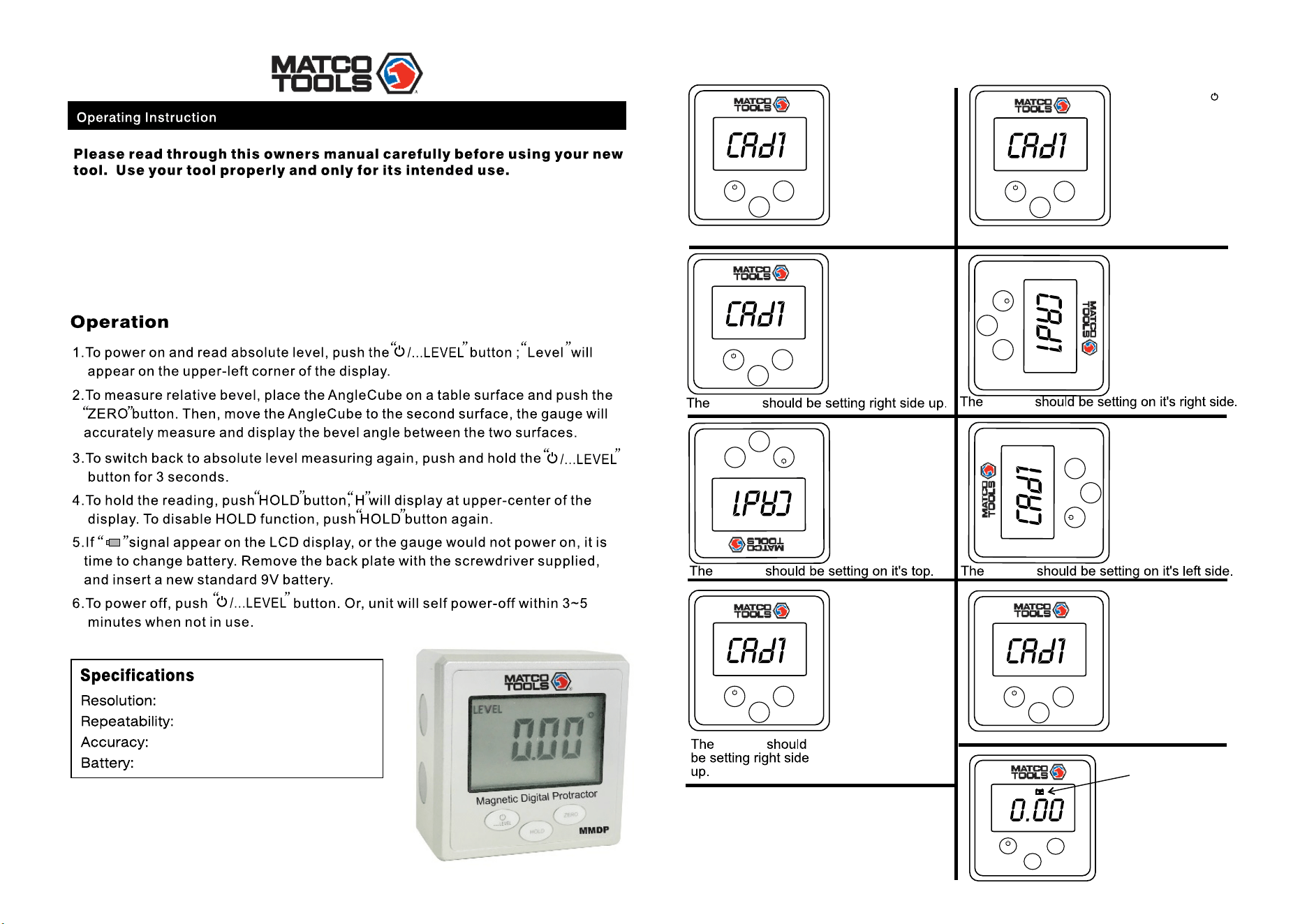
8)Your gauge is
now ready to use.
7)Turn the box
another 90
degrees clockwise;
press the ZERO
button-the screen
will read CAd5.
After 3 seconds the
display will read
0.00-this
completes the
calibration.
5)Turn the box for
another 90 degrees
clockwise;press the
ZERO button-the
screen will read
CAd3,make sure
the box has no move-
ment until the
"3" flash.
6)Turn the box
another 90 degrees
clockwise;press the
ZERO button-the
screen will read CAd4,
make sure the box has
no movement until the
"4" flash.
4)Turn the box 90
degrees clockwise;
press the ZERO
button-the screen
will read CAd2,
make sure the box has
no movement until the
"2" flash.
3)Release the
buttons and make sure
the box has no move-
ment until the "1" flash.
1) Place the box
upright on a level
surface.
2) Press and hold
and ZERO buttons for 5
seconds until the
screen displays
CAd1.
Under normal conditions,this gauge does not need re-calibration. If necessary,under the condition of the
reading become inaccurate,or under the condition of severe impact,the gauge may be re-calibrated
professionally. Re-calibration require a calibrated level surface within ≤0.02° accuracy,and may require several
attempts to accomplish accurate calibration. It is important to hold the gauge steady while pressing the
buttons to re-calibrate.**Warning:un-leveled surface may result inaccurate calibration.
0.05°
0.1°
± 0.2°
standard 9 volt
**The accuracy of
the Granite level
surface must be
≤ 0.02° in order to
make the re-
calibration effective.
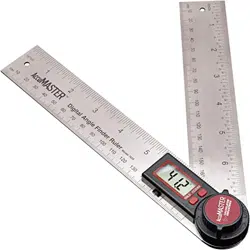
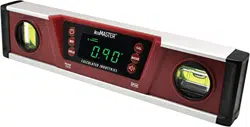
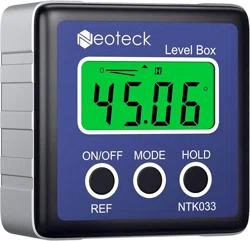
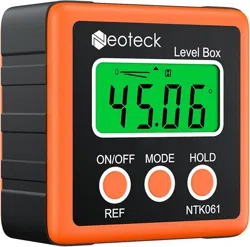
- MATCO angle gauge is a precision instrument used for measuring angles in
which any of its four surfaces may be utilized.
- Angle gauge can trace and measure absolute level.
- Zero can be set at any angle so a relative angle between two surface can be
measured.
Part# MMDP
gauge
gauge
gauge gauge
gauge
HOLD
ZERO
…Lev el
HOLD
ZERO
…Lev el
HOLD
ZERO
…
Lev el
HOLD
ZERO
…Lev el
HOLD
ZERO
…Lev el
HOLD
ZERO
…Lev el
HOLD
ZERO
…Lev el