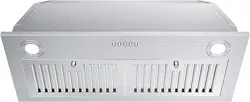
FGS-USB19G70BC
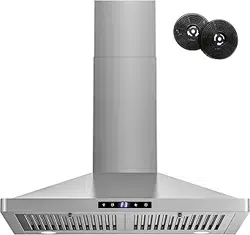
FGS-USB23G70CC
12
12
8-9
10-11
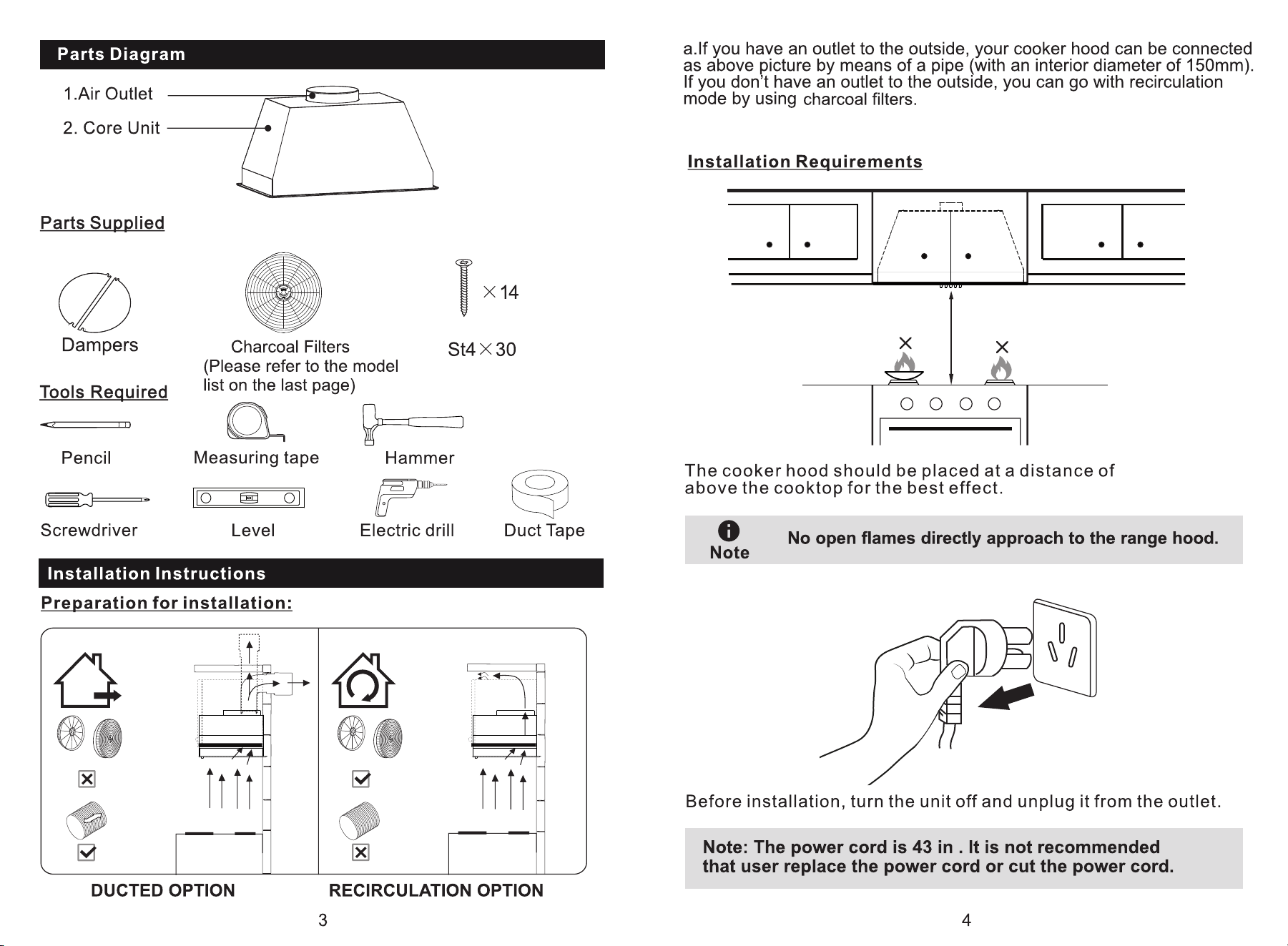
25.6"-30"
25.6"-30"
(2 screws extra)
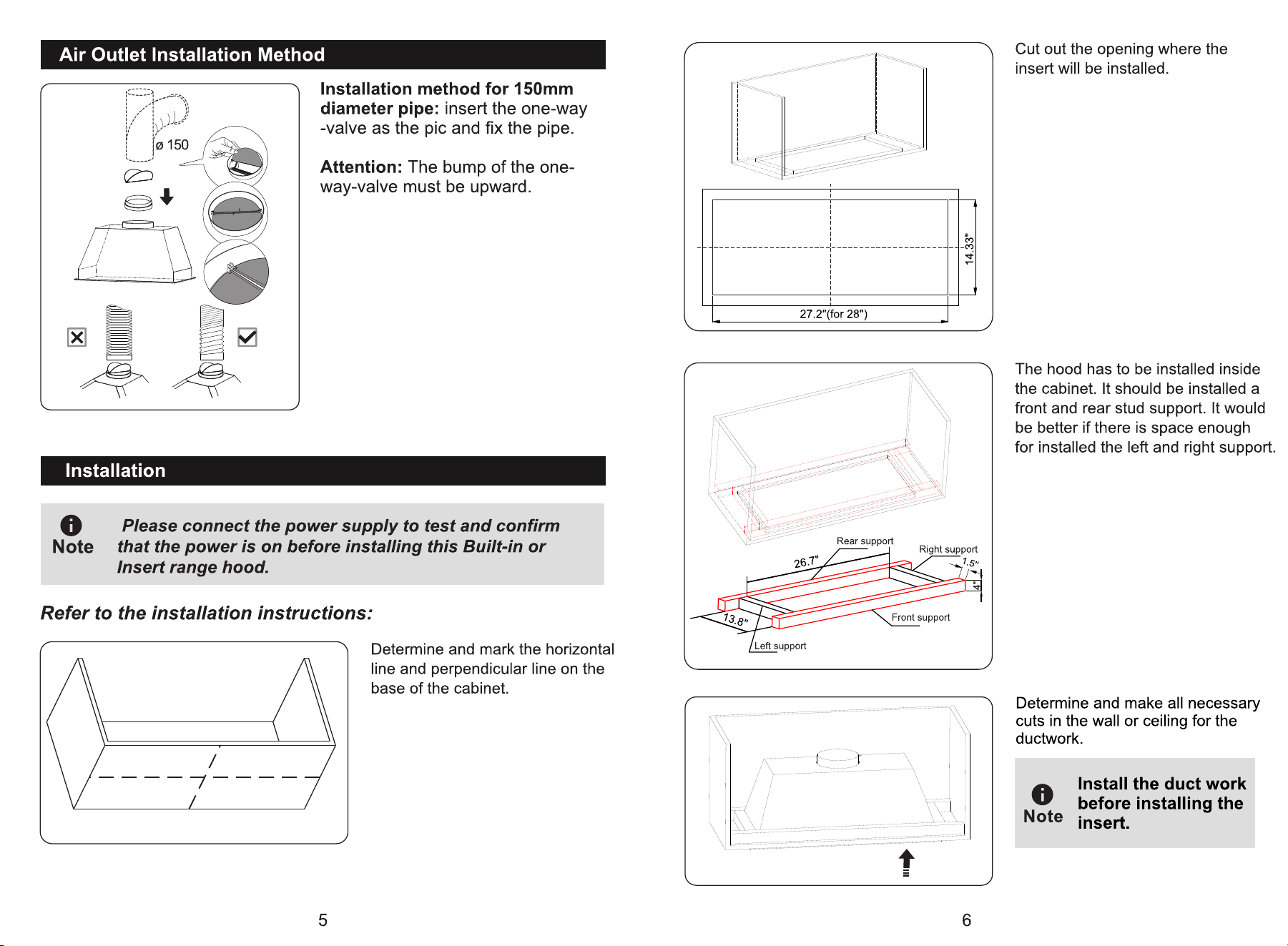
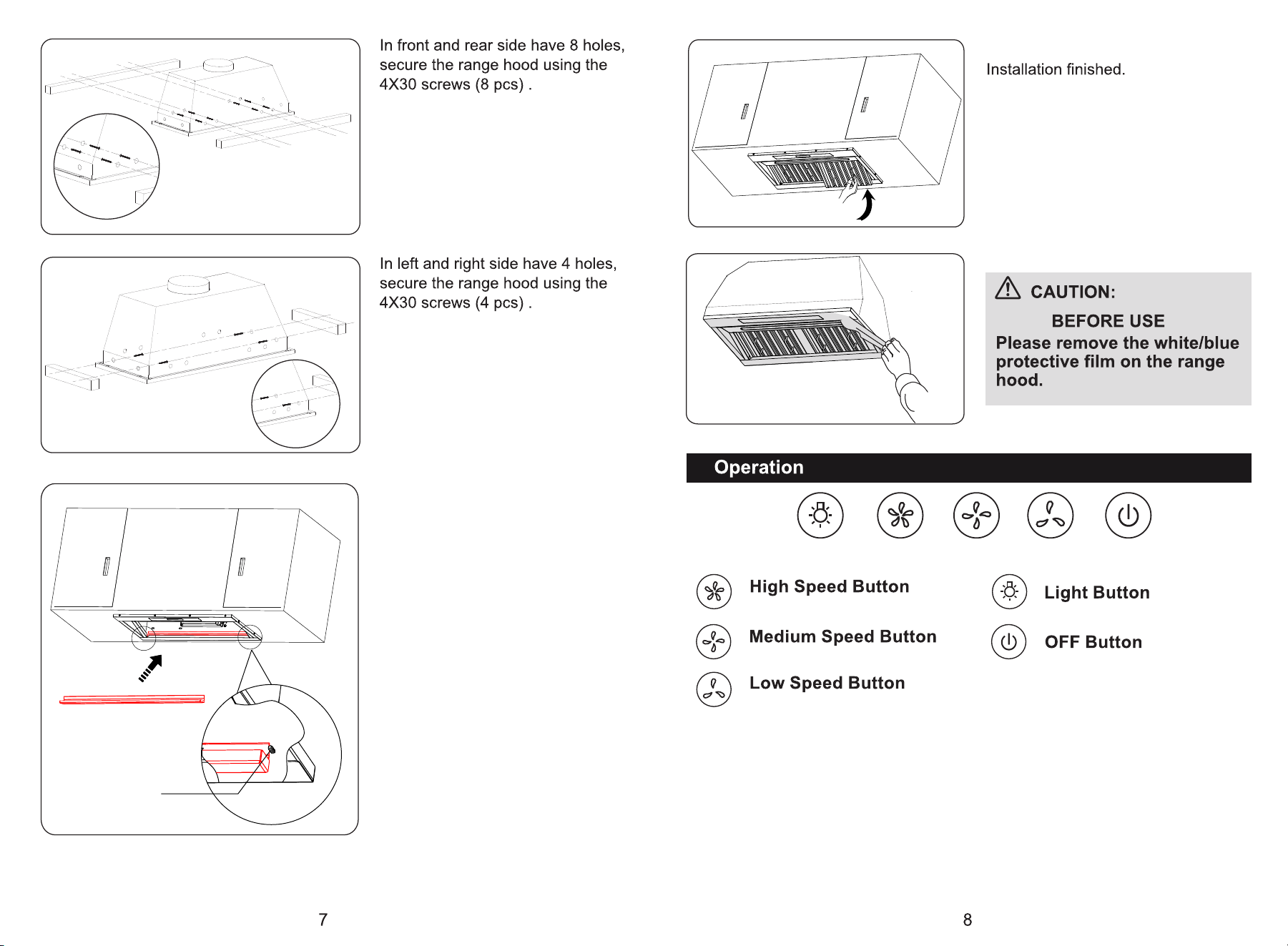
Operating the Light
The Light On/Off button (A) controls both lights.Press once for on and againfor off.
Operating the Blower
The Blower Speed buttons (B,C, and D) set the desired speed and control thesound level
for quiet operation.The speed can be changed anytime duringfan operation by pressing
the desired blower speed button.The Blower Off button (E) turns the blower off.
1. To turn the blower on, press the desired Blower Speed button(B, C, or D).
2.To turn the blower off,
- press the Blower Off button(E)once to delay turn off by 1 minute.
- press the Blower Off button(E)twice to turn off immediately.
After the main unit installed,
we need to install the interal
oil cup as per pic shows.
(PS: There are 2 setscrews
on both side)
Install the both baffle filters.
Setscrew
A B C D E
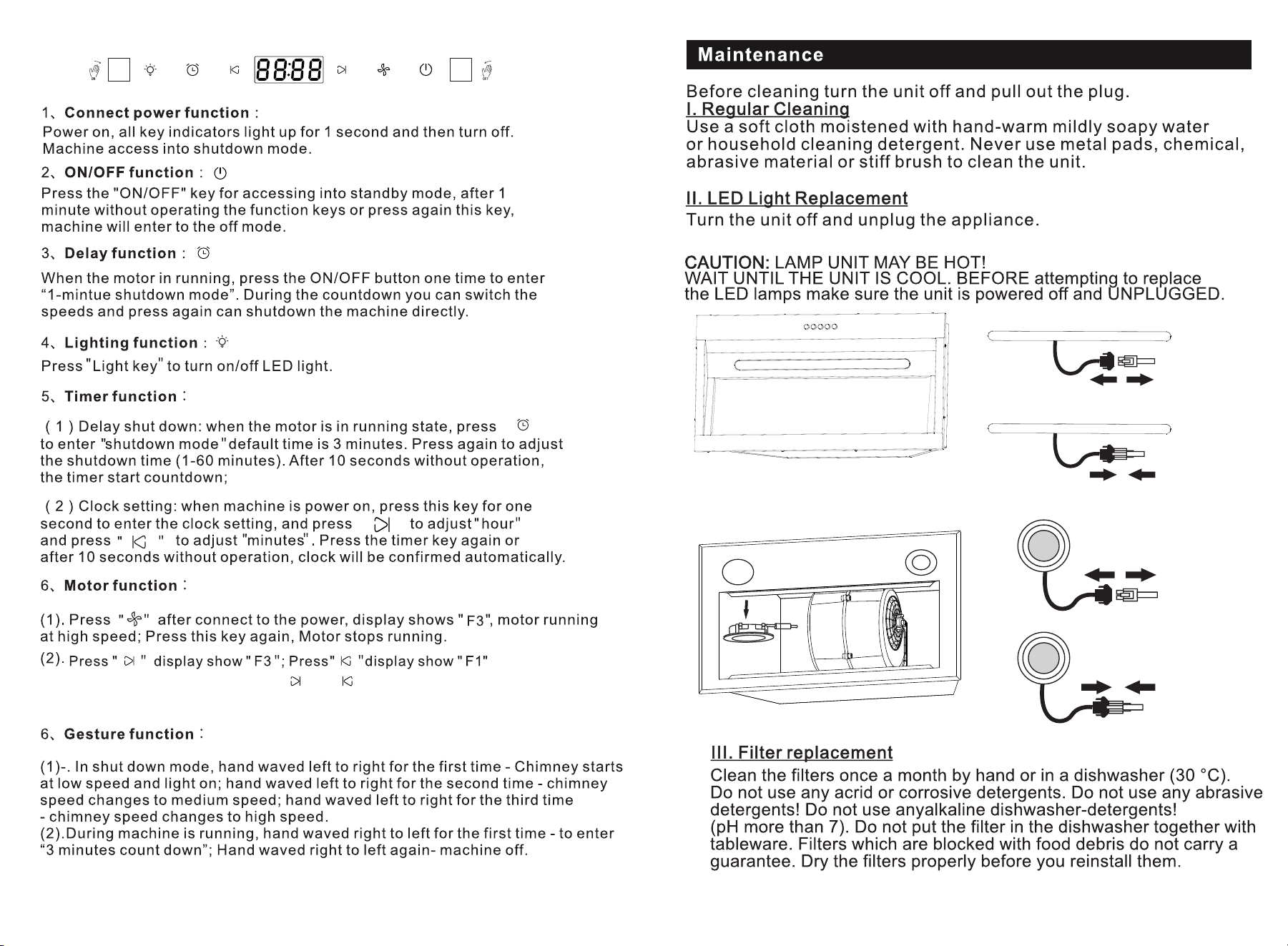
(3). During motor is running, press " "or " "toadjust increase or decrease
speeds
" "
" "
9 10
25.6"-30"
11 12
FGS-USB19G70BC
FGS-USB23G70CC