Installation instructions for upper computer
software
Software installation:
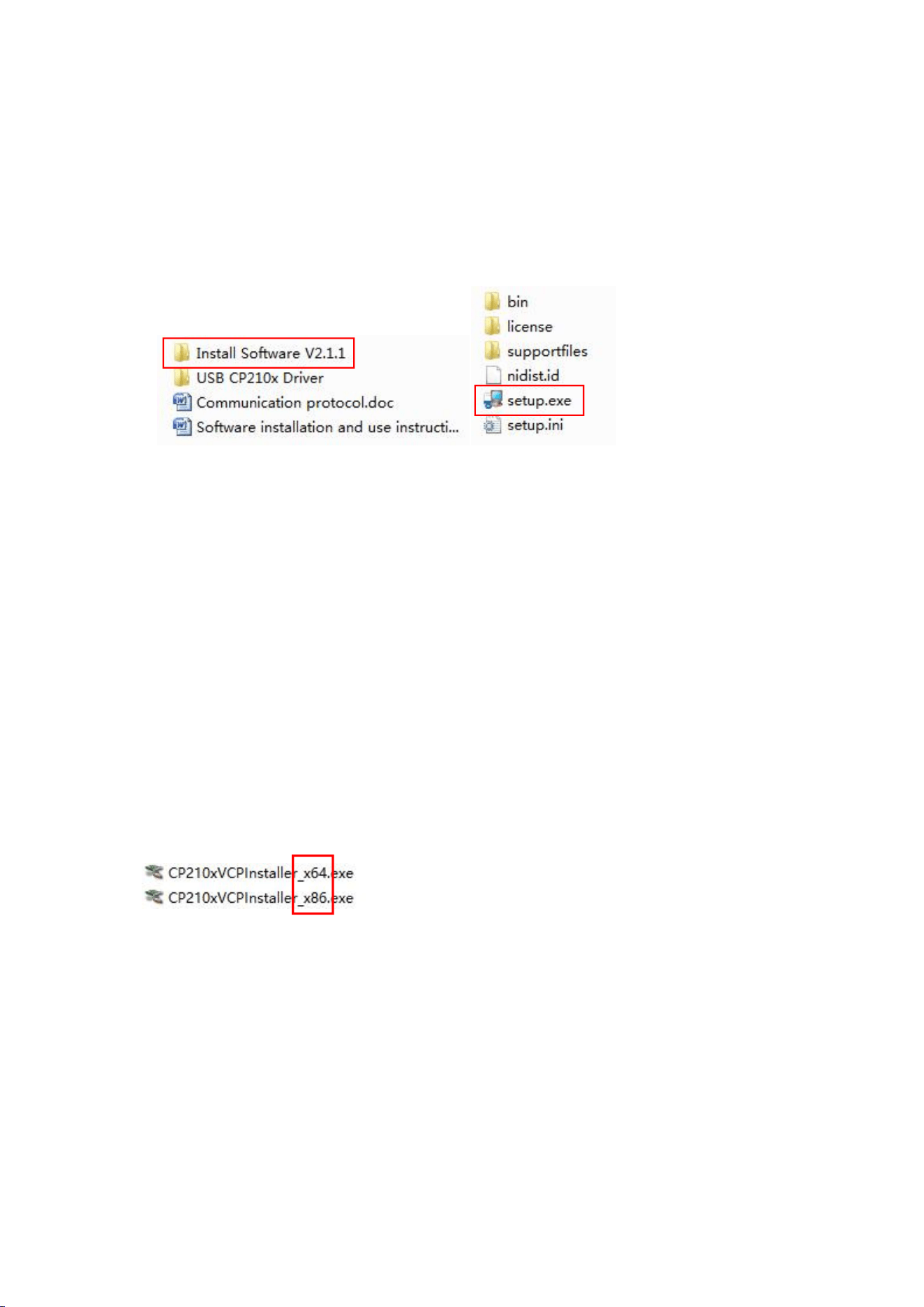
Open the installation software in the following folder for installation
Driver installation:
The driver installation only takes the USB interface of the wiring as an example. RS-232/RS-485 is
self-wiring by the client. The driver cannot be unified, so the driver cannot be provided. The
RS-232/RS-485 cable driver can refer to the USB interface driver installation method.
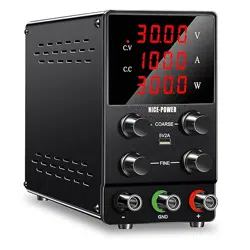
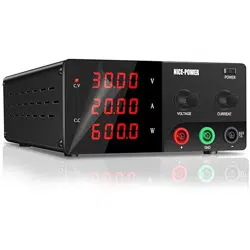
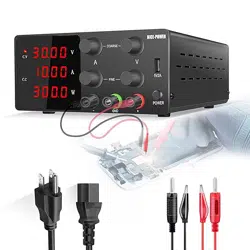
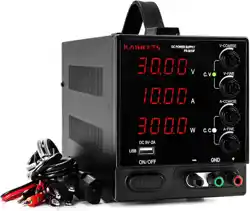
Step 1: Connect the purchased DC regulated power supply to the computer with the delivered
USB cable, turn on the DC power supply, and make them in the power-on state. Note that the
USB cable and RS-232 cable cannot be connected to the DC power supply at the same time.
Step 2: Install the corresponding driver
Note that some drivers have the difference between 32-bit and 64-bit. You need to check the bit
information of the installed computer and select the corresponding driver to install.
If you do not know the number of digits to install the computer system, you can click "Computer"
and right click the property to view it
Click the installation file of the corresponding driver, complete the installation of the driver
according to the prompted steps, and restart the computer after the installation of the driver.
Step 3: Right click my computer to find the device manager, click the port (COM and LPT) column
on the device manager, and check whether the port has identified the installed port, as shown in
the following figure:
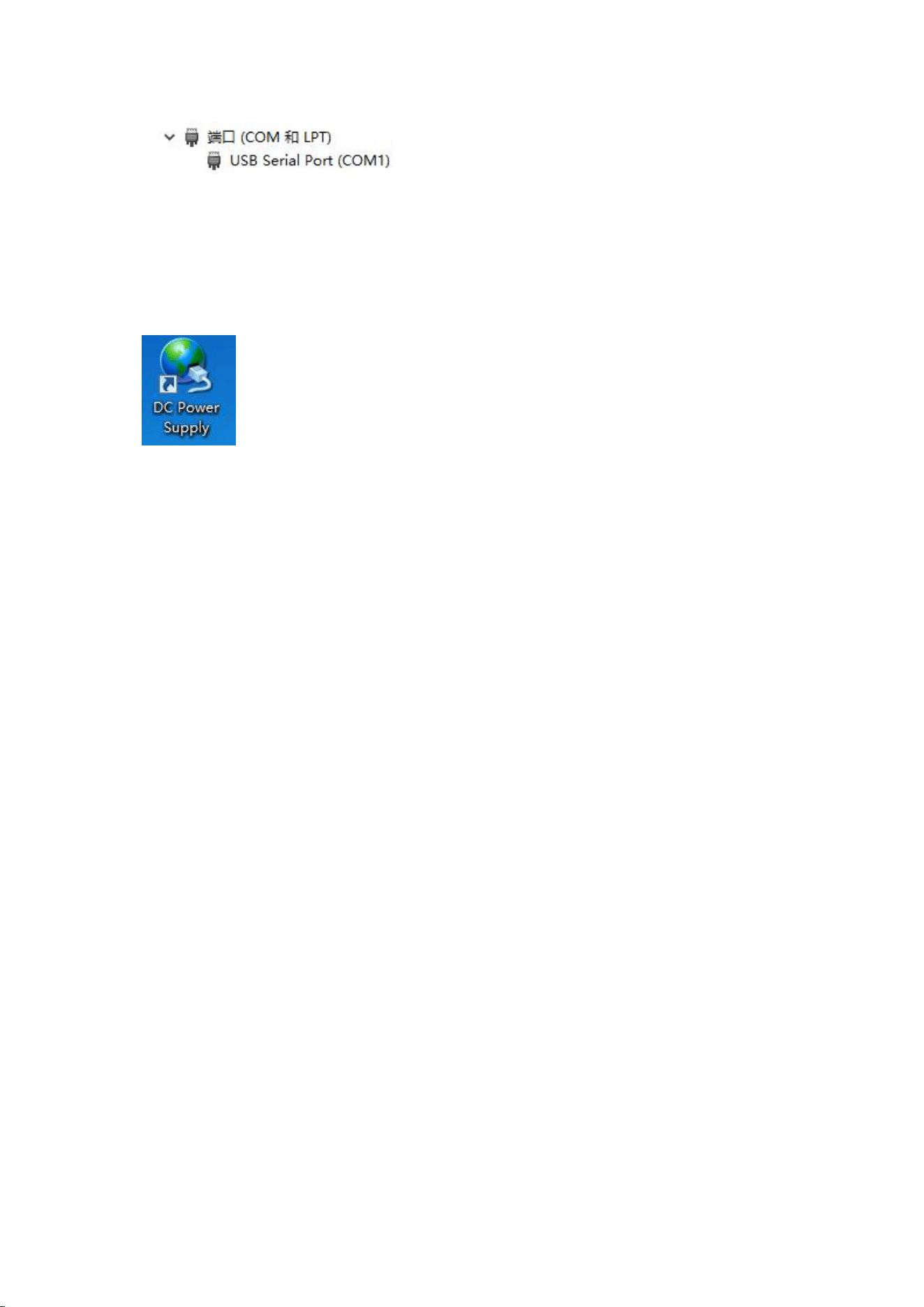
If there are many COM ports connected to your computer, you can plug and unplug the USB cable
to confirm whether the COM port connected to the DC power supply can be identified normally,
that is, the USB driver has been installed successfully, and remember the COM number
connected to the DC power supply.
Step 4: Open the DC power supply software to start the operation of the DC power supply upper
computer software.