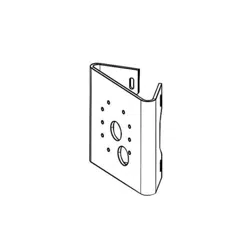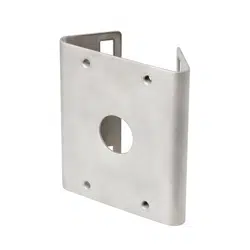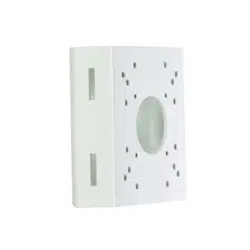
This manual is intended for users of the DA-LM2000 pole mounting
bracket. It includes instructions for mounting the DA-LM2000 pole
mounting bracket to a pole.
• This bracket is intended to be used with DC-D1xxx, DC-D2233 or
DC-T series model of cameras. Do not use it with other models
of cameras.
• This installation should be performed by a qualied service
personnel in conformance to all local codes.
• You may need to reinforce the pole. If the pole is not strong
enough to support the camera, the camera may fall.
• Do not use this product for other purposes.
Mounting
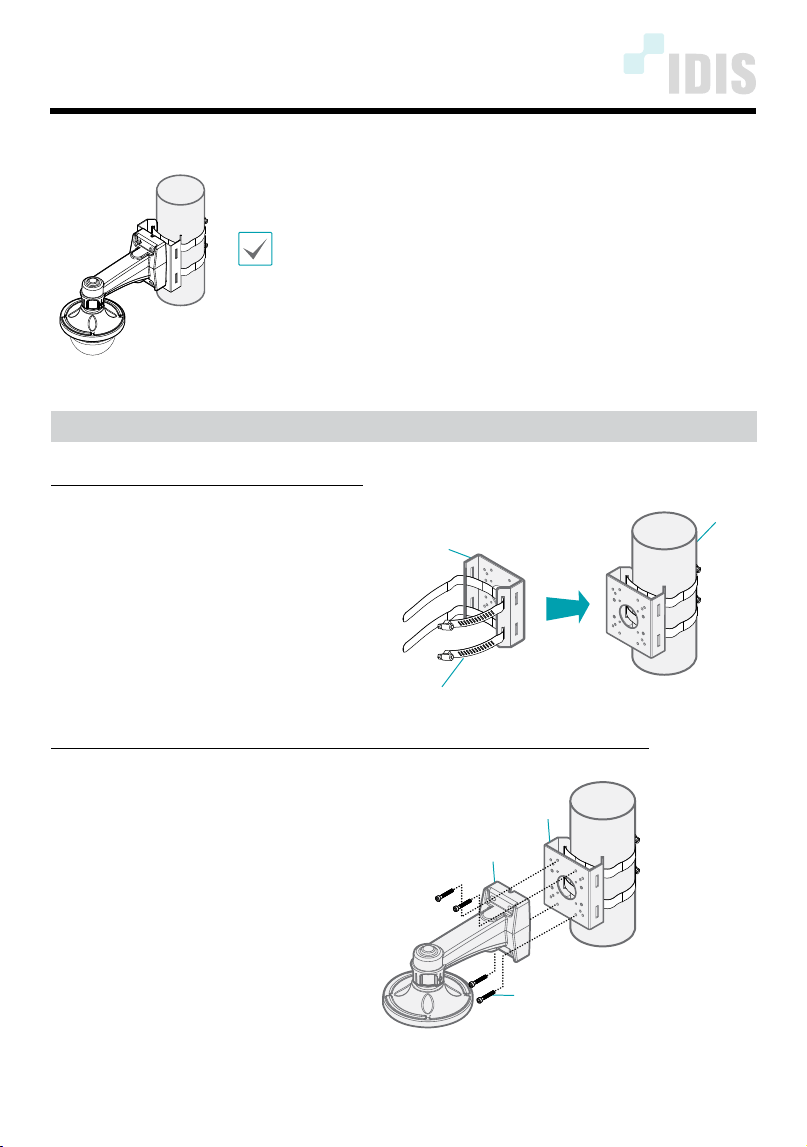
Mount the bracket to the pole as follows:
1
Mount bracket 1 to the pole. Fasten
bracket 1 to the pole by adjusting
the strap length. You can adjust
the strap length by tightening or
loosening the clamp screw.
Pole
Bracket 1
Strap
Connect your camera (DC-D1xxx or DC-D2233 series) to the bracket as follows:
2
Mount bracket 2 (DA-WM2000
model) onto bracket 1 by using
the screws. The bracket 2 is sold
separately.
Bracket 2 (DA-WM2000)
Hexagon Socket Screw M5X30, 4EA
Bracket 1
DA-LM2000 INSTALLATION MANUAL
IDIS Co., Ltd.
For more information, please visit www.idisglobal.com
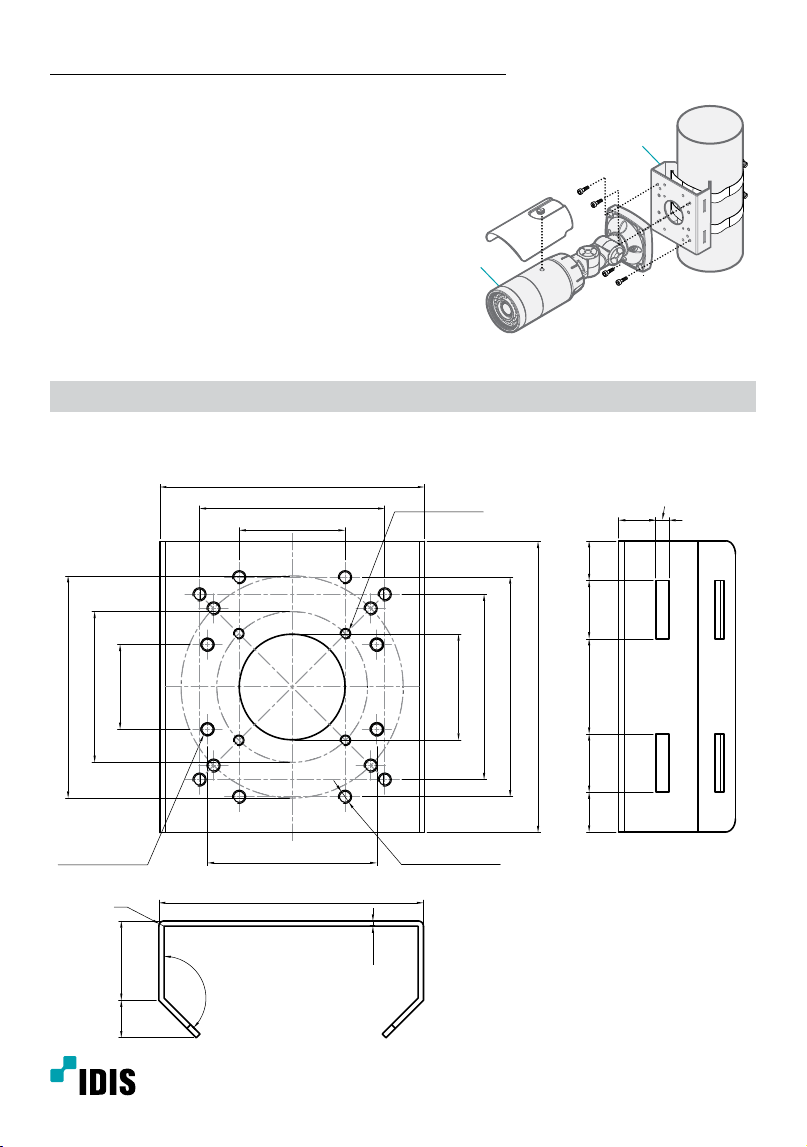
Connect your camera (DC-T series) to the bracket as follows:
2
Mount the camera body onto bracket 1
by using the screws.
3
Turn on power.
Camera Body
Bracket 1
Dimensions
Unit: mm (inch)
4-TAP M4, TRUE
4-TAP M5, TRUE
12-TAP M5, TRUE
64 (2.52)
Ø 40 (1.57)
70 (1.76)
83 (3.27)
110 (4.33)
Ø 84 (3.31)
Ø 57 (2.24)
32 (1.26)
100 (3.94)
70 (1.76)
40 (1.57)
100 (0.39)
2
(0.08)
R2
30 (1.18)14.14
(0.56)
135°
14
(0.55)
5 (0.20)
22
(0.87)
22
(0.87)
15
(0.59)
15
(0.59)
36
(1.41)
Ver.1.0