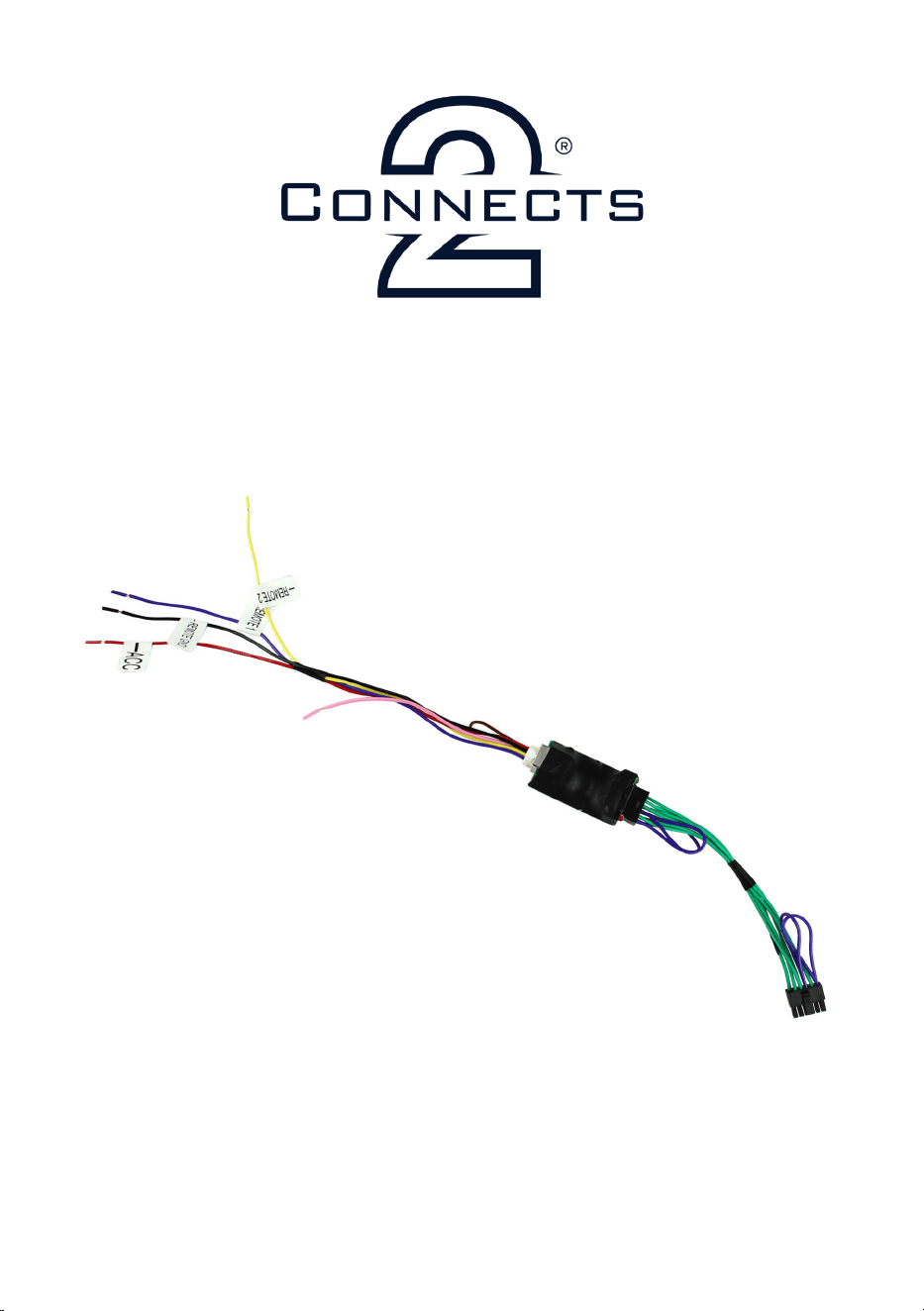
CTSMARTLEAD
Patch Lead for Analogue Learning Head Units
Installation Guide
www.connects2.com

www.connects2.com
2
Subscribe to our YouTube Channel for installation
guides and tips... www.youtube.com/connects2
Subscribe to our YouTube Channel for installation
guides and tips... www.youtube.com/connects2
ABOUT THIS PRODUCT
Analogue learning head units often have two analogue inputs, both capable of
storing several taught resistive values. The CTSMARTLEAD takes advantage of the
dual channel input and converts the Connects2 steering wheel control output into
a format that will easily interface with any of the learning-style head units on the
market.
This means that you can now store all of the steering wheel buttons from your
vehicle’s steering wheel into your aftermarket radio.
Another benet that the CTSMARTLEAD offers is the ability to allow the program-
ming of scroll wheel buttons. Previously, this has always been impossible due to the
fact that the scroll wheel cannot be held down when prompted by the learning
head unit. The CTSMARTLEAD has a programming feature where it will allow the
hold of the scroll wheel buttons during the teaching process and then returned to
normal press function once it has been installed.
See “Installation Guide” overleaf for more information about how to set up the
CTSMARTLEAD.
For use with a Connects2 Steering Wheel Control Interface and Analogue
Learning Head Unit
APPLICATION
www.connects2.com
3
INSTALLATION GUIDE
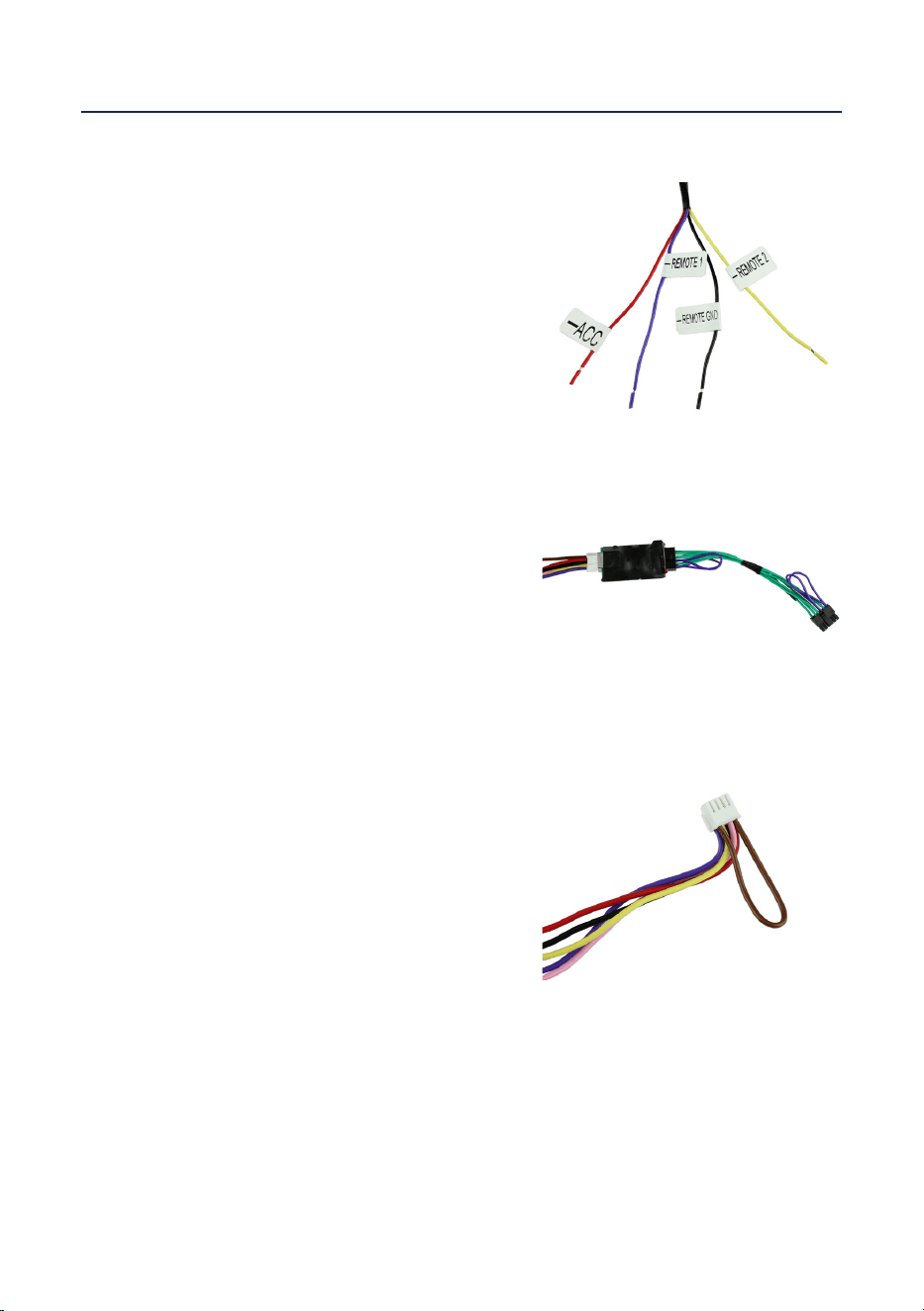
Connect the ying wires from the
CTSMARTLEAD to the head unit
Label Function
ACC 12V Ignition Source
Remote 1 Remote Wire 1
Remote 2 Remote Wire 2
Remote GND Remote Ground
Connect the molex connector from the
CTSMARTLEAD to the Connects2 Steering
Wheel Control Interface. Once connected,
the head unit can be connected to the
power source.
1
2
NB: Before installation, make sure that the head unit is disconnected from the
power source
3
Once the connections in Step 1 and Step 2
have been made, access the SWC Learning
Mode on the stereo. After each button press,
please wait 3-4 seconds before pressing the
next button.
When all buttons have been pressed, cut the
brown wiring loop
If you encounter any problems during the set-up of the CTSMARTLEAD, disconnect
the patch lead, relink the brown wiring loop and follow the above steps again.

www.connects2.com
4
NOTES