IMV-WMJB
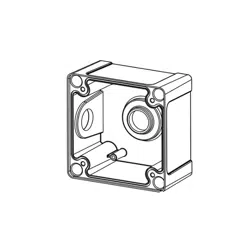
Junction Box
Installation Guide
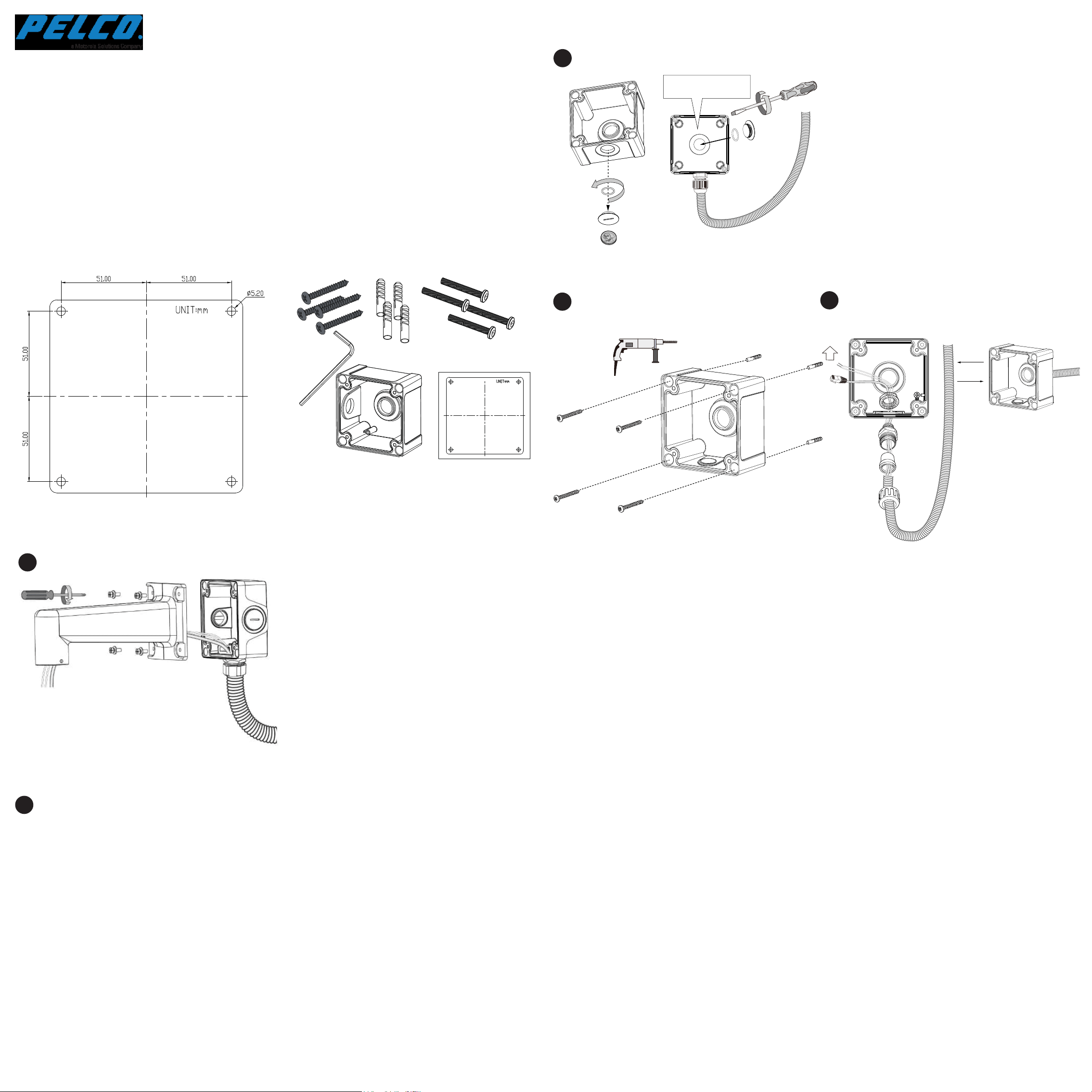
Mounting Dimensions
A 3/4" conduit is required for routing the cables with waterproof
connection. The cable gland and conduit are user-supplied.
Attach the included alignment sticker to a preferred position.
Drill holes on the wall and install the junction box. If space
behind the wall allows, you may also pass cables through the
wall.
Install the cable gland and pass cables through it.
2
Secure SRXV-WMP Wall Arm to box using the hex socket screws.
Refer to the accessories' and camera's QIG for more information.
5
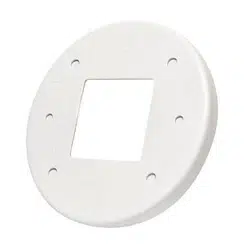
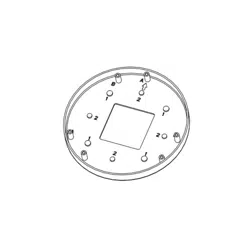
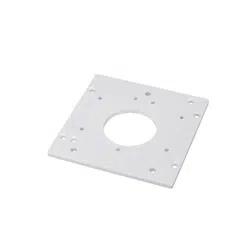
Package Contents
C6695M
If using the bottom hole,
seal the center hole.
OR
3/4”
3
4
1
If you use the bottom hole, install the seal plug
to the unused hole in the center.
Pelco, Inc.
625 W. Alluvial, Fresno, California 93711 United States
USA & Canada
Tel (800) 289-9100 Fax (800) 289-9150
International
Tel +1 (559) 292-1981 Fax +1 (559) 348-1120
www.pelco.com
Installation