

2
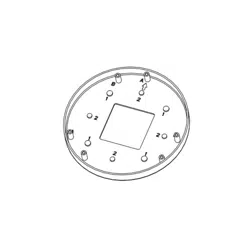
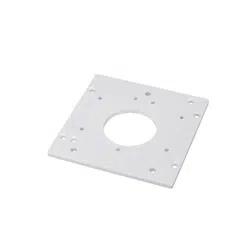
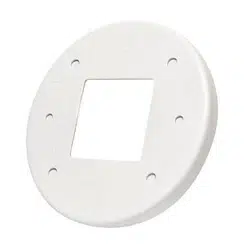
IMV-AP Dimensions
Accessories
Compatible Cameras
IMV-AP
IMV Series only
IJTV-AP
A: ITV Series
B: IJV Series
IMV-AP Package Contents
: Adapter Plate, Installation Guide, 3x panhead M3x7, double-sided tape,
plastic stopper
IJTV-AP Package Contents:
Adapter Plate
I
nstallation Guide, 3x Panhead M4x7
IJTV-AP Dimensions

3
English
Above are the locations of different groups of mounting holes for matching different junction
boxes:
Hole
Type
Applicable Box Drawings Screw No. of
screws
1
4" octagon box
#8-32, L15
(User-supplied)
2
2
1" single gang
box
#6-32, L15
(User-supplied)
2
Mounting Hole Denitions
Use a hammer and screwdriver to open
the knock out holes you prefer to use.
Installation

4
Installing the Adapter Plate
NOTE:
1. Route cables before you secure the accessories to a wall.
2. For details on the cable connections with network cameras, please refer to their Quick
Installation Guide.
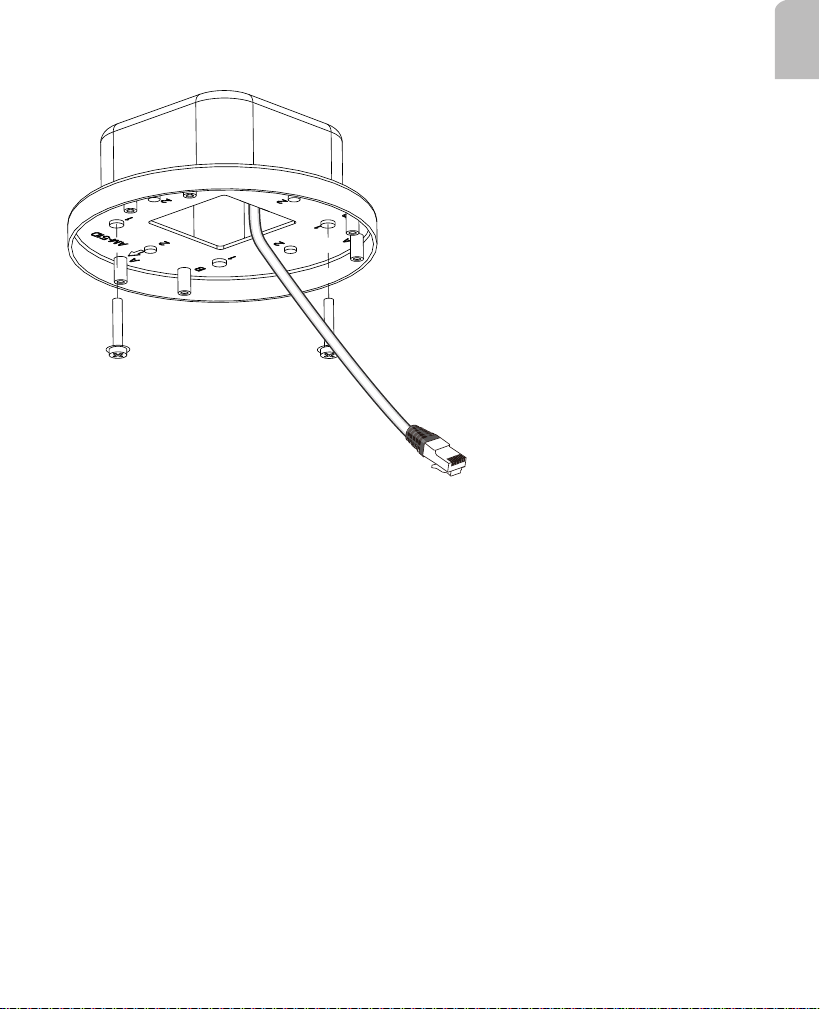
1. Route cables through the junction box.
5
English
2. Install the adapter plate to the junction box. Use screw holes specied on page 3
depending on the type of junction box.
3. Remove dome cover of camera and fasten camera to adapter plate.

6
4. Tune the focus, and refer to the documentation that came with your cameras for the
rest of conguration details. Install the dome cover.
Pelco, Inc.
625 W. Alluvial, Fresno, California 93711 United States
USA & Canada
Tel (800) 289-9100 Fax (800) 289-9150
International
Tel +1 (292-1981 Fax +1 (559) 348-1120
www.pelco.com