012522BR www.akiascreens.com 1
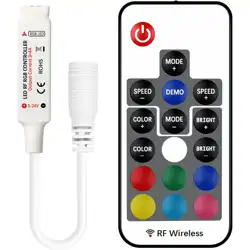
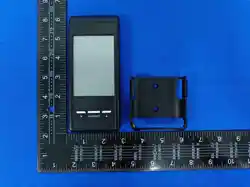
Radio Frequency Remote
Synchronization Instructions – V 2.0 & 3.0
ZZ - Type
____________________________________________________________________________________________
If your RF remote does not work with your screen, try the following steps to synchronize. See below for
instructions.
Make sure new batteries or working batteries are in your RF remote before proceeding with the steps.
Synchronization Process
Step 1. Unplug your screen from the power outlet and wait one minute before proceeding to step 2.
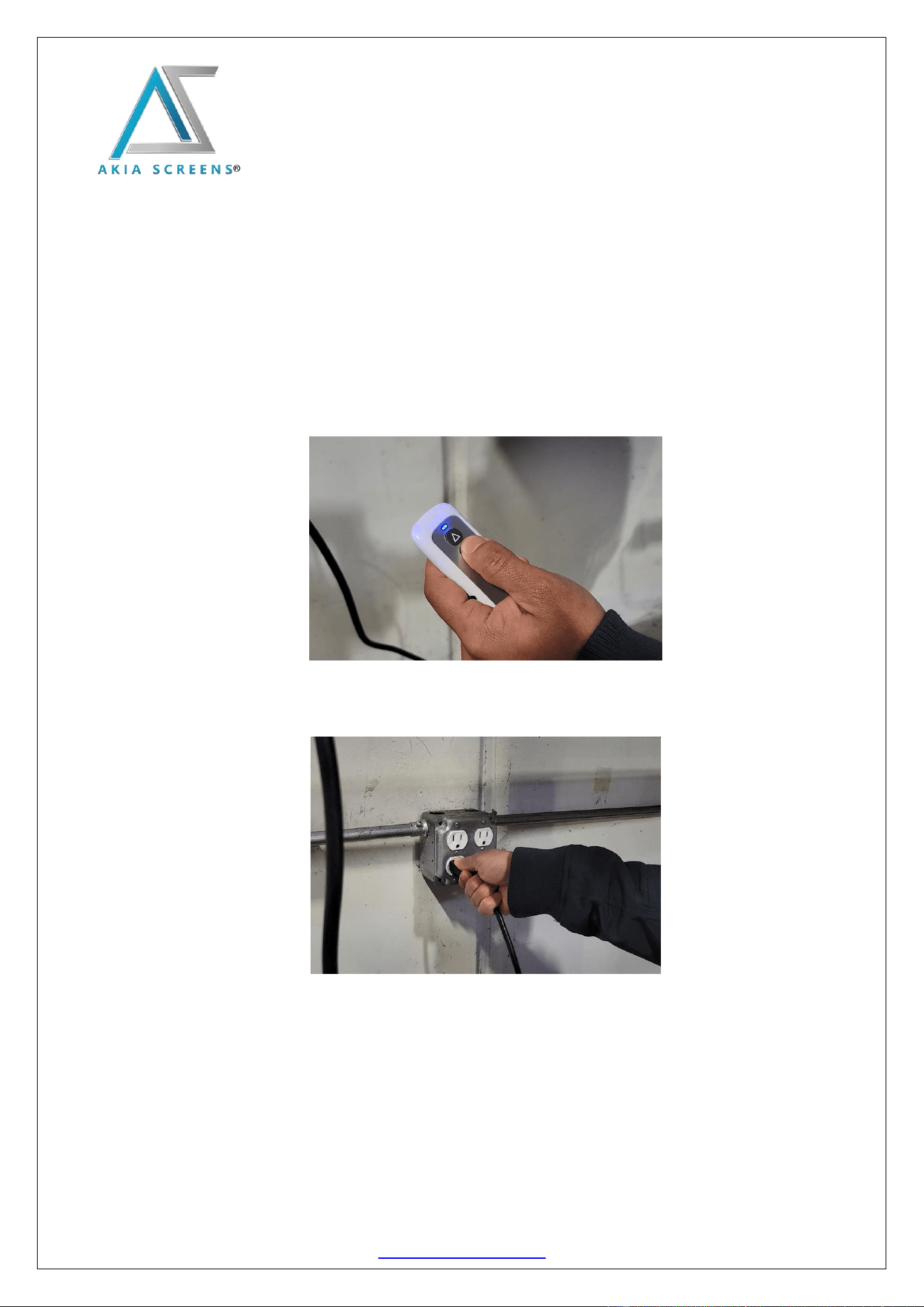
Step 2. Press and hold the STOP button on your RF remote.
Step 3. While holding the STOP button, plug the screen back to the power outlet. (The screen should drop
and retract TWICE to confirm the sync process)
Step 4. Once the screen drops and retracts twice, release the STOP button. The process is now completed
If the screen only drops and retracts once or your RF remote was unable to synchronize to the
screen, repeat the procedure beginning from step 1.
For Technical Support or an Akia Screens contact in your area, visit
www.akiascreens.com