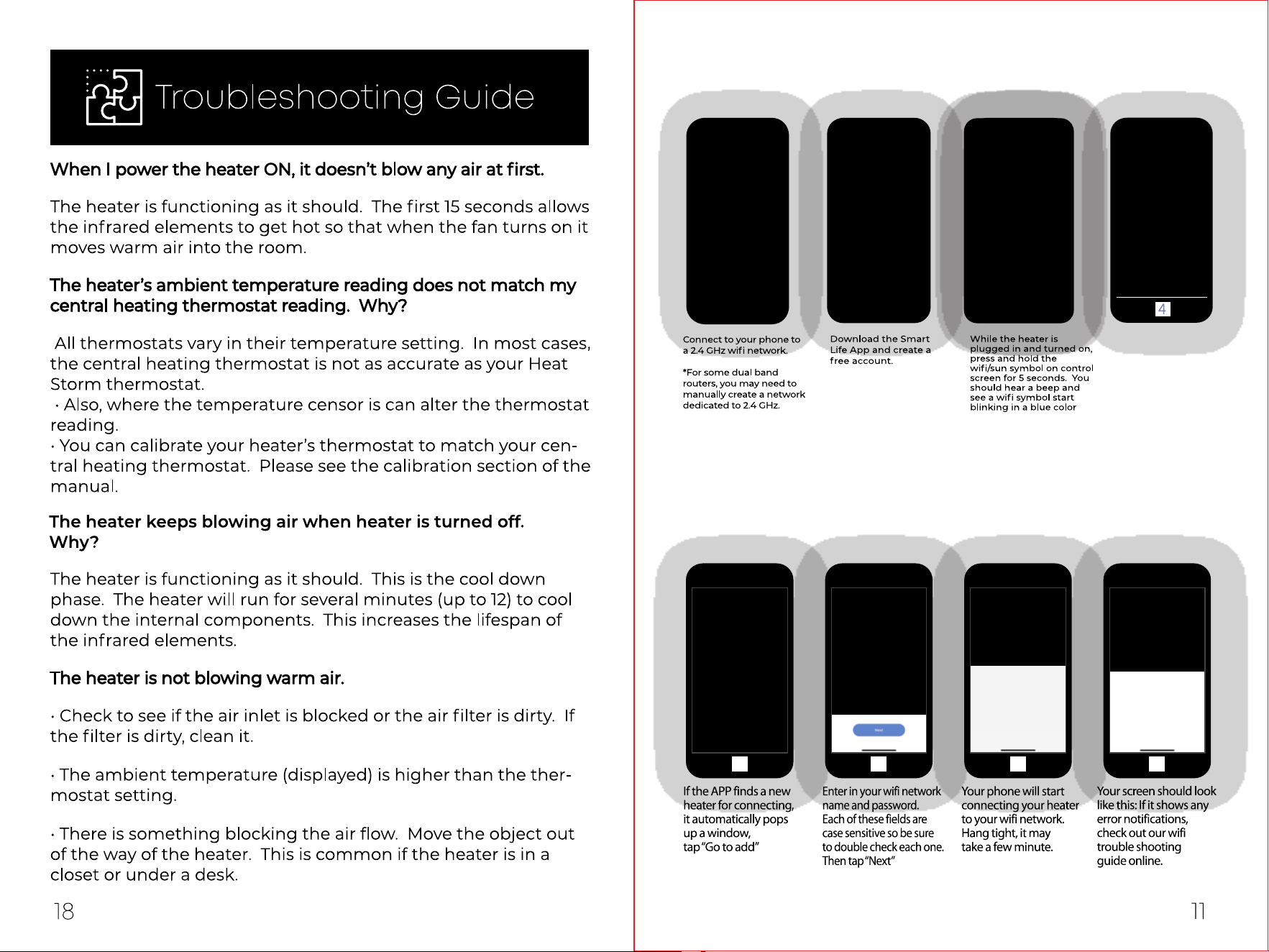
1. Bluetooth connect
Enable Wi-Fi and
Bluetooth in your
phone.
After above steps, the heater will automatlcally nd the wi and pop up
a window, follow steps below to connect
CONNECTING TO WIFI
Prepare your phone and download the App, following the the steps
1 2 3 4
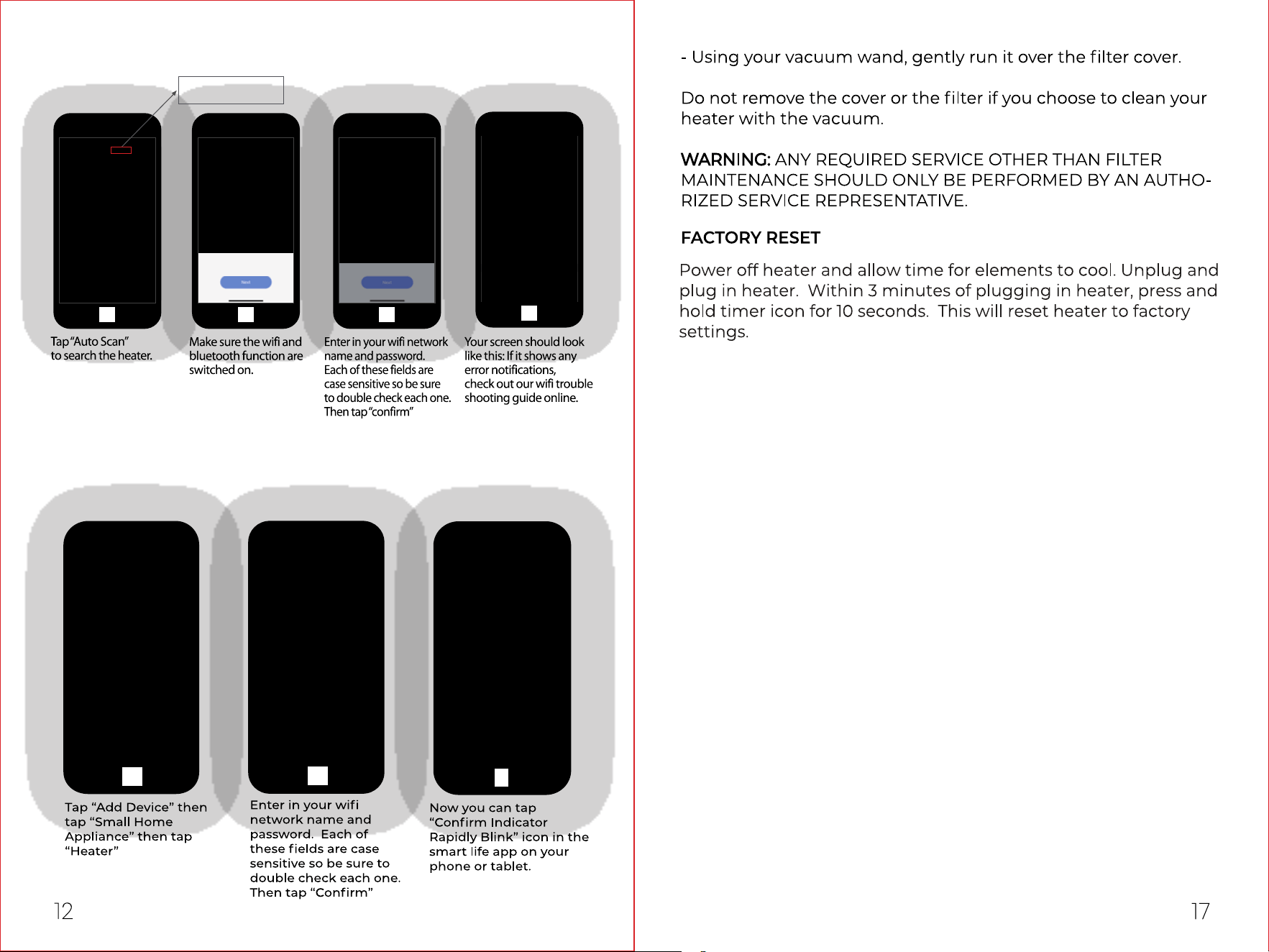
1 2 3
4
2. Manual Connect
Connect by EZ mode
1
2
3
If the pop up does not appear, follow the steps below to connect.
Auto Scan
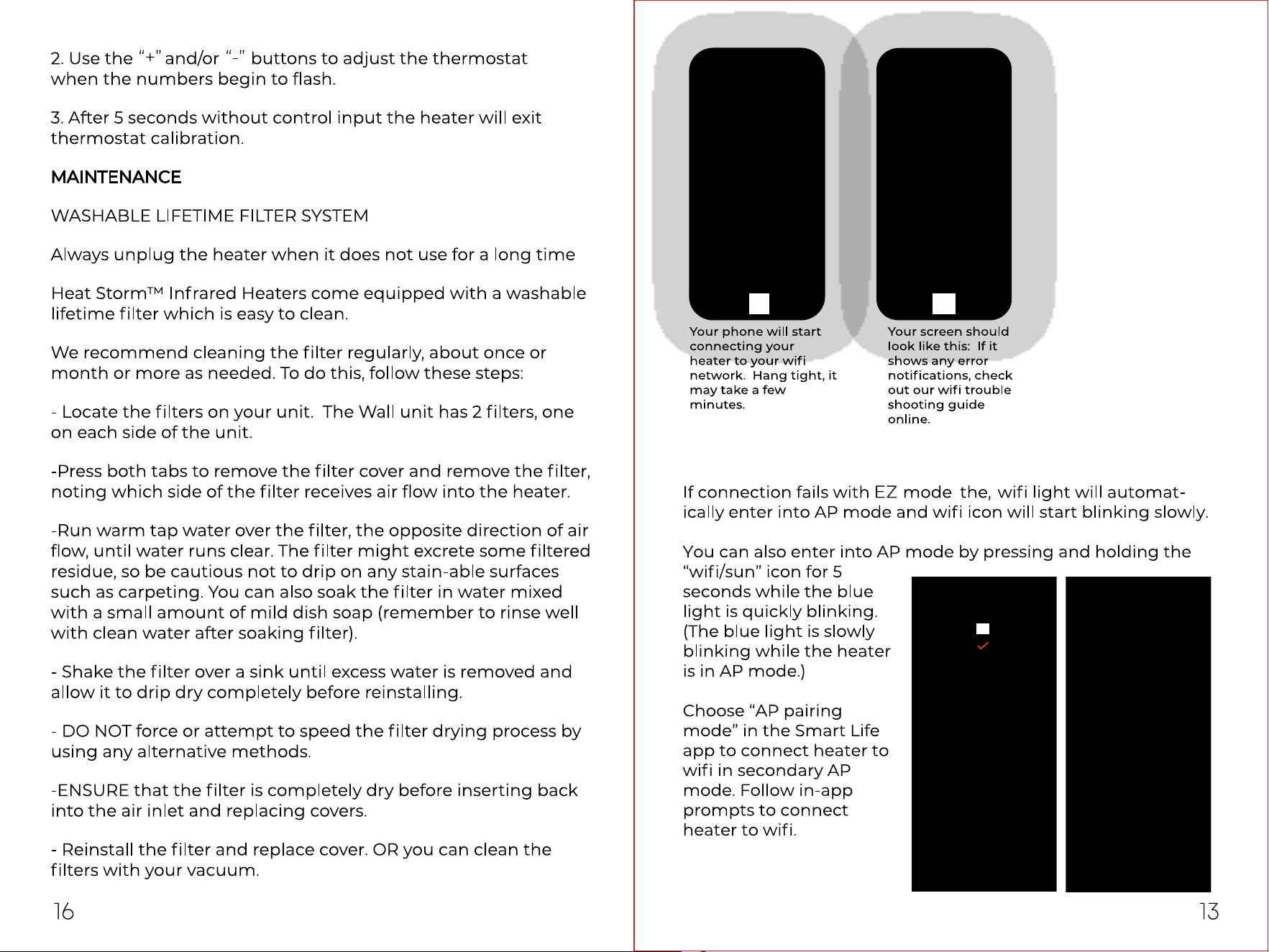
Connect by AP Mode
4 5
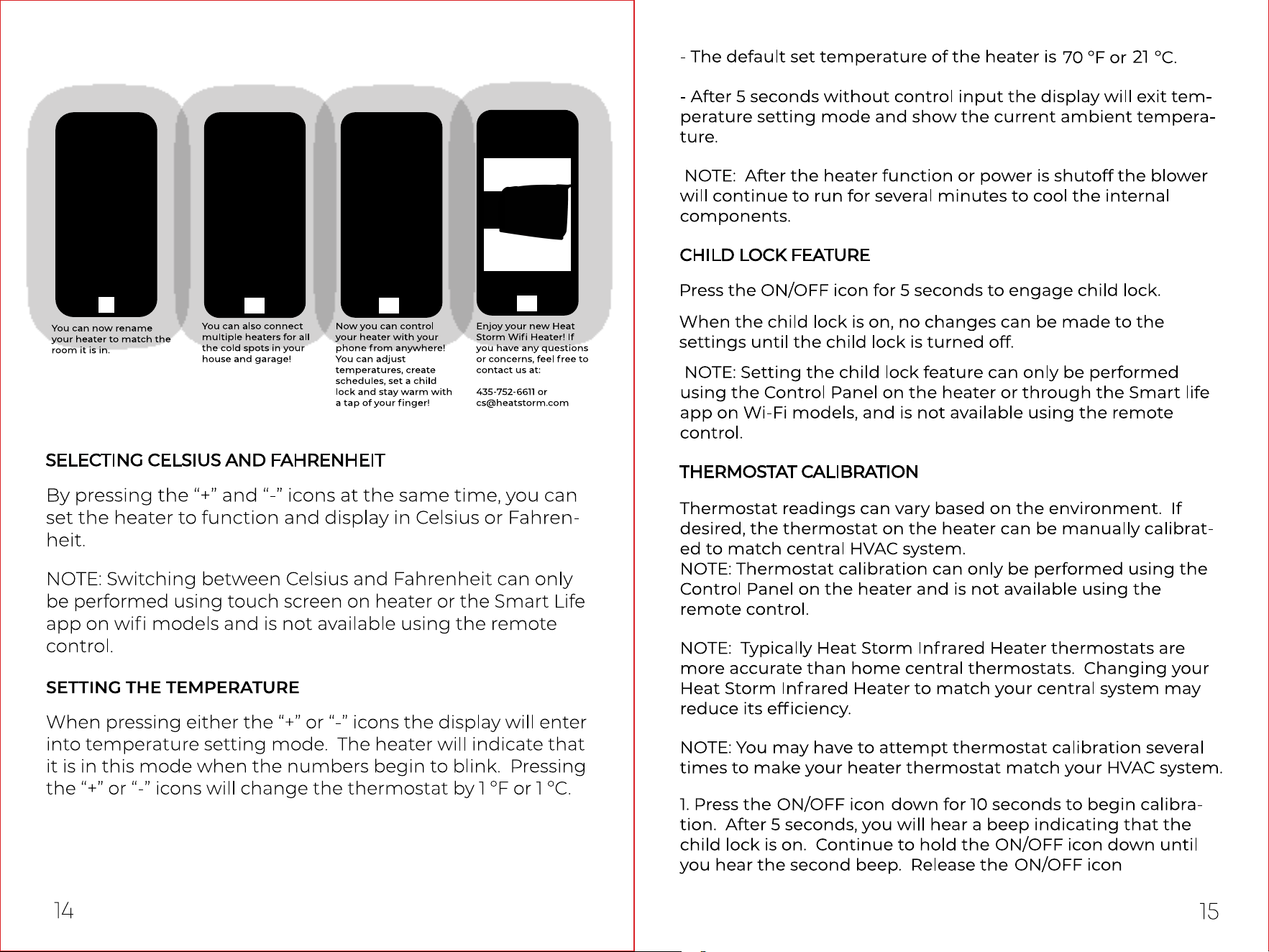
After the heater connects to Wi, then you could:
1
2 3
4

After the heater connects to Wi, then you could:
1
2 3
4

Connect by AP Mode
4 5

1 2 3
4
2. Manual Connect
Connect by EZ mode
1
2
3
If the pop up does not appear, follow the steps below to connect.
Auto Scan

1. Bluetooth connect
Enable Wi-Fi and
Bluetooth in your
phone.
After above steps, the heater will automatlcally nd the wi and pop up
a window, follow steps below to connect
CONNECTING TO WIFI
Prepare your phone and download the App, following the the steps
1 2 3 4