www.PyleUSA.com
Questions or Comments?
We are here to help!
Phone: 1.718.535.1800
PyleUSA.com/ContactUs
California Prop 65 Warning
WARNING:
This product may expose you to chemicals, which is known to
the state of California to cause cancer, birth defects and other
reproductive harm. Do not ingest.
For more info go to: www.P65warnings.ca.gov
Please read this guide before operating the product. After reading, store it in a safe place for future reference.
Features:
•
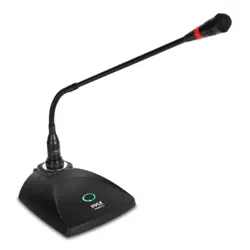
Flexible Adjustable Gooseneck Positioning
• Built-in Acoustic Pop Filter
• Ultra-Wide Frequency Response
• High Signal Output for Voice Clarity
• Rugged Construction & Steel Mesh Grill
• Integrated Low Noise Circuitry
• ON/OFF Switch for Stage Control
• Includes: 26' ft. XLR to 1/4'' Audio Connection Cable
• Perfect for Stage Performances or In-Studio Use
Technical Specs:
•
Battery Operated (not included), Requires 1 x '9V' Battery
• Mic Element/Type: Electret Condenser
• Pickup/Polar Pattern: Cardioid
• Gooseneck Length: 17.5''
• Frequency Response: 40hz-16kHz
• 200 Ohm Output Impedance
• Microphone Sensitivity: -40dB (+/-)2dB
• Microphone Dimensions: 4.92'' x 5.9'' x 1.89''
MAIN FEATURES
1. With audio compressing-expanding technology, the machine can reduce noise and increase the dynamic range.
It can also minimize reecho.
2. Special tone key lock identity functions help avoid interference signals from outside, preventing the mute system
from being activated.
3. Multiple noise detection circuits and multi-circuits give the system strong anti-jamming capabilities.
4. Uniform cardioid pickup pattern isolates the main sound source and minimizes background noise.
5. Eective built-in spherical wind and pop lter.
USER GUIDE
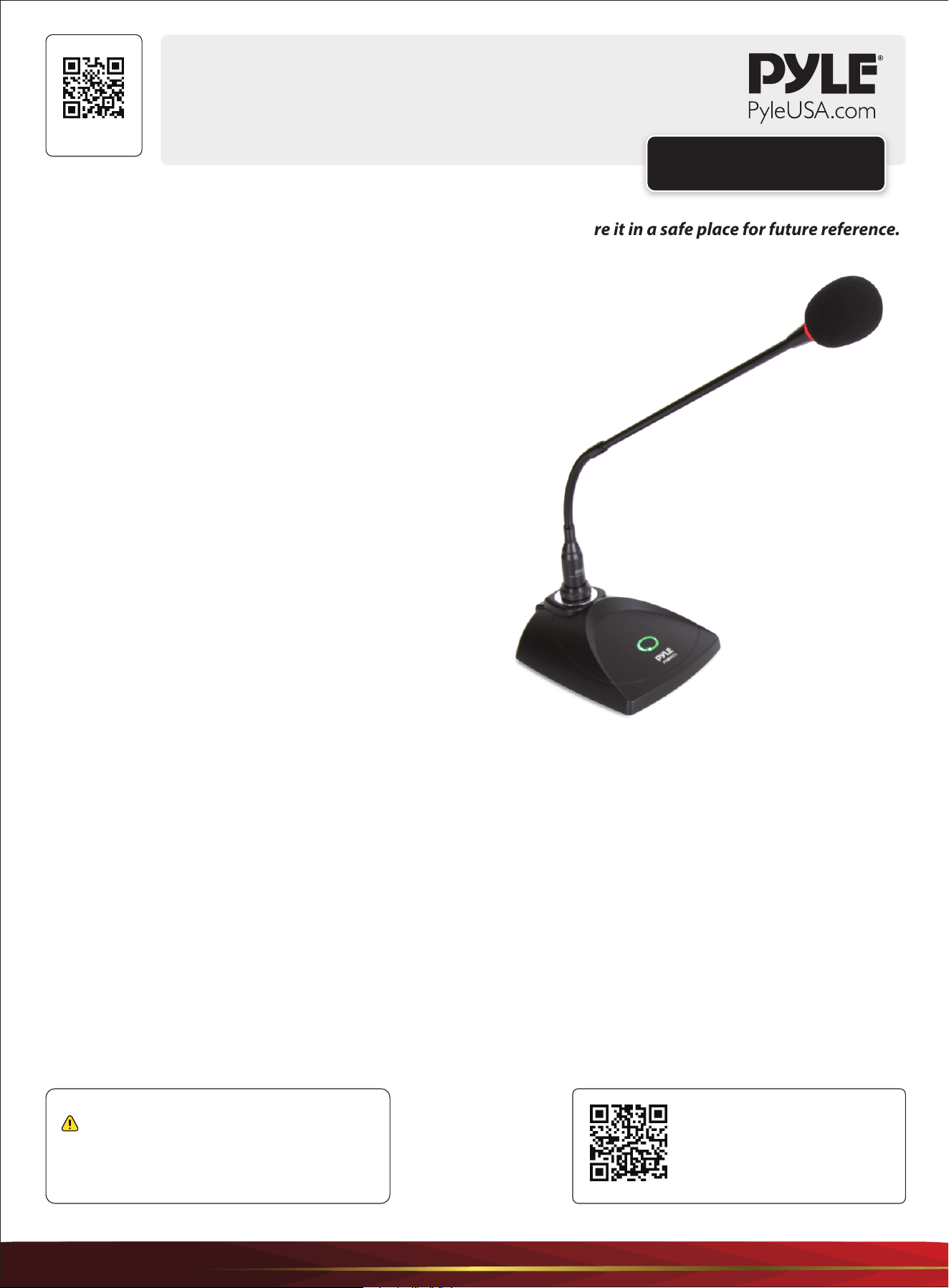
Conference Gooseneck
Adjustable Desk Microphone
PDMIKC5
Visit Our Website
SCAN ME
PyleUSA.com
www.PyleUSA.com
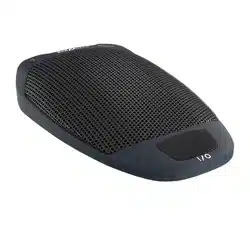
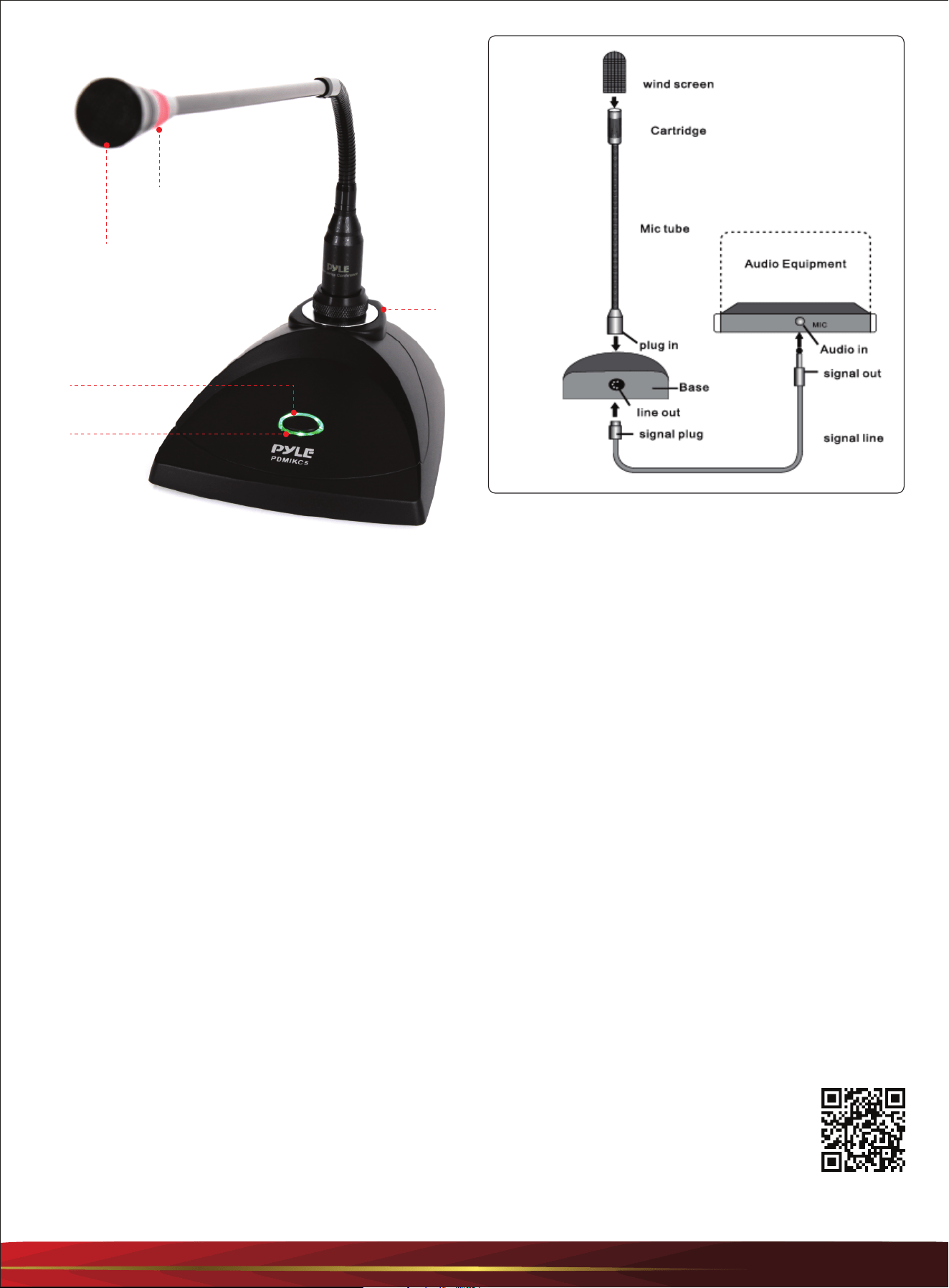
TABLE MICROPHONE
1. Cartridge
2. Working Indicator
3. Switch
4. Power and Low Voltage Two Color Indicator
5. Audio Output
HOW DO YOU OPERATE IT?
1. Insert a 9V battery with the correct polarity and connect the audio cable.
2. Adjust the volume of the amplier to the minimum position.
3. Switch on the power of the amplier and meeting microphone, then slowly adjust the volume of the amplier to
the desired level.
4. The best eective distance is about 20 cm away from the microphone's head.
ATTENTIONS:
1. The speaker may produce feedback (whistling) if the microphone is too close to the speaker or the amplier volume
is too high. Ensure to keep a certain distance and limit the volume to avoid potential damage to the amplier or
speaker.
2. Remove the battery if the microphone will not be used for a long time, as battery leakage may damage the device.
1
2
3
4
5
SYSTEM
Start Here
Model Number:
PDMIKC5
PyleUSA.com/pages/register
Register Product
Thank you for choosing PyleUSA. By registering your product, you ensure that you receive the full benets
of our exclusive warranty and personalized customer support. Complete the form to access expert support
and to keep your PyleUSA purchase in perfect condition.