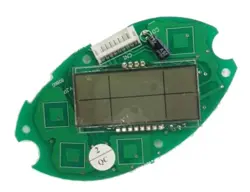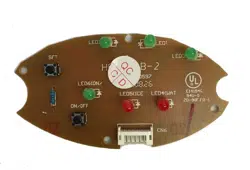
IM-100 Control Board
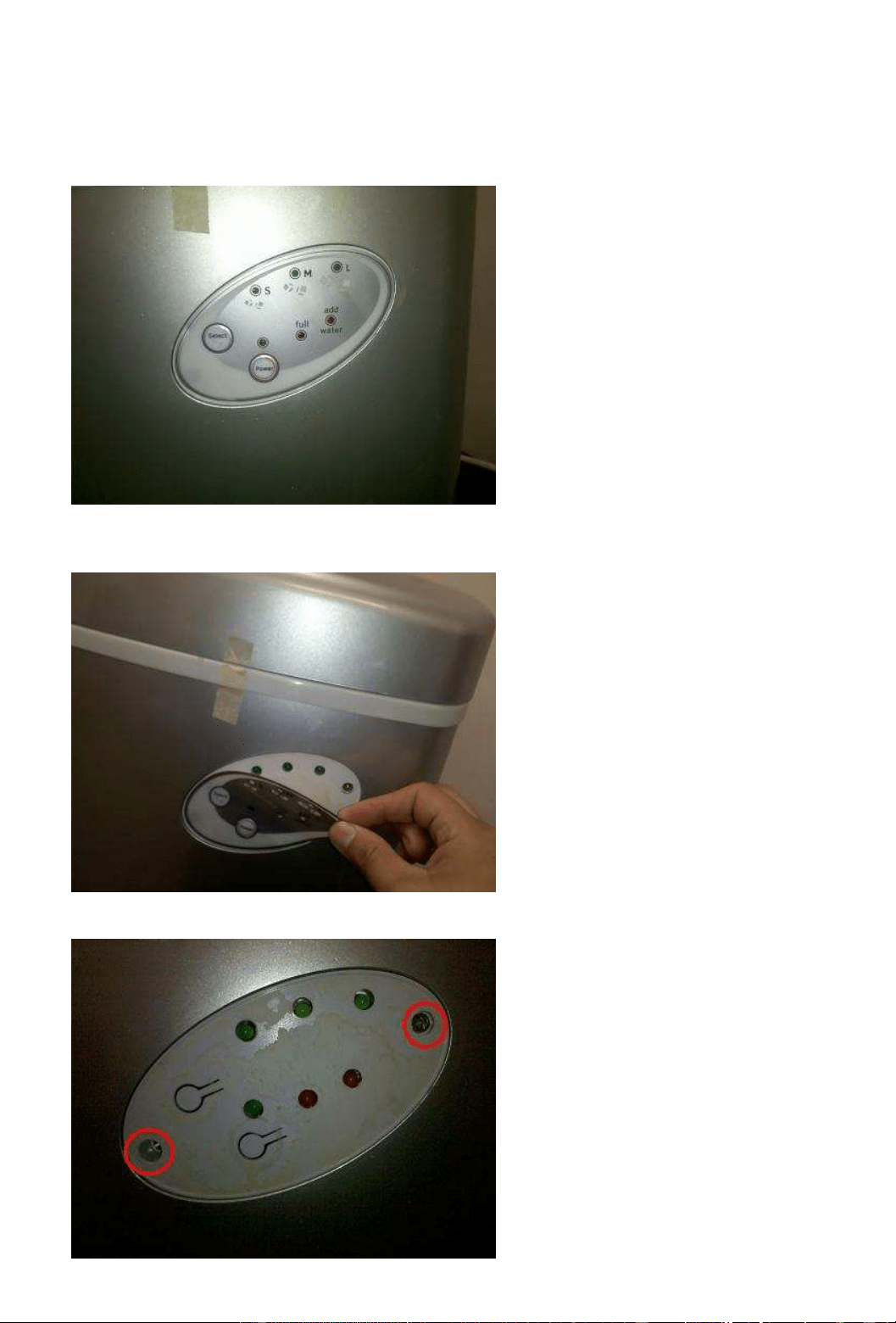
This is a photo of the Control Panel for our IM-100.
To remove the board, you first need to remove the label, as shown in the photo below. (You can do so
using a thin, or sharp object)
Then you’ll need to remove the two screws indicated in the photo below (circled in red).
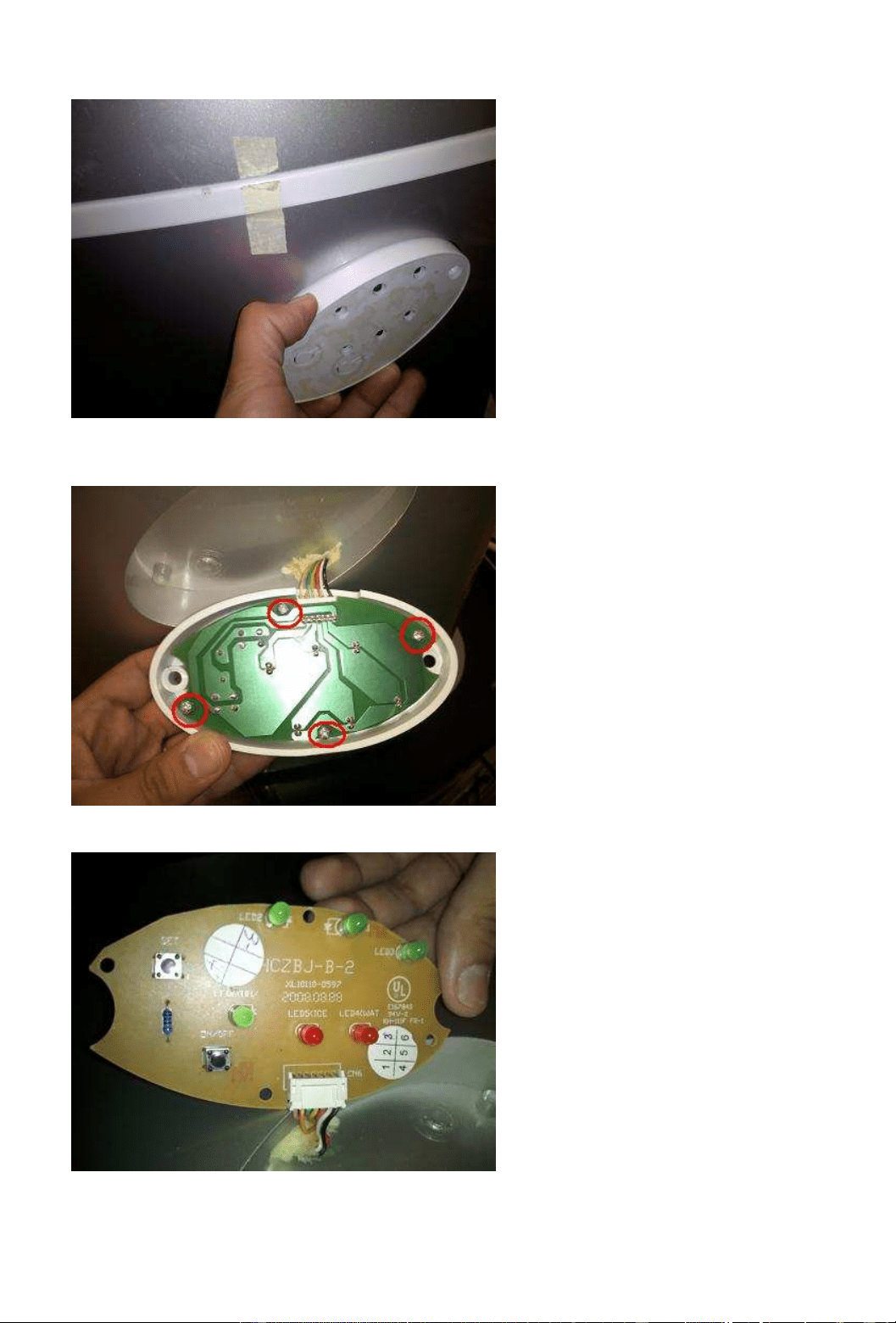
From there you should be able to pull out the white cover. You will need to wiggle it to get it out.
Behind the white cover, you can see the back of the control board. The Board is connected by 4 screws.
They are circled in red, remove those 4 screws.
Make sure that the buttons on the board are aligned with the buttons on the white cover.