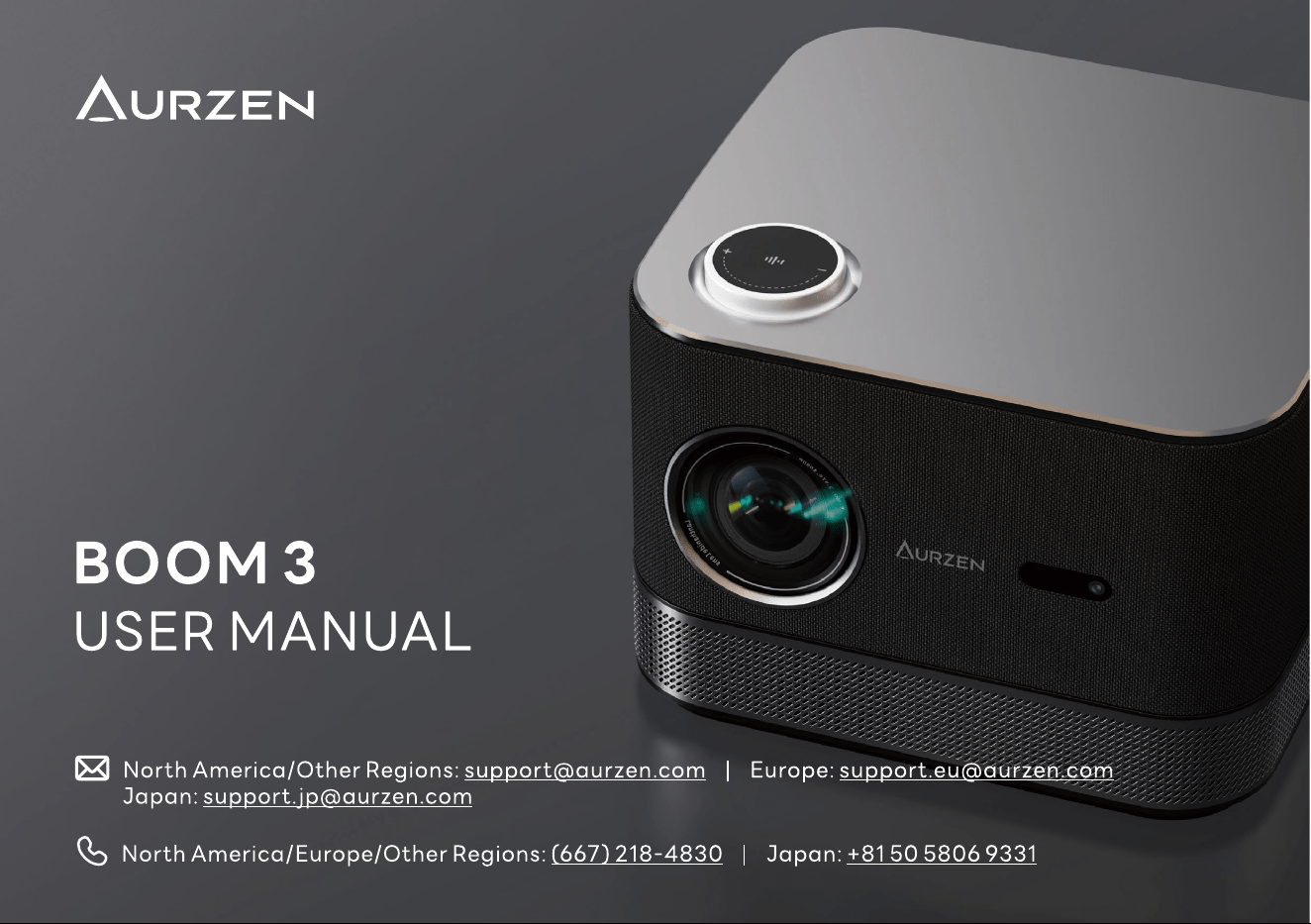
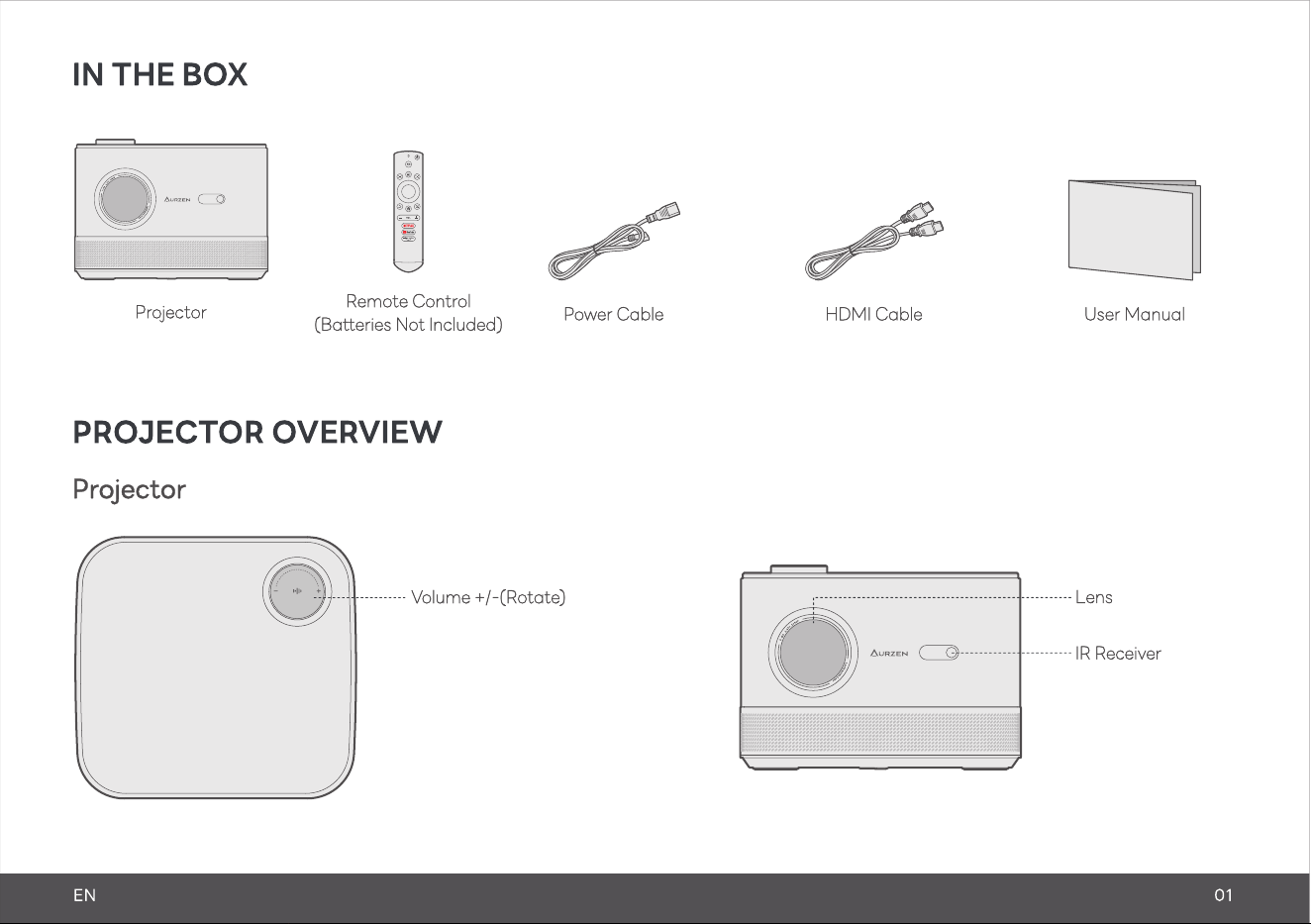
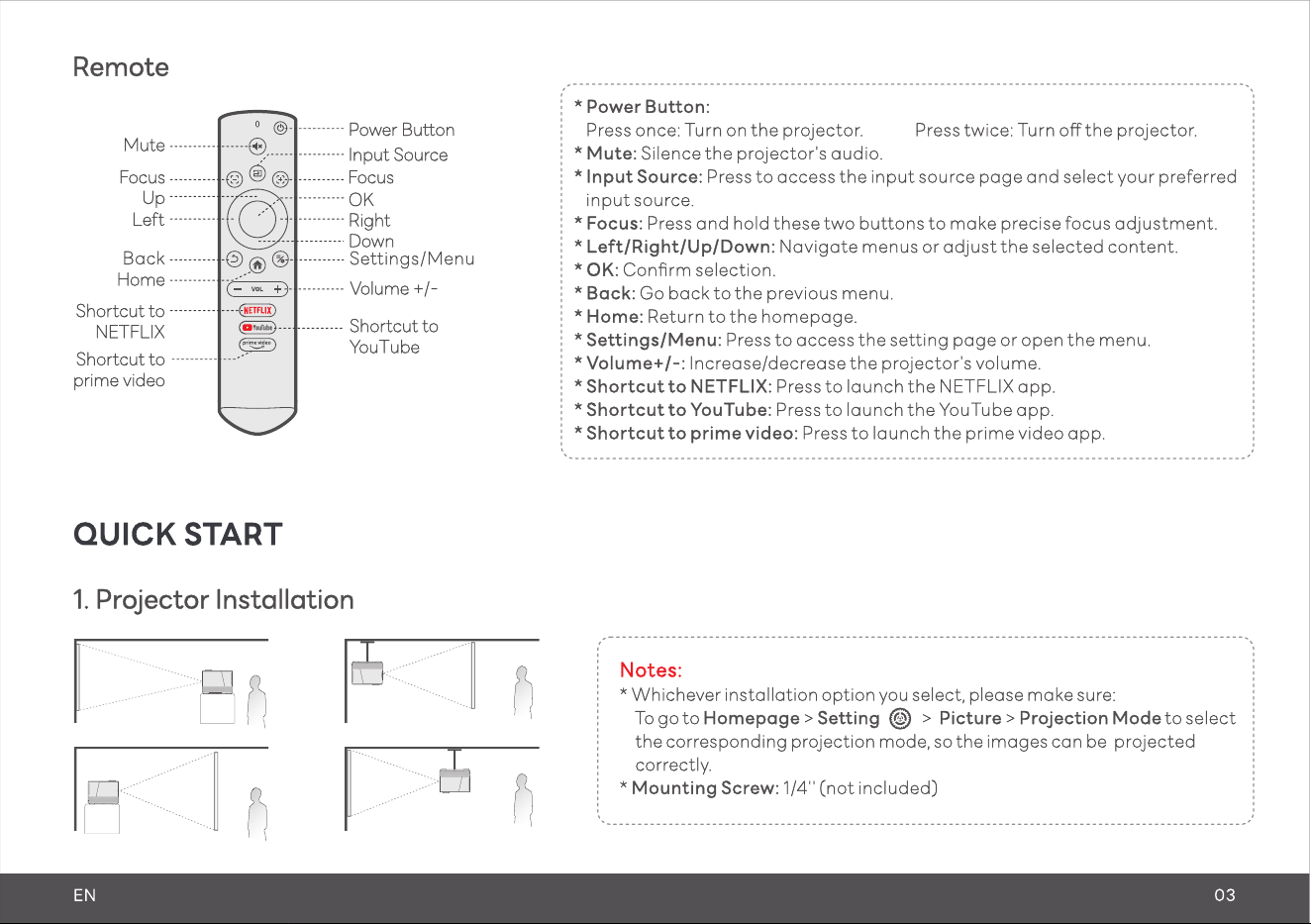
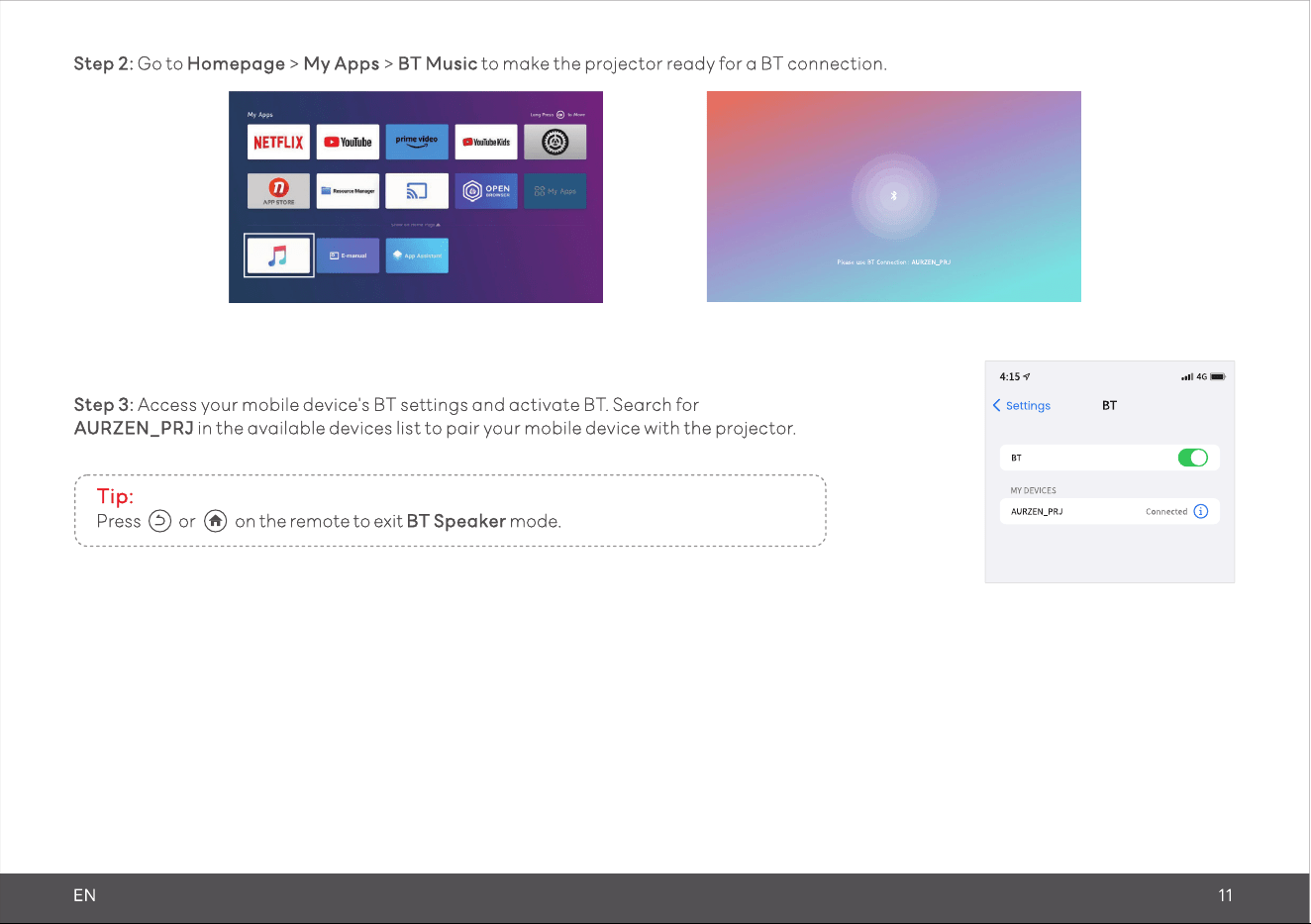
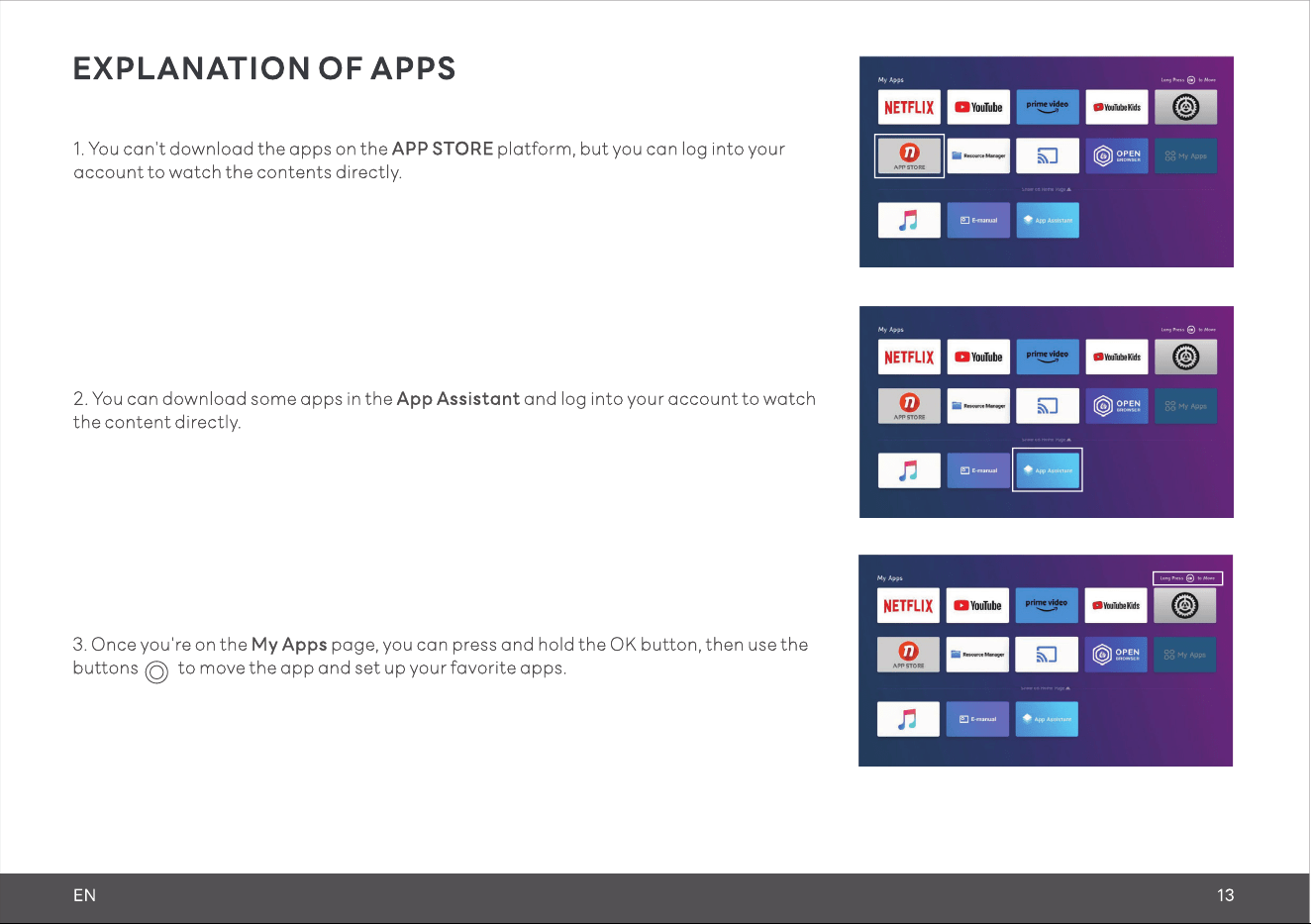
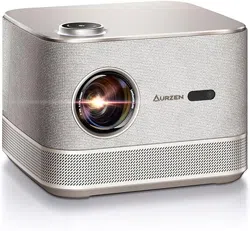
BOOM 3 all ln one projector comes with officially licensed Netflix/ Prime Video/ YouTube. No need for TV stick anymore, quickly entering these Apps with just one button by remote control.
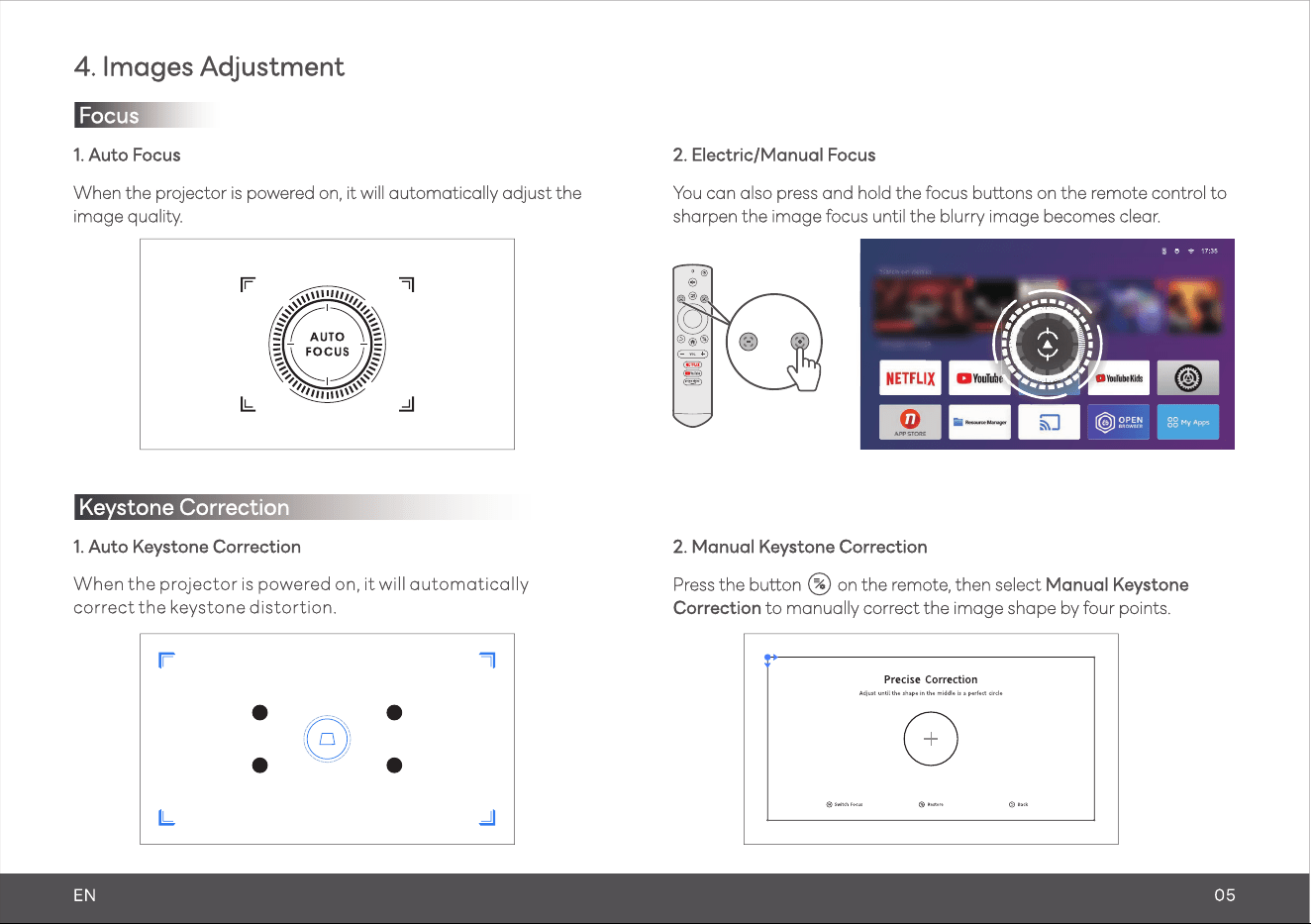
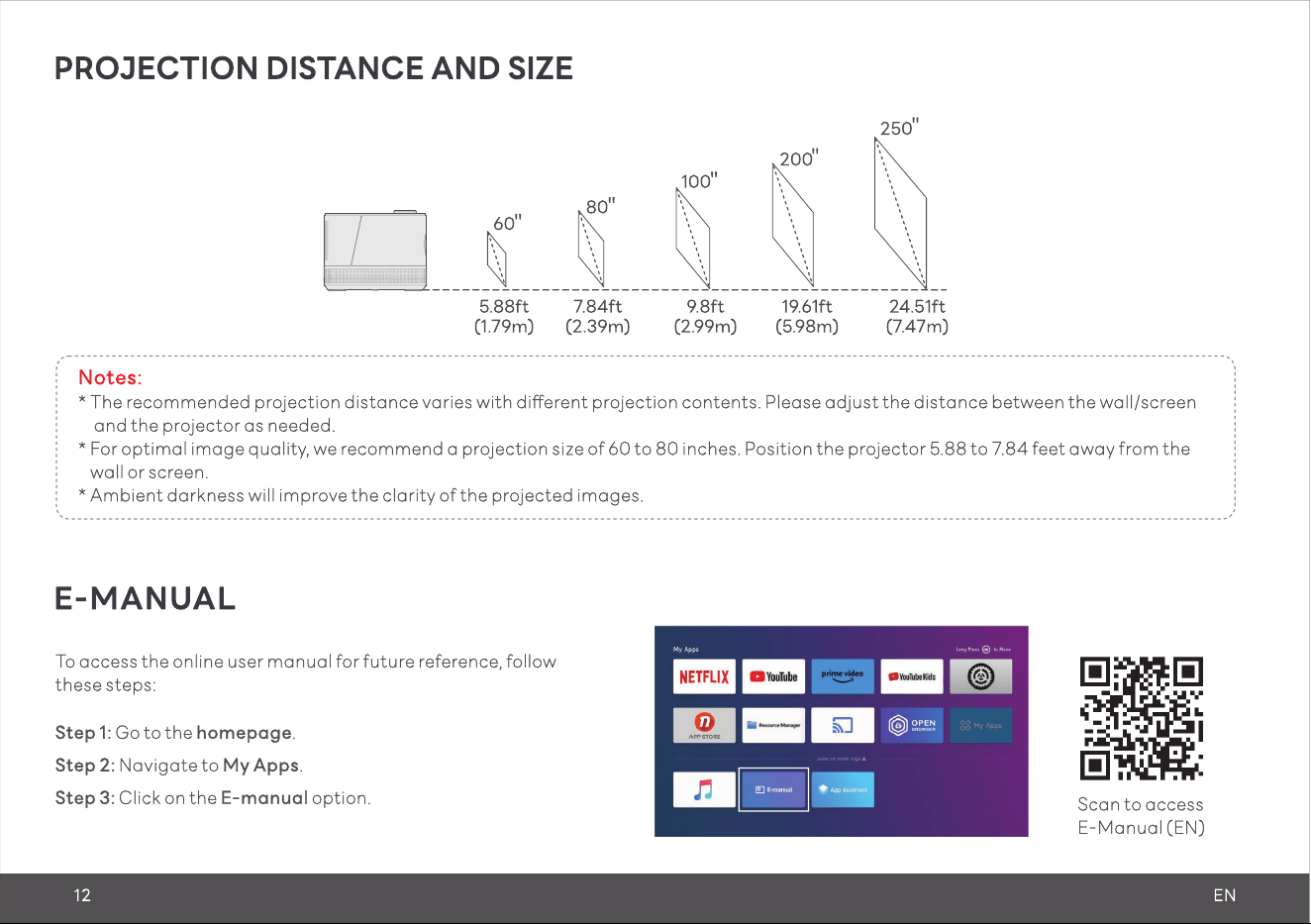
#2 How to activate Auto Focus & Keystone Correction?
This projector automatically adjusts focus and image shape. You can also use the focus button on remote control for best clarity and manually correct the image shape with four point keystone correction if needed.
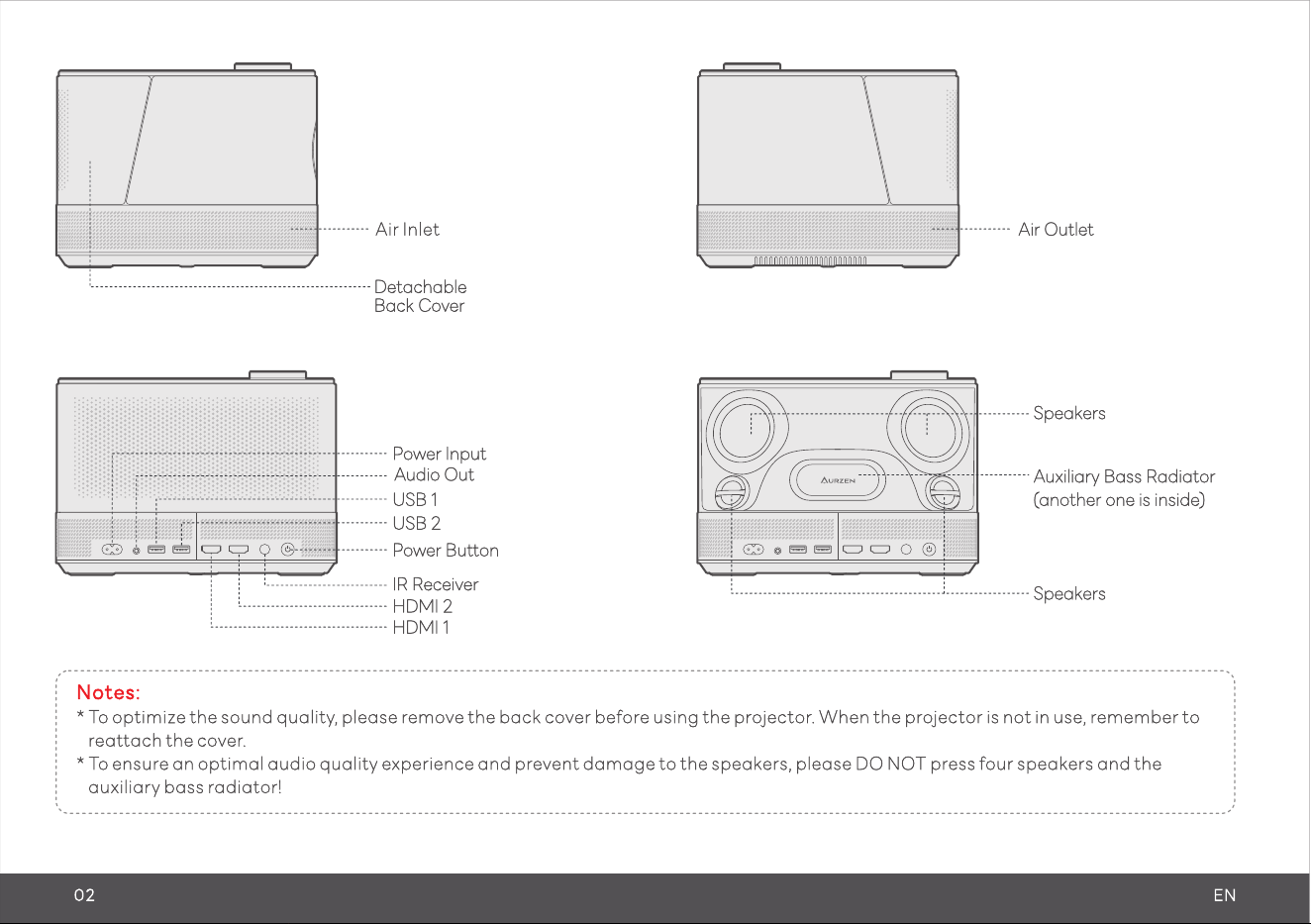
BOOM 3 stands out as the best in audio quality within thousand dollar projectors. 2.2 channel and full range 36W speakers ensure surround sound with crisp highs, strong midranges and booming bass, really immersing yourself in a cinematic experience.
#4 Will the Bluetooth/Infrared Remote Control come with package?
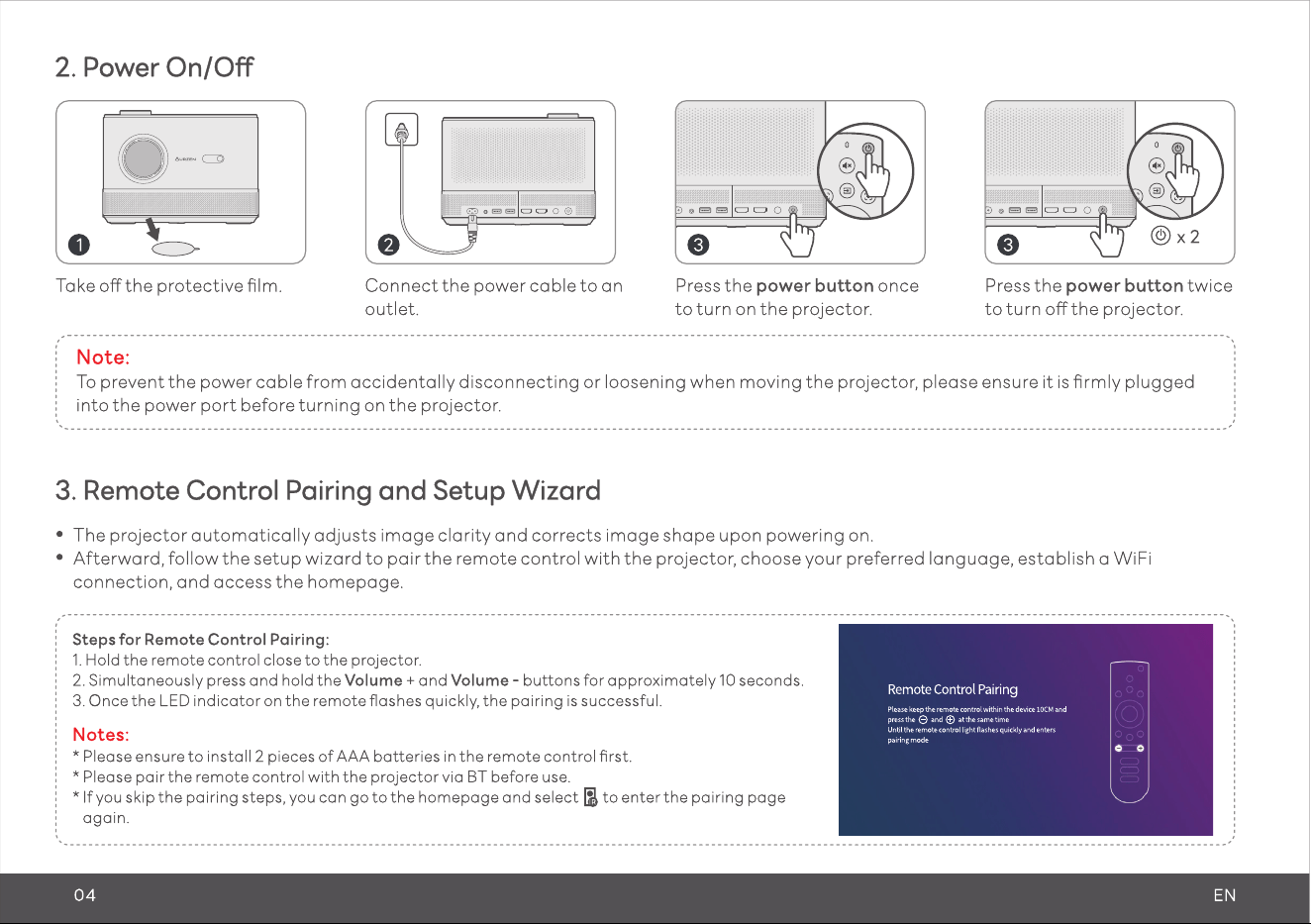
Yes, our remote control is not only infrared but also Bluetooth pairing. It's recommended to pair the remote control via Bluetooth following on screen instructions when firstly turning on the projector.
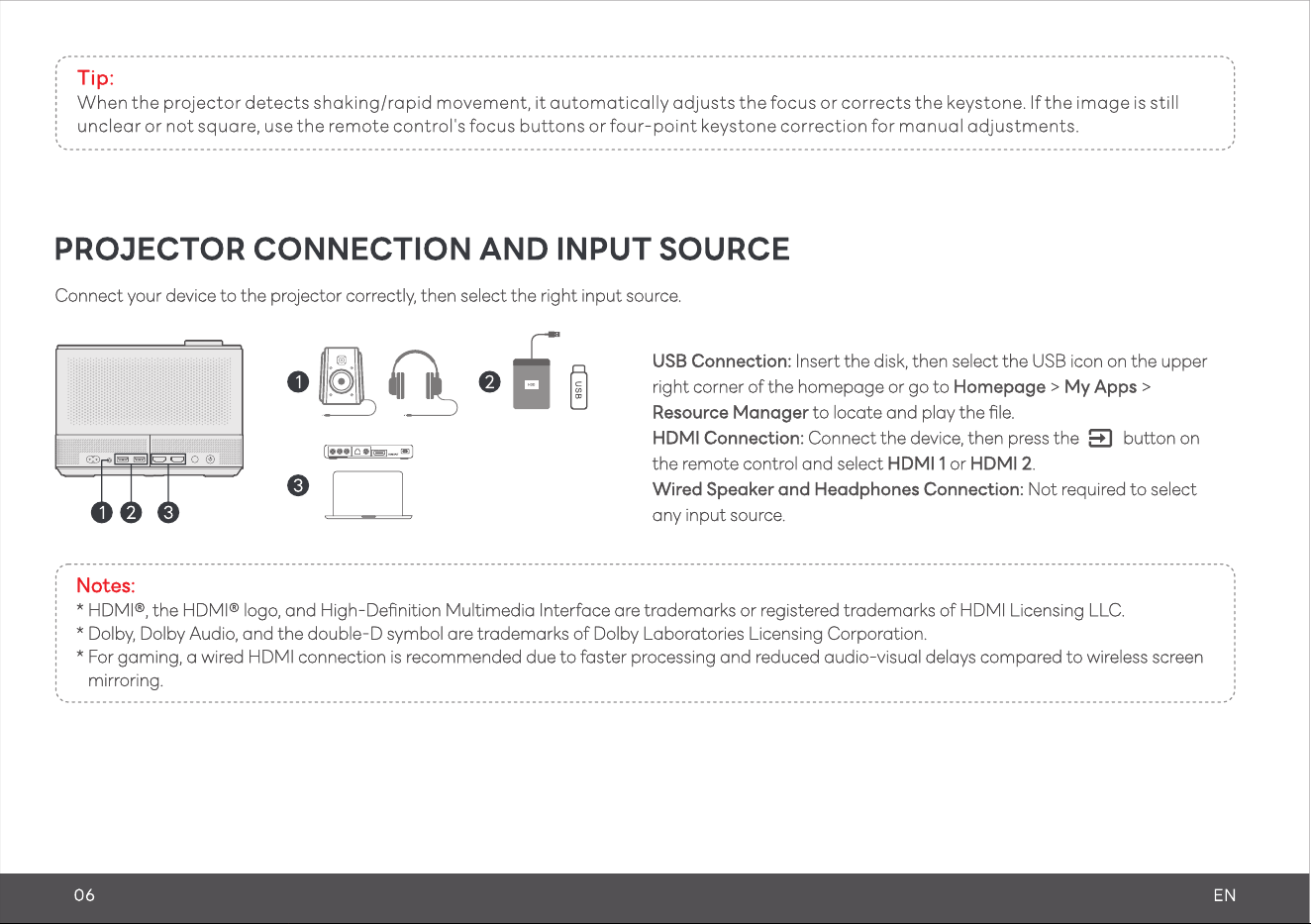
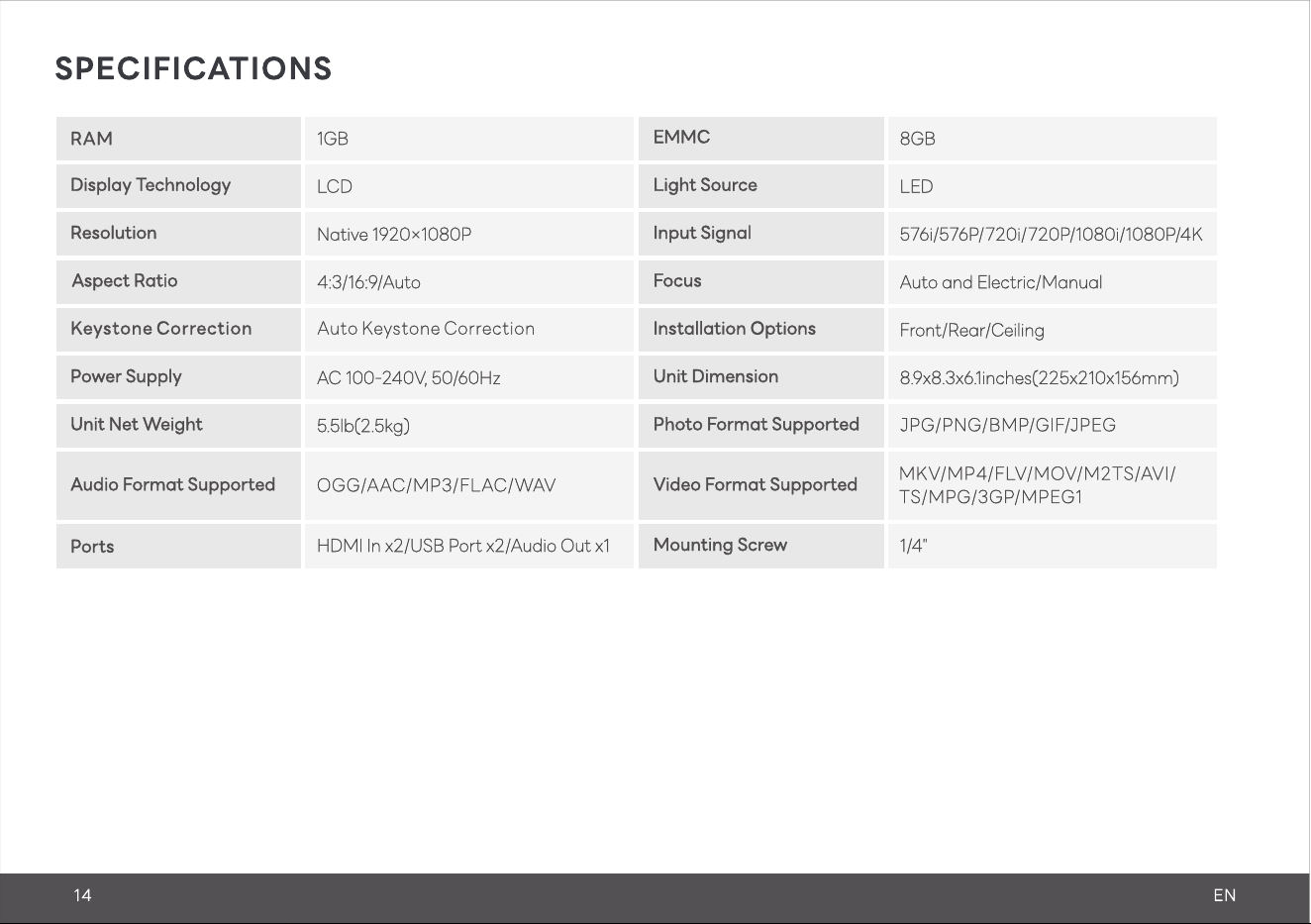
Please make sure to connect 4K devices, such as a TV stick, through HDMI for playing videos. It's crucial to note that videos labeled as 4K will be displayed at a native resolution of 1080P, often termed "4K supported").