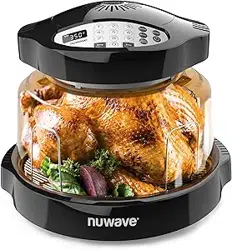

10 | nuwavenow.com
GENERAL RULES
OPERATING 2-KEY BUTTONS
Mute: Turns off all beeping.
Press and hold DELAY and REHEAT
until you hear 2 beeps. Repeat to
unmute.
Lock: Disables the control panel when
in use or not in use to prevent accidental
button selections.
Press and hold PAUSE and DELAY until
you hear 2 beeps. Repeat to unlock.
2-KEY BUTTONS
GENERAL RULES
• While cooking, the dome must be placed completely level to the Base Tray.
• DO NOT tilt the Dome or leave the dome open.
• To avoid moisture/steam build up inside the oven, remove food when done.
• To keep cooked food warm set at a low temperature.
• Only lift Dome by the handles on the Power Head.
• When removing Liner Pan after cooking, be extremely careful and always use
oven mitts.
• Use only oven-safe dishes for cooking, same as in a conventional oven may be
used in the Nuwave® Pro Plus 2 Oven™.
• For even cooking, flip or turn food halfway through the cooking..
• Place foods that require the longest cooking time on the 3-inch reversible rack
side, closest to the heating element (ex. potatoes, carrots), and place soft
vegetables on the lower 1-inch side (ex. mushrooms, tomatoes).
• When choosing the multi-level cooking option, use food combinations on the
reversible rack and liner pan underneath that take roughly the same amount of
time to prepare. Examples: pork or chicken and potato wedges; fish and stewed
tomatoes; or frozen beef with baked potatoes.
• If top layer foods finish cooking earlier, remove the reversible rack with food from
above and continue cooking bottom foods in the liner pan until done.
• To warm bread, place it on the 1-inch side of the reversible rack or Liner Pan
and cover. To bake bread, place bread on the 3-inch reversible rack side.
For best results, follow the time, temperature, and Cooking Rack height
instructions provided in the cooking chart and recipe book.
nuwavenow.com | 11
50°F ~ 320°F
99:59 (99 hours and 59 minutes)
325°F ~ 350°F
2:00 (2 hours)
The maximum selectable cooking time differs depending on the selected
cooking temperature.
CAUTION
DO NOT touch the Power Dome or any surface on the cooking area
during operation. The air inside the Power Dome can reach 350°F
which makes the surface very hot and may cause burns. DO NOT
open the Power Dome or remove the Power Head while the Nuwave
Oven is operating. Turn off the power before removal.
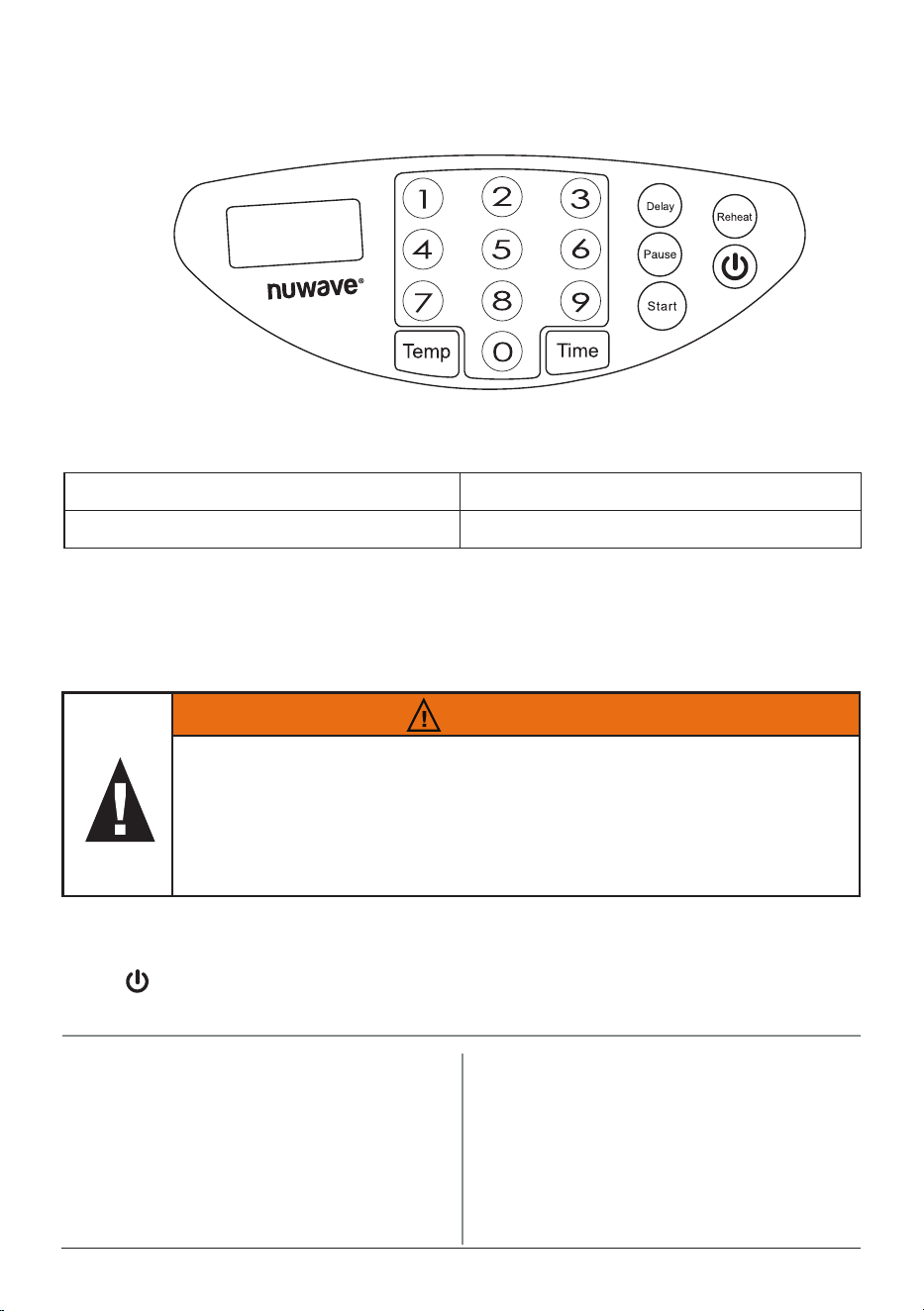
CONTROL PANEL
NuWave Pro Plus 2 Black Control Panel - Graphic
09-22-23-JD
Temp: Press TEMP, then enter the
desired cooking temperature.
To change the temperature, press TEMP
and select any temperature between
50°F and 350°F using the keypad.
Start: Press START to begin cooking.
Pause: Press PAUSE to stop cooking
when ipping or shaking food.
Note: While paused, the programmed
cooking settings will be saved until you
resume cooking. These can be cleared
by turning o the unit.
Press to turn the unit o and on. Turning the unit o will also cancel the current
cooking function.
OPERATING BUTTONS
• If using at the max temperature at the max time, allow 30 minutes for the
Power Head to cool down before using again.
• If the time entered is above the maximum time for the set temperature range,
the unit will display and operate at the maximum time allowed.
12 | nuwavenow.com
Time: Press TIME, then enter the
desired cooking time in hours and
minutes.
This can be adjusted at any point.
When the time reaches 0, the Oven will
beep 3 times and “End” will be shown
on the display. The default cooking time
is 15 minutes.
Minutes/Seconds Conversion:
1. Press and hold TIME for 4 seconds
to change the cooking time to
minutes and seconds. You will
hear 2 beeps and 15:00sec will be
displayed.
2. Repeat to change back to hours and
minutes.
• Your selected time mode will remain
in place even if the unit is powered
off or unplugged
OPERATING BUTTONS
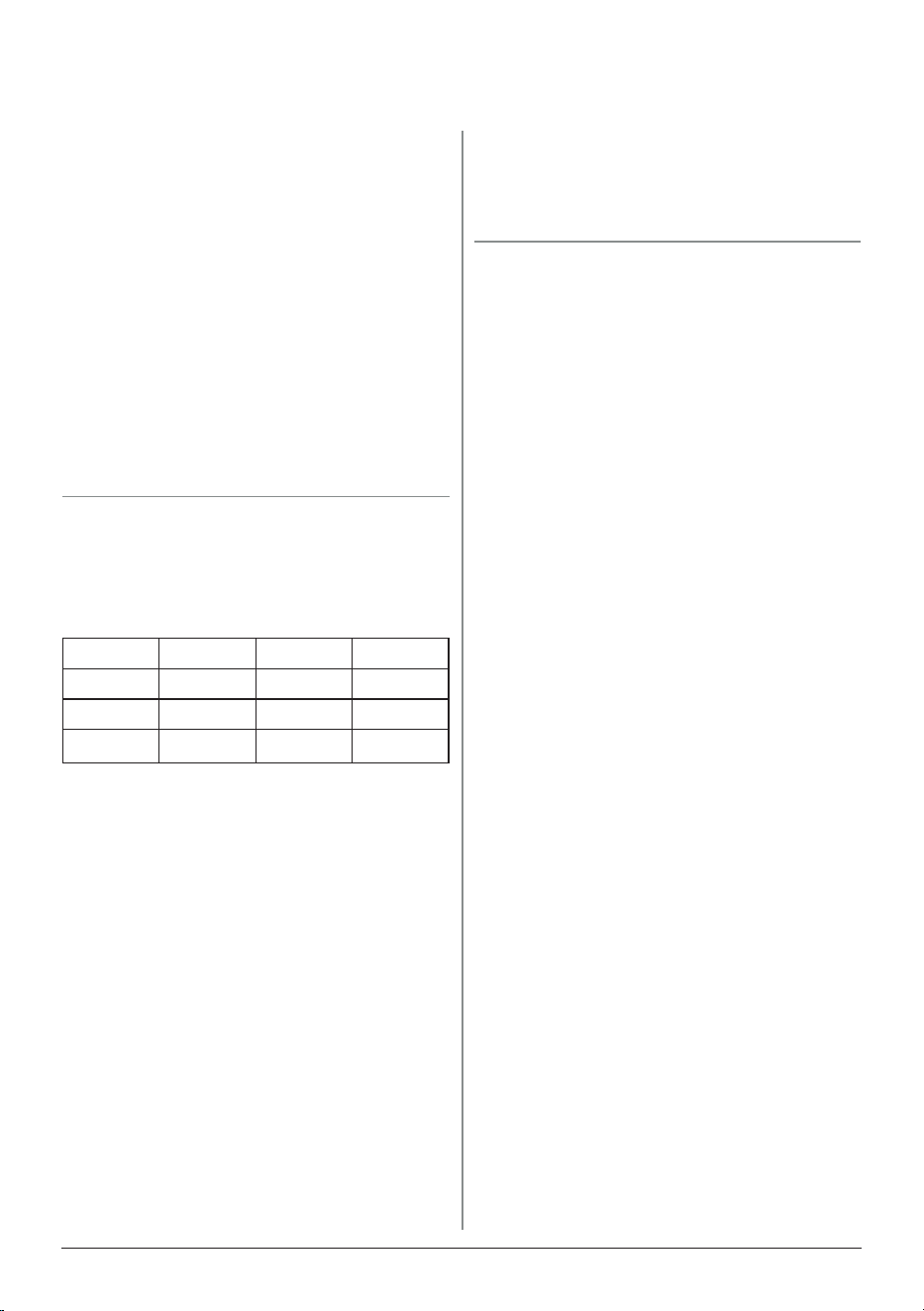
Hour: Min 1st Press 2nd Press 3rd Press
01:30 1 3 0
00:20 2 0 -
00:05
5 - -
Example:
°F/°C Conversion:
1. Press and hold TEMP for 4
seconds to switch to Celsius.
2. Repeat to switch back to
Fahrenheit.
Note:
• When switching temperature
modes, the Oven will always
display the default temperature of
350°F or 177°C.
• Your selected temperature mode
will remain in place even if the unit
is powered off or unplugged.
Reheat: Default temperature and time
are 350°F for 4 minutes, both can be
adjusted at anytime. Press START to
begin.
Delay: You can delay the start of your
programmed cooking function.
1. Set the cooking temperature and
time.
2. Press DELAY, DLY will be shown on
the display. Enter the time you want to
delay cooking in hours and minutes.
3. Press START to begin the delayed
cooking process.
Note: The delay time can be changed
at any time. The temperature cannot
be changed while the delay function is
active.
nuwavenow.com | 13
Dishwasher-safe, top rack only parts are: the Power Dome, Reversible Rack,
Liner Pan, and Base Tray. They can also be cleaned with warm soapy water.
ALLOW THE OVEN TO COOL COMPLETELY
• ALWAYS unplug the Oven from the electrical outlet before cleaning.
• NEVER clean the unit while it is plugged in.
• Allow the Oven to cool completely before cleaning.
• DO NOT use any abrasive, harsh brushes, or steel pads on any part of the Pro
Plus 2.
• DO NOT immerse the Power Head in water or wash in the dishwasher.
CARE & MAINTENANCE
Unscrew here
Protective Grate Removal
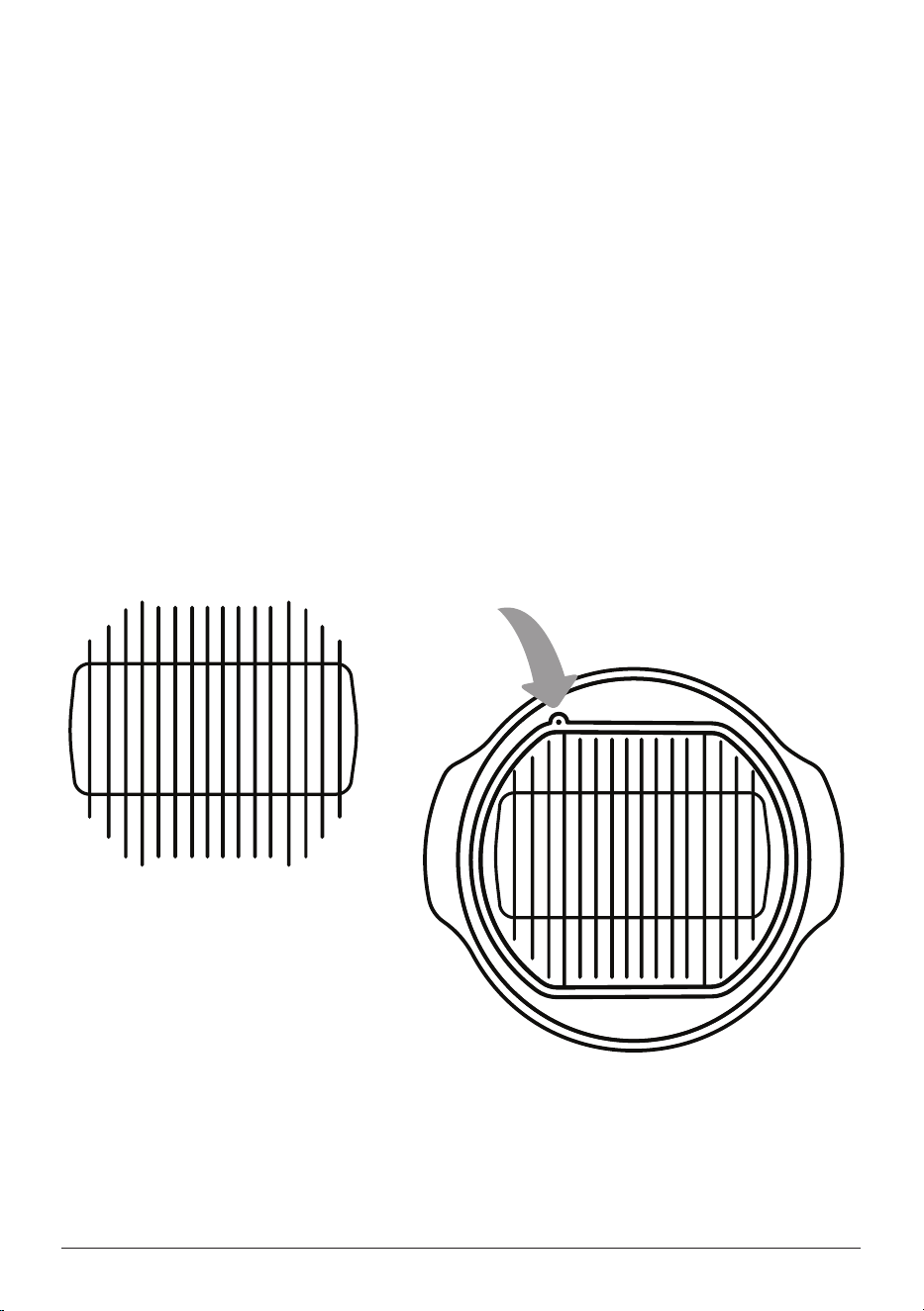
To clean the protective grate on the underside of the Power Head, unscrew the
single corner screw and carefully push in then lift the grate to remove. Clean the
grate with warm soapy water and dry completely before reinserting into the Power
Head. Be sure the corner screw is completely tightened.
Protective Grate
Underside of Power Head
DO NOT touch or clean the fans.
DO NOT remove the heaters.
NEVER clean the unit while it is
plugged in. Allow the oven to cool
completely before cleaning.
DO NOT wash the Power Head
in the dishwasher or immerse in
water.
DO NOT use any abrasive, harsh
brushes, or stainless steel pads, to
clean any of the Pro Plus 2 parts.