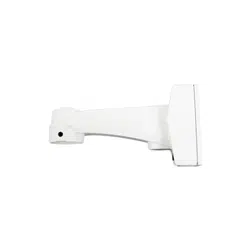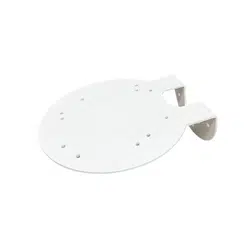
DA-WM2160 INSTALLATION MANUAL
This manual is intended for users of the DA-WM2160 wall mounting
bracket. It includes instructions for mounting the DA-WM2160 wall
mounting bracket to a wall.
• This bracket is intended to be used with some models
of dome cameras. Do not use it with other models of
cameras.
• This installation should be performed by a qualied
service personnel in conformance to all local codes.
• You may need to reinforce the wall. If the wall is not strong
enough to support the camera, the camera may fall.
• Do not use this product for other purposes.
Mounting
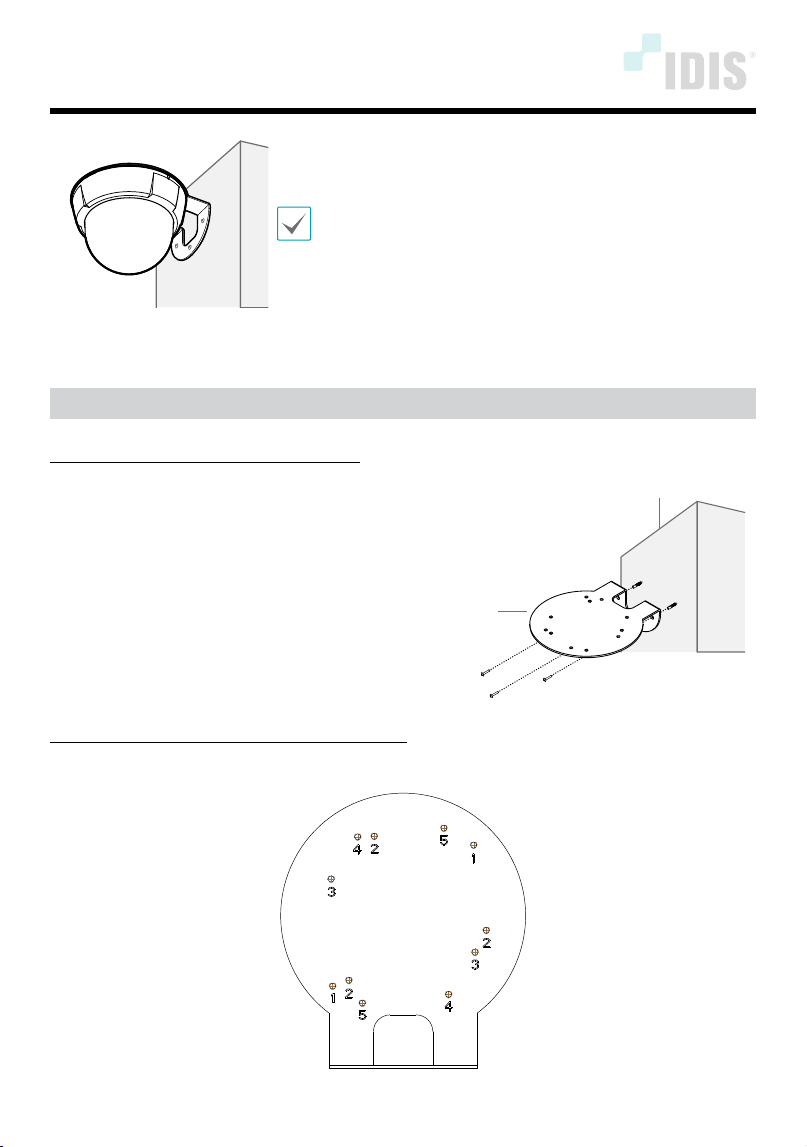
Mount the bracket to the wall as follows:
Mount bracket to the wall by using the anchors and screws.
Bracket
wall
Connect your camera to the bracket as follows:
Assemble the camera body to the bracket by tightening the screws.
IDIS Co., Ltd.
For more information, please visit www.idisglobal.com
1
TC-D4222RX / TC-D4221RXP Model: Screw No.1 (2-point)
2
TC-D4211RX Model: Screw No.2 (3-point)
3
DC-D3212RX-N / DC-D3212X-N / DC-D3214RX-N / DC-D3214X-N Models: Screw No.3 (2-point)
4
DC-D4213RX Model: Screw No.4 (2-point)
5
DC-D4223RX / DC-D4233RX / DC-D4212R Models: Screw No.5 (2-point)
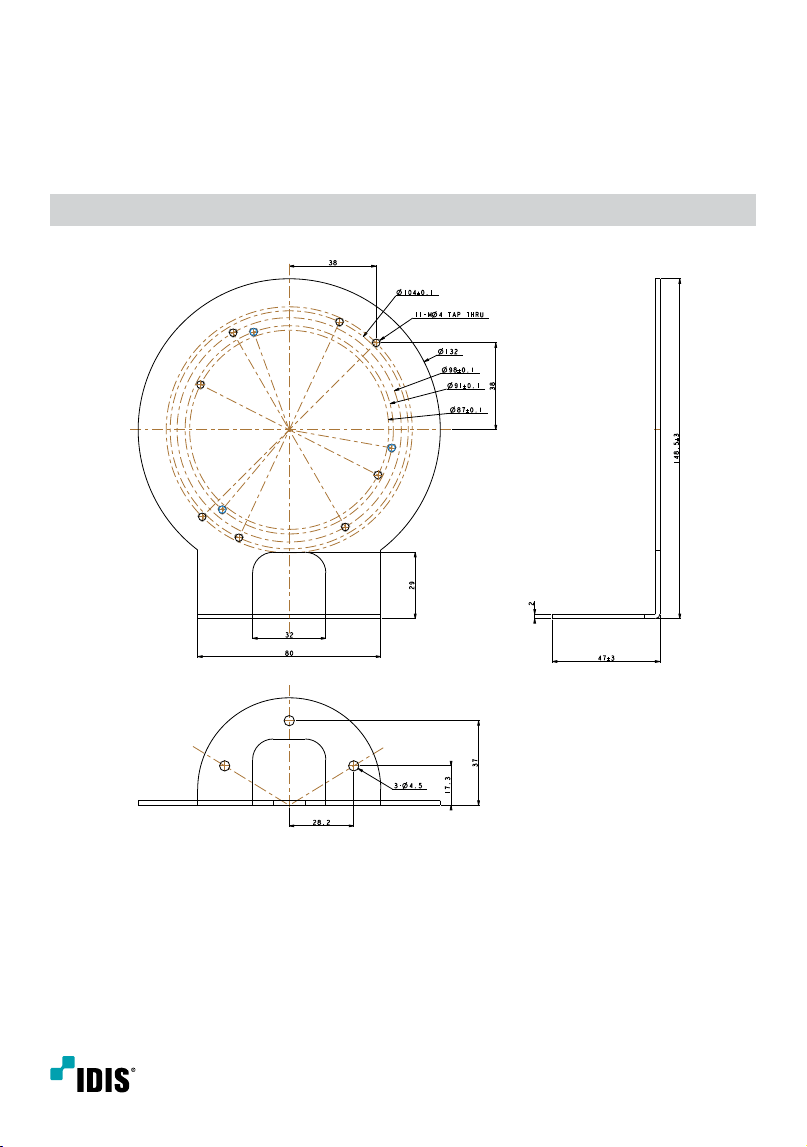
Dimensions
Unit: mm
Ver.1.0