
Legal Informaon
Installaon Guide
©2019 Hangzhou Hikvision Digital Technology Co., Ltd.
About this Manual
This Manual is subject to domesc and internaonal copyright protecon.
Hangzhou Hikvision Digital Technology Co., Ltd. ("Hikvision") reserves all
rights to this manual. This manual cannot be reproduced, changed,
translated, or distributed, parally or wholly, by any means, without the
prior wrien permission of Hikvision.
Please use this user manual under the guidance of professionals.
Trademarks
and other Hikvision marks are the property of
Hikvision and are registered trademarks or the subject of applicaons for
the same by Hikvision and/or its aliates. Other trademarks menoned in
this manual are the properes of their respecve owners. No right of license
is given to use such trademarks without express permission.
Disclaimer
TO THE MAXIMUM EXTENT PERMITTED BY APPLICABLE LAW, HIKVISION
MAKES NO WARRANTIES, EXPRESS OR IMPLIED, INCLUDING WITHOUT
LIMITATION THE IMPLIED WARRANTIES OF MERCHANTABILITY AND FITNESS
FOR A PARTICULAR PURPOSE, REGARDING THIS MANUAL. HIKVISION DOES
NOT WARRANT, GUARANTEE, OR MAKE ANY REPRESENTATIONS REGARDING
THE USE OF THE MANUAL, OR THE CORRECTNESS, ACCURACY, OR
RELIABILITY OF INFORMATION CONTAINED HEREIN. YOUR USE OF THIS
MANUAL AND ANY RELIANCE ON THIS MANUAL SHALL BE WHOLLY AT YOUR
OWN RISK AND RESPONSIBILITY.
REGARDING TO THE PRODUCT WITH INTERNET ACCESS, THE USE OF
PRODUCT SHALL BE WHOLLY AT YOUR OWN RISKS. HIKVISION SHALL NOT
Video Audio Distributor
Installaon Guide
i

TAKE ANY RESPONSIBILITIES FOR ABNORMAL OPERATION, PRIVACY
LEAKAGE OR OTHER DAMAGES RESULTING FROM CYBER ATTACK, HACKER
ATTACK, VIRUS INSPECTION, OR OTHER INTERNET SECURITY RISKS;
HOWEVER, HIKVISION WILL PROVIDE TIMELY TECHNICAL SUPPORT IF
REQUIRED.
SURVEILLANCE LAWS VARY BY JURISDICTION. PLEASE CHECK ALL RELEVANT
LAWS IN YOUR JURISDICTION BEFORE USING THIS PRODUCT IN ORDER TO
ENSURE THAT YOUR USE CONFORMS THE APPLICABLE LAW. HIKVISION
SHALL NOT BE LIABLE IN THE EVENT THAT THIS PRODUCT IS USED WITH
ILLEGITIMATE PURPOSES.
IN THE EVENT OF ANY CONFLICTS BETWEEN THIS MANUAL AND THE
APPLICABLE LAW, THE LATER PREVAILS.
Video Audio Distributor
Installaon Guide
ii

Regulatory Informaon
FCC Informaon
Please take aenon that changes or modicaon not expressly approved
by the party responsible for compliance could void the user’s authority to
operate the equipment.
FCC compliance: This equipment has been tested and found to comply with
the limits for a Class B digital device, pursuant to part 15 of the FCC Rules.
These limits are designed to provide reasonable protecon against harmful
interference in a residenal installaon. This equipment generates, uses and
can radiate radio frequency energy and, if not installed and used in
accordance with the instrucons, may cause harmful interference to radio
communicaons. However, there is no guarantee that interference will not
occur in a parcular installaon. If this equipment does cause harmful
interference to radio or television recepon, which can be determined by
turning the equipment o and on, the user is encouraged to try to correct
the interference by one or more of the following measures:
—Reorient or relocate the receiving antenna.
—Increase the separaon between the equipment and receiver.
—Connect the equipment into an outlet on a circuit
dierent from that to
which the receiver is connected.
—Consult the dealer or an experienced radio/TV technician for help
FCC
Condions
This device complies with part 15 of the FCC Rules. Operaon is subject to
the following two condions:
1. This device may not cause harmful interference.
2. This device must accept any interference received, including interference
that may cause undesired
operaon.
Video Audio Distributor
Installaon Guide
iii

EU Conformity Statement
This product and - if applicable - the supplied accessories too are
marked with "CE" and comply therefore with the applicable
harmonized European standards listed under the EMC Direcve
2014/30/EU, the RoHS Direcve 2011/65/EU
2012/19/EU (WEEE direcve): Products marked with this symbol
cannot be disposed of as unsorted municipal waste in the
European Union. For proper recycling, return this product to your
local supplier upon the purchase of equivalent new equipment, or
dispose of it at designated collecon points. For more informaon
see: www.recyclethis.info
2006/66/EC (baery direcve): This product contains a baery
that cannot be disposed of as unsorted municipal waste in the
European Union. See the product documentaon for specic
baery informaon. The baery is marked with this symbol,
which may include leering to indicate cadmium (Cd), lead (Pb),
or mercury (Hg). For proper recycling, return the
baery to your
supplier or to a designated collecon point. For more informaon
see:www.recyclethis.info
Industry Canada ICES-003 Compliance
This device meets the CAN ICES-3 (B)/NMB-3(B) standards requirements.
Video Audio Distributor
Installaon Guide
iv
Symbol Convenons
The symbols that may be found in this document are dened as follows.
Symbol Descripon
Danger
Indicates a hazardous situaon which, if not avoided, will or
could result in death or serious injury.
Cauon
Indicates a potenally hazardous situaon which, if not
avoided, could result in equipment damage, data loss,
performance degradaon, or unexpected results.
Note
Provides addional informaon to emphasize or
supplement important points of the main text.
Video Audio Distributor Installaon Guide
v

Contents
1 Appearance ................................................................................................ 1
2 Wiring Descripon ...................................................................................... 2
3 Installaon .................................................................................................. 3
A. Cables ........................................................................................................ 4
Video Audio Distributor Installaon Guide
vi
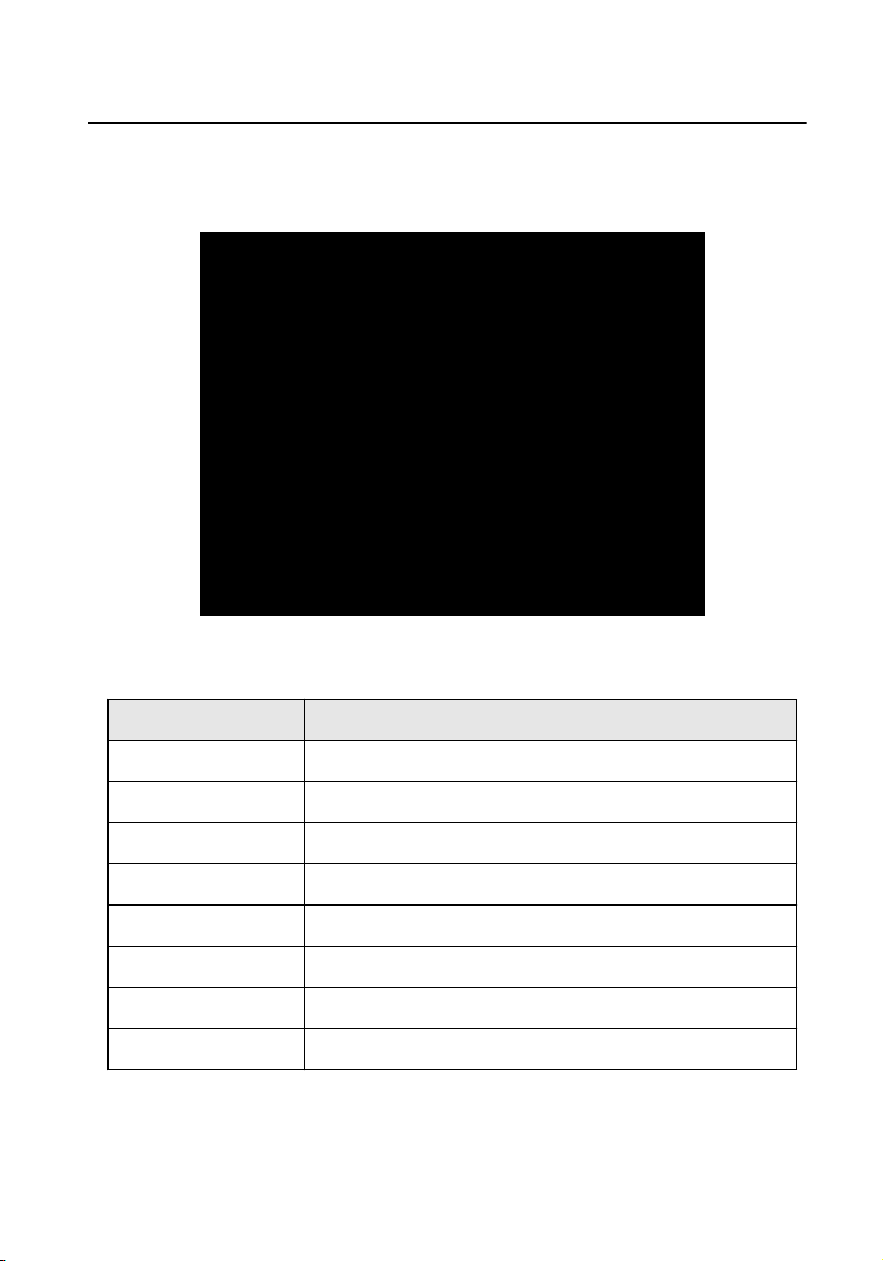
1 Appearance
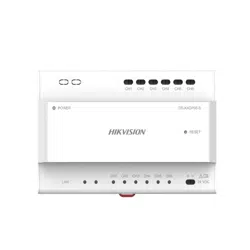
Figure 1-1 Video/Audio Distributor Appearance
Table 1-1
Descripon
No. Descripon
1 Power Indicator
2 Network Interface
3 Cascade Network Indicaor
4 Network Indicaor
5 Power Input
6 Reset Buon
7 Cascade Interface
8 Terminals
Video Audio Distributor Installaon Guide
1
2 Wiring Descripon
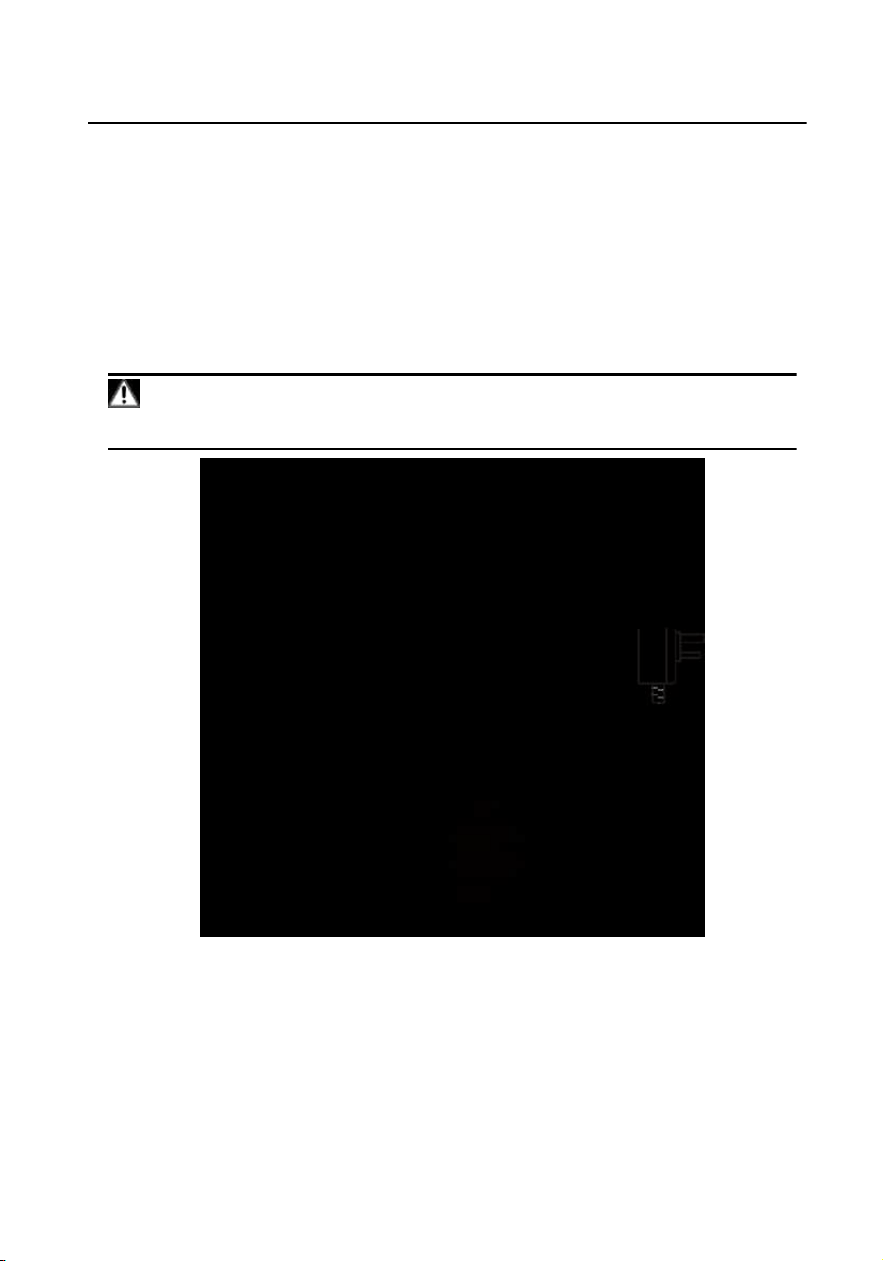
Wire the devices with power supply cables as picture shown below.
Door staon should be connected to CH6 of the video/audio distributor with two-
wire cables.
Indoor Staon should be connected to any terminal of CH1 to CH5 of the video/
audio distributor with two-wire cables.
Cauon
Make sure all the related equipment is power-o during the installaon.
Figure 2-1 Wiring Descripon
Video Audio Distributor
Installaon Guide
2
3 Installaon
Before You Start
•
Make sure the device in the package is in good condion.
Make sure all the related equipment is power-o during the installaon.
Check the product specicaon for the installaon environment.
Steps
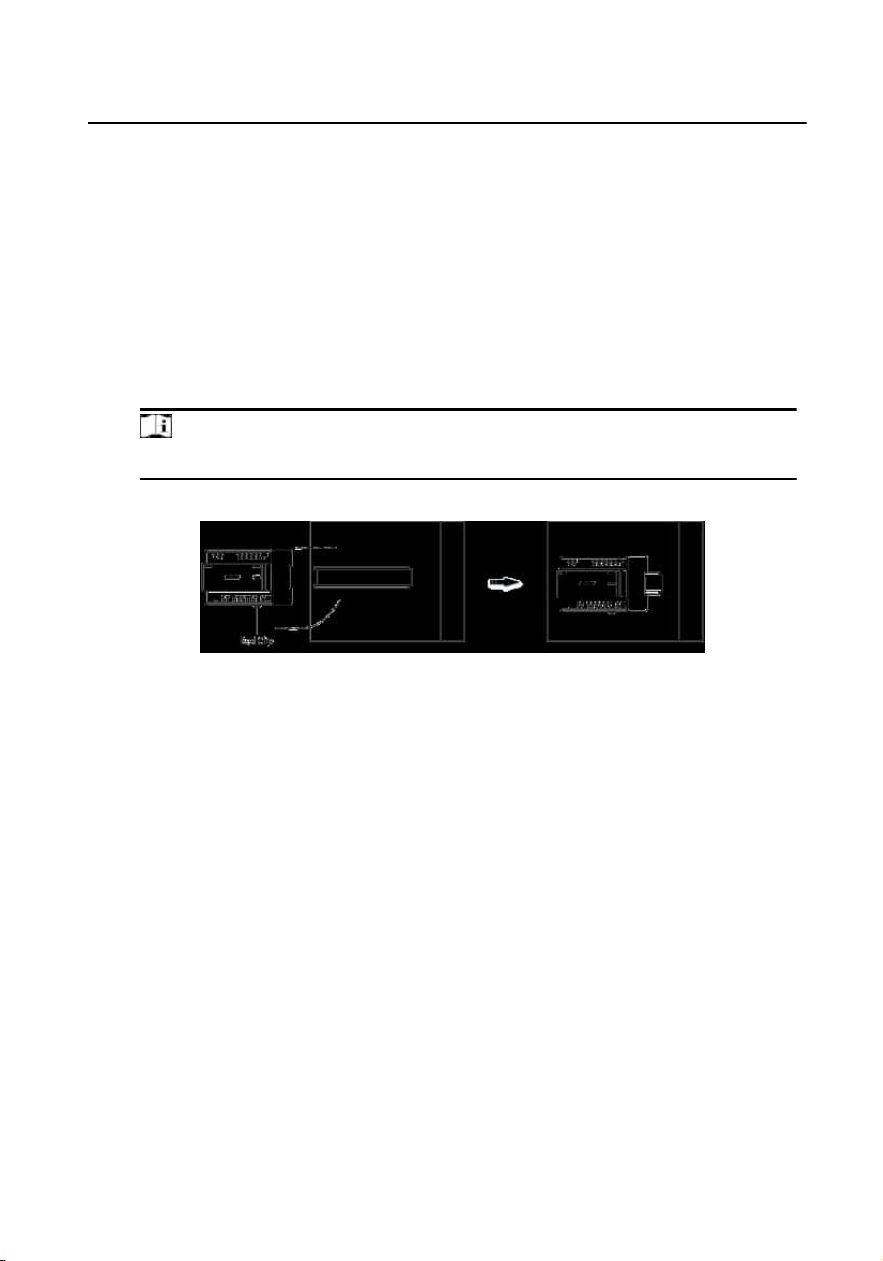
1.
Fix the DIN rail onto the wall.
Note
You are required to ulize a matched DIN rail.
2.
Press the red clip upward, and lock it to the DIN rail.
Figure 3-1 Install the Video/Audio Distributor
Video Audio Distributor Installaon Guide
3

A. Cables
Table A-1 Wiring Cables
Roung Path 24AWG
(0.2mm²)
20AWG
(0.5mm²)
18AWG
(0.8mm²)
RVV 4
DS-KAD706 -
DS-KAD706-S
Transmission
Distance ≤ 60
m
Transmission
Distance ≤ 60
m
Transmission
Distance ≤ 60
m
Transmission
Distance ≤ 35
m
DS-KAD706-S -
DS-KAD706-S
Transmission
Distance ≤ 60
m
Transmission
Distance ≤ 60
m
Transmission
Distance ≤ 60
m
Transmission
Distance ≤ 35
m
DS-KAD706-
DS-KD8003-
IME2
Transmission
Distance ≤ 35
m
Transmission
Distance ≤ 60
m
Transmission
Distance ≤ 60
m
Transmission
Distance ≤ 35
m
DS-KAD706-
DS-KH6320-
WTE2
Transmission
Distance ≤ 35
m
Transmission
Distance ≤ 60
m
Transmission
Distance ≤ 60
m
Transmission
Distance ≤ 35
m
Video Audio Distributor Installaon Guide
4

UD13580B