On / Off Button and mode select
Solar Panel: 0.55W
Li-ion battery: 3.7V 1200 mAh
LEDs: 0.8w, 6000K, 160 Lumens
Detection enabled: <10 Lux
Detection range: 120
o
, 3m
Light Modes:
- Off
- On with standard brightness
- On with Powersaving enabled
(motion detection enabled after dusk)
Size: 95 x 123 x 47mm
1. Eco Wedge XT Lamp
2. 1 x Wall Plugs
3. 1 x Screw
Operating the Light:
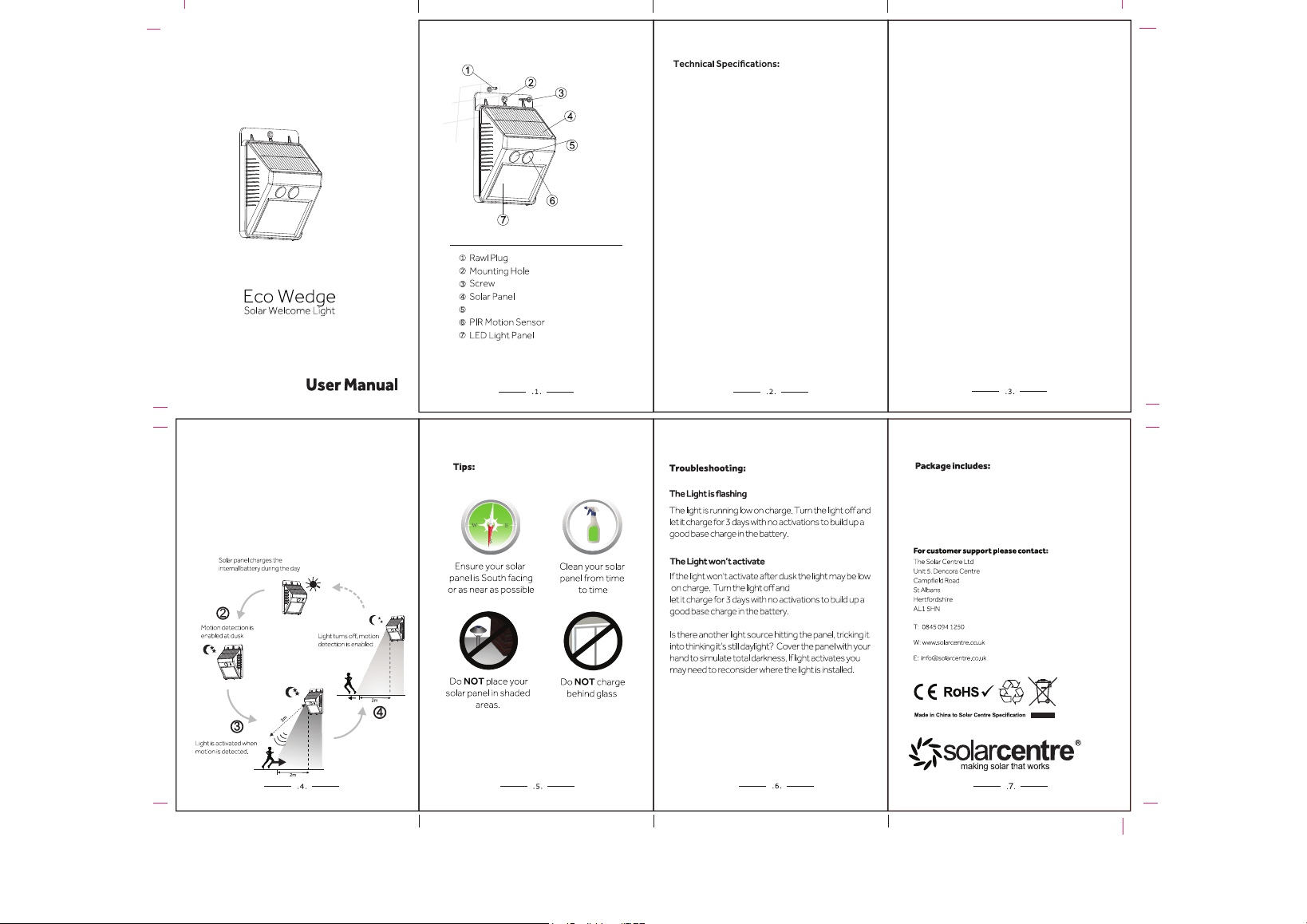
Day / Night Cycle
XT
3. Activate the lamp
Use the on / off button on the front of the light to
unlock the light ready for use.
1st push - standard brightness (160 lumens)
2nd push - Powersaving brightness (80 lumens)
3rd push - lamp is off.
1. Installing the light
Please use the supplied wall plug and screw to mount
the light unit on the wall.
2. Charging the light
A south facing wall is best for charging the light. Make sure
the panel is not mounted behind glass or in the shade.
Remove the protective film from the solar panel. Allow
three days for the light to charge.
4. Night sensor function
The motion sensor will activate the light when motion
is detected and turn off approx 15 seconds
after motion ceases.