Use & care manual
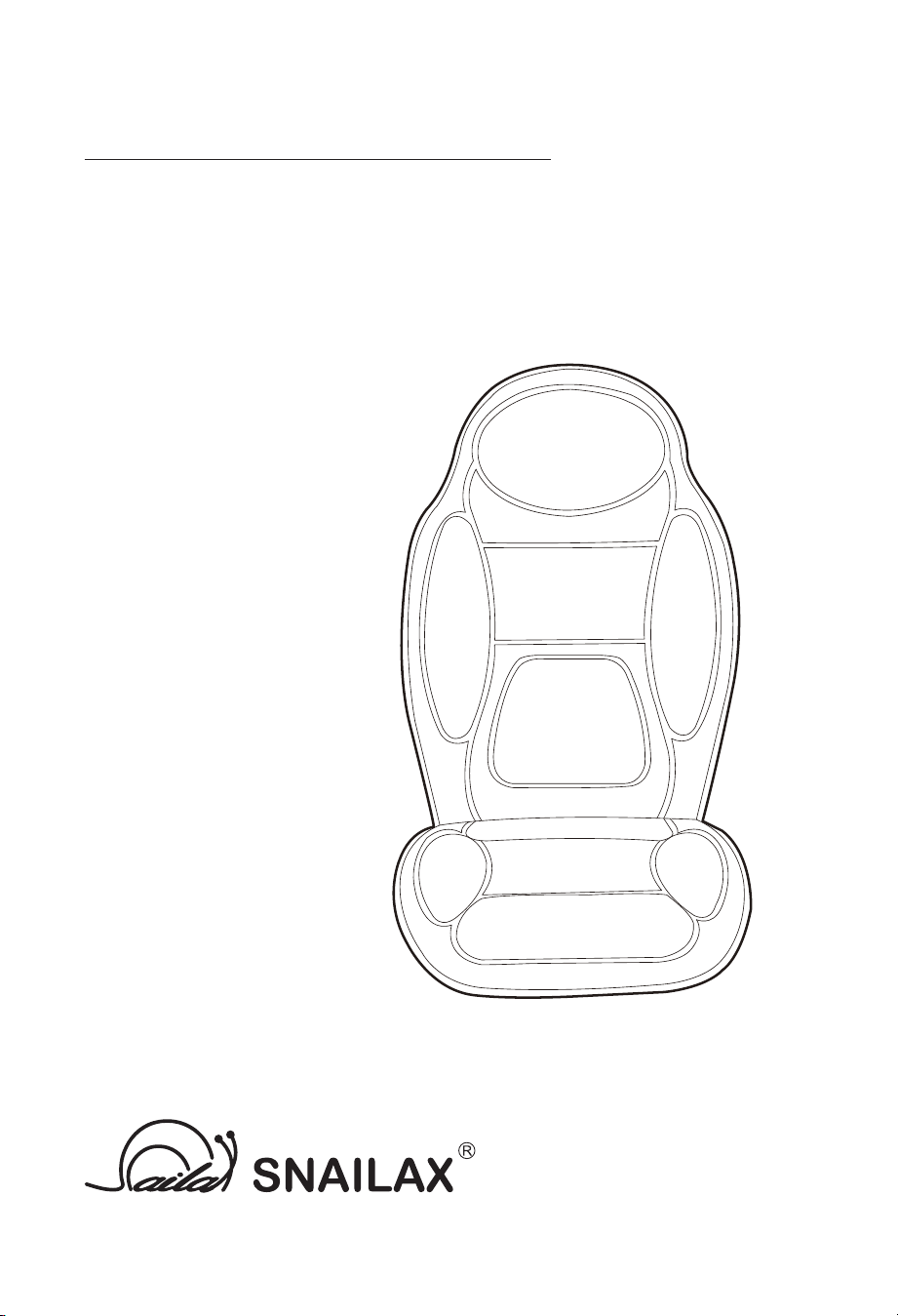
MASSAGE CUSHION WITH HEAT
SL-262P

2
Safety Instruc�ons
Please read the following instruc�ons carefully before pu�ng your
massage device into use to ensure trouble-free opera�on and op�mum
efficiency. Please retain these opera�ng instruc�ons for further use!
• Do not wet,do not use pins, never remove cover.
• This items is NOT A TOY. Close supervision is necessary when this appliance is
used by , on, or near children or disabled persons.
• This appliance should never be le� una�ended when plugged in.
• Any possible repairs may only be carried out by authorized expert staff.
Improper use and unauthorized repairs are not permi�ed for safety reasons
and lead to loss of warranty.
• Never touch the power plug with wet hands.
• Please avoid contact of the device with water, high temperatures and direct
sunlight.
• Do not use any damaged cables, plugs or loose sockets.
• Never operate under blankets where the air opening may be blocked.
• If plugs or cords are damaged, they must be replaced by the manufacturer,
a service representa�ve or by qualified personnel.
• In case of malfunc�on, disconnect immediately from the mains.
• Do not use if you have skin disorders, open wounds,or swollen or inflamed
areas.
• Misuse or incorrect use excludes any liability for damage.
• Do not use while you sleep.
• In order to avoid excessively s�mula�ng the muscles and nerves, the
recommended massage �me should not be exceeded 60 minutes at a �me.
• Each massage – even a hand massage – must be refrained from during
pregnancy or if one or more of the following complaints are present in the
massage area: recent injuries, thrombo�c diseases, all kinds of in flamma�ons
and swellings, and cancer. It is recommended to consult a doctor before
having a massage for the treatment of ailments and illnesses.
• If you are dependent on electrical aids e.g. pacemakers, please be sure to
consult your doctor for medical advice before taking a massage.
• The packaging material supplied should not be used as a toy.
• Do not use this product for medical treatment.
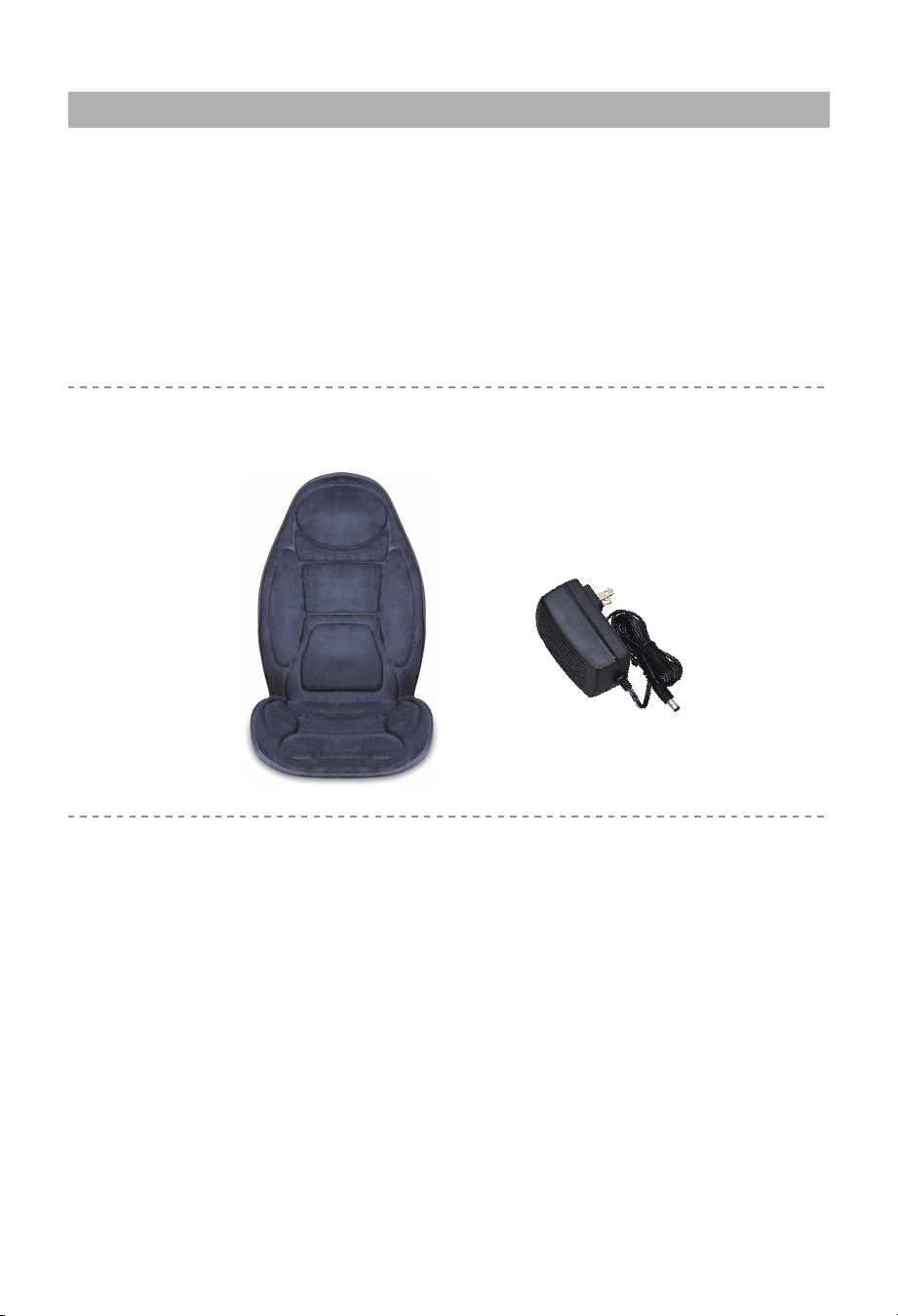
• Massage Cushion with Heat
• Home Adapter
3
Instruc�on
CONTENTS
Please read all the safety instruc�ons and warnings in manual before using
this product.
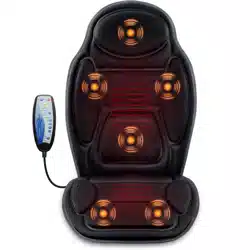
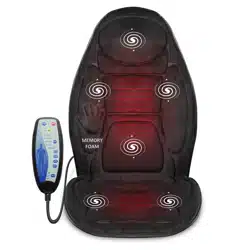
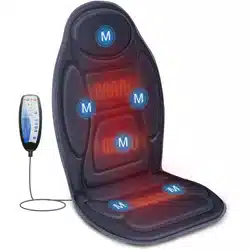
Thank you for purchase of the Snailax Massager. It combines Six
Invigora�ng Massage motors and two hea�ng pads on the back area, one
hea�ng pad on the seat to provide your full body with a soothing warmth and
gentle vibra�ng massage. You will feel more relaxed rejuvenated.
TECHNICAL DATA
Measurements:
Weight:
Voltage:
Nominal Power:
42 x 18.5 inches
2.8lbs
Input: AC 100-240V ~50/60Hz
Output: 12VDC 2.5A
max. 30 Wa�
4
Setup and Opera�on
1. A�ach the massager to a chair with elas�c straps or place it on other support.
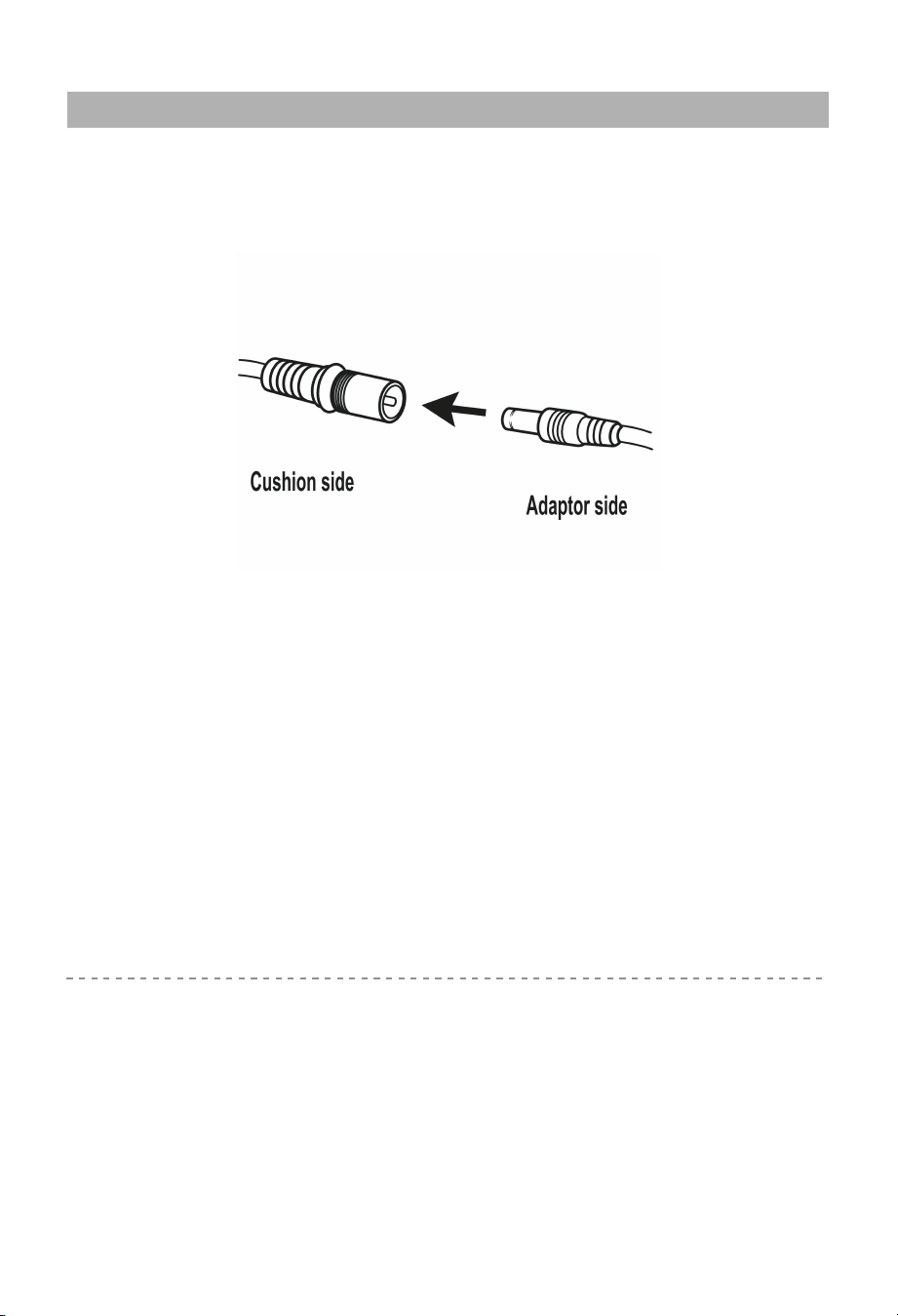
2. Connect the adapter cable to the corresponding cable at the side of the
cushion.
Note:
3. Plug the home adapter into an outlet.
4. Turn on the device using the controller (instruc�ons on page 5).
5. When finished place the controller in the pouch at the side of the seat
cushion and unplug the adapter from the outlet or receptacle.
• Do not setup or use the massager in a bathroom or similary wet/damp areas
as such an environment may reduce the lifespan of the massager mechanism.
• Ensure the massager is not exposed to direct sunlight or placed near sources
of heat.
This product produces a warming heat. It is not intended to be used as a
therapeu�c hea�ng pad. Please allow a few minutes to reach maximum
temperature. The cushion reaches a maximum temperature of 124F a�er
approx. 7 minutes.
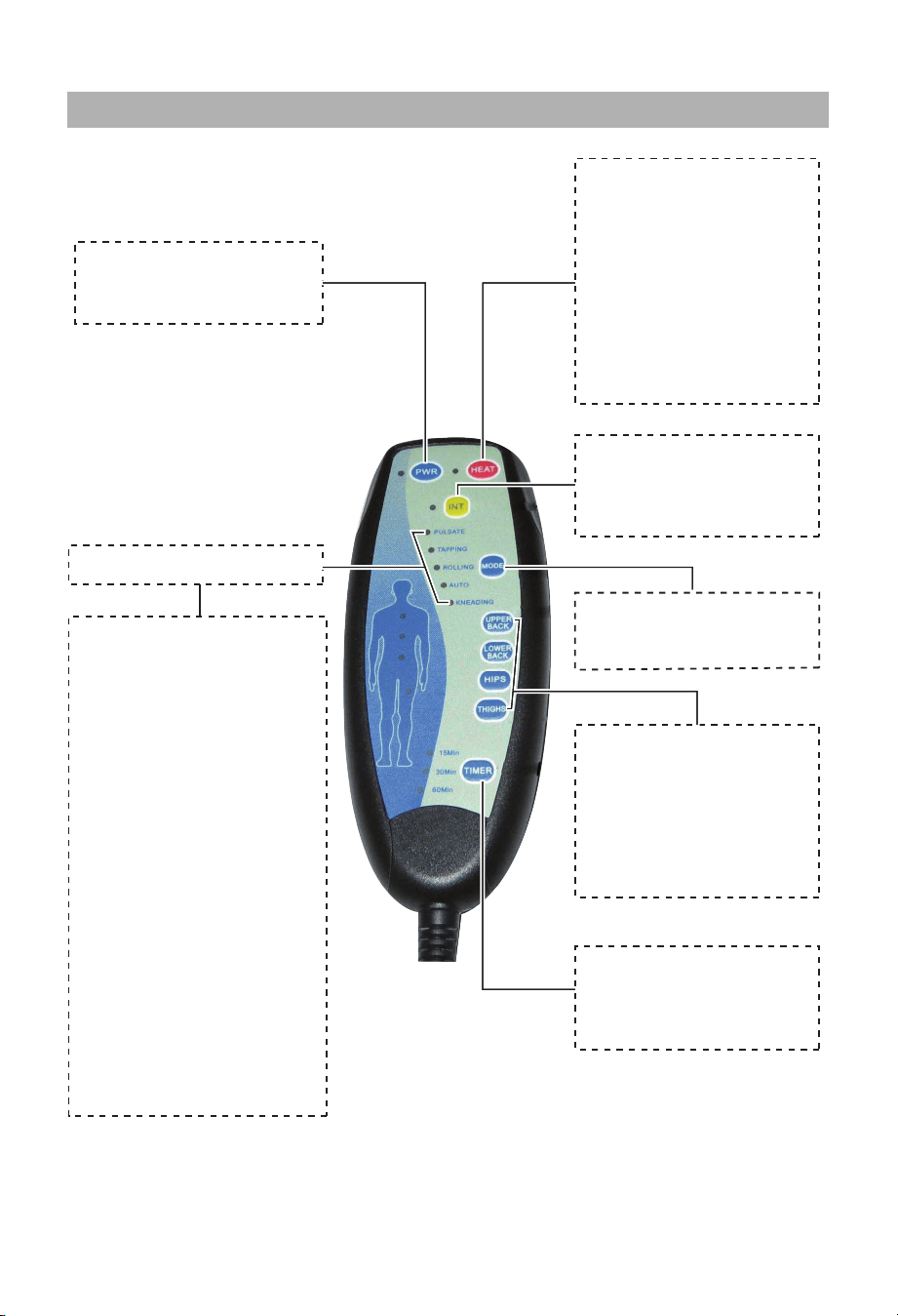
Massage Regions:
Each massage region
may be turned off or on
as desired,
for any
combina�on of regions
and while any of the
five modes are ac�ve.
Intensity:
Press to choose
vibra�on intensity
(4 levels op�onal).
Mode:
Press to change the
mode.
Timer Button:
Press to set the massage
/ heat
�me at 15, 30, or
60 minutes.
Mode Indicators
Mode Descriptions:
Pulsate:
vibra�on increases and
decreases at regular
intervals.
Tapping:
short bursts of vibra�on.
Rolling:
moves through each
area,
from upper back to
thighs, and then repeats
at short intervals.
Auto:
cycles through various
massage pa�erns.
Kneading:
constant vibra�on.
Power:
Press to turn the
massager on or off.
Heat:
Press to ac�vate heat.
High: indicator light turn
“Red”
Low: indicator lgiht turn
“Orange”
The heat can be used
independently of other
func�ons, even with the
power bu�on off.
5
Controller instruc�ons
1. Do not wash in washing machine or immerse the product or the adapter in
water.
2. Always switch off before cleaning and remove the adapter from the socket with
clean, dry hands.
3. The massager should be wiped with a slightly moist cloth and dried
thoroughly. Do not wipe the product with alcohol or harsh chemicals such as
thinner or bleach.
4. Do not overstretch the elas�c back straps.
5. Keep away from heat, fire or exposure to direct sunlight.
6. Store the massager in a cool, dry place out of reach of children.
7. Avoid contact with sharp edges or pointed objects which might cut or puncture
the fabric surface.
TROUBLESHOOTING GUIDE
Fault Solutions
The massage is not ac�ve in
all regions.
The massage motor for that region may
have been switched off. Press the bu�on
that corresponds to that region to ac�vate.
Device switches off suddenly
The device will switch off when the �mer
runs out. Con�nue using by pressing the
‘Power’ bu�on. If the device has run for
60 mins., turn back on a�er res�ng the
unit for 15 mins.
The device has an overheatng protec�on
system be ac�vated, device is switched off
for your safety. Please rest device for
15-30mins before restar�ng.
Device fail to start
Check if device has been used for more
than 30 mins. If so, let device rest for 15
mins before con�nuing. Device may
require longer �me to cool in warmer
environments.
Check if adapter is plugged into socket.
Check if adapter output is connected to
device power inlet wire.
Jerky mo�on of vibra�ons
from device
Excessive pressure may have been applied
onto the device. Reduce the load and try
again.
6
Care and Cleaning Instruc�ons
7
Warranty
30 days uncondi�onally Return
Snailax product can be returned to receive a full refund for any reason within 30 days.
Please contact our customers service ([email protected]), our staff will contact you
within 24 hours.
90 days refund/replace
Snailax product can be returned / replaced within 90 days if the product break down in
the period of proper use.
12 months Warranty
If the product break down within 12 months in the period of proper use, customers can
enjoy the relevant warranty to get them replaced.
A�en�on!
No warranty will be given to any force majeure and man-made causes to a defec�ve
product, such as improper care, personal tear down and willful damage,etc.
If you have any issue about the product, please feel free to contact us by sending
email to [email protected] We will strive to provide the best service possible
within 24 hours.
Tel: 734-709-6982
Monday-Friday 9:00AM-4:30PM
Email: [email protected]
Extend Warranty for Free
1) Enter the following URL or scan the QR code below to find Snailax facebook
page and like it, enter“Warranty” to messenger to extend your warranty from
1 year to 3 years.
h�ps://www.facebook.com/snailax
OR 2) Send message“Warranty” and email us [email protected] to extend your
warranty from 1 year to 3 years.
Have queson ?

2750 Carpenter Road,
Suite 1 B, Ann Arbor, 48108
Tel:734-709-6982
www.snailax.com
NOTE: This equipment has been tested and found to comply with the limits for a
Class B digital device, pursuant to Part 15 of the FCC Rules. These limits are designed
to provide reasonable protec�on against harmful interference in a residen�al
installa�on. This equipment generates, uses and can radiate radio frequency energy
and, if not installed and used in accordance with the instruc�ons, may cause harmful
interference to radio communica�ons.However, there is no guarantee that
interference will not occur in a par�cular installa�on. If this equipment does cause
harmful interference to radio or television recep�on, which can be determined by
turning the equipment off and on, the user is encouraged to try to correct the
interference by one or more of the following measures:
• Reorient or relocate the receiving antenna.
• Increase the separa�on between the equipment and receiver.
• Connect the equipment into an outlet on a circuit different from that to which the
receiver is connected.
• Consult the dealer or an experienced radio / TV technician for help.
This device complies with Part 15 of the FCC Rules. Opera�on is subject to the following
two condi�ons: (1) this device may not cause harmful interference, and (2) this device
must accept any interference received, including interference that may cause undesired
opera�on.
WARNING: Changes or modifica�ons to this unit is not expressly approved by the party
responsible for compliance could void the user's authority to operate the equipment.
FCC STATEMENT