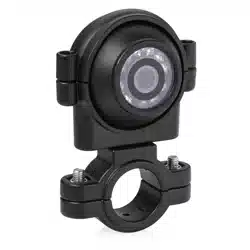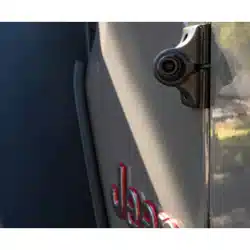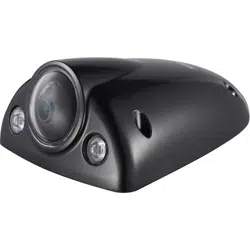
Egghell Mount Camera
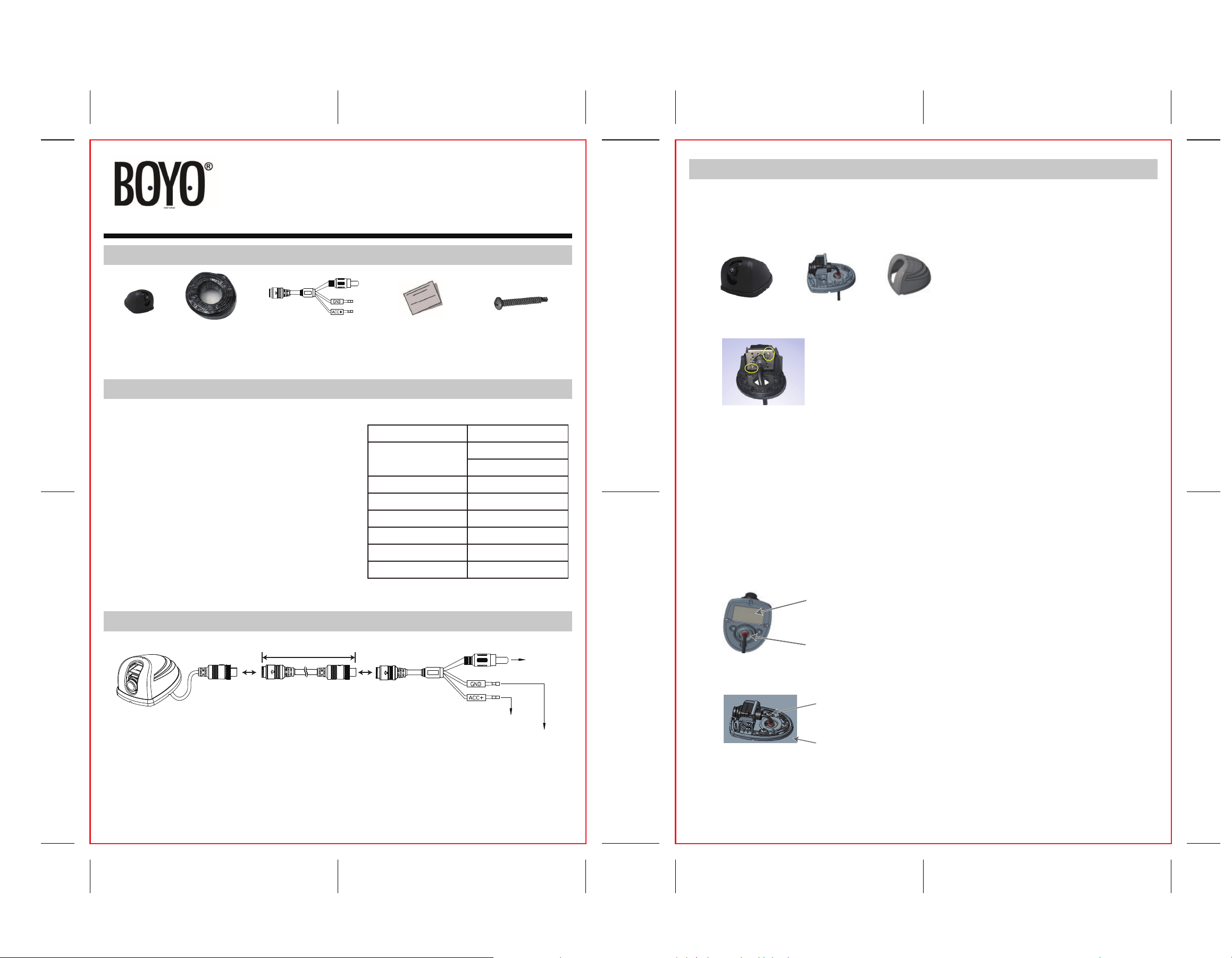
1. Parts list
2. Features & Specification
Camera x 1
RCA Adaptor cable x 1
Key Features:
CMOS Image sensor
Egghell Mount 720P HD Camera
Dual-use Side or Rear View Camera(Le, Right or Rear)
1280(H) x 720(V) Resoluon
Viewing Angle: 170 (D), 100 (V), 130(H)
IP68 waterproof Rang
68Ft. Extension cable
Power Supply Range: 9VDC ~ 32VDC
NTSC System
CVBS Output
68 Extension
cable x 1
Image sensor
Total Pixels
Resoluon
Min. Illuminaon
Video Output
Power Supply
Rated Current
Operang Temp.
Color CMOS
NTSC
1280(H) x 720(V)
480TVL
0.5Lux
CVBS
9VDC ~ 32VDC
≦100mA@12V DC
-40°C ~ +85°C
4. Installations
a.Separate the cover from the base.
b.Detach the camera from the bracket (2 screws)
PAΦ4*18mm screw x 3
Screw
Vehicle body
Specificaon:
Warranty Card x 1
Manual x 1
Registraon Card x 1
3. Wiring
1. Connect the yellow RCA video plug to monitor Video-in
2. Connect the RED(+) power lead to 12/24VDC reverse light
3. Connect the BLACK(-) lead to GND
68
Black - To reverse light GND
Red + To reverse light +12V/ 24V
To monitor
video input
User Manual
VTE300HD
1. Bench test first. Connect to the power and monitor and verify that the camera works as
expected.
2. To use the camera as a le or right-side view camera
3. Finding suitable posion for camera.
4. Camera installaon
5. Install the cable.
c.Rotate the camera 90 degrees clockwise for the right-side view camera or
counter-clockwise for the le-side view camera.
a.Separate the cover from the base.
b.Connect the power and the monitor.
c.With free running extension cable, move and posion the camera on the vehicle body
unl the desired view is achieved on the monitor.
a.Using the base as template, mark the hole locaon for the camera cable. Drill a hole
for the wire.
b.Fix the base with the double tape, so the base will not move.
c.Fix the base to the vehicle with three screws.
d.Snap cover back on the base.
base cover
= +
Double tape
Round circle