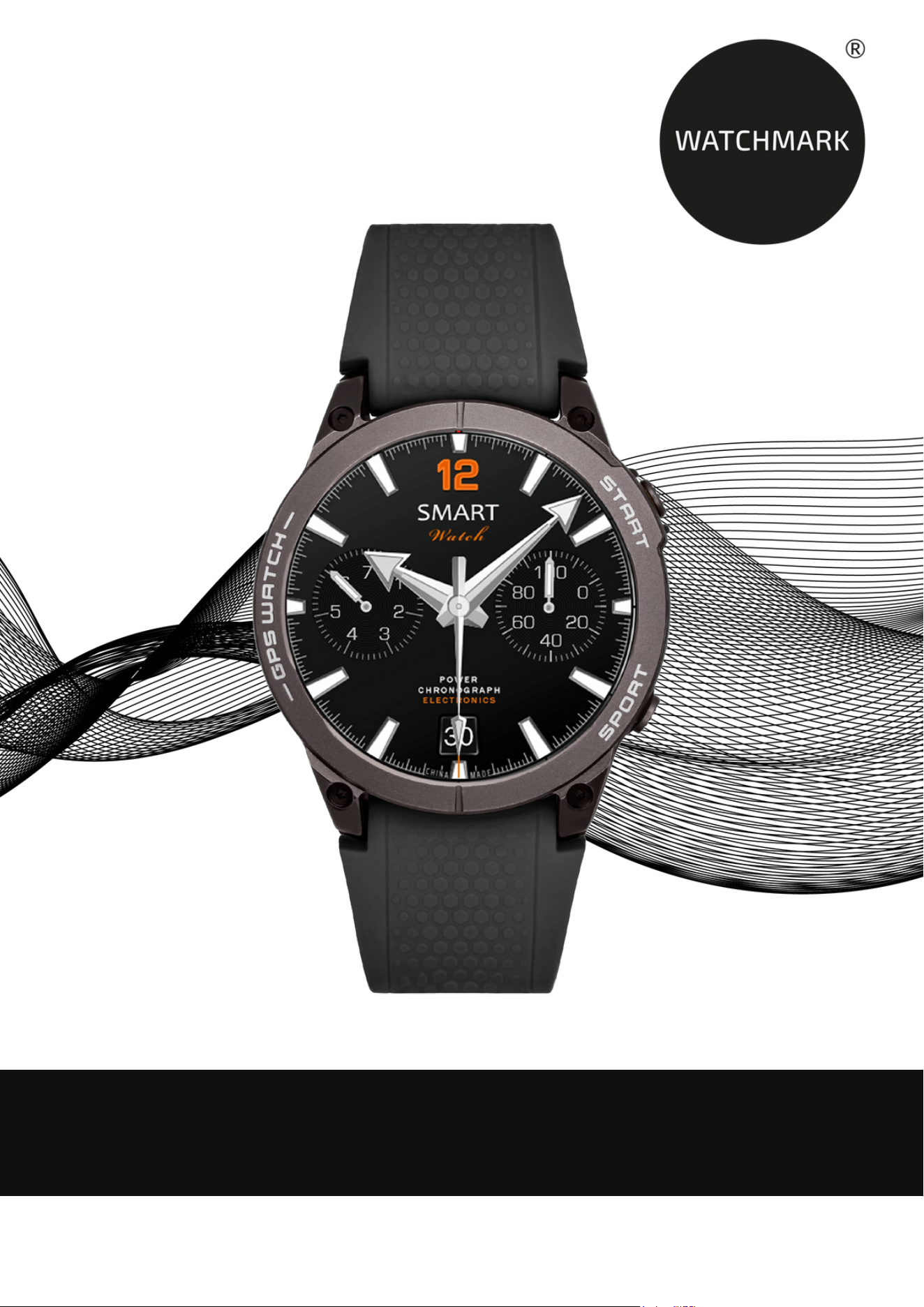
USER MANUAL
WWW.WATCHMARK.COM

CONTENTS
Introduction
Watch Information
4
Device setup Package
contents Hardware
requirements Charging
your watch Additional
information
How to wear a
smartwatch?
7
Replacing the belt 8
Applications and features
Installing the
application
9
Features available
w Smartwatchu
10
Time, date
Pedometer
Adjusting the
screen brightness
Distance
Saturation Heart
rate Stopwatch
Alarm Timer
Sleep monitor
Music Sports
modes Changing
the watch face
theme Changing
the menu
Notifications
Cycle monitoring
Resetting the
device Settings
Making calls
11
5
6
12
13
14
15
16
17

CONTENTS
Technical data
General Information
20
Features available in the
application
17
Measurement history
Notifications
Changing the watch
face theme Camera
control Find device
Alarms Reminder to
move Weather G-
sensor Automatic
measurements
Resetting the device
18
Applications and features
19
Introduction
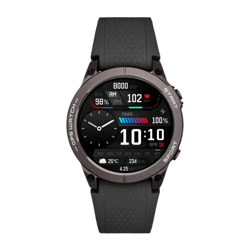
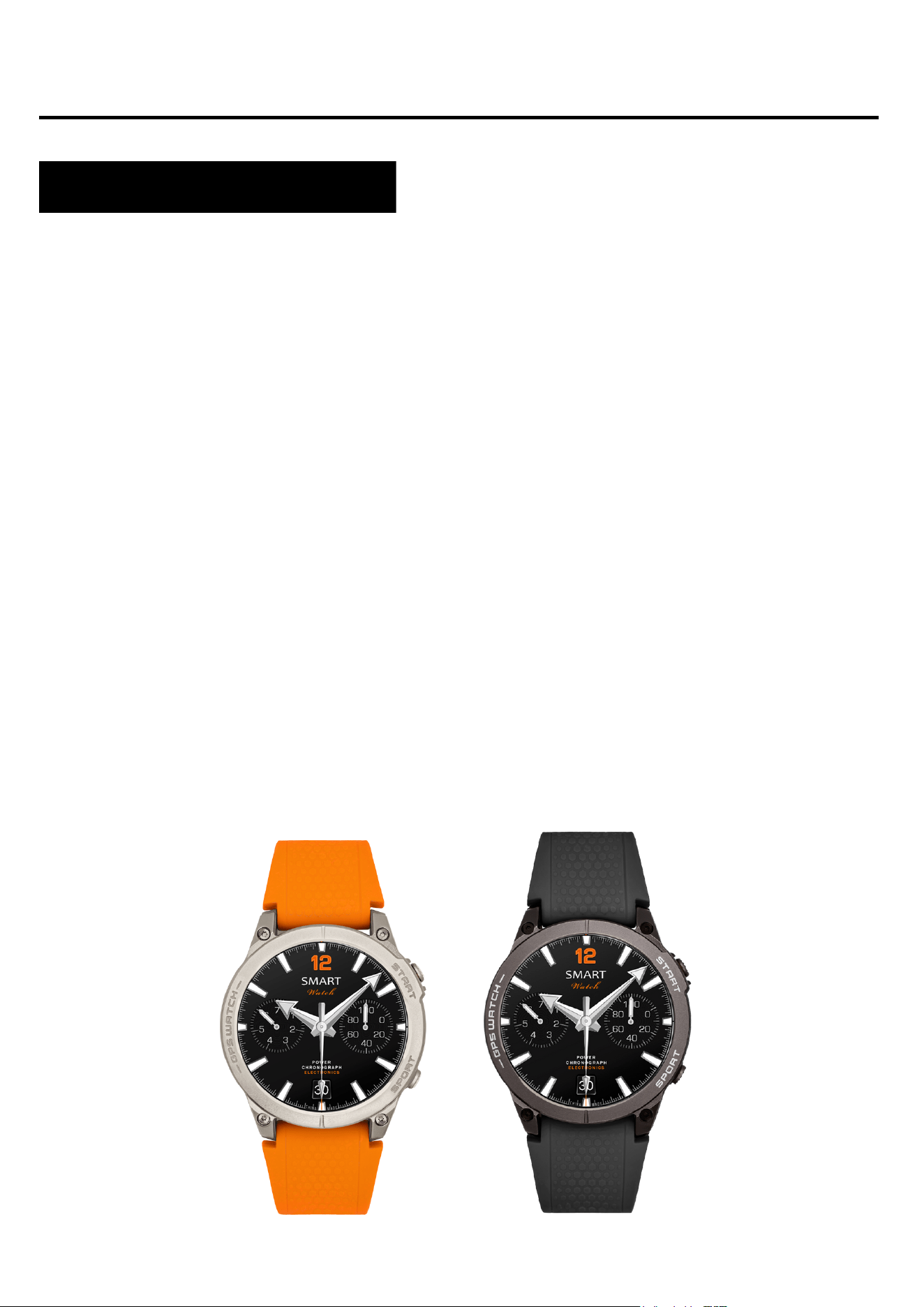
About Watchmark GPS WATCH
This is an OUTDOOR smartwatch that offers a variety of health
monitoring features, designed specifically for active people who
care about their well-being. With advanced health and sports
features, it will become your daily partner, ready to support you in
every challenge.
Device configuration
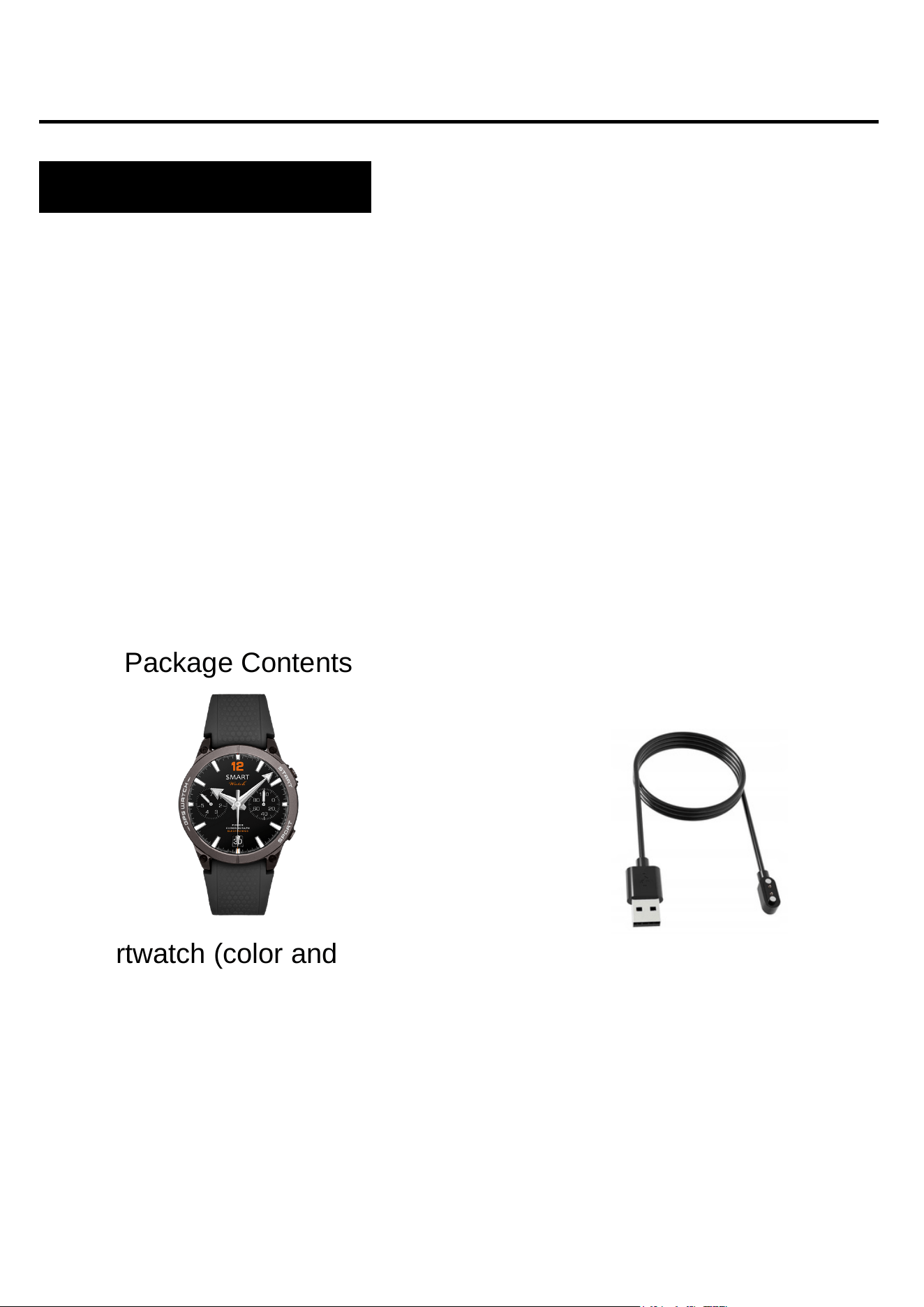
Package Contents
Smartwatch (color and material
may vary depending on color
selected)
Strap (color and material may
vary depending on color
selected)
Charger (color and material
may vary depending on the
model selected)
4
iOS 9.0 and above Android 5.0
and above Supported Bluetooth:
5.0
Hardware requirements
Charging instructions
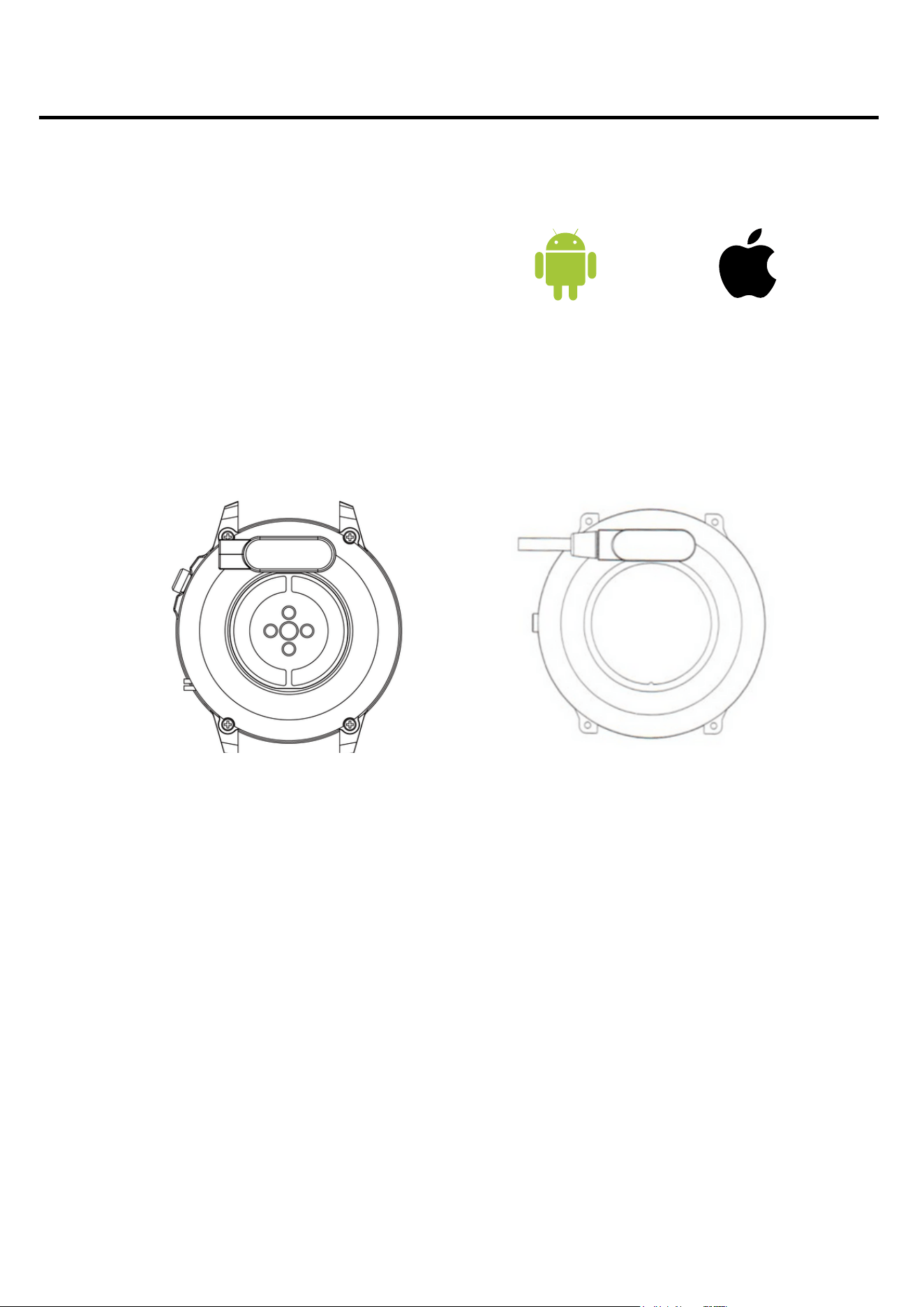
This smartwatch uses magnetic charging.
Connect the charging cable to the USB port and to the rear
charging contacts of the device. Once connected, charging will
begin automatically and the charging icon will appear on the
screen.
It takes about 2 hours to fully charge the battery. Do not use the
watch while charging.
Caution: Do not connect the magnetic charging cable to any
2 pins with conductive material at the same time, as this may
cause a short circuit.
Android 5.0+ IOS 9.0+
5

Before using the device, please read the entire user manual
carefully. It is recommended to use only the original battery,
charger and accessories that are included in the package
received with the device.
The manufacturer or distributor is not responsible for the use of
third-party accessories.
The functions presented in this manual may vary between
models, because the manual is a general description of
smartwatches. Some models may deviate from the standard.
Before using the device for the first time, it must be charged for
at least 2 hours. Before using the device, you must download
and install the application and accept all consents requested by
the smartphone. If this is not fully completed, not all functions of
the device will be available. The smartphone will only ask for
access to functions that are necessary for the proper functioning
of the smartwatch.
The company reserves the right to change the content of this
manual.
6
Additional information

How to wear a smartwatch?
The strap for this watch model is 22mm wide. It is
replaceable, you can buy additional straps in a different color
or material.
Wearing a watch
When you're not exercising, wear your smartwatch like a
regular watch, about one finger's length above your wrist
bone.
To fully benefit from heart rate monitoring during exercise, try
wearing the device above your wrist (2 fingers above your
wrist bone) for comfort and stability. Many exercises, such as
cycling or lifting weights, can cause the smartwatch to shift in
position by bending your wrist, for example. If the watch is
lower on your wrist bone, measurements may be interrupted,
so correct positioning is important.
7

Replacing the belt
8
Before using the watch, you must attach the original strap to
it. When doing this, be very careful and watch your fingernails
when attaching the spring bars to the watch.
Insert one end of the strap with the spring bar into the
recess of the watch case.
1.
On the other side, insert the telescope into the recess
and attach it to the watch.
2.
Putting on the belt
Removing the belt
On one side, press the circle on the telescope and gently
slide it inwards.
1.
Then, pull up until the spring bar detaches from the
watch.
2.
Applications and features
Installing the application
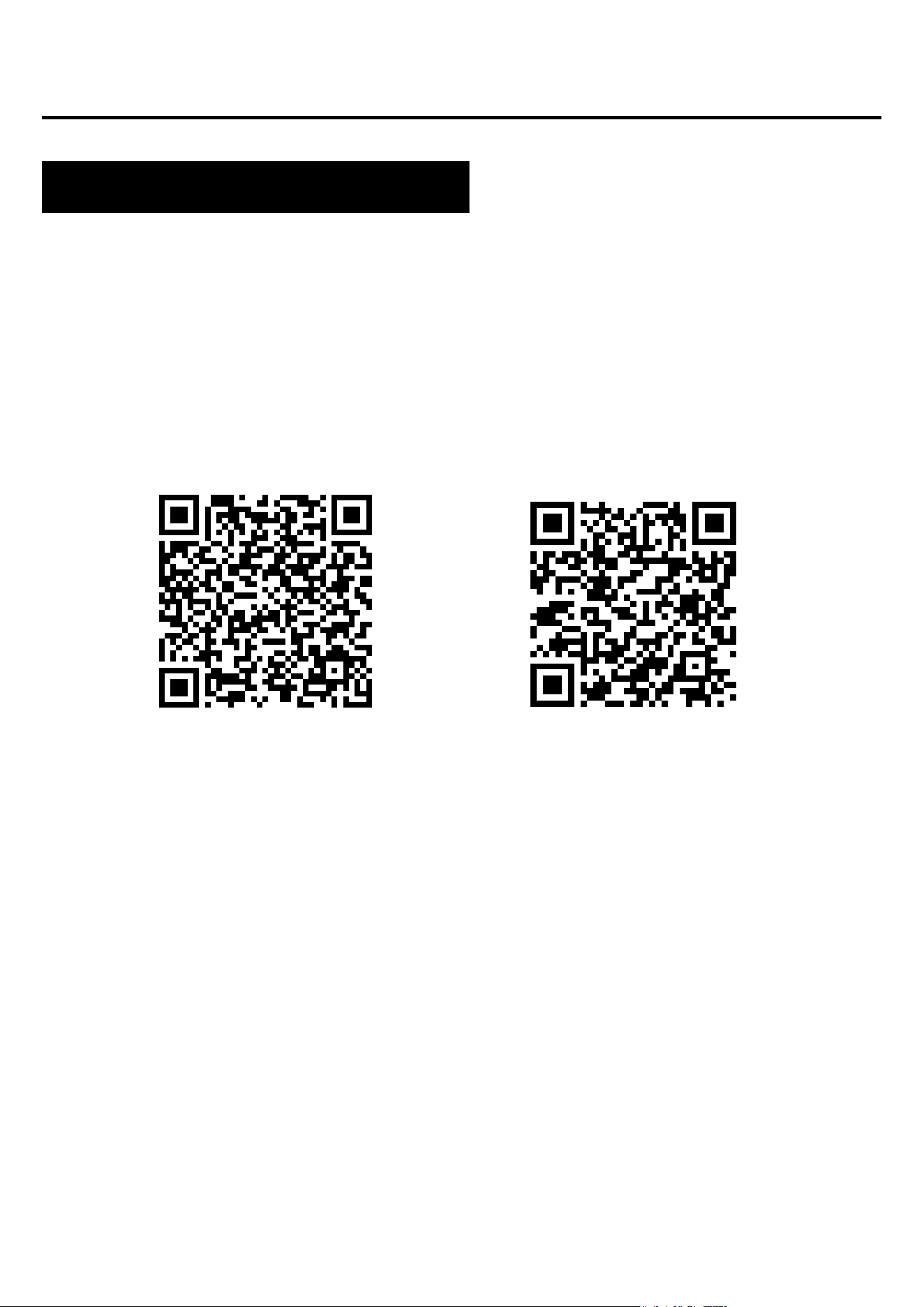
The application for the GPS Watch smartwatch model is
"InfoWear". The application should be downloaded from the
Google Play / App Store or using the QR code below. The
application is in Polish.
After installing the application, turn on Bluetooth on your phone
and go to the application. Create an account or continue
without registration. Fill in the data and allow access. For the
application to work properly, it is necessary to express all
consents requested by the application. To connect the watch,
select "Click to connect" and then the watch model.
9
Google Play
App Store

Features available in Smartwatch
10
Time, date
The display provides information about the time, date, and
day of the week. The data is displayed on the main watch
screen.
Pedometer
Counts steps taken on a given day (data resets every day
from 00:00). The number of steps taken can be seen in the
application or in the first tab on the left from the main
screen.
Adjusting the brightness of the screen backlight
Brightness adjustment helps to protect your eyes from too
bright a screen at night, adjust the backlight to the outdoor
situation and save the watch's battery. You can find this
function in the menu and select the appropriate display
brightness.
Distance traveled
Information about the distance traveled during the day. The
distance traveled is located in the first tab on the left side of
the main screen.

Features available in Smartwatch
Saturation*
The function informs about the level of oxygenation of the
blood. The norm is considered that the result should be
between 95 and 100%. When the level of oxygenation drops, it
can be dangerous to our health. In the watch, the function for
measuring saturation is located in the menu under the name
"Blood oxygen".
Pulse*
Heart rate, or pulse: this is the number of heart muscle beats
per minute. The accepted norm is between 60 and 100 beats
per minute. When the pulse is elevated, we talk about
tachycardia, while when it is lowered, we talk about
bradycardia. Both conditions can be dangerous to our health.
In the watch, the function for measuring the pulse is located in
the menu under the name "Heart rate".
Stress measurement
The stress measurement function analyzes the heart rate to
detect the level of tension. If high stress is detected, it is worth
doing breathing exercises, which are also in the smartwatch
and help reduce it.
*Health decisions should not be made solely based on smartwatch test results. For accurate measurements, users should
measure health functions at rest as with traditional medical devices and refrain from measuring while exercising, smoking or
drinking alcohol. A smartwatch is not a medical device and measurement results are for illustrative purposes only.

Features available in Smartwatch
Stopper
A function that is used to control and measure short periods
of time. In the watch, you will find this function in the menu.
Alarm
To set an alarm on your watch, you must select the time
and alarm time in the app. More on page 18.
Minute timer
The timer allows you to count down time. In the watch, you
will find this function in the menu.
Pomodoro Focus Time
The smartwatch function supports effective work and
learning by helping to organize time according to the
Pomodoro method. The user sets work intervals (from 5 to
60 minutes), followed by a few minutes' break.
Sleep monitor
A function that helps analyze a person's sleep. The watch
shows the number of hours slept. On the watch, you can
find sleep statistics in the menu on the left of the main
screen.
13

Features available in Smartwatch
Music
You can control music on your phone from your watch. Start
playing music on your phone, then select the "Music" function
in the watch menu. You can pause, play, rewind, skip back
and increase the volume of the music.
Sports modes
The sports modes on the watch allow you to control your
training goals by monitoring steps, heart rate, calories and
distance.
You can find your workout data in the app after syncing or on
your watch after you finish your workout.
Available sports modes: walking, gym, running, treadmill,
cycling, freestyle, stair climbing, yoga, cross-country running,
rope jumping. Editing sports modes is in the dedicated
application. There are 10 sports modes allowed on the watch.
To edit a given sports mode, select "device" and then
"Device settings" remove one of the sports modes to add
another.
In sports mode, depending on the selected form of activity,
parameters such as time, calories burned, distance and heart
rate are measured. In the watch, sports functions are located
in the menu.
14

Features available in Smartwatch
Changing the shield theme
There are several watch faces to choose from on your watch.
To change the watch faces, long press the main screen (about
3 seconds). Other watch faces to choose from are in the app.
More on page 17.
Notifications/Messages
After connecting the watch to your phone via the app and
allowing the appropriate permissions, incoming notifications
from social media and message content will be displayed on
the watch. For notifications to be displayed, this function must
be enabled in the app settings. More on page 17.
"Find phone" feature
After successfully pairing the device with the application on
your phone, you will be able to quickly find your phone. After
selecting the "Find phone" option, the phone will vibrate and
ring. On the watch, you will find this function in the menu.
Monitoring a woman's cycle
In the application, you can choose from 4 options: menstrual
cycle, ovulation, pregnancy and motherhood. After entering
data into the application, the smartwatch records menstrual
cycles and reminds you about the next one. You can also set
the expected date of delivery. To set the parameters, go to
"Profile" in the application, then click on your profile at the top
and select the pink icon.
15

Features available in Smartwatch
Factory reset
Factory reset allows you to reset your watch and erase all
data and settings. On your watch, the reset function is
located in the settings.
Settings
In settings you can:
-set the backlight time and screen brightness
-set date and time
-enable or disable automatic measurements
-choose which applications notifications will be displayed
-select device language
-reset the device
-turn off the device
AOD (Always On Display) mode function
allows the time and basic information to be displayed on
the smartwatch screen even when it is in sleep mode. This
allows the user to quickly check the time without having to
wake up the device.
16

Features available in Smartwatch
Making calls (BUZZ)
The smartwatch allows you to make phone calls thanks to the
BUZZ function. To use it, first add contacts using the
application on your smartphone, going to the "device" section
and then "Frequent contacts". Make sure that the watch is
correctly connected to the phone via Bluetooth - select the
device with the "audio" addition. After configuration, you can
conveniently make calls directly from the watch.
17

Features available in the dedicated application
Measurement history
In the application you will find the history of measurements
taken by the watch. You can check the history on the main
page of the application.
Notifications
The notification function allows you to read the beginning of a
message on the smartwatch screen. Notifications can come
from applications such as: Facebook, Instagram, Gmail. To
enable this function, go to "Profile", "My devices", and then
select "Notifications".
Changing the shield theme
Other watch face themes are available in the dedicated app.
To select watch faces, go to "My Devices" in the app, then
"Dial Settings". To download the watch faces, your phone's
data/WiFi must be turned on.
Phone camera control
This feature allows you to take photos remotely with your
phone's camera by shaking the watch to trigger the camera
shutter. To take a photo, select "device" and then "Shake to
take photo". This feature is useful for taking group photos from
a distance.
18

Features available in the dedicated application
Find device
In the app, selecting the "Find device" function will trigger a
vibration alarm on the watch, which will help locate the
device.
Alarms
To set an alarm on your watch, you must select the time and
alarm time in the app. To do this, select "My Device" in the
app, then "Alarm Clock".
Reminders to move, drink water and wash your
hands
The smartwatch supports healthy habits by reminding you to
move, hydrate and wash your hands. To enable reminders,
go to "Device" > "Notification settings" in the app and select
the function you are interested in. Set the frequency of
notifications so that the smartwatch supports you in your
daily routine.
Weather
To display the current weather on your watch, you must
allow the app to access your phone's location and enable
the weather information feature in the app. Go to "My
Device" and then "Weather Settings."
19

Features available in the dedicated application
Waking up the screen with a wrist movement (G-
Sensor)
To enable the watch screen wake-up gesture, select "My
Device" in the app and then "Screen wake-up gesture".
Automatic measurements
To have the watch take measurements on its own, you need
to enable this function in the app. Select "My devices", then
"Additional features" and choose which measurements should
be taken automatically. Setting automatic measurements
shortens battery life.
Factory reset
Factory reset allows you to reset your watch and erase all
data and settings. To reset, go to "Device" in the app, then
"Disconnect".
GPS
The GPS function in the smartwatch allows precise tracking of
the user's location without the need to use the phone. Thanks
to the built-in GPS module, the smartwatch records the routes
of running, walking and cycling, providing accurate data on
distance, speed and time. The exact route is located in the
application. To update the GPS, go to "Device" in the
application, then "AGPS Update"
20
General Information
Technical data
Waterproof IP68**
Allows you to use your
watch while washing your
hands or on a rainy day.
400 mAh battery
Modern lithium polymer
battery.
Processor ATS3085L
An innovative processor with
high performance.
**The IP68 standard allows for water temperatures from +10 to +35 degrees Celsius and immersion to a depth of 1.5m for up to 30min. You
cannot use the watch in hot baths or saunas because it is not resistant to steam. It is not intended for swimming, it has been designed to help
take care of your health.
Sporty design
Slim housing and extremely
clear, color display.