MRC10
Installation Instructions
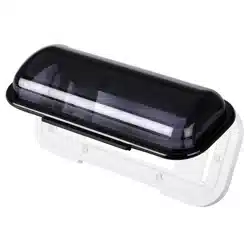
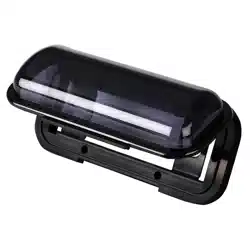
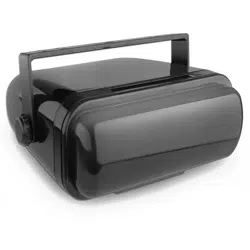
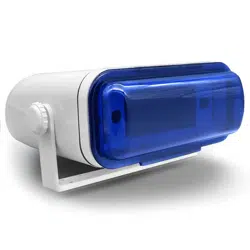
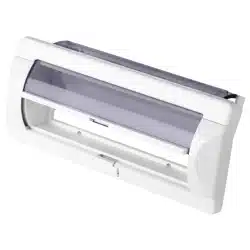
Marine Radio Cover
Thank you for purchasing a BOSS Audio Systems product. Please read through
these instructions carefully so you will know how to install this product properly.
Package Contents
• 1x Marine radio cover
• 4x Mounting screws and clip nuts
• Installation Instructions and warranty
Introduction and Features
• Mounting cut-out in the dash (W x H): 8.7” x 3.3” ( 220 x 83 mm)
• Fits single DIN head units (W x H): 7” x 2.0” (178 x 51 mm)
• Marine radio cover dimensions (W x H x D): 10” x 4.1 x 2.6” (249 x 105 x 67 mm)
• Push button activates auto-slide lens cover (spring activated door)
• UV-stabilized ABS plastic housing
• Impact-resistant ABS
• Sealed with an EVA gasket
Product Overview
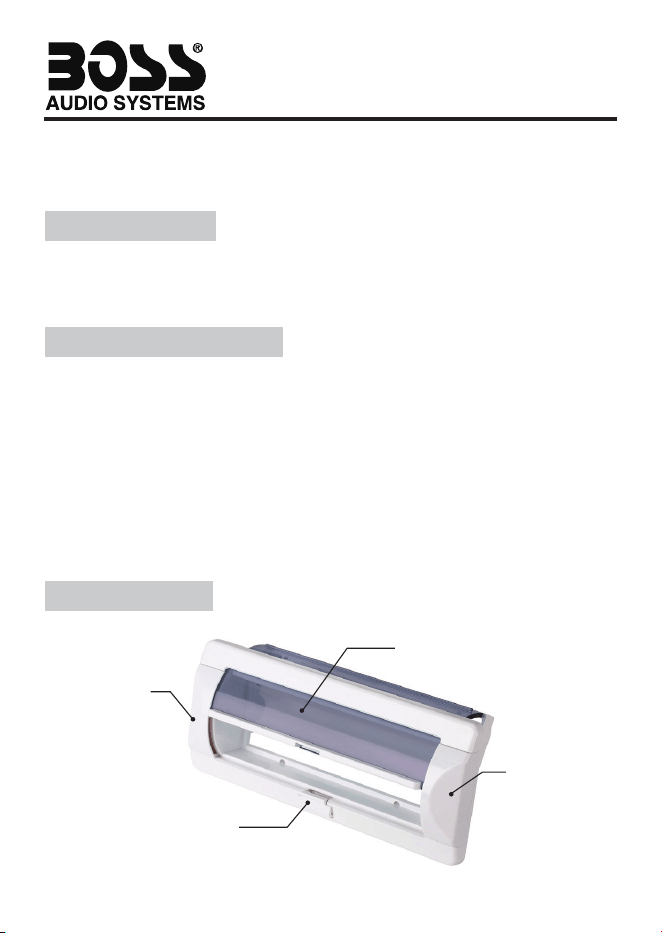
Push-to-open button
Spring activated ip-up door
Tab to cover
screw holes
Tab to cover
screw holes
Installation
Step 1
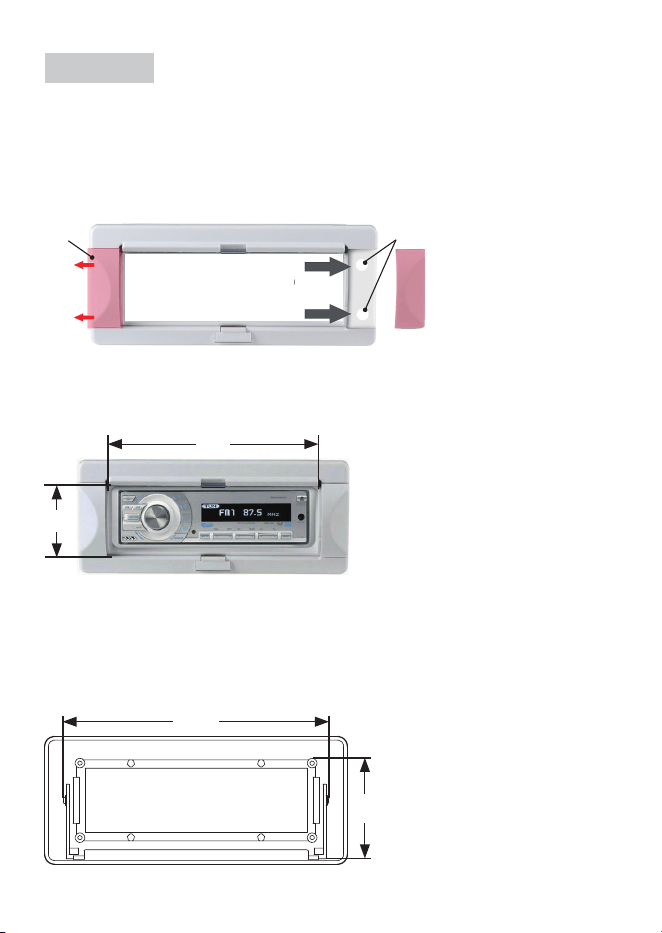
Remove two plastic tabs on the front of the marine radio cover to access four mounting
screw holes. You need to fasten the radio cover to the dash through the screw holes.
Note: Use a plastic prying tool to remove the tabs. Exercise caution when prying the tabs
off to prevent damage on the radio cover.
Tab
Mounting screw holes
Step 2
Attach your head unit to the radio cover through the opening of the radio cover. The
opening ts a 7” x 2.0” head unit (single DIN). Make sure the head unit is securely attached.
7.7”
2.7”
Step 3
Secure the radio cover in the dash through four screw holes (as described in Step 1) using
four supplied screws and clip nuts. The cut-out in the dash is 8.7” x 3.3” (W x H).
Note: The top of the radio cover needs extra clearance, so that the spring-activated door
can glide smoothly to the open position (top opening).
3.3”
8.7”
(Back view)
0722