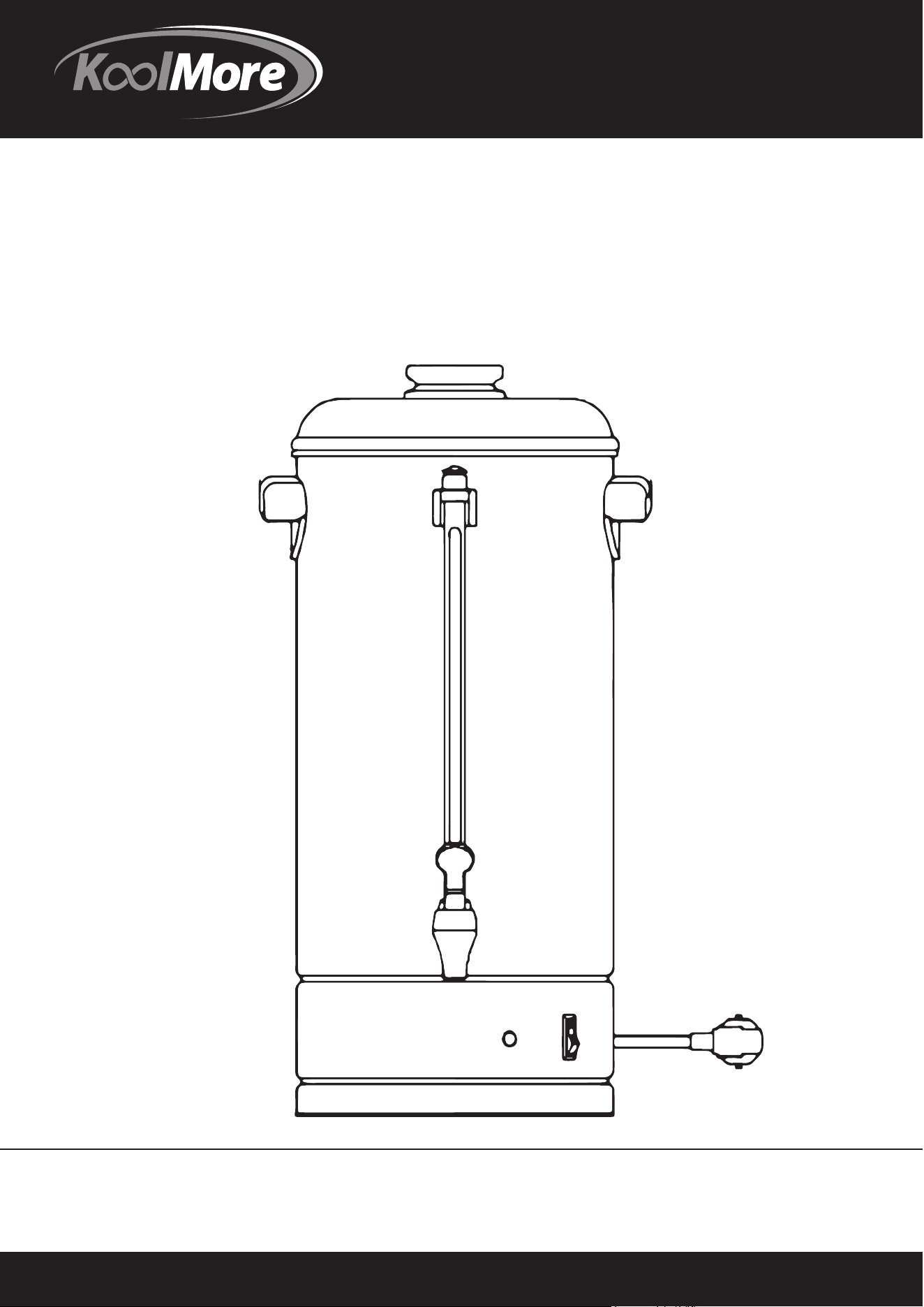
User Manual
Unit must be
kept clear of combustibles at all times.
MODEL: KM-CCP100
100 CUP COMMERCIAL
COFFEE PERCOLATOR

BEFORE USING COFFEE PERCOLATER, READ ALL INSTRUCTIONS BELOW.
1. General information.
- Coarsely ground coffee is the most suitable for this appliance.
- Never immerse the appliance in water.
- Never switch on the appliance, if there is no water in tank.
- Always use appliance on a dry, level, heating-resistant surface, away from any edge. Be sure hands are
dry.
THE APPLIANCE MUST BE EARTHED.
2. Installation
a. Before using the appliance, first clean the filter basket, filter cover, percolator pipe and inside of tank with a
non-abrasive detergent.
b. Place the appliance upright on a firm, flat surface.
c. Place the grate in the tank.
d. Plug the appliance into a grounded socket (while the appliance is switch off)
e. Insert the appliance unit to the base of black plastic pad. (only for CP06)
THE APPLIANCE IS NOW READY TO USE.
3. Making coffee
Warning!
The outside of the appliance gets very hot during use.
Do not touch!
- When making coffee, at least half of total capacity of the machine must be utilized.
- Coarsely ground coffee is preferable.
- If another sort of coffee is used, a paper filter is required.
a. Fill the tank with COLD water in accordance with the amount of coffee required.
b. Place the ground coffee in the filter basket. ( 6 grams per cup is a general indication).
c. Seal the filter basket by attaching the filter cover.
d. Place the percolator pipe and the filter basket in the tank. Making sure that the foot of the percolator pipe
is positioned firmly on the cavity of the base.
e. Replace the top cover on the appliance.
f. Switch on the appliance. The lamp in the switch should now light up.
When the green pilot goes on, the coffee is ready and will be kept warm automatically.
g. When about three cups of coffee remain in the tank or when coffee can no longer be seen in glass gauge,
unplug cord from electric outlet and turn switch “OFF”.
h. To reheat cold coffee, simply plug appliance in and turn switch “ON”. Be sure the basket and percolator
pipe are remover. There must be at least 12 cups of coffee in the tank to reheat.
4. Heating water for instant beverages.
Plain water may be heated in your appliance for use with instant beverages.
Simply fill the clean appliance with COLD water to the desire cup level and place percolator pipe and
empty basket into position as for making coffee . Plug appliance in and switch to “ON” position until the
perking stops.
Unplug the appliance when less than 3 cups of water remain.
When appliance is used to heat water only. It must be thoroughly cleaned “WELL” after each use. In addition
to special weekly cleaning using vinegar to move mineral deposits. If these deposits are not removed, pitting
of the metal can occur and result in damage to the appliance. See special cleaning instructions.
5. Cleaning after use.
a. Remove the filter basket and percolator pipe from the tank and empty the filter basket is easier if the coffee
dregs have dried up slightly.
b. Rinse the filter basket, filter cover and percolator pipe under the tap.
c. Rinse the inside of tank until it is clean. The appliance is now ready to use again.
-1-
User Manual

6.
7. Maintenance.
a. Clean the filter basket, filter cover and top cover with a non-abrasive detergent and then dry them off with a
soft dry cloth.
b. The inside of the tank and the percolator pipe are made of stainless steel and can be cleaned with a scouring
agent, possibly in combination with a scouring pad.
c. If the appliance is to function properly, the cavity in the middle of the base must be free of lime scale and
coffee deposits. Use a scale remove if necessary.
d. The inside of the glass gauge can be cleaned with the aid of the enclosed pipe cleaner. First unscrew the
gauge cap, then insert the pipe cleaner into the glass gauge from above. Brush may also be used to clean
percolator.
Do not dismantle the glass gauge in the process.
e. To clean faucet, unscrew handle. Move a brush up and down though faucet, then insert brush through opening
inside appliance to clean faucet connection.
Wash faucet handle in hot soapy water and rinse. Replace faucet.
Do not use baking Soda to clean appliance as it can discolor and pit the metal!
8. Thermal cut-out.
The appliance must be unplugged before it can reset. The appliance is fitted with a thermal cut-out. If this is
activated, the appliance will turn itself off, although the lamp in the switch will remain on. In order to make
the appliance operational again, the reset button on the bottom of the appliance must be pressed once the
appliance has COOLED DOWN. If the appliance still does not work, you should consult your dealer. This
safety device may have been switched off during transport. If so , follow the above instructions.
Model No. :
KM-CCP100
Voltage : 110V AC 60HZ
Watts : 1250W
Dimension:
L: 13.7" x W: 12.2" x H: 21.4"
Weight :
10.1 LBS
Volume :
4 Gallons (15 Liters)
Minimum quantity: 2 Gallons (7.5 Liters)
Capacity per hour: 5.2 Gallons (20 Liters) approx.
Time required to make max. quantity: 50 minutes approx.
2
User Manual
Special cleaning.
Improper cleaning of appliance, especially the heating unit “WELL” will affect performance,
resulting in weak, lukewarm coffee and may even cause appliance to stop perking.
To keep the appliance working properly regularly follow these instructions.
If appliance is used daily, a special cleaning every 2 week, or every week used for heating water is necessary
to thoroughly clean the heating unit “WELL”. If not kept clean, the appliance will not work properly.
See the other sheet of instructions of the special cleaning tool for coffee percolator.

Warranty
Limited Service Warranty
Valid only in the United States
1 Year Parts and Labor Warranty
Unless otherwise stated, Koolmore Supply Inc. warrants to the original purchaser of new Koolmore coffee
percolator, that such equipment will be free from defects in material and workmanship for a period of 1 year
from the date of delivery. Valid only in the Continental United States.
Coverage Li
mitations
The 1 year parts and labor warranty do not cover:
Failure to install and/or use the equipment within proper operating conditions specified by Koolmore. This
includes but is not limited to residential, outdoor, or mobile applications.
Any adjustments necessitated by improper operating conditions.
Damage caused by improper electrical connection, power failure, or generators.
Failure to properly maintain the unit including all preventive maintenance and cleaning.
Equipment sold or used outside of United States, equipment purchased second-hand, equipment sold by an
unauthorized reseller, and equipment expressly sold without warranty coverage.
Equipment without a valid serial number and proof of purchase, or other way to verify warranty coverage.
Equipment that has not been used appropriately or was subject to misuse, neglect, abuse, accident,
alteration, negligence, damage during transit, delivery or installation, fire, flood, or an act of God.
Equipment that has been altered, modified, or repaired by anyone other than an authorized service agency
outside of preventative maintenance and cleaning.
Parts deemed by Koolmore to be normal wear and tear parts, including hoses and select plastic or rubber
components.
For Warranty Inquiries or Service:
This warranty is only valid on equipment purchased from an authorized dealer.
Locate the model number.
Next, call 1-718-576-6342. You must have the model number when contacting service technicians.
Failure to contact Koolmore prior to obtaining equipment service may void your warrant