- 1 -
Item No. 204023
VIRTUAL PONG BY SHARPER IMAGE
User Guide
Thank you for purchasing Virtual Pong by Sharper Image. Please take a moment to read this
guide and store it for future use.
- 2 -
INTRODUCTION
Virtual Pong by Sharper Image is the fast-paced, futuristic game that keeps players on their toes
with a simulated “ball of light” that bounces off the walls. Use your electronic “racquet” to face off
against an opponent, or play solo against the Console. The first one to 11 wins.
FEATURES
• Easy to set up and play
• For 1 or 2 players
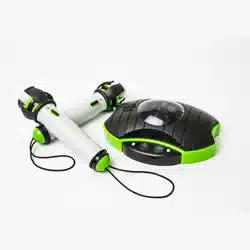
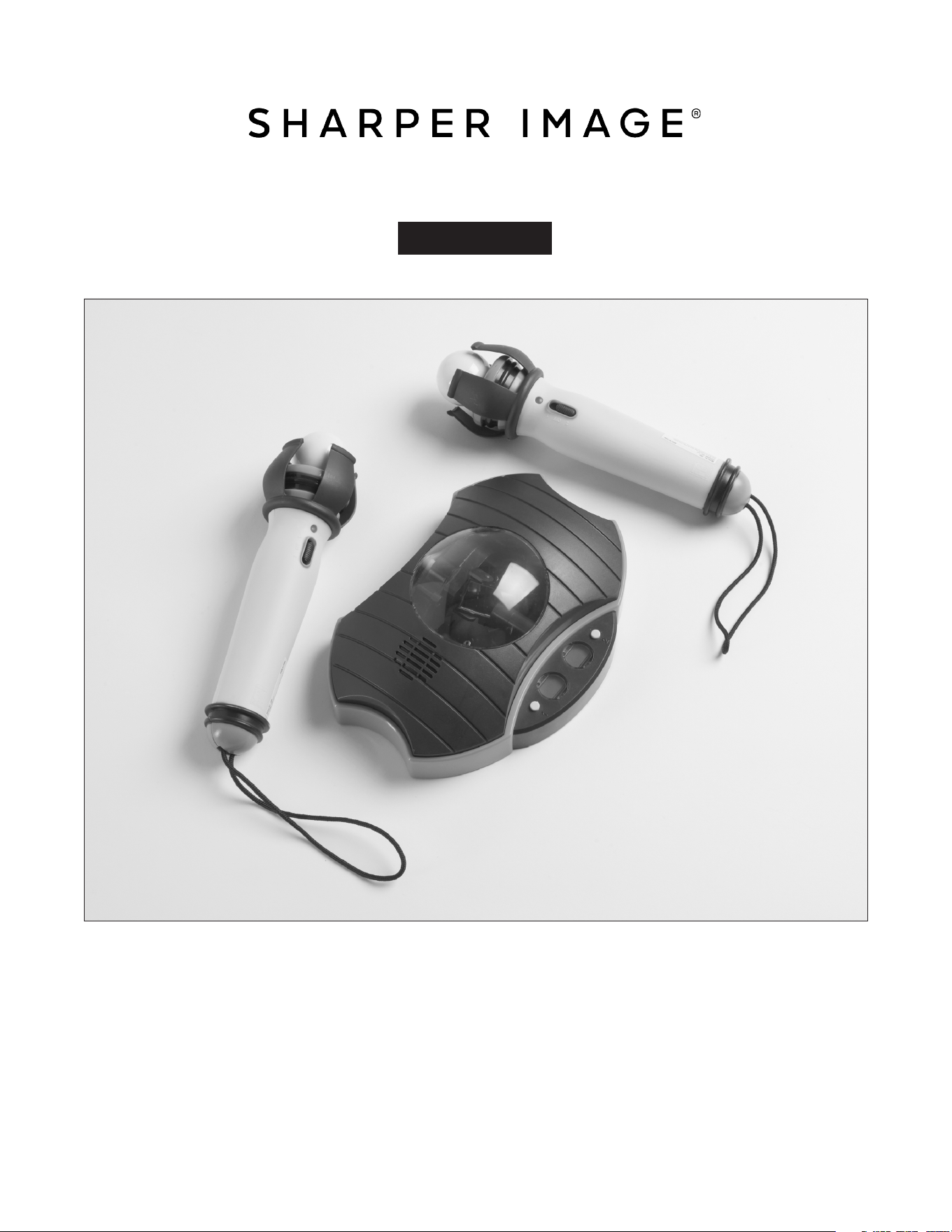
• Includes 2 racquets and Console
• New: voice scoring
• Ages 6+
BATTERY INSTALLATION
• Ask an adult for help installing batteries.
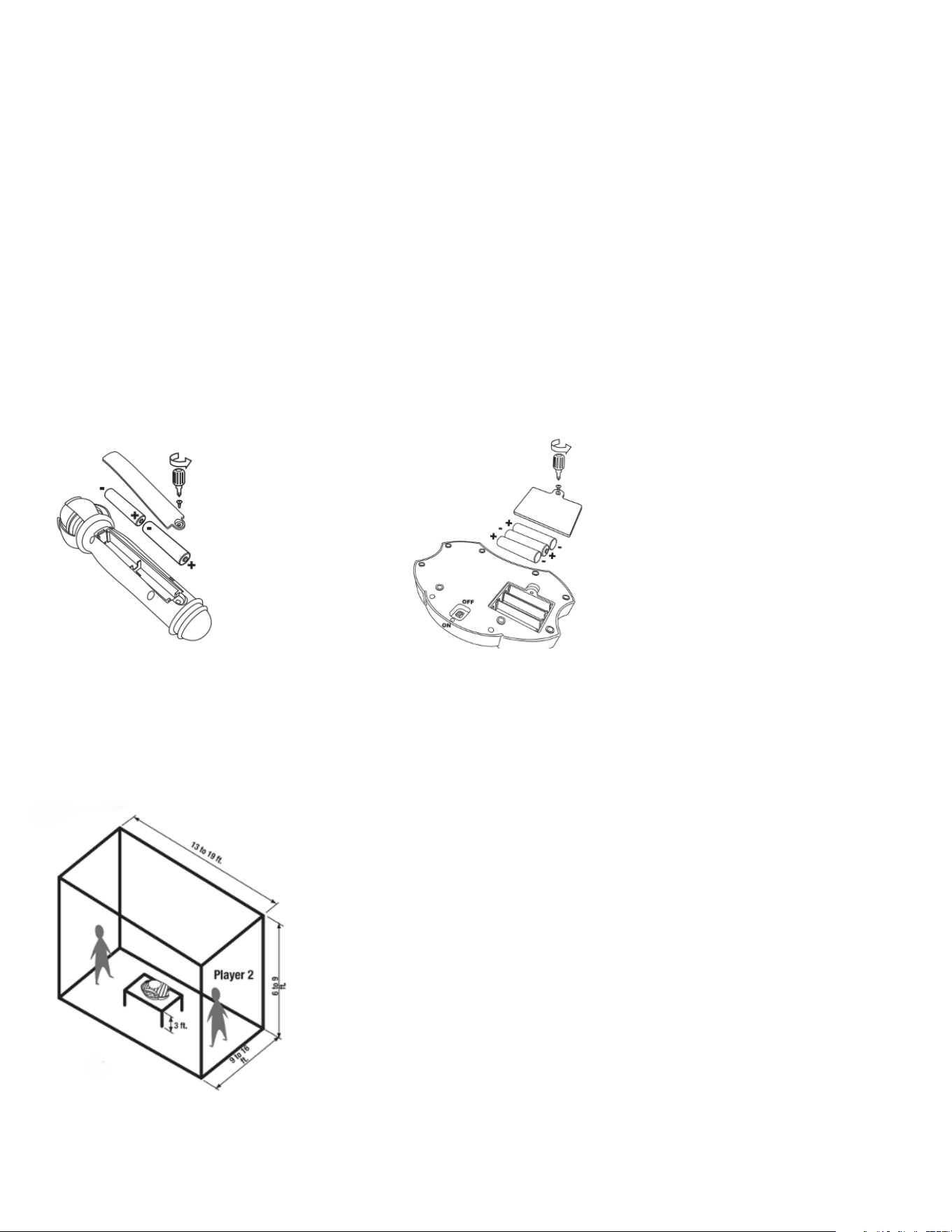
• Racquets require 2 AA batteries each.
• The Console requires 3 AA batteries.
• Be sure to insert the batteries in the correct direction as shown in the diagrams below.
GETTING STARTED
• Place your wrist into the strap on the racquet to hold it in place. This is for safety.
• Place the Console in the middle of a darkened room, on a table or chair that is approximately 3 feet
above the floor. The ideal playing area is 13 to 19 feet long, 9 to 6 feet wide and 72” to 98” high. See
diagram below.
• Turn the Power switch (located on the bottom of the Console) to ON.
NOTE: Ceilings that are higher than 98” may affect the definition of the projected light ball. For high
ceilings, elevate the Console so that it is 72” to 98” away from the ceiling.
- 3 -
TRAINING MODE
(
1-PLAYER MODE
)
1. Move the switch on your racquet to position 1. The RED light will illuminate.
2. Press the 1 button on the Console to start playing in single-player mode.
3. Press the 1 button again to select the difficulty level:
1 = Easy
2 = Medium
3 = Challenging
TRAINING MODE GAMEPLAY
(
1 PLAYER
)
The game will begin when you see a projected RED circle of light blinking somewhere in the room.
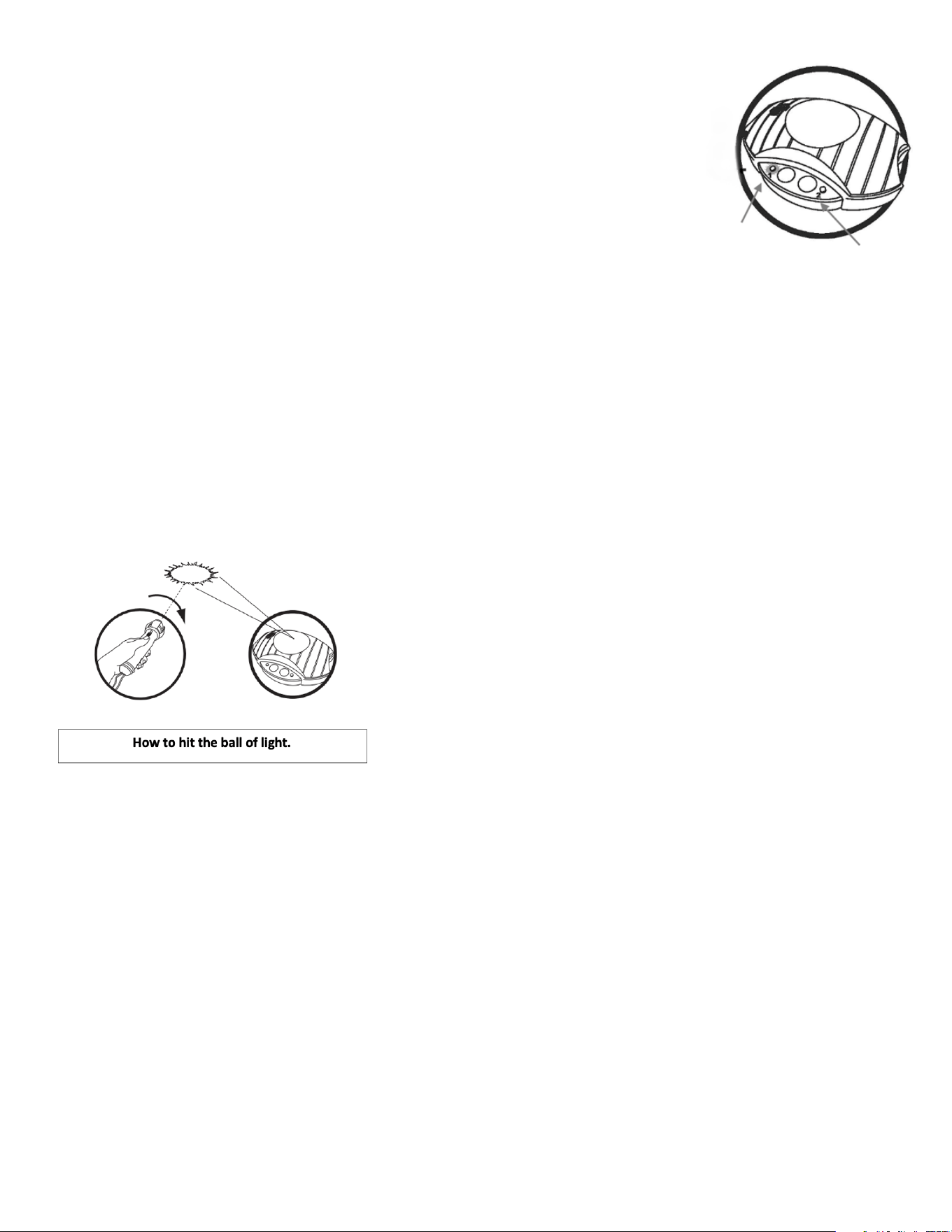
The player must “hit” the light before it blinks 8 times. To hit the light, the Player should swing the
racquet as though he or she were hitting an actual ball (see diagram below). When the ball is hit
correctly, it will travel across the room and turn GREEN. Then, the Console will hit it back to Player
1. Sounds will emit from the Console with every hit and miss. When one player misses the ball, the
opponent scores a point. The player who misses a ball will begin the next round. The game ends
when the player (or the Console) reaches 11 points.
COMBAT MODE
(
2-PLAYER MODE
)
1. Player 1 moves the switch on his or her racquet to Position 1. The RED light will illuminate.
2. Player 2 moves the switch on his or her racquet to Position 2. The GREEN light will illuminate.
3. Player 1 will move to the LEFT side of the Console (indicated by the red sticker). Player 2 will move
to the RIGHT side of the Console (indicated by the green sticker).
4. Press the button marked 2 on the Console to enter 2-Player Mode. Continue holding down button
2 to choose the difficulty level as described above in Training Mode.
COMBAT MODE GAMEPLAY
(
2 PLAYERS
)
The game will begin when you see a projected RED circle of light blinking somewhere in the room.
Player 1 must “hit” the light before it blinks 8 times. To hit the light, the Player should swing the
racquet as though he or she were hitting an actual ball. When the ball is hit correctly, it will travel
across the room and turn GREEN. At this point, Player 2 must hit the ball back to Player 1. Players
continue to hit the ball back and forth, similar to tennis. With each volley, the speed will increase. The
volley ends when one player misses the ball (and the opponent scores a point).
BUTTON 1
BUTTON 2

- 4 -
The “scorekeeper” will announce the score after each point. It will announce the score for the “Red”
player and the score for “Green” player.” The player who missed the last ball begins the next round.
The first player to reach 11 points shall be the winner.
TROUBLESHOOTING
Problem Cause Solution
Console is not working. Batteries are dead. Replace the batteries.
Console is not working. Switch is turned off. Turn on the switch.
Light ball is hard to see. Low batteries. Replace the batteries.
Light ball is hard to see. Room is too bright. Turn off the lights.
Sound is weak. Low batteries. Replace the batteries.
Racquet does not hit the ball. Ceiling is higher than 98”.
NOTE: This device may be affected by interference from a TV, radio or other magnetic source. If this
happens, move the Console away from the source of the interference, then turn it off and on again.
BATTERY WARNINGS
• Do not recharge disposable batteries.
• Remove batteries from the device before re-charging.
• Rechargeable batteries must be charged under adult supervision.
• Do not mix different types of batteries in this device.
• Do not mix old and new batteries.
• Dispose of batteries safely and in accordance with local laws.
• Do not expose batteries to heat or fire, as this may cause an explosion.
• Keep batteries out of reach of children at all times.
NOTE: Due to continuous improvement, this device may appear slightly different than the
illustrations in this guide.
WARRANTY AND CUSTOMER SERVICE
This item from SharperImage.com includes a 1-year limited replacement warranty. If you have any
questions not covered in this guide, please call our Customer Service department at 1 (877) 210-
3449. Customer Service agents are available Monday through Friday, 9:00 a.m. to 6:00 p.m. ET.
The SHARPER IMAGE® name and logo are registered trademarks.
©Sharper Image. All Rights Reserved.
Move to a room with a lower
ceiling or elevate the Console
so that it is 72” to 98” from
the ceiling.