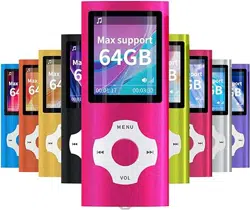
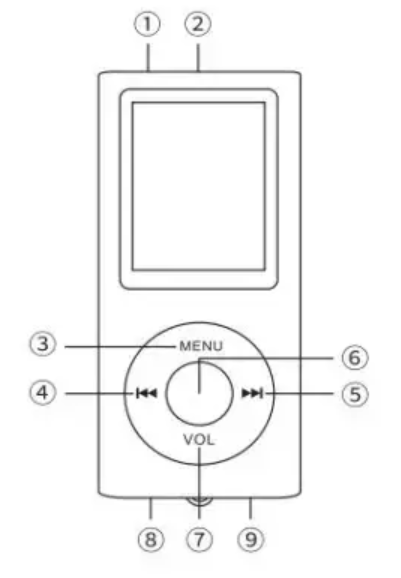
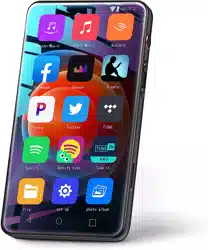
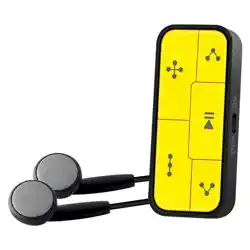
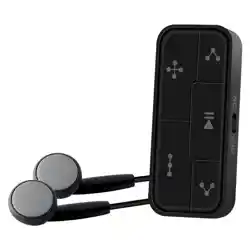
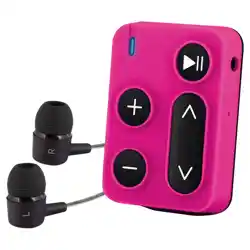
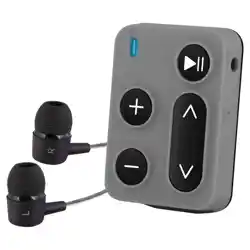
Music playing: support for MP3, WMA, OGG, APE, FLAC, WAV.
Video playing: support AVI, AMV (need to use the seller provided transfer tools; resolution is 128*160)
Recording: support for MP3, WAV.
Picture review: support for JPEG, BMP (Max: 800*800PIx) SD card (maximum 64 GB), for better compatible, memory card Mymahdi is recommended.
Radio and E-book function available.
Questions/Answers
1. What if the video playback format error?
This player supports AVI and AMV; please contact the seller for the transfer tool.
2. What if the player can't be charged?
Please change to another cable, and contact the seller for replacement or return if it's still not working after change the cable.
3. What if the SD can't identify the player?
Please try to change to another SD card. and contact the seller for replacement or return if still not working.
4. How to set the playing mode?
Choose “music” after on, and press “M” andchoose “REPEAT” when playing the music, and then press “M” for confirmation. You can also choose other mode you prefer and then press” M” for confirmation.
5. Does this player can synchronize to other devices, like Itune?
Please transfer the download music to other devices by connecting to computer with USB cable.
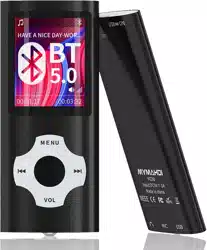
Bluetooth this feature is optional( please subject to physical object) How to operate: Select the Bluetooth menu and press enter the Bluetooth interface. Press to turn on Bluetooth. Press or select. Press to confirm, press the return key to return.
FCC Statement
This equipment has been tested and found to comply with the limits for a Class B digital device, pursuant to part 15 of the FCC Rules. These limits are designed to provide reasonable protection against harmful interference in a residential installation. This equipment generates, uses and can radiate radio frequency energy and, if not installed and used in accordance with the instructions, may cause harmful interference to radio communications. However, there is no guarantee that interference will not occur in a particular installation. If this equipment does cause harmful interference to radio or television reception, which can be determined by turning the equipment off and on, the user is encouraged to try to correct the interference by one or more of the following measures:
Reorient or relocate the receiving antenna.
Increase the separation between the equipment and receiver.
Connect the equipment into an outlet on a circuit different from that to which the receiver is connected.
Consult the dealer or an experienced radio/TV technician for help.
Caution: Any changes or modifications to this device not explicitly approved by manufacturer could void your authority to operate this equipment.
This device complies with part 15 of the FCC Rules. Operation is subject to the following two conditions: (1) This device may not cause harmful interference, and (2) this device must accept any interference received, including interference that may cause undesired operation. RF Exposure Information
The device has been evaluated to meet general RF exposure requirement. The device can be used in portable exposure condition without restriction.
Q: My mp3 player won't read the SD card, I've tried clearing out the reader with air, and wiping the SD card with my shirt to make sure there's no debris or dust blocking it, but that hasn't worked, it won't connect to the device and it's definitely a hardware issue, I've tried turning the device on and off again, and removing the chip and putting it back in, neither has worked. It was functioning perfectly normally beforehand, I was using it to listen to music, turned it off, then went to use it again and it just gives me the "no memory card" error, even though it's securely clicked in like normal. Reply