IMW449
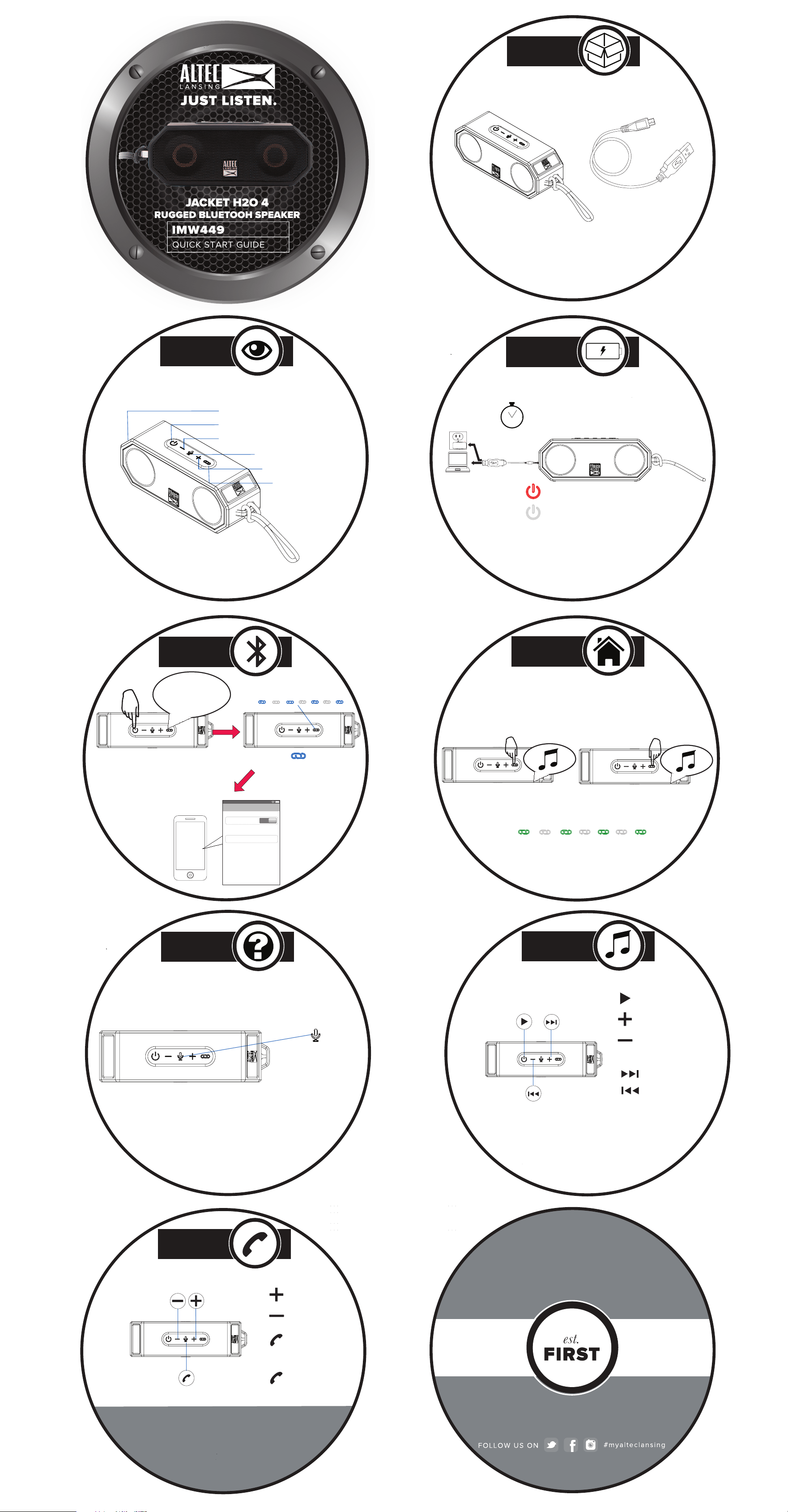
In the Box
A Closer Look
Controlling
Music
Charging
Powering On/
Bluetooth
Pairing
QUICK START GUIDE
USB Cable
Answering Calls
For additional user materials and
warranty information, please
visit alteclansing.com
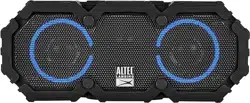
IMW449 Jacket H2O 4
Rugged Bluetooth Speaker
Power Button
Link Button
Micro USB and
AUX In Ports
Volume Up/Next Track
Volume Down/Prev. Track
Answer Calls/
Voice Assistant
2-3 Hours
Full Charge
(red)= Charging
(off)= Charged
Press & Hold for
2-4 Seconds
Welcome to
Altec Lansing
12:12 PM
Bluetooth
Bluetooth
Devices
Paired
ON
Now discoverable
Jacket H2O 4
Next Track
Play/Pause
Previous Track
Volume Up
Volume Down
Answer Call/
End Call
PRESS
PRESS & HOLD
JACKET H2O 4
RUGGED BLUETOOH SPEAKER
Flashing Blue =
Ready to Pair
PRESS
PRESS & HOLD
Ignore Call
True Wireless
Stereo Pairing
PRESS & HOLD 2-3 SECONDS
Press & Hold the Link Button on Both Speakers at
the Same Time to Create a Stereo Pair.
After Connecting Master Speaker to Bluetooth
Green Light Will Continue to Flash
When Connected
Just Ask
PRESS
To activate JUST ASK
and speak to Siri or
Google Assistant
Solid = Paired
Volume Up
Volume Down
Master Speaker
Second Speaker