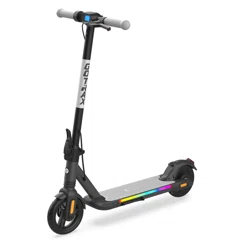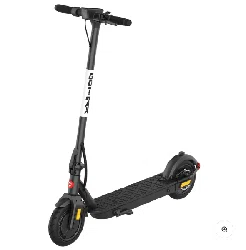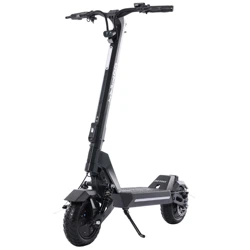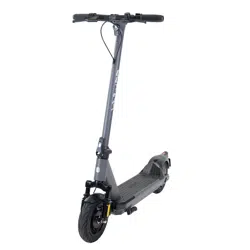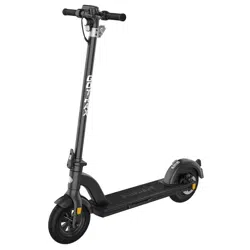
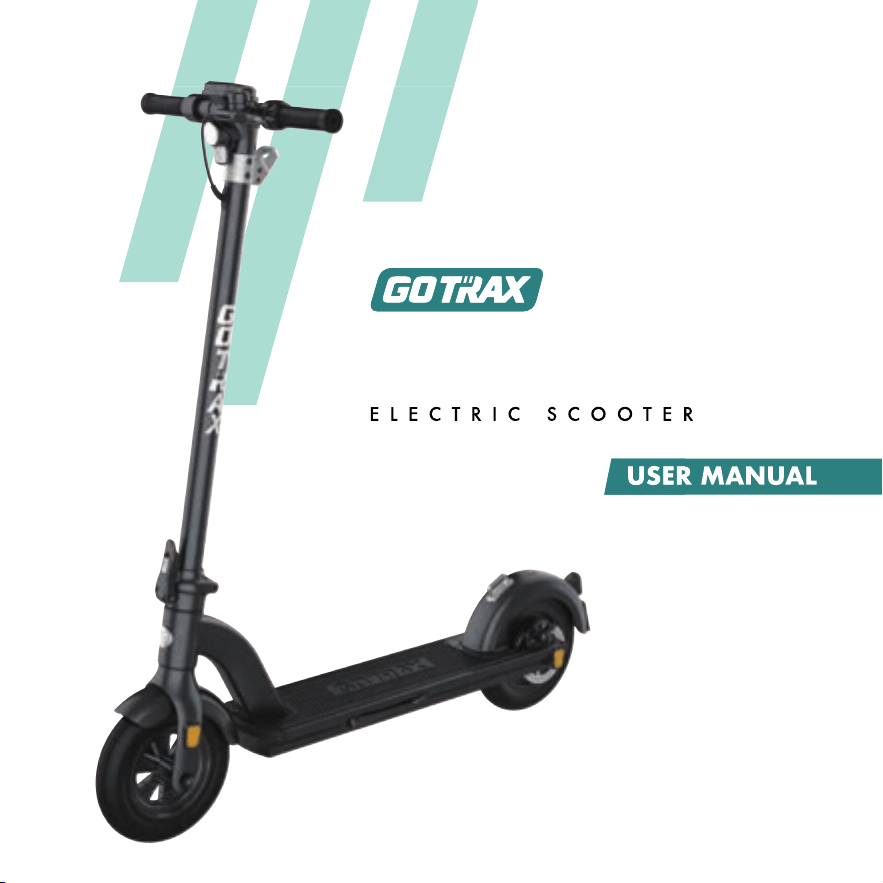
TOUR XP


WARNING: This product can expose you to chemicals including Diisononyl
phthalate (DINP), which is known to the State of California to cause cancer.
For more information go to www. P65Warnings.ca.gov.
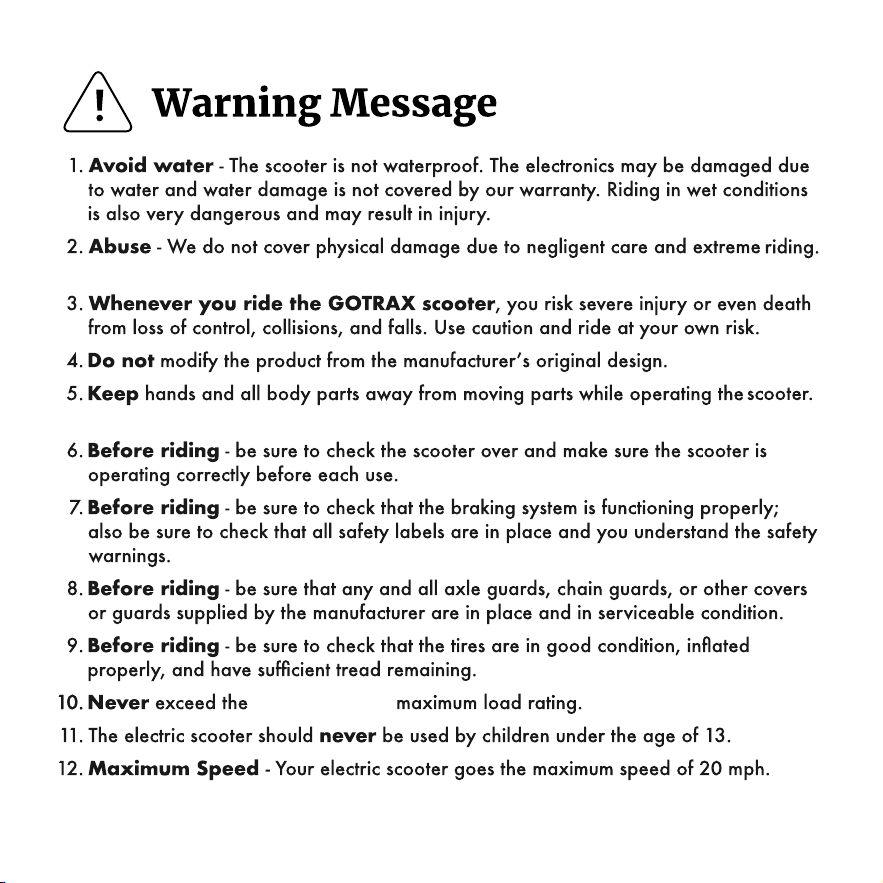
264lbs (120 kg)

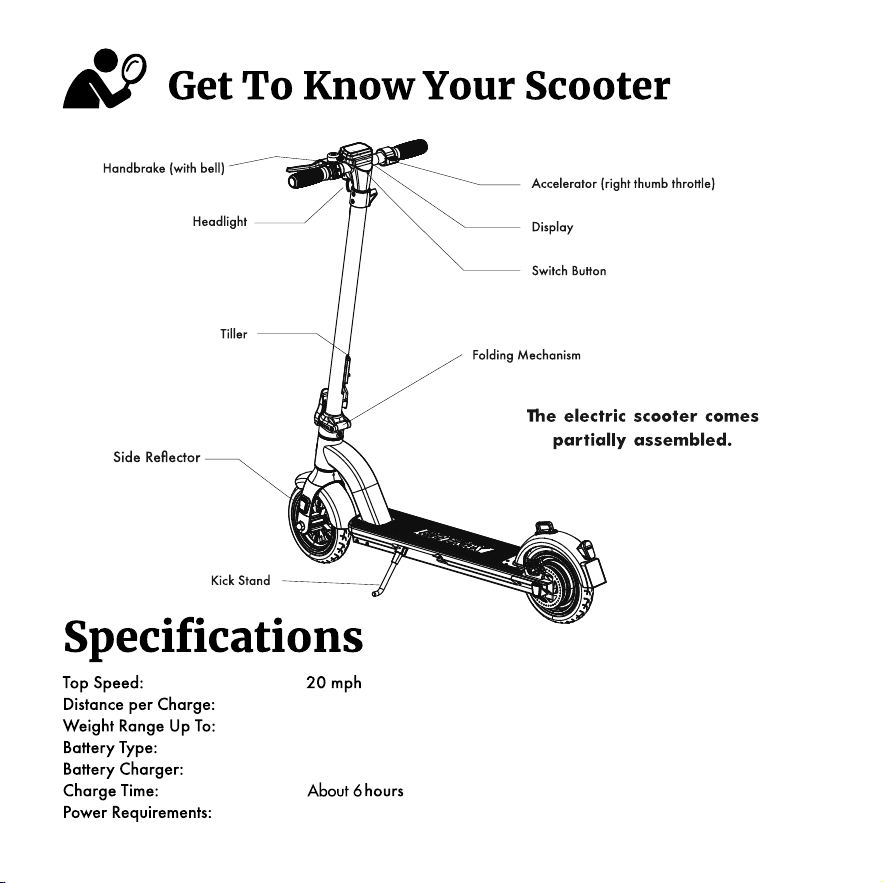
264lbs (120 kg)
36V 7.8Ah
DC 42V 1.5A
AC 100-240V~50/60Hz 1.8A
16 miles


Long press power button to power on and off.
Hold “’”’ “+” button for 3 seconds to power the headlight on/off. The taillight is a braking light,
too. When you hold the hand brake while the scooter is on, the taillight will flashing.
To unlock the display lock the default password is 000. Press the “+” button to input 0 and
press the power button to confirm. Repeat the whole process to input 000. And then press the
power button twice to unlock.
To set your own code, press the “-” button and the “Power button” together for 10 seconds.
Then use the “+” button to input the first number of your code and then press the power button to
set. Repeat the process to set your own individual code. After the screens shows the 3 number
code, press the power button twice to unlock.(Note: Please shoot a photo after you set your own
code.)
Switch Gear: The default gear is gear 1. When the scooter is power on, the screen display L1.
The max speed of Gear 1 is 15.5 MPH. Pressing the “+” button to switch to the gear 2. The max
speed of Gear 2 is 20 MPH.
Press the throttle for 8 seconds to activate Cruise Control while riding. You can deactivate
the cruise control features by holding the hand brake.
Hold “-” button while walking push the scooter to activate the push assist mode.
When this function is activated, the scooter will move at 3 KM/H to make it easier to push
forward.
Cancel the display lock, long press the “+” button and the “Power button” together for 10
seconds. When you heard a alarm sound, it means success.
Switch the default speed unit: The default speed unit displayed by the Console is MPH. Press
the "+" and " - " buttons at the same time for 10 seconds to switch the speed unit to Km/h.
Clear the total mileage: When the scooter is powwered on, press the Power button and "+"、
“ - ” buttons at the same time for 10 seconds, the accumulated mileage displayed on the console
will be cleared to 0.

Using the anti-theft device
At the bottom of the stem is a built-in anti-theft device in the form of
a steel cable that can be locked with a numerical code.
1. Locking head
2. Anti-theft cable
3. Anti-theft cable storage space
4. Lock
5. Locking button
6. Dials
7. Code reset button
3
1
2
4
5
6
7
How to unlock the anti-theft combination lock.
1. Unlock the anti-theft device with default code 0000.
2. Slide the reset button to the right (SET mode)
3. Set a new code by turning the dials(Please shoot a photo)
4. Slide the reset button to the left
To attach the scooter to a fixed support:
1. Enter the safety code
2. Pull out the anti-theft cable
3. Insert the cable head into the lock hole
4. Turn the dials to lock the anti-theft device
To remove the scooter from a fixed support:
1. Enter the safety code
2. Press the unlock button
3. Pull the cable head out of the lock
4. Pull the cable back to the stem tube
After using, please push up on the cable of the anti-theft device into the stem
tube and secure the cable head in the storage bracket to prevent it from
hanging down and getting caught in the wheel.