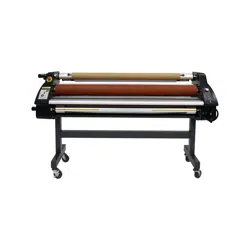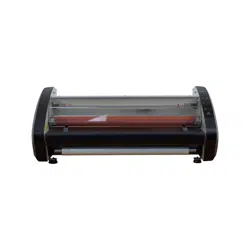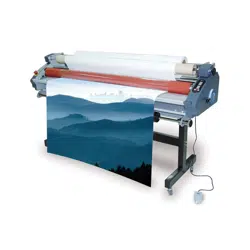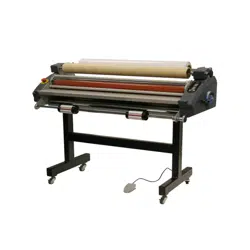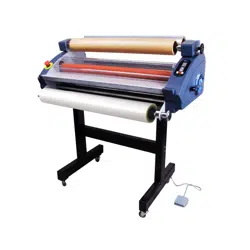
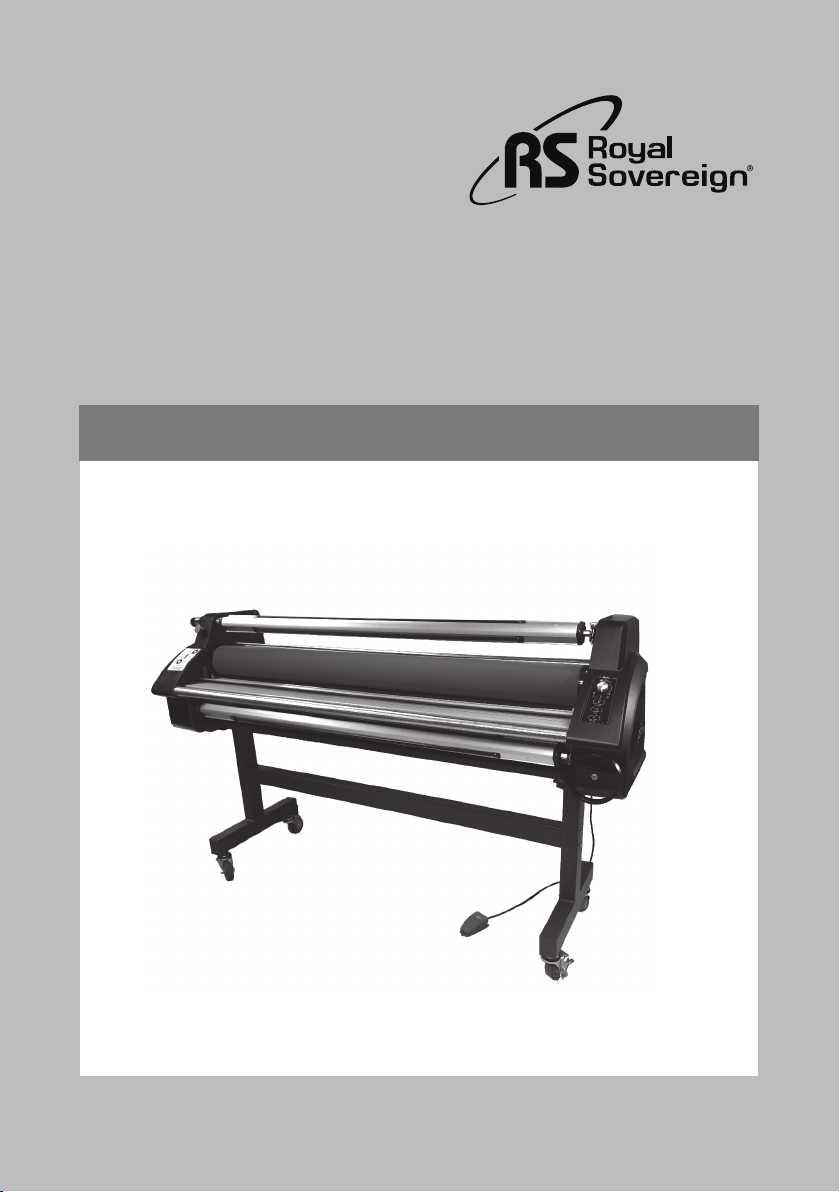
Sigmont 55H/65H
Royal Sovereign International Inc.
Owner's Manual
GRAPHIC LAMINATION
www.royalsovereign.com
PRODUCTS
Please read and retain these instructions.
To register your product, please go to www.royalsovereign.com

2
CONTENTS
1. Introduction 3
2. Safety Precautions
4
4. Installation
5
5. Control Panel 6
6. Product Identification
7
7. Using Foot Pedal And Remote Control
8
8. Loading Film
8
9. Threading Film
8
9.1 Laminating 9
9.2 Mounting
9
11. Maintenance 9
12. Troubleshooting
10
10. Adjusting the space of rollers
9
13. Specifications
11
14. Warranty
12

Graphic Lamination Products
1. IN TRODUCTION
Thank you for choosing a Royal Sovereign laminator. It has been designed and
manufactured to provide years of continuous service.
For complete operating and maintenance information please read this manual
thoroughly. Upon receipt of your laminator, please inspect the box, the machine and all
other contents for shipping damage.
Damage should be brought to the immediate attention of the delivering carrier.
Model Sigmont 55H/65H
4
2. SAFETY PRECAUTIONS
Failure to comply with any of the following safety procedures could result in serious injury . Please read the instructions
carefully and keep for future reference.
1. Only a licensed electrician should install wiring and outlet for the laminator.
2. Ensure the unit is plugged into a properly grounded outlet with the correct voltage.
3. Keep hands and clothing (i.e. Neckties) away from rollers. The rollers have pinch points that can trap body parts or
clothing and cause serious injury.
4. Keep flammable and wet objects away from the machine.
5. Place the laminator on a level surface, then adjust the casters to the locked position in order to keep the laminator steady.
6. Avoid excessive sunlight, humidity and extreme temperatures.
7. Ensure the unit is turned off, cooled, and unplugged from the outlet prior to moving and/or repairing.
8. Keep out of reach of children.
9. Only Royal Sovereign authorized maintenance and service technicians should make repairs.
10. Do not attempt to laminate items that exceed total recommended material thickness for the unit.
11. When cleaning the machine, don't use flammable sprays or materials.
12. Do not touch the rollers when they are hot or place foreign objects inside the machine.
13. Do not cover the surface of the machine until the machine has completely cooled.
14. If emergency happen, press emergency switch immediately.
15. Temperature of circumstance: 20°C ± 5°C; humidity of circumstance: < 95%(20°C ± 5°C).
16. Warning - Hazardous Moving Parts – Keep Fingers And Other Body Parts Away.
Sigmont 55H/65H
5
3. INSTALLATION
Note: The laminator should be installed by a trained service technician.
The laminator comes fully assembled. Upon arrival, thoroughly inspect the unit. It is imperative that any shipping damage
is reported and a claim is filed with the delivering carrier immediately upon receipt.
The laminator should be located in an area with adequate work space for feeding graphics and lamination materials.
Avoid placing the laminator in a dusty area or near sources of extreme heat or cold.
Once the laminator is in place, lock the casters into position. Always unlock the casters when moving to a different location.
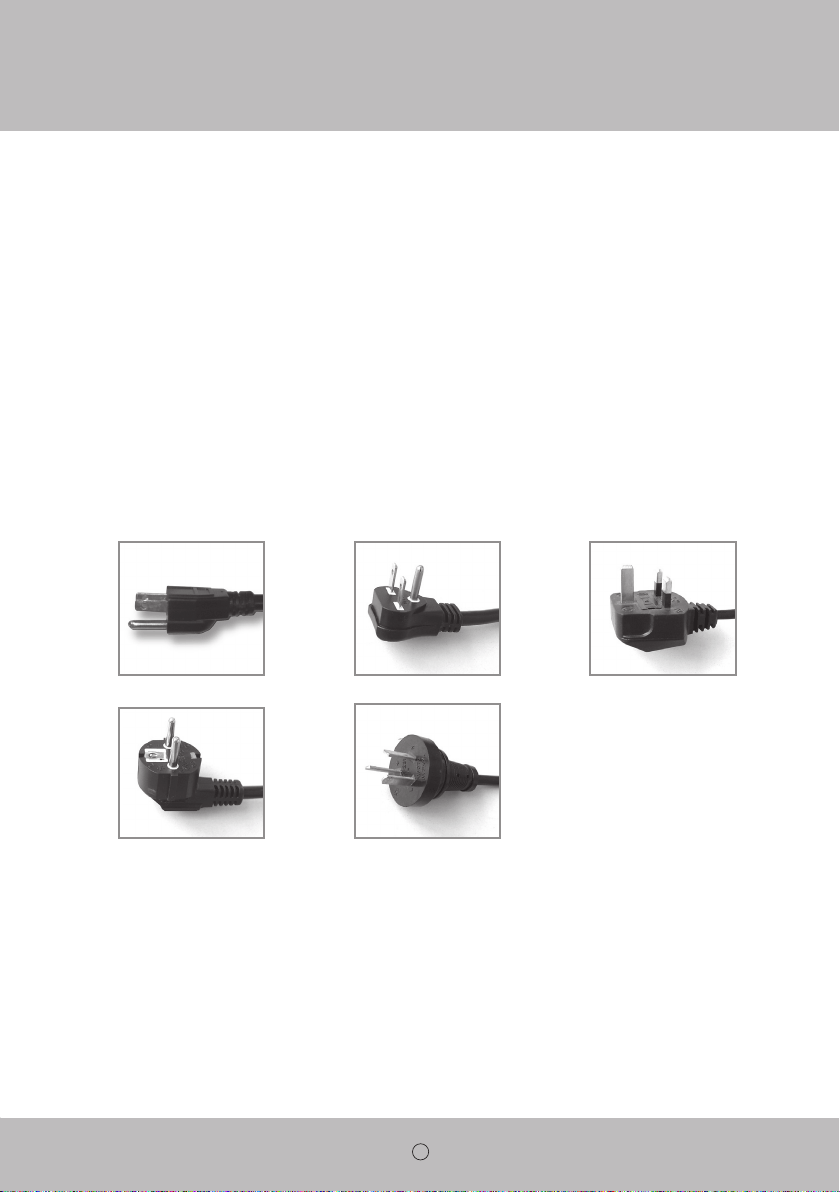
ELECTRICAL REQUIREMENTS
Royal Sovereign recommends that a licensed electrician ensures proper power installation to your laminator in accordance
with electrical codes in your area.
120V UL 230V UL 240V UK
220V EU 220V AU
6
4. INCLUDED WITH LAMINATOR
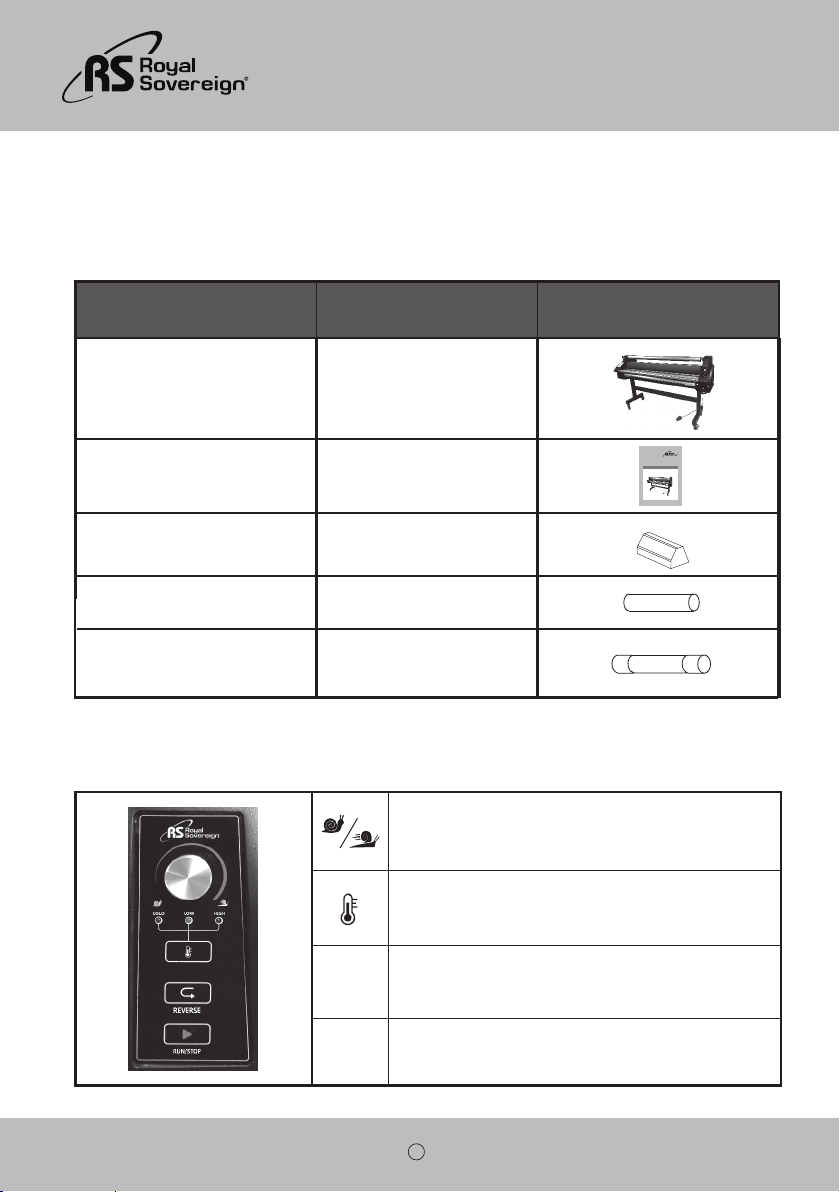
Thoroughly inspect the parts and the unit. It is imperative that any missing parts are reported and a claim is filed with the
reseller immediately upon receipt of shipment.
Part Name Quantity Picture
Laminator
1
Owner's Manual 1
1
4
Spare Main Power Fuse - FUSE(65TS)
10A/20A
1
Sigmont 55H/65H
Royal Sovereign International Inc.
Owner's Manual
GRAPHIC LAMINATION
www.royalsovereign.com
PRODUCTS
Please read and retain these instructions.
To register your product, please go to www.royalsovereign.com
5. CONTROL PANEL
REVERSE To reverse the rollers, press and hold the button.
Run/Stop To start or stop the rollers.
To change the Temperature mode from cold to low or high.
Rotate the knob to control the roller’s speed from 0 to 15m/min.
dust cover
space silicon elastic
7
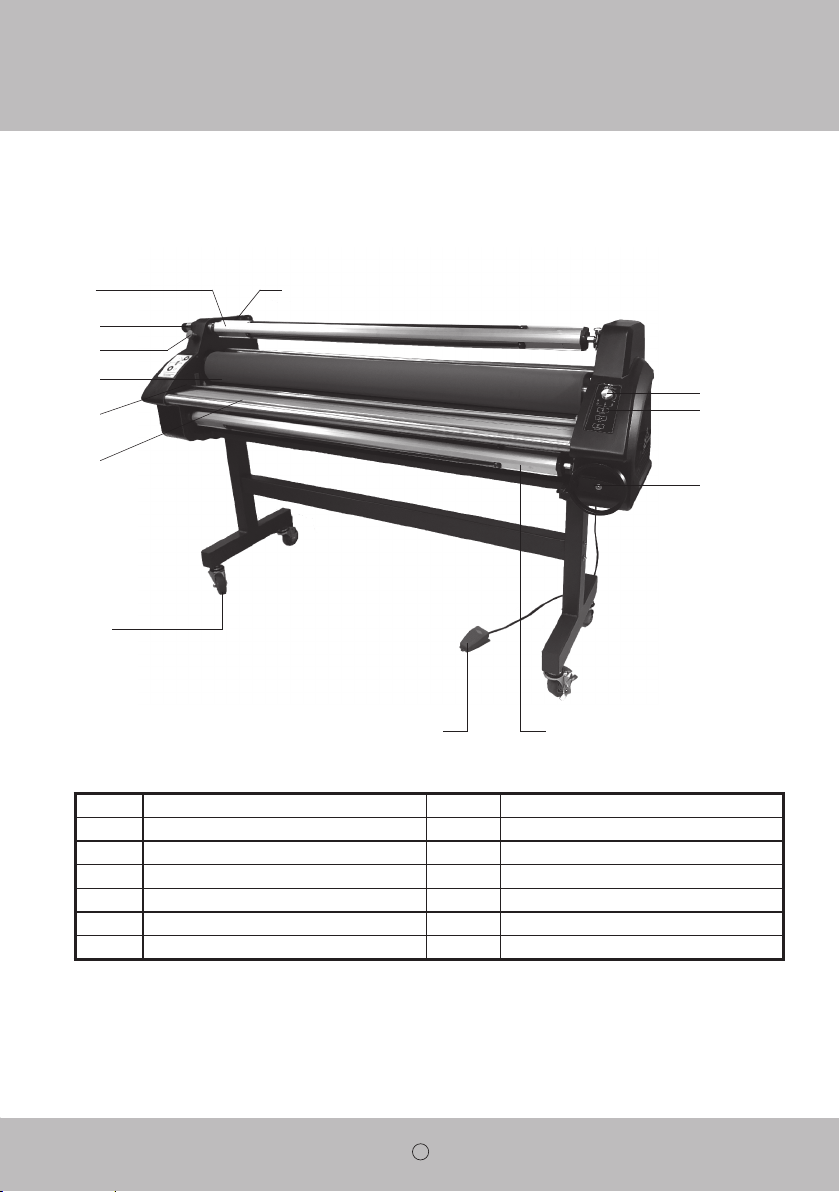
6. PRODUCT IDENTIFICATION
1
Shaft Release Liner
9
Shaft Feeder
2
Handle Tension
3
Emergency Switch
10
Knob Speed Control
4
Roller
11
Button
5
Safety Sensor
12
Nip Adjustment Wheel
13
Wired Remote Controller
6
Table Front
7
Locking Caster
8
Foot Switch
1
2
3
4
6
5
7
8 9
11
13
10
12
Sigmont 55H/65H
8
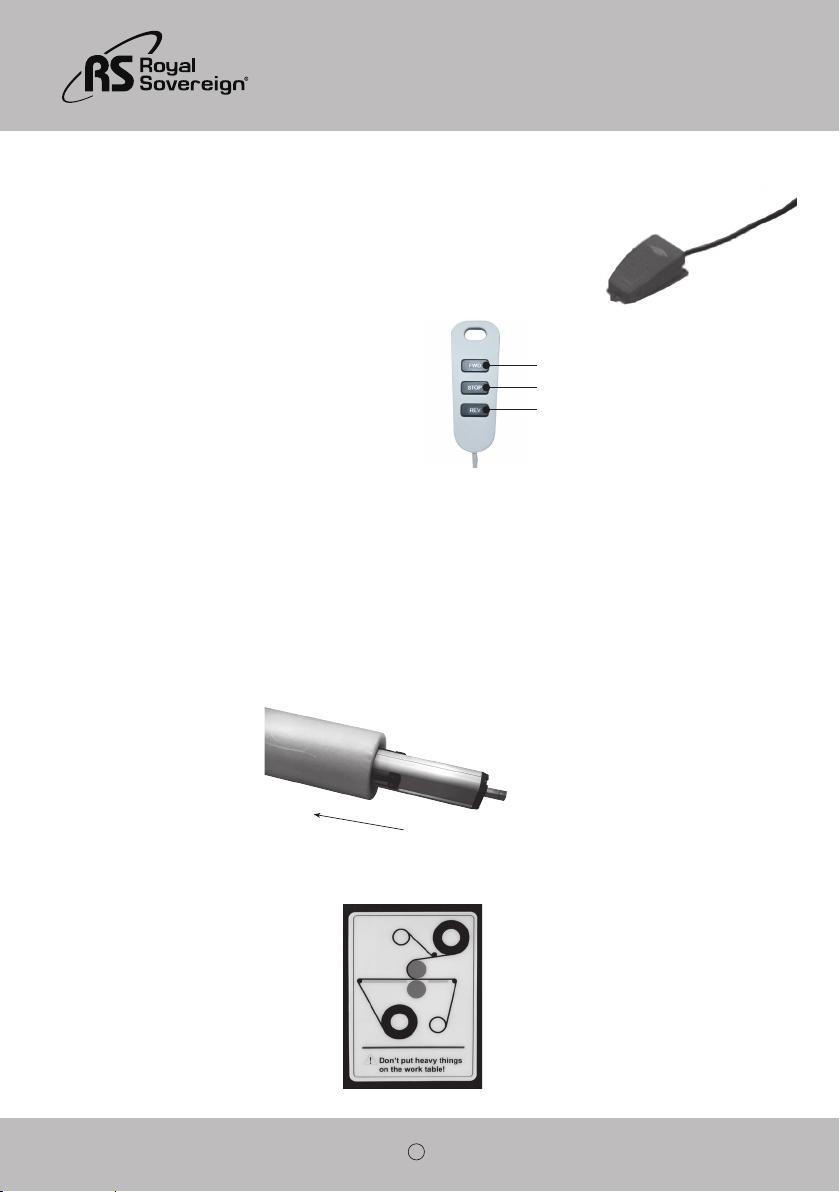
7. USING FOOT PEDAL AND REMOTE CONTROL
Place the foot pedal on the floor in front of the machine. Once all correct settings are displayed,
you may use the foot pedal to operate the laminator for “Hands Free Operation.” To activate
the machine, press the foot pedal once and then release. Repeat to stop the rollers.
8. LOADING FILM
Royal Sovereign films are wound with the adhesive side facing the inside of the roll
USING FOOT PEDAL
USING REMOTE CONTROL
Located on the rear left side of the laminator.
1. PRESS REV – To reverse the rollers. Press and
hold the button (useful for jams or misted media).
2. PRESS STOP – To stop the rollers from turning.
3. PRESS FWD – To activate the rollers.
(adhesive in).
Loading laminate to the upper film shaft:
Remove the upper film supply shaft from the laminator and load the laminate through the film shaft. Center the film on
the shaft by referencing the centering markers supplied on the film shaft.
Note the direction of the laminate adhesive on the upper film shaft before loading onto the laminator.
9. THREADING FILM
2
1
3

Sigmont 55H/65H
9
1. Turn the power switch on (“I” position). The power switch is located on the rear left side of the unit.
2. Complete the steps as in the “LOADING FILM” section.
3. Load the roll of material to be laminated onto the bottom film supply shaft. Center with the laminate on the upper
film shaft by using the centering markers supplied on the film shaft.
4.
Open the laminator rollers. Please refer to Section 10: Adjusting the space of both rollers.
5.
Bring you material on the bottom supply shaft that needs to be laminated over the laminator feed table and slightly
into the open rollers.
6. Run you laminate from your upper supply shaft below the top idle bar and around the top laminator roller
so that it is past the laminator roller nip position.
7.
Close the laminator rollers together by using the Nip Adjustment Wheel
8. Separate the laminate release liner from the laminate and tape to the upper Release Liner Shaft.
(Please reference 9. THREADING FILM for proper laminator webbing).
· Please adjust the wheel to change the roller pressure with different material for the best laminating quality.
1. Lay the decaled image face down on a flat surface. Carefully peel back and put a crease along the edge of the release
liner.
2. With the image facing up, align the image onto the board. Press firmly from the center out.
3. Adjust the pressure lever to ensure the proper opening.
4. Flip the image over the upper roller and hold on to the release liner.
5. Press the foot pedal once, and then let it go while slowly pulling the release liner as the board enters the main roller nip.
6. Press the foot pedal once again when the board has completely exited from the rear of the unit.
7. Trim the board if necessary.
11. MAINTENANCE
Cleaning the Body of the laminator
1. To clean the machine body, dampen a cloth with water only and gently wipe the machine clean.
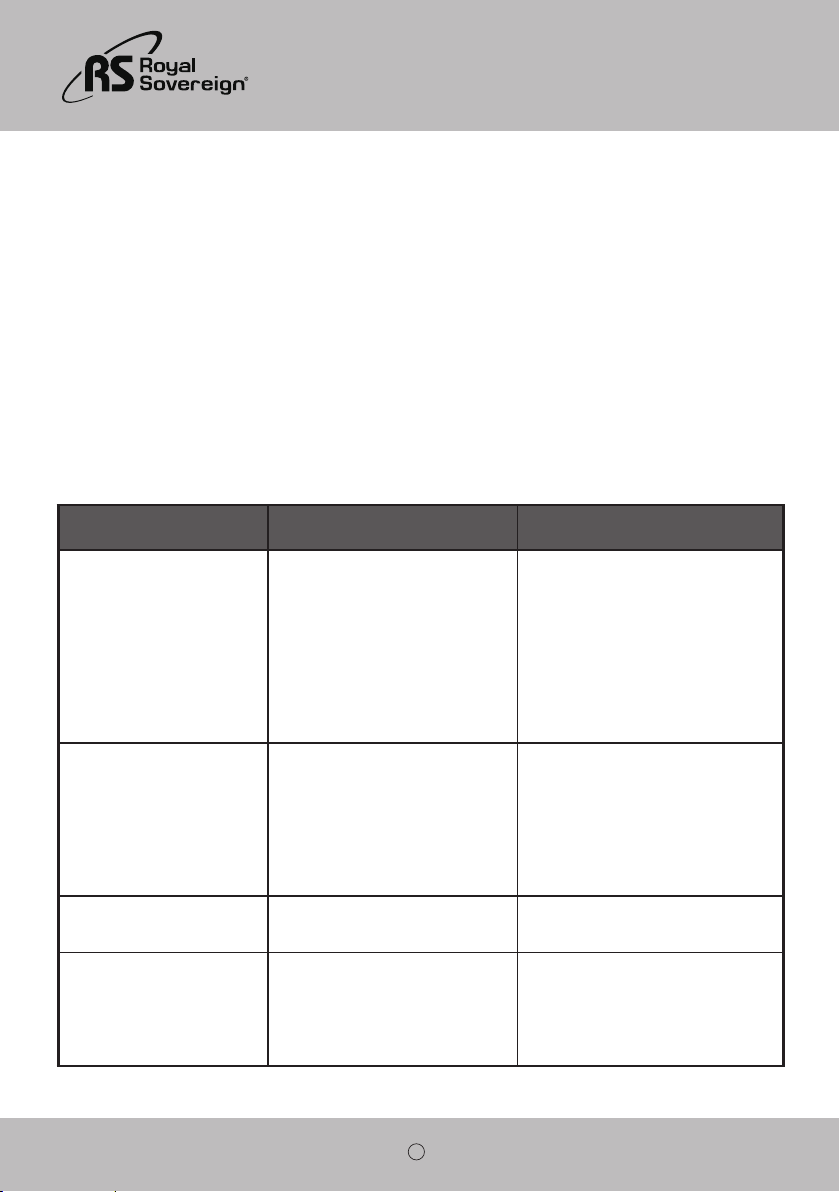
10. Adjusting the space of rollers
Warning: After reaching the bottom roller, please do not turn handle further
counterclockwise. Serious internal damage will result.
Turn the Nip Adjustment Wheel clockwise to raise the roller; turn the crank counterclockwise to lower the roller.
9.1. Laminating
9.2. Mounting
10
Removing Adhesive Build Up
1. Remove the film from the laminator.
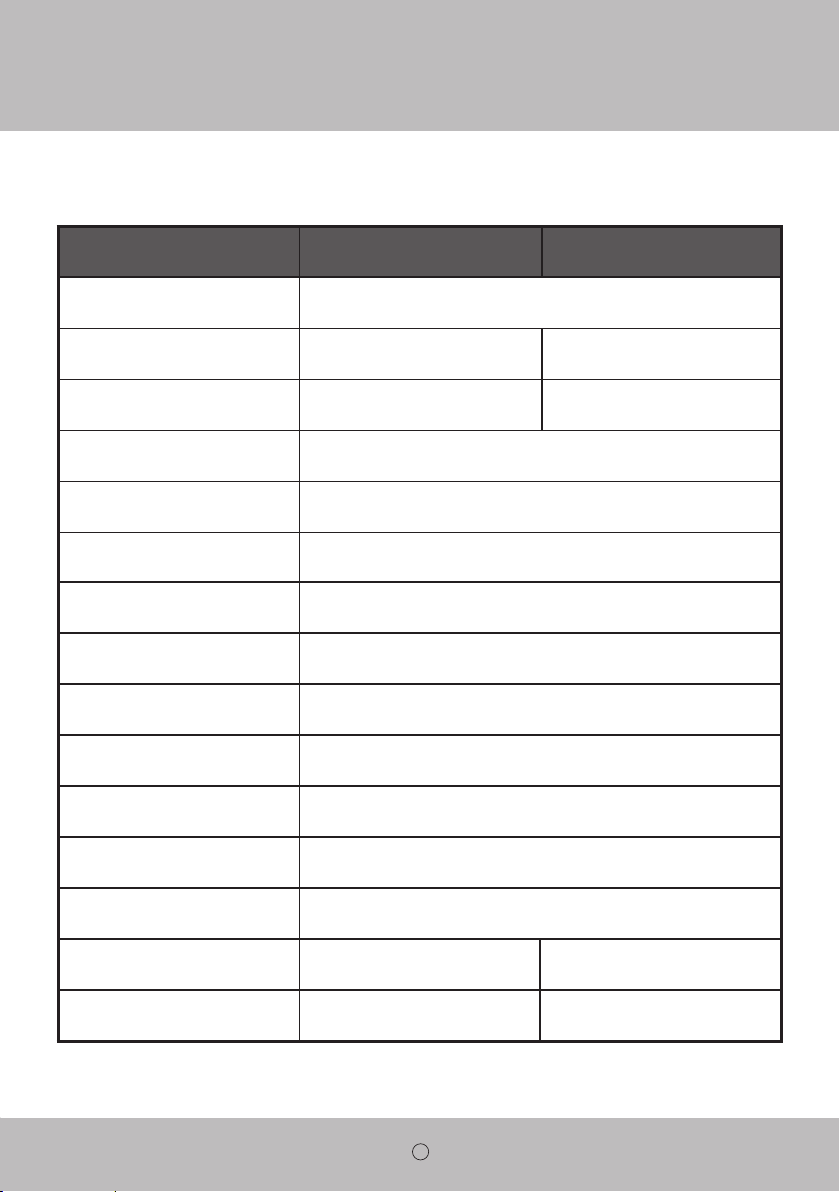
12. TROUBLESHOOTING
Sympton Cause Possible Solution
Machine will not turn on:
a. Power plug is not plugged in.
b. Power switch is in “0” (Off) position.
c. Tripped circuit breaker.
d. Blown main power fuse.
a. Plug the power cord into appropriate
outlet.
b. Put the power switch to the “I” (On)
position.
c. Reset the circuit breaker.
d. Replace the fuse.
There is power, but the rollers are
not turning after the “RUN” button
is pressed:
a. Emergency switch(es) is (are)
engaged.
b. Safety Sensor is blocked.
c. Blown motor fuse.
a. Disengage the emergency switch(es).
b. Remove any material that may be
blocking the Safety Sensor.
d. Replace the motor fuse.
The unit is not heating up: a. Did not raise the temperature.
a. Raise the temperature.
Heater, bimetal or T-fuse failure.
Curled lamination:
a. Upward curl.
b. Downward curl.
a. Loosen the top roll film tension.
b. Loosen the bottom roll film tension.
2. 2. Use a damp (water only) cloth and a rubber gum eraser to remove the adhesive on the silicone rollers and
any other surfaces.
Note: Rub firmly but do not scrub the rollers vigorously as this may scratch the surface.
Do not use sharp metal objects, steel wool, or abrasives, as these may also damage the rollers.
Lubrication
1. Drive chain and sprockets should be lubricated with either a light coat of gear lube or heavy grease (lithium grease)
after 6 months or 1000 hours of operation, whichever comes first.
Sigmont 55H/65H
11
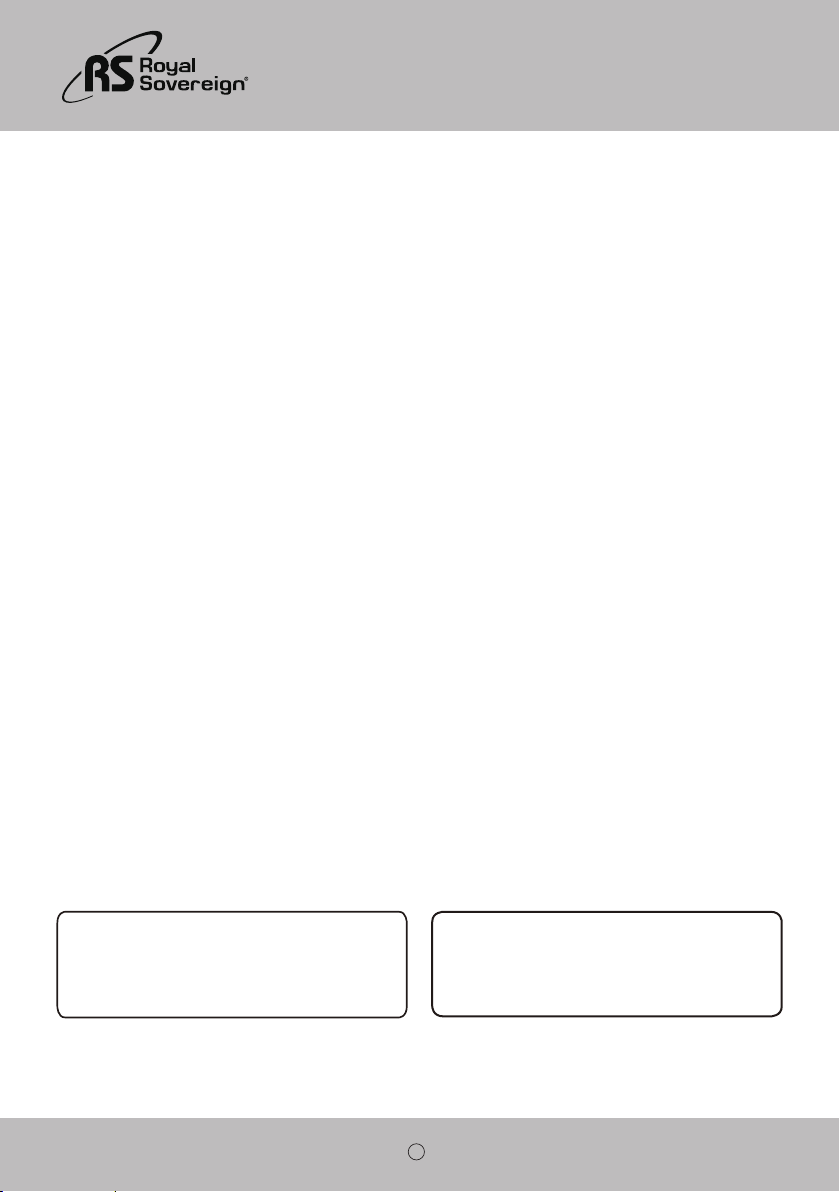
13. SPECIFICATIONS
Description Sigmont 65HSigmont 55H
Power Supply AC100V,120V,220~240V,50/60Hz
Power Consumption 1600W1500W
Maximum Laminating Width 51"(1360mm) 61"(1560mm)
Maximum Material Diameter(Film) Ø150mm
Maximum Laminating Speed 49.2ft/min (15m/min)
Heating Method Hot Roller
Maximum Temperature 140°F(60°C)
Film Core 3" Auto Grip
Roller Nip (Max) 1 inch (25.4mm)
Reverse Yes
Take Up System(Upper) Yes
Rewinder (Rear) Yes
Front Feeder Yes
Unit Dimension (W × D × H)mm
82.7" x 24.4" x 48.4"
(2100 x 620 x 1230mm)
Unit Weight 419Ib (190kg)
74.8" x 24.4" x 48.4"
(1900 x 620 x 1230mm)
375Ib (170kg)
12
14. WARRANTY
Royal Sovereign International warrants the equipment sold is free from defects in material and workmanship for a period of
One (1) year for Parts and Labor from the date of installation, excluding lamination rollers which are warranted for Six (6)
months. This warranty is extended only to the original purchaser. This warranty is the only warranty made by Royal
Sovereign International and cannot be modified or amended. Royal Sovereign’s sole and exclusive liability and the
customer’s sole and exclusive remedy under this warranty shall be, at Royal Sovereign’s option, to repair or replace any
such defective part or product. These remedies are only available if Royal Sovereign’s examination of the product discloses
to Royal Sovereign’s satisfaction that such defects actually exist and were not caused by misuse, neglect, attempt to repair,
unauthorized alternation or modification, incorrect line voltage, fire, accident, flood or other hazard.
All warranty claims must be filed through the authorized Royal Sovereign dealer or reseller through which the equipment
was originally purchased. Model, serial number and date of delivery are required for all claims.
The warranty made herein is in lieu of all other warranties, expressed or implied, including any warranty or merchantability
or fitness for a particular purpose. Royal Sovereign will not be liable for personal damage or personal injury (unless
primarily caused by its negligence), loss of profit, or other incidental or consequential damages arising out of the use or
inability to use this equipment.
LIMITED WARRANTY
This warranty specifically does not cover damage to laminating rollers caused by knives, razor blades, or any sharp objects
or abrasives, or failure caused by adhesives, or damage caused by lifting, tilting or improper use of the machine. Warranty
repair or replacement by Royal Sovereign or its authorized Reseller(s) does not extend the warranty beyond the initial one
year period from the date of installation. Unauthorized customer alterations will void this warranty.
www.royalsovereign.com
CORPORATE HEADQUARTERS
Royal Sovereign International Inc.
2 Volvo Drive, Rockleigh, NJ 07647 U.S.A.
TEL : +1) 800-397-1025 FAX : +1) 201-750-1022
E-mail : info@royalsovereign.com
RS INTERNATIONAL CANADA INC.
191 Superior Blvd., Mississauga, ON L5T 2L6 CANADA
TEL: +1) 905-461-1095 FAX: +1) 905-461-1096
TF: +1) 866-961-6673
E-mail : [email protected]