ww w.PyleUSA.com
Features:
•
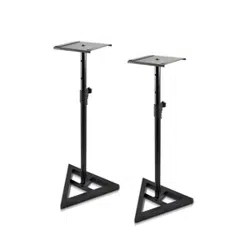
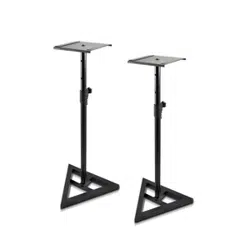
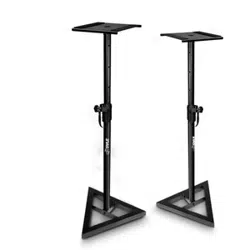
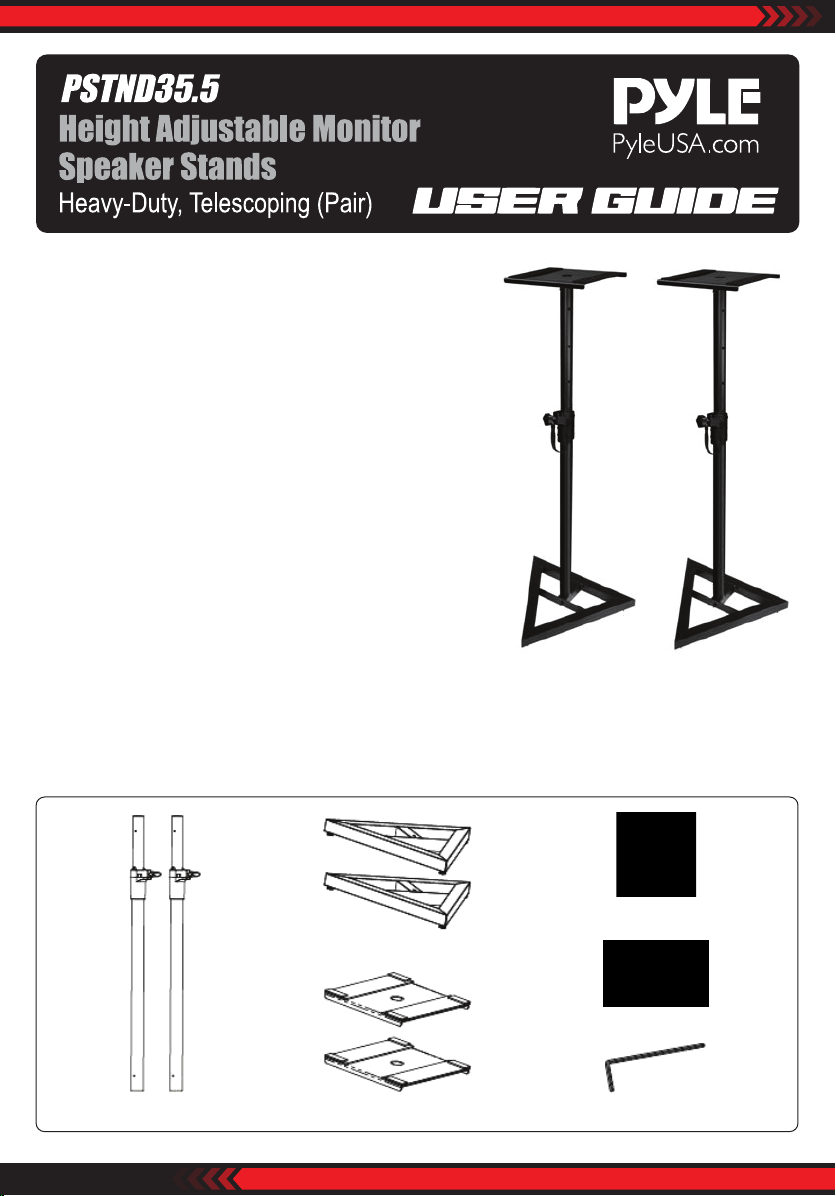
Pair of Monitor Speaker Stands for Large Heavy-Duty Speakers
• Telescoping Column for Height Adjustment
• Metal Speaker Platform
• Solid Seam Arc-Welded Construction
• Stable, Three-Point Triangle Base with Floor Spikes
• Safety Support Pin Assures Structural Stability
• Attractive Design Incorporating Cable Clip
• Height Adjustment: 26''- 52''
• Weight Capacity: 90lbs.
• Platform: 9'' Square Platform with 2mm Thick Non-Slip Pad
• Base Plate:18''x 18'' x 18''
Preparation
WARNING: This product contains small items that could be a choking hazard if swallowed.
Before starting assembly, verify all parts are included and undamaged. If any parts are missing or damaged, do not
return the damaged item to your dealer; contact Customer Service. Never use damaged parts!
(2) Adjustable vertical shafts
(2) Triangular base with rubber feet
(2) Square monitor platforms
(2) Long hex bolts with washers
(6) Leveling carpet spikes
(1) Allen wrench
ww w.PyleUSA.com
ASSEMBLING:
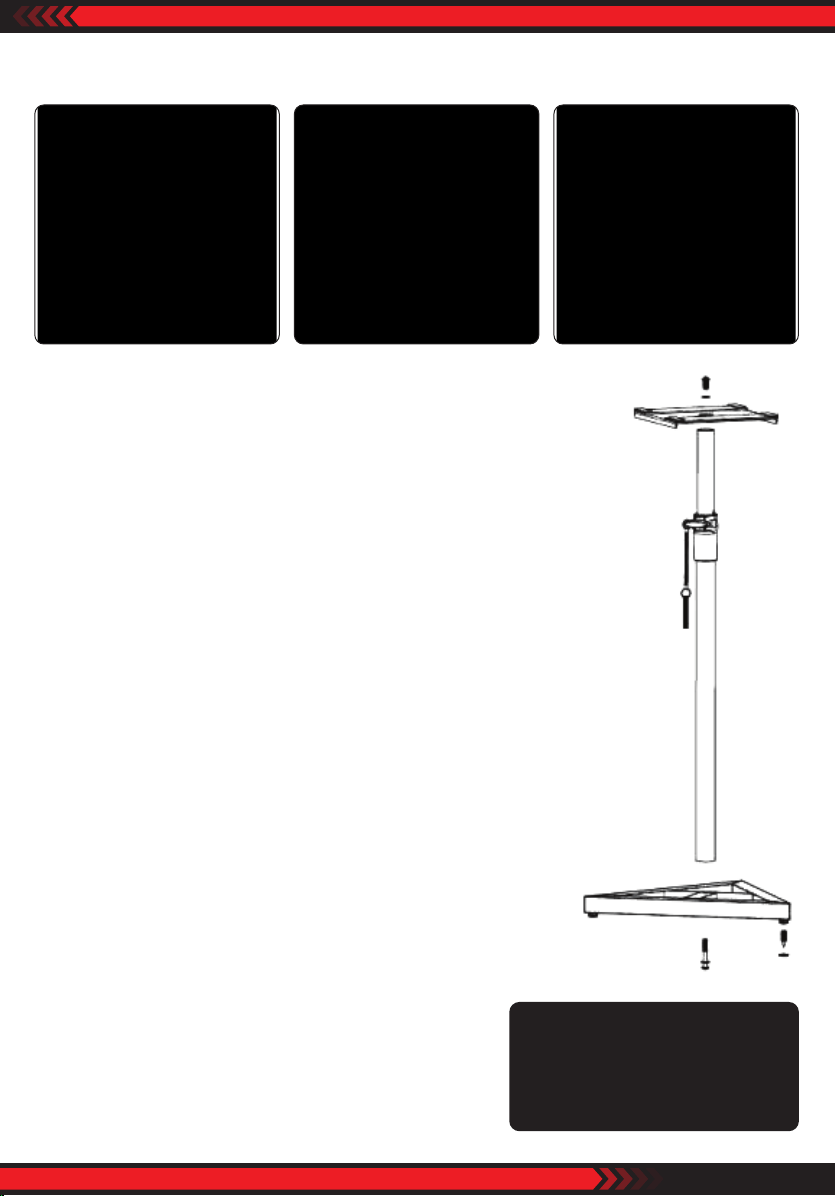
1. Take one long hex bolt and one washer and insert through hole in center of
one triangular base on side with rubber feet.
2. Thread the long hex bolt into the bottom of one vertical shaft and tighten hex
bolt with the provided allen wrench to secure vertical shaft to triangular base.
3. Unthread and remove short hex bolt with washer located in the top of the
vertical shaft.
4. Insert short hex bolt with washer through hole in the center of one monitor
plate and thread into top of the vertical shaft.
Secure monitor plate to vertical shaft with the allen wrench.
5. Adjust monitor plate weight by loosening large thumb knob on clutch
housing and move upper shaft to desired weight.
6. Insert safety pin all the way through vertical shaft at lowest hole exposed,
allowing the safety pin to rest on clutch housing. Secure by tightening large
thumb knob on clutch housing.
7. When placing stand on carpet, remove the rubber feet from
triangular base and screw in three leveling carpet spikes.
Adjust carpet spikes so that the monitor platform is level.
8. Repeat steps 1 thru 7 for second stand.
Questions? Comments?
We are here to help!
Phone: (1) 718-535-1800
Email: [email protected]