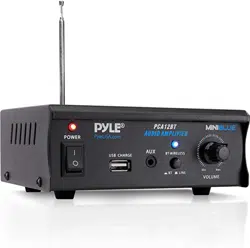
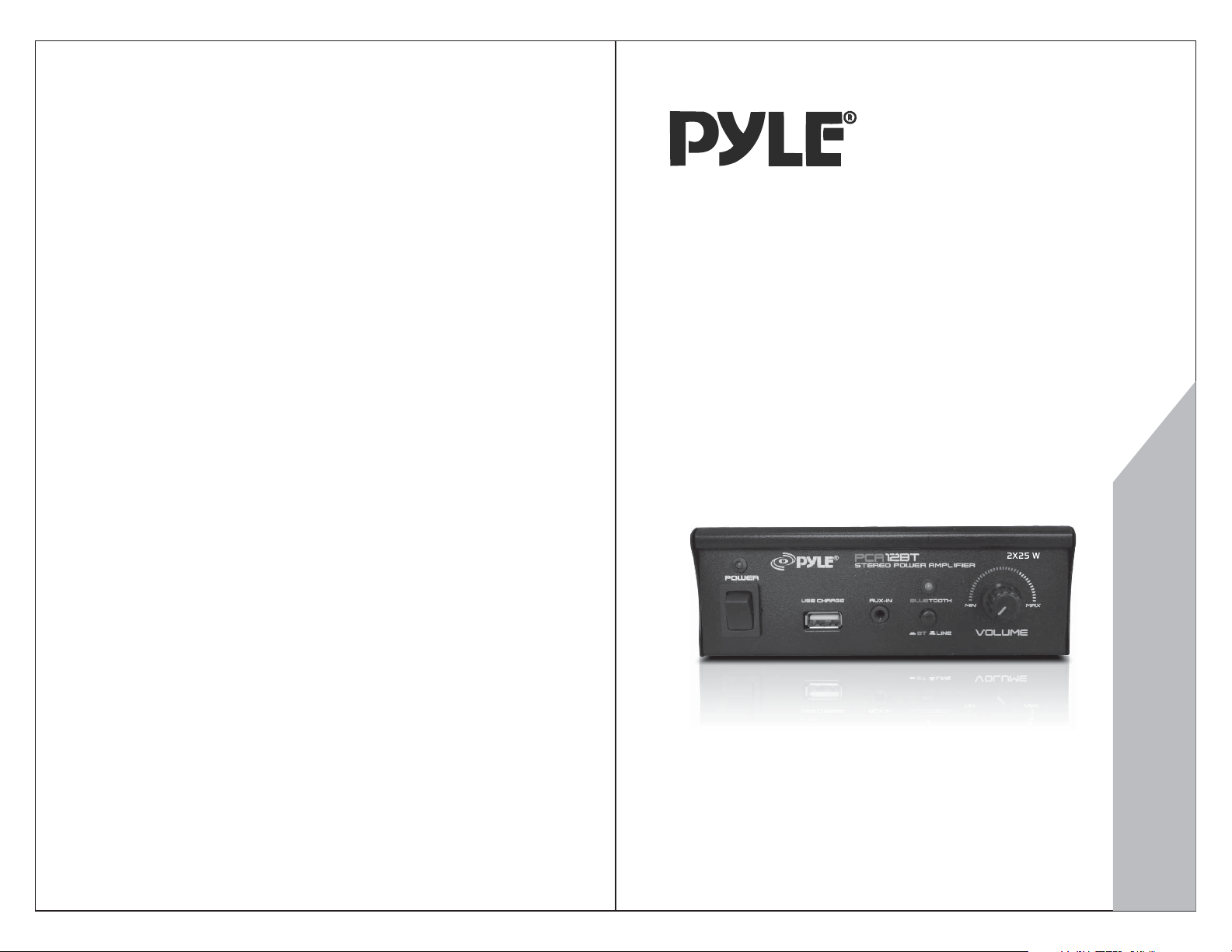
MODEL:PCA12BT
www.PyleAudio.com
USER MANUAL
MINI 2X25W STEREO POWER AMPLIFIER
W/BLUETOOTH& W/USB CHARGING
FOR MOBILE PHONE
PCA12BT
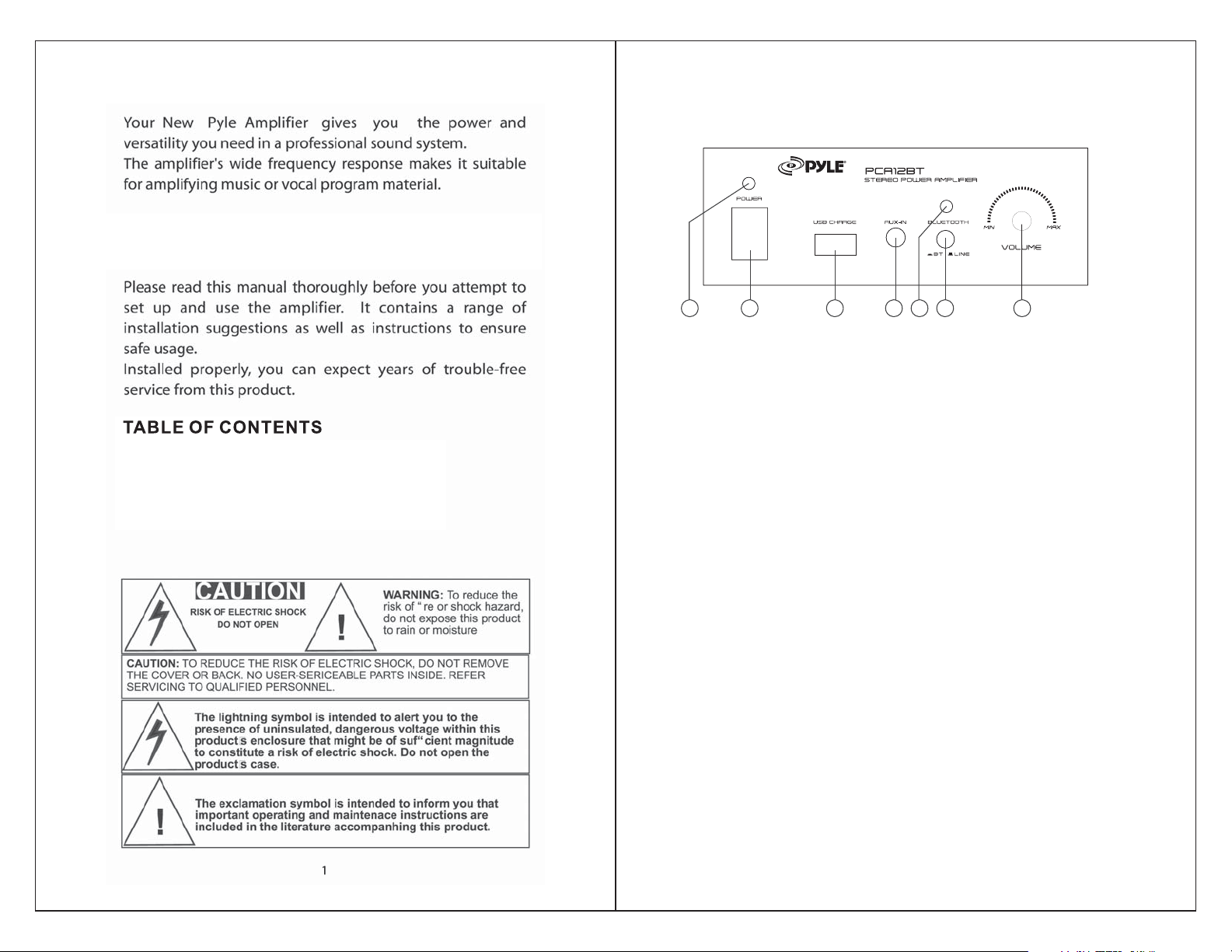
1 2 3 4 5 6 7
1. POWER On LED Indicator
-Lights to indicate power is turn on or off.
-
-
4.
-
-
-
-
2.Main Power on Switch
The amplifier is switched ON or OFF by using this switch.
3.USB Charge Port
USB port charges for smartphone, not for USB reader
function.
AU X/ CD IN
-Lets you easily connect the computerized MP3 Device
(player) sources, such as PC(
CD ROM),laptop, walkman,
iPod,and cell phone.
5.BLUETOOTH Indicator
When switches to Bluetooth mode, the indicator light will
be on.
When plays by Bluetooth mode, the light will flash.
6.Bluetooth/Line input switch
Mode button switches between the Bluetooth and Line
audio inputs.
Pushed in
is for Bluetooth function, and pushed out is for
Line input.
7.Master Volume Control
-Lets you adjust the overall sound level, and turn the knob
clockwise to increase the volume.
2
2X25W
PCA12BT can be compatible with any mobile device and computerized
devices (MP3) via 3.5mm to RCA converter.
FOREWORD
FEATURES AND CONTORLS
FRONT PANEL
1. Features and Controls
2. Caring for your Pyle Amplifier
3.Troubleshooing
4. Limited Warranty and Specifications

8 9 10 11 12 13
8.Bluetooth Antenna
antenna is best receiving for Bluetooth signal.
9.RCA Cable L/R LINE Input
Lets you to connect the desired LINE input source.
10.Push Type Speaker L/ R Terminals
Let you easily connect the speakers'wires directly to
the amplifier
11.110V/220V Switch
According to power voltage, push this button to the
correct station of the 110V or 220V.
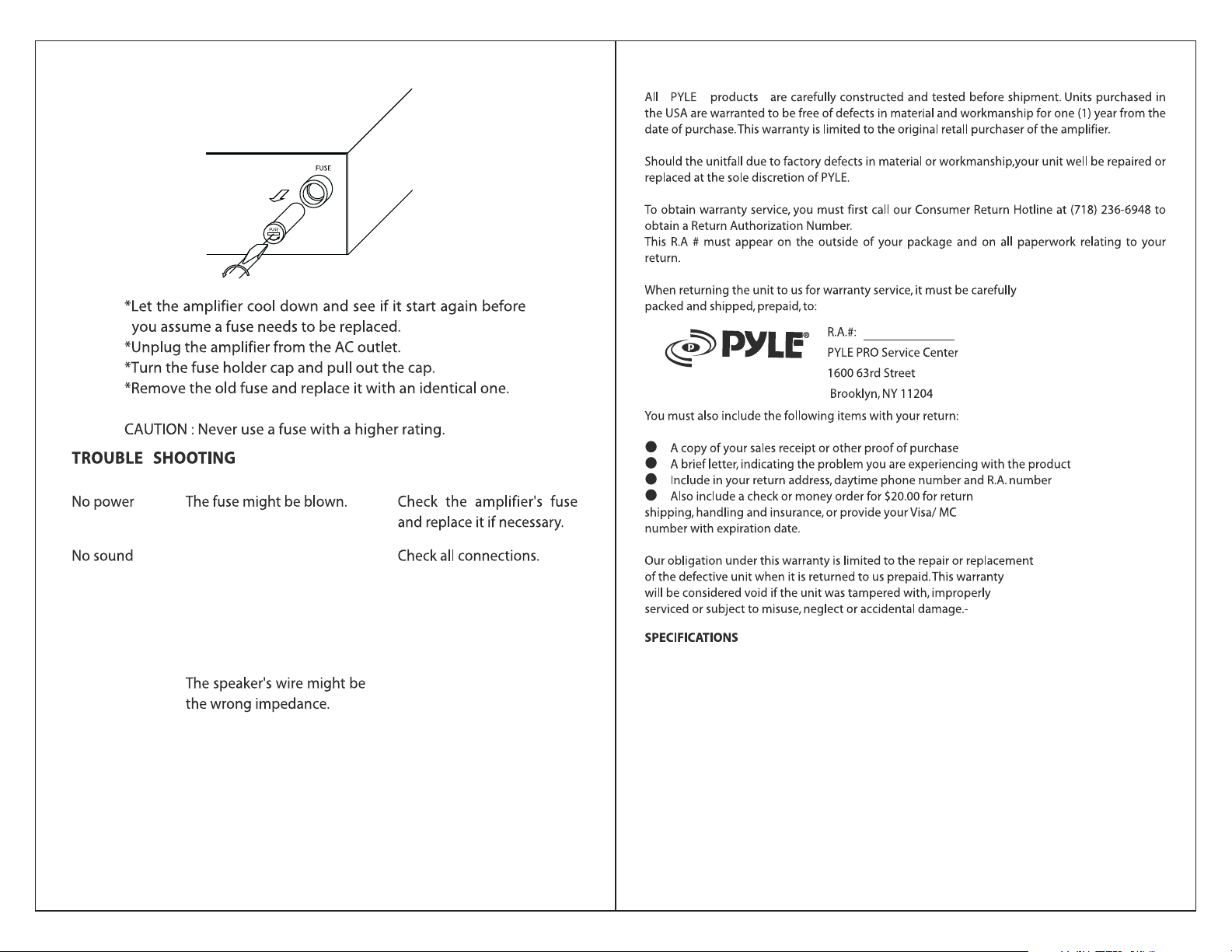
12.Fuse
The amplifier uses a
fuse for protection against surges
and short circuit. If the amplifier suddenly turn off and
will not turn on, check the fuse. If necessary, replace
it with a 1-amp, 250- volt, fast- acting, 5x20mm fuse
(not supplied)
13.AC IN Power Cord
Connect to AC 110V/60Hz or
220V/50Hz
-Use of
-
-
-
-
-
3 4
BLUETOOTH FUNCTION INSTRUCTION
External devices which have a built‐in Bluetooth feature can be
connected to this amplifier wirelessly to play through the
amplifier’s speakers.
BACK PANEL
1. Be sure that the amplifier is powered on. And it’s better to pull
the Bluetooth Antenna on at the back of panel for better
receiving. Press MODE button on the front panel in like
situation, and the Bluetooth Indicator is light on. (The unit is
automatically ready to pair with your device)
2. Turn on the Bluetooth function of your external device.
3. Search for available devices within range of your external
Bluetooth device.
4. Wait for a while then find the “TD301-RY” on the paired
devices list on your external device and select “TD301-RY”,
or find the “BT” on the paired devices list on your external
device and select “BT”.
5. Your amplifier will beep and the lights will flash once when
pairing is a success.
6. You can now play music and other audio on your external
device through your amplifier.
7. The amplifier will beep and the lights will flash once again
when the external device is turned off or unpaired.
5 6
LIMITED WARRANTY
Output power, 2 channels driven
4-ohm, 1 KHz 1% THD. 15 Wx2
4-ohm, 1 KHz 10% THD. 10.1 Wx2
Peak Power 25 Wx2
Total Harmonic Distortion, 1 KHz Rated Power 0.3%
Input Sensitivity, 1 KHz, 4-ohm Rated Power 150mV
Frequency Response 20Hz-40KHz
Signal to Noise Ratio 75dB
Power Requirement 120V AC 60 Hz
or 230V AC 50Hz
Dimensions 5.6" x 2.6" x 4.2" inch
Turn the amplifier off and let it
cool, make sure that the amplifier
is properly ventilated, and then
turn it back on.
Make sure that the speakers
that you have connected to
the amp are matching in
impedance.
The amplifier is shutting down
or powering off
Adjust the volume control to
a higher setting.
Sound source or speakers
may not be connected
properly.
Master volume control may
be set to a minimum.
