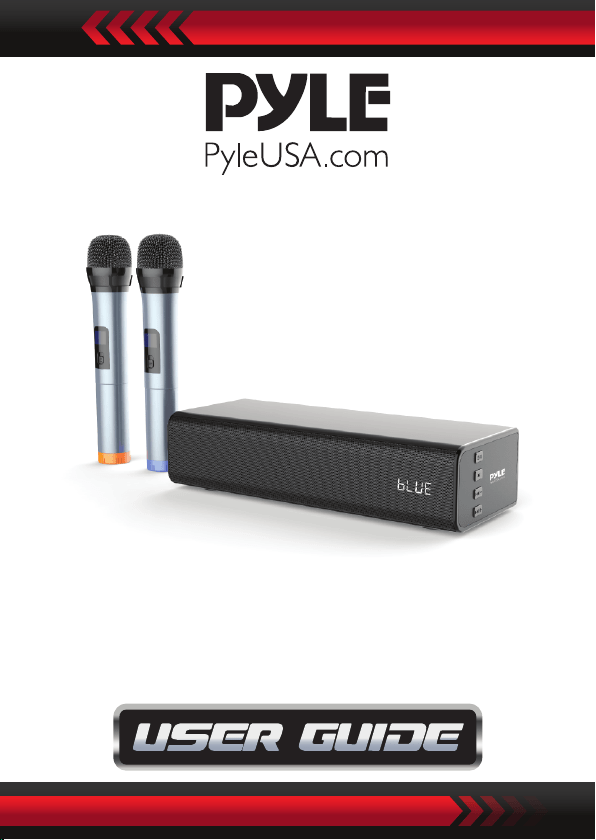
PKWMA210
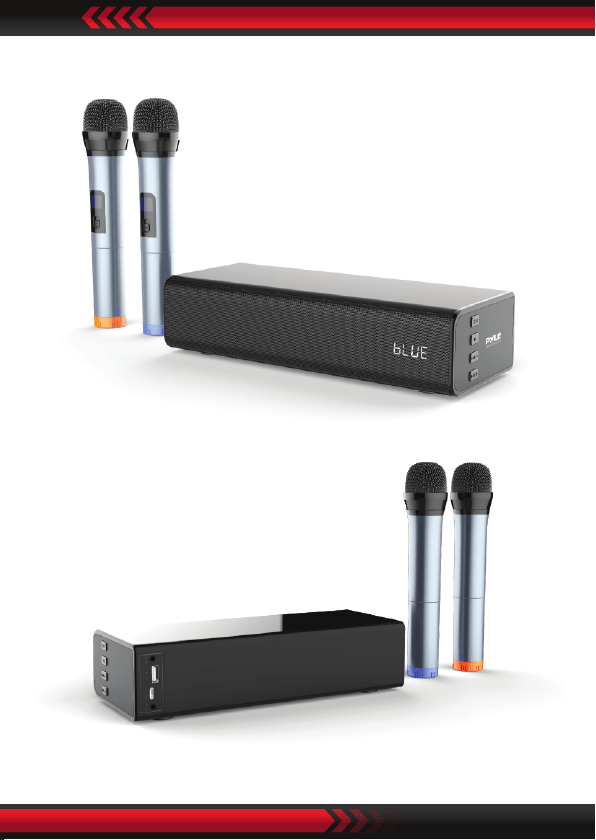
Soundbar with Wireless Microphone
Karaoke Microphone System, 10'' Wireless BT,
USB/AUX-IN/AUX Out, Remote Control

ww w.PyleUSA.com2
For full use of your player, please read this manual carefully
before use, so as to grasp connection methods and
operational key points of this system. You will also nd our
various explorations in design, manufacturing process and
operational humanization, all to meet your requirements.
Please keep this manual well for future reference.
Open the package
Please open the package carefully, conrm the following
accessories, and put them in one place in case of loss.
Directory
1. What's in the Box
2. Product Introduction
3. Attentions
4. Panel Introduction
5. Operational Instructions
6. Device Compatibility
7. Specication
8. Troubleshooting
3
3
3
4
7
8
8
10

ww w.PyleUSA.com 3
What's in the Box:
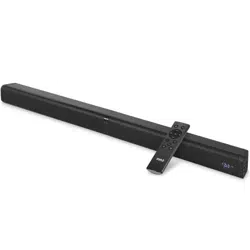
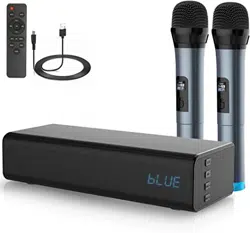
• Soundbar
• Remote Control
• (2) Wireless Microphone
• Type C Charging Cable
Product Introduction
1. Advanced Wireless BT function, can be paired with any device
that have BT function (suitable for BT function products).
2. High capacity battery, easy to use, more durable.
3. Support high quality MP3 music les.
4. Support Karaoke function.
5. Strong speaker, 3D digital sound technology, amazing sound
quality.
6. Can connect IPAD, IPOD, phone, computer, MP3, MP4 and
other external audio device.
Attentions
Before use, please read this manual for correct use of this product.
For better services, contents of this manual may change due to
variation of product performance and functions without
further notice.
To maintain better performance, to prevent re or electric
shock, do not expose this equipment to rain or moisture.
Do not store or operate this product near any liquids, more
attention should be paid to the following circumstances:
1. Moisture or underwater environment
2. Heater or high-temp work environment
ww w.PyleUSA.com4
3. Exposure directly to sunlight
4. Easy to drop
5. DO NOT detach the combined audio by yourself, or the
warranty would be void.
WARNING
1. The apparatus shall not be exposed to dripping or splashing
liquids and no objects lled with liquids, such as vases, shall
be placed on the apparatus.
2. To avoid accidents such as re or electric shock, please check
whether the grid voltage is exactly the same as required by
this device.
Panel Introduction
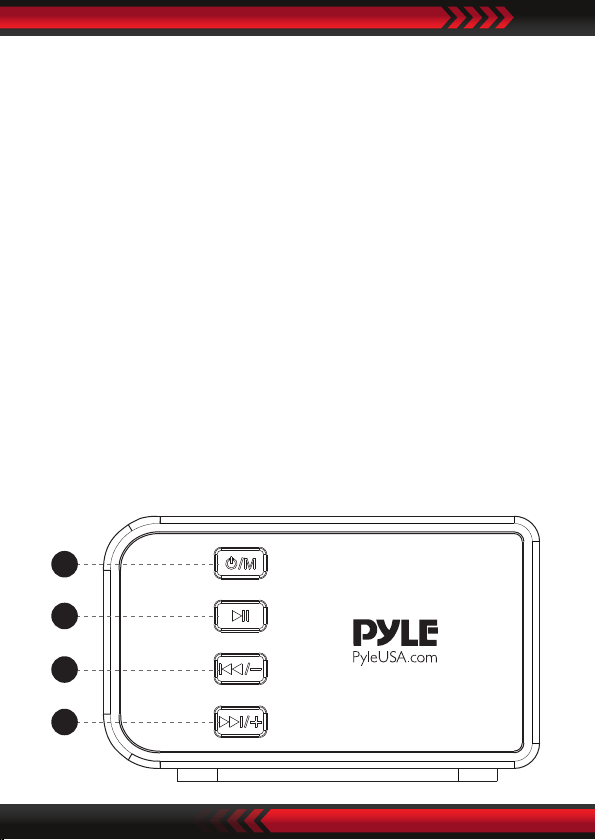
Denitions of buttons and jacks:
There are 8 buttons and jacks in total, dened as following:
2
3
1
4
ww w.PyleUSA.com 5
1. : Press and hold to power on/o, short press to switch
modes;
2. : Press to play or pause music
3. : Press and hold to decrease volume, short press to
previous song.
4. : Press and hold to increase volume, short press to next
song.
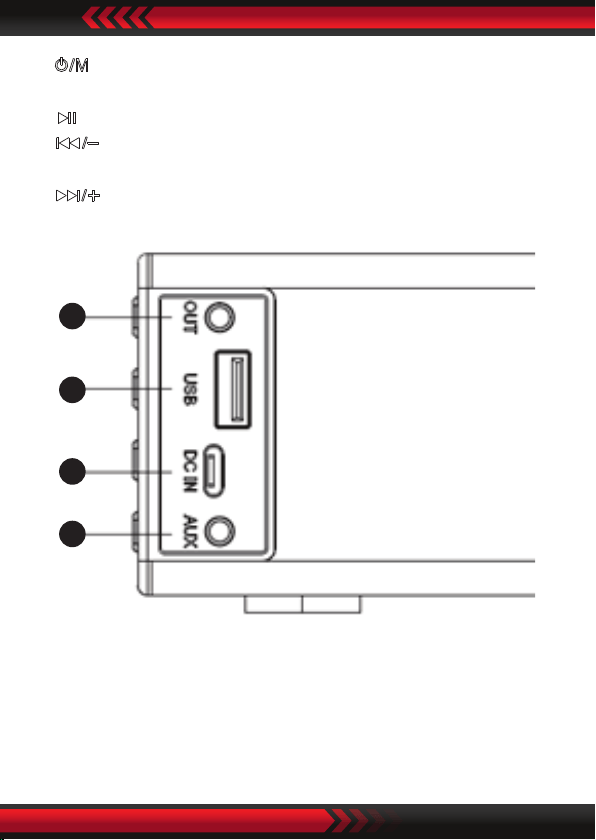
5. OUT: Audio output
6. USB: USB playback
7. DC IN: Type C charging
8. AUX: Audio input
6
7
5
8
ww w.PyleUSA.com6
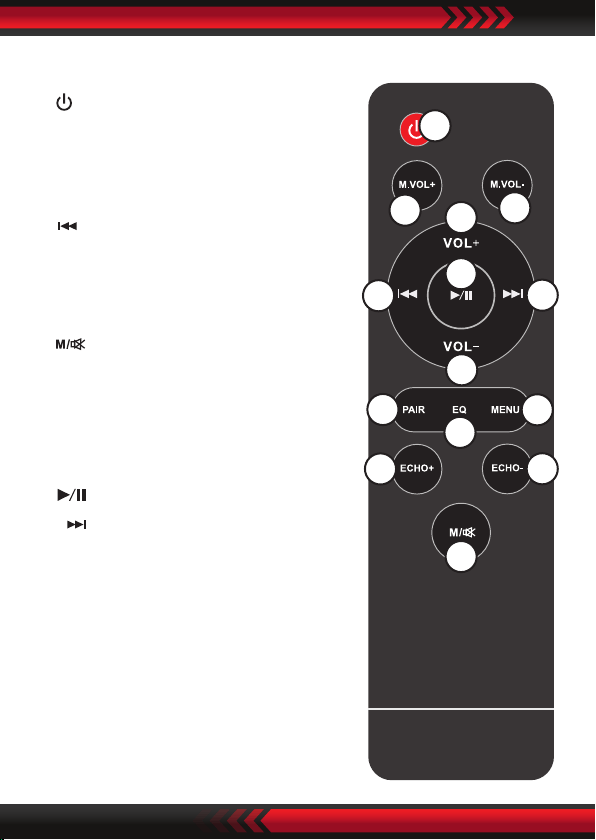
Remote Control
1
2
3
4
5
6
7
8
9
10
11
12
13
14
1. : Short press to power o.
2. M.VOL+: Press to increase Mic
volume
3. VOL+: Press to increase volume
4. : Previous track in BT/USB mode
5. PAIR: Press to wireless BT pairing
or BT disconnecting
6. ECHO+: Press to increase Mic echo
7. : Short press to change
between BT/AUX in/USB mode,
press and hold to mute on/o
8. M.VOL-: Press to decrease Mic
volume
9. : Press to play or pause music
10. : Next track in BT/USB mode
11. VOL-: Press to decrease volume
12. EQ: Adjust EQ sound
13. MENU: Enter to adjust treble and
bass eect
14. ECHO-: Press to decrease Mic echo

ww w.PyleUSA.com 7
Operation Instruction
Wireless BT Mode
1. Press and hold /M to power ON the soundbar. It will enter
the wireless BT mode in default and waiting for pairing.
2. Turn ON the wireless BT function on your devices and the
device will start to search for the Soundbar.
3. Select “PyleUSA” from the list of found devices.
4. If asked, enter the password “0000” and press OK.
5. When successfully paired with your device, the indicator light
will be lit steadily.
Note: The wireless BT playback is controlled by your device and
the buttons on the remote control.
AUX IN Mode
After power on, connect the external audio sources to the AUX
IN jack of soundbar by using the 3.5mm audio cable, and then
short press the " /M" button on the soundbar or the " "
button on the remote control to switch to "AUX IN" mode.
At this time, music from the external audio sources such as
MP3/CD can be played. (adjust the volume of the external audio
sources to be moderate and playing.)
AUX OUT Mode
After power ON, connect the amplier device to the AUX OUT
jack of soundbar by using the 3.5mm audio cable. At this time,
the soundbar is as a audio sources to play music from amplifer
device.

ww w.PyleUSA.com8
USB Mode
After power ON, insert the USB into the USB jack of the soundbar,
and the machine automatically goes to USB playback mode
and plays the music in USB. Press the " " button to play and
pause the music. Press and hold to increase volume,
short press to next song; Press and hold to decrease
volume, short press to previous song.
Karaoke Function
Karaoke function can be realized by turning on the microphone
in any modes.
Device Compatibility
The machine theoretically supports all mobile phones with
wireless BT function and any related equipment connect to
wireless BT and play music.
Specication
Soundbar Features:
• Design with Plastic Cabinet
• Produce Less Vibration
• Dual Eect DSP Chip
• Two Full-range Speakers with Powerful Bass Inversion Design
• Wired Connection Including AUX in (3.5mm) and USB
• 2.0 Channel Soundbar Designed with DSP Technology for
Amazing Clarity
• Contain with 2 Full-range Speakers
• Powered Full-range Drivers

ww w.PyleUSA.com 9
Microphone Features:
• Includes (2) Mics
• Ultra-Wide Frequency Response
• High Signal Output for Vocals & Singing
• Rugged Construction & Steel Mesh Grills
• Integrated Low Noise Circuitry
• ON/OFF Switches for Stage Control
• Perfect for Stage Performances or In-Studio Use
Microphone Specs:
• Mic Element/Type: Dynamic
• Pickup/Polar Pattern: Uni-Directional
• Mic Body Material: Zinc Alloy Metal
• Frequency Response: 50Hz-12kHz
• Sensitivity (0dB=1vpa@1kHz): -55±dB
• Impedance: 600 Ohms, Output
• Microphone Dimensions: Φ1.57 '' x 9.52''
• Single Microphone Weight: 0.15Kg (without battery)
Technical Specs:
• Output Power 10W x 2
• AC/DC Adapter 100-240V~50/60Hz
• Speaker Frequency 45Hz-15KHz
• Wireless BT Version 5.0, A2DP, AVRCP
• Wireless BT Range Up to 10m
• Audio Input Sensitivity: 500±100mV
• Construction Materials: PVC+Metal
• Remote Control Battery Operated, Requires (2) x 'AAA' Batteries
• Battery Type: 18650 7.4V 2200 mAh
• Battery Life: Up to 1.5 hours at maximum volume
• Dimensions Soundbar: 250*95*60mm
ww w.PyleUSA.com10
Troubleshooting
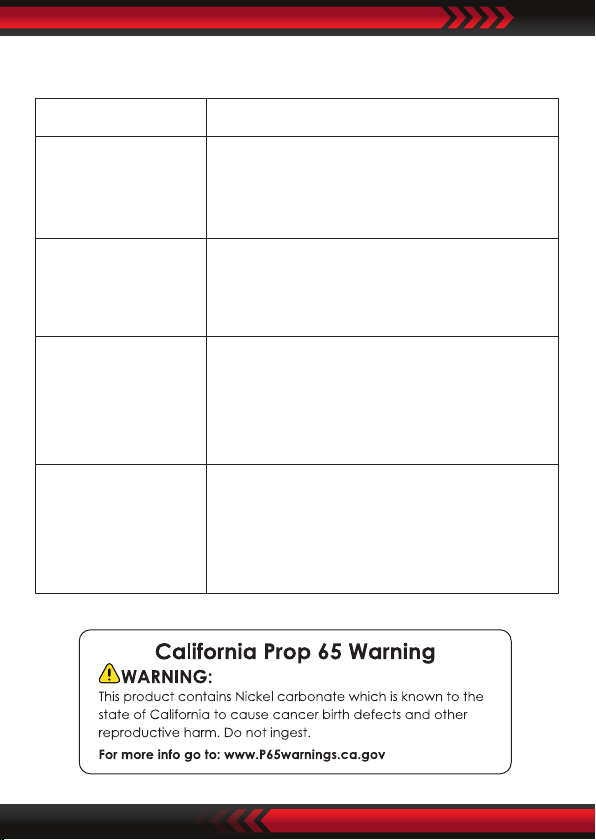
Problem Solution
Volume is low or
distortion
1. Check the soundbar volume and
adjust to proper volume.
2. Low battery, need to charge.
LED Indiator is not
working under BT
mode
1. Low battery, need to charge.
2. Power OFF and power ON the device
Music breaks
1. Obstruction exists between mobile
devices and BT device.
Remove obstructions.
2. Exceed the valid connecting distance.
Pairing failed
1. Check whether mobile phone is
under pairing status
2. Delete the device name on mobile
phone and re-pairing.
ww w.PyleUSA.com 11