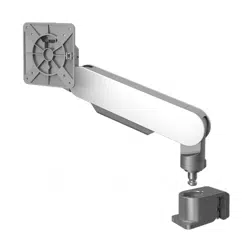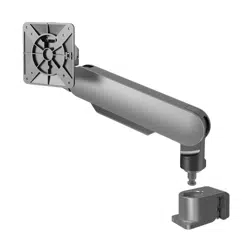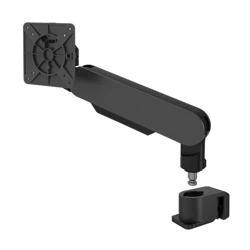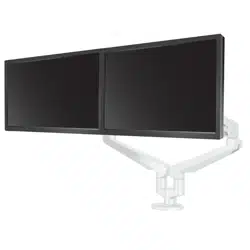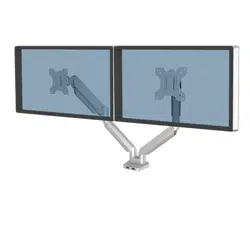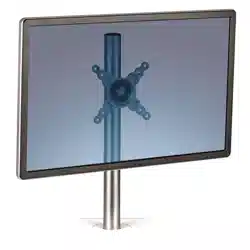
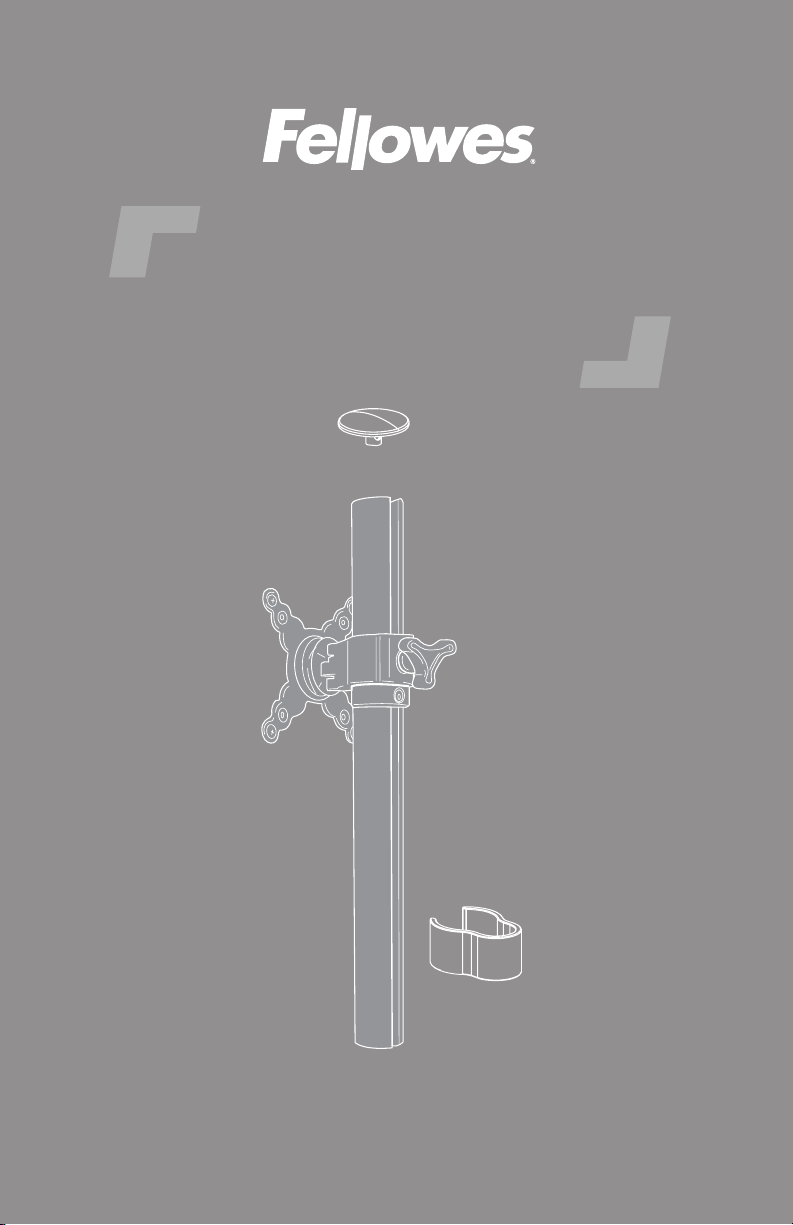
Lotus™
single monitor arm kit
ASSEMBLY AND OPERATION INSTRUCTIONS
LOTUS-KIT1-S LV
IMPORTANT SAFETY INSTRUCTIONS AND WARNINGS
Read before using!
• WARNING: PINCH POINT! KEEP HANDS CLEAR OF SUPPORT BARS DURING
OPERATION. SERIOUS INJURY MAY OCCUR.
• Only compatible with Fellowes monitor arm kit for Lotus.
• This product contains small items that could be a choking hazard if swallowed.
Keep away from children.
• Never exceed the maximum load capacity of 17.6 lbs. (8 kg.).
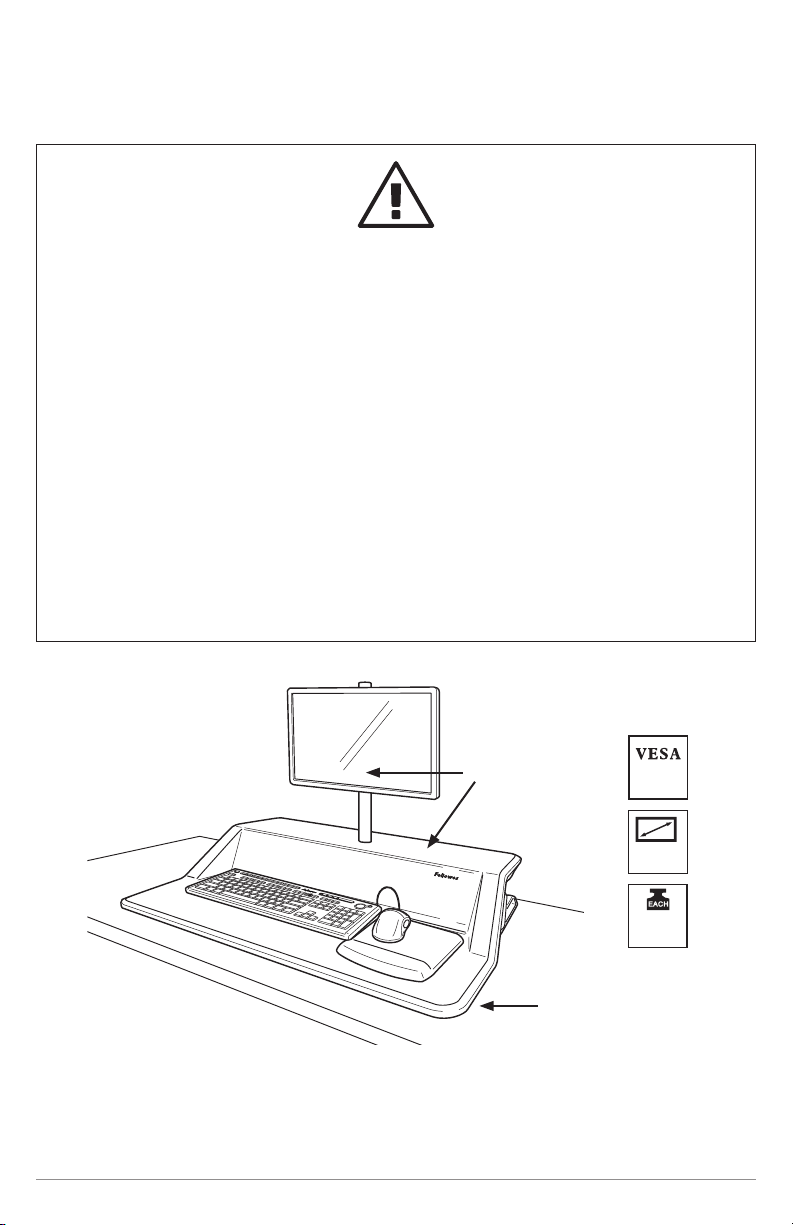
• This product is intended for use only with the Fellowes Lotus™ Sit Stand
Workstation
• Refer to the Lotus™ Sit Stand Workstation instructions manual for further tension
adjustment guidance.
• With at least 10lbs (4.5kg) on the workstation, raise to the highest position. Then,
remove monitors before installing the monitor arm.
Page 2
100X100
75X75
10”-27”
17lbs
8kg
A
≤ 30lbs
(13.6kg)
B
≤ 5lbs
(2.2kg)
A + B ≤ 35lbs (15.87kg)
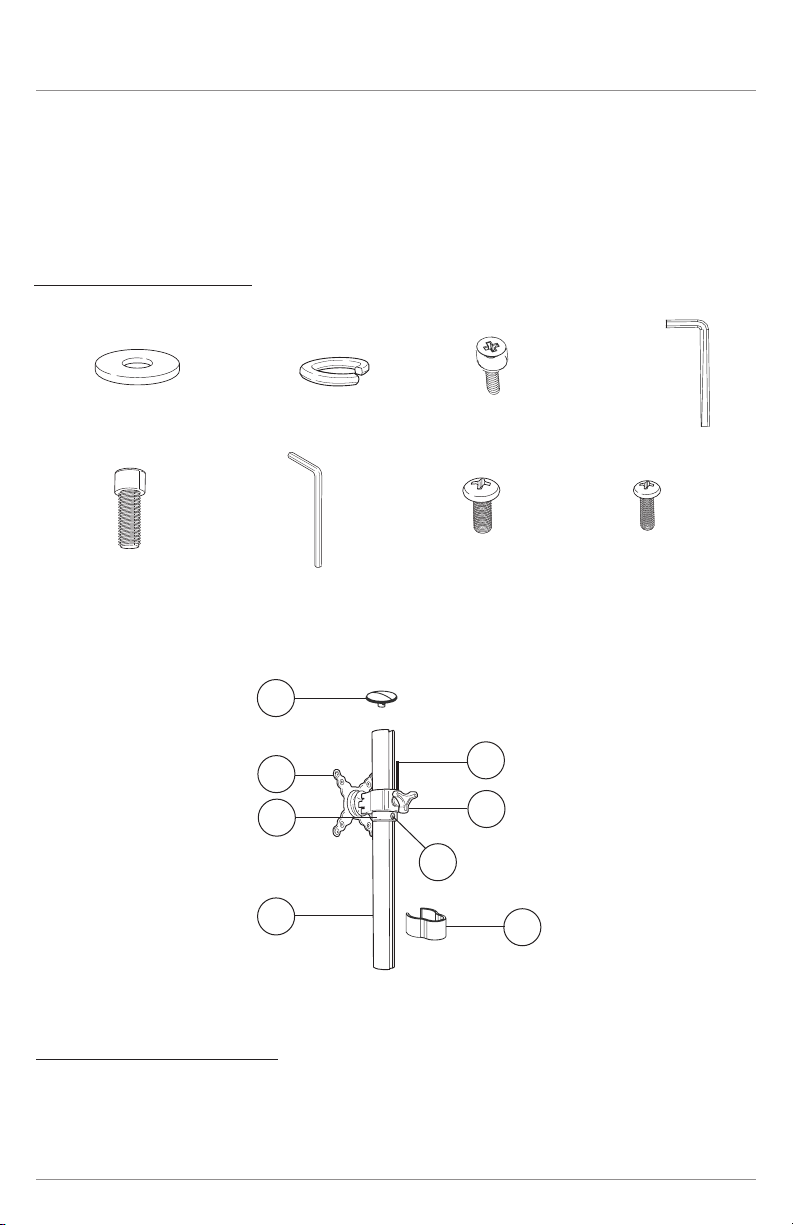
Parts and components
Please review these instructions before beginning the assembly procedures. Check
that all the parts shown below were provided with your order. Contact your supplier if
any materials are missing. Do not discard the packaging until content that the product
operates to your satisfaction.
a
e
b
f
c
g
d
h
X4 X4
1
2
3
4
5
6
7
8
• Phillips screwdriver
Additional tools required
Lotus™ single monitor arm kit Parts and components
Page 3
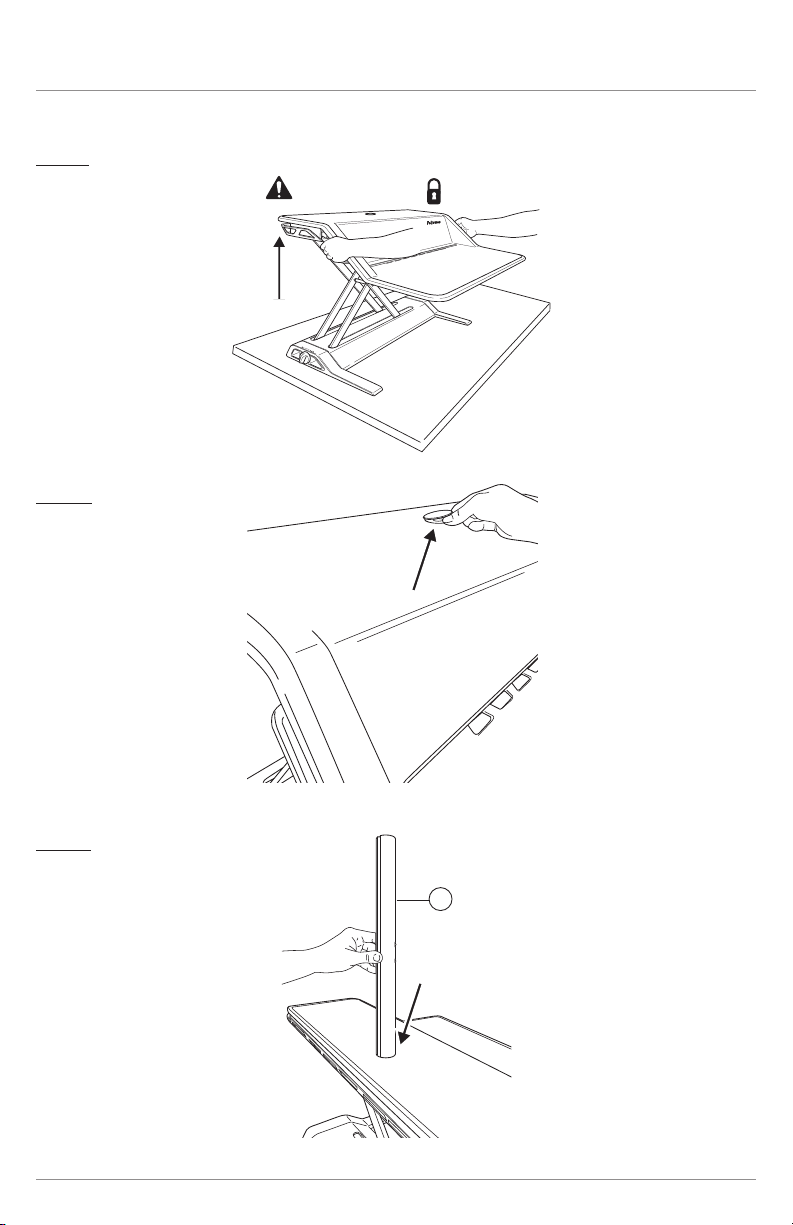
Page 4
Lotus™ single monitor arm kit Assembly
Step 1
Step 2
Step 3
8
8
8
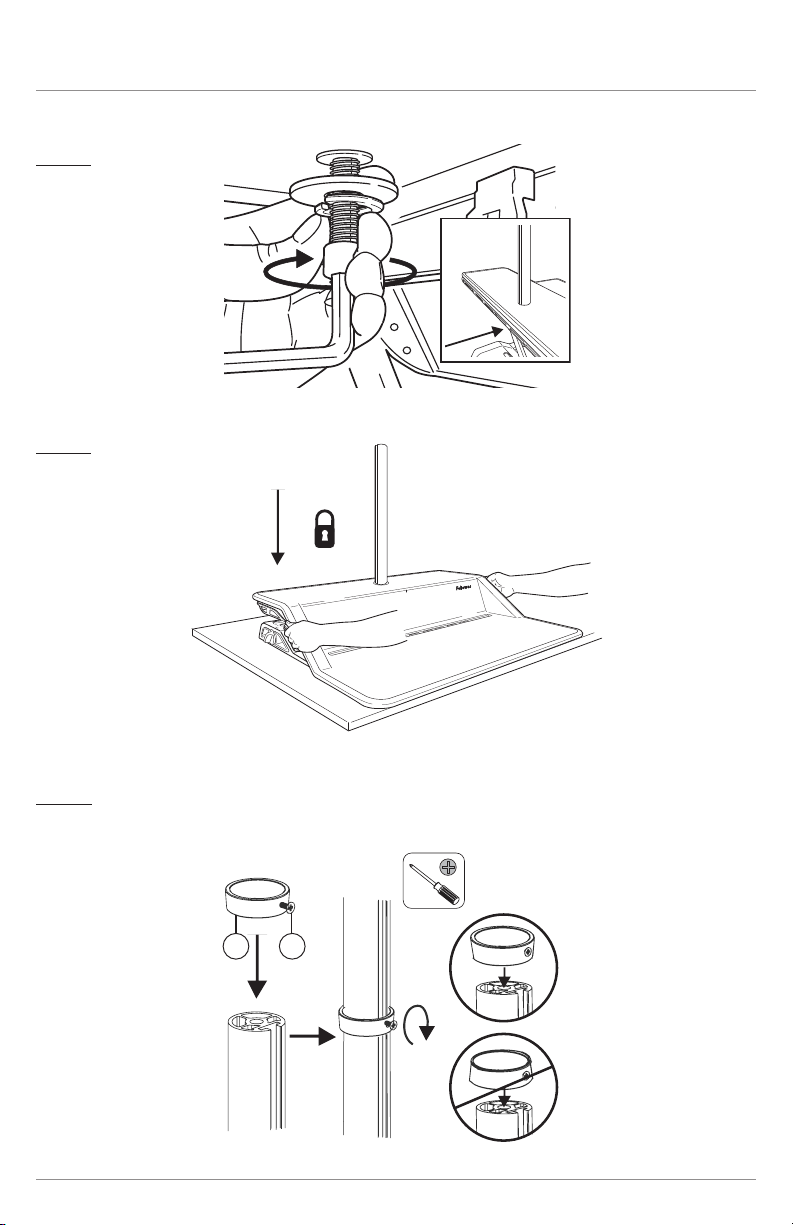
Lotus™ single monitor arm kit Assembly
Page 5
Step 4
Step 5
Step 6
A
B
E
F
5 6
A
B
E
F
5 6
A
B
E
F
5 6
Install ring with the larger diameter downward.
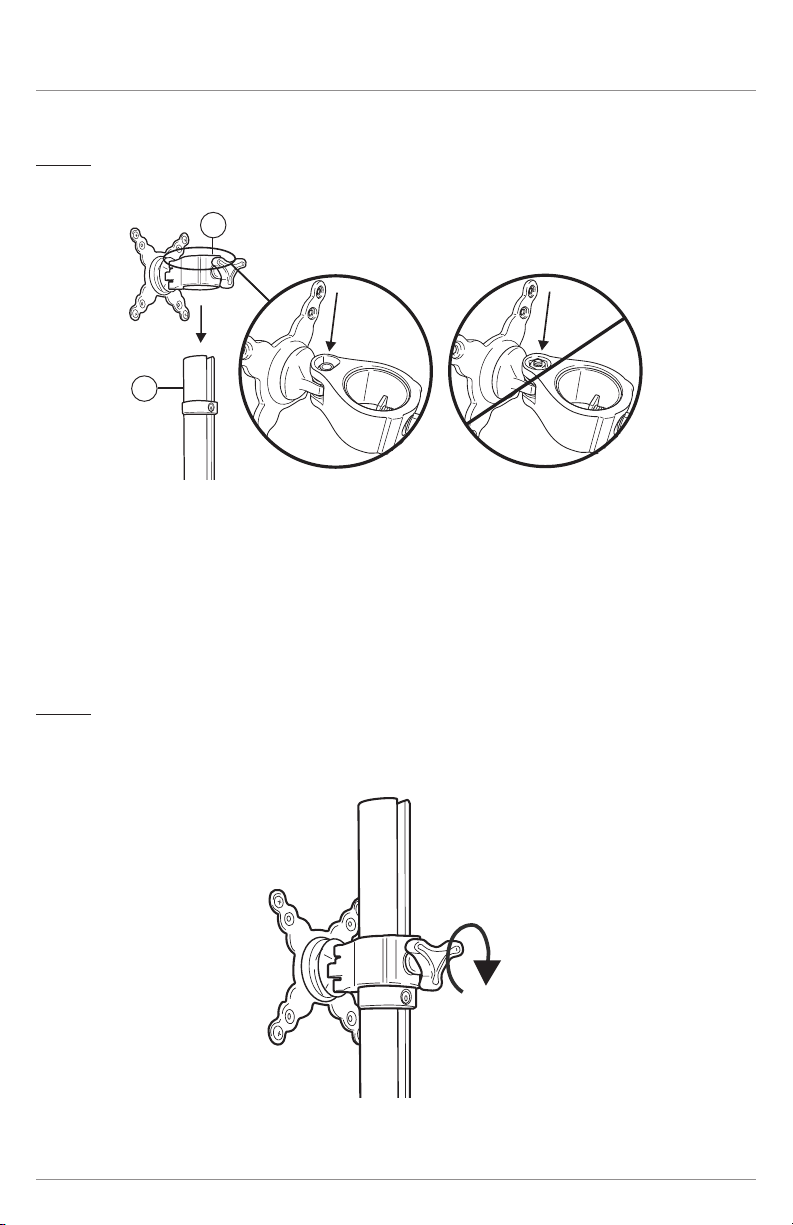
Page 6
Lotus™ single monitor arm kit Assembly
Step 7
Step 8
2
8
2
8
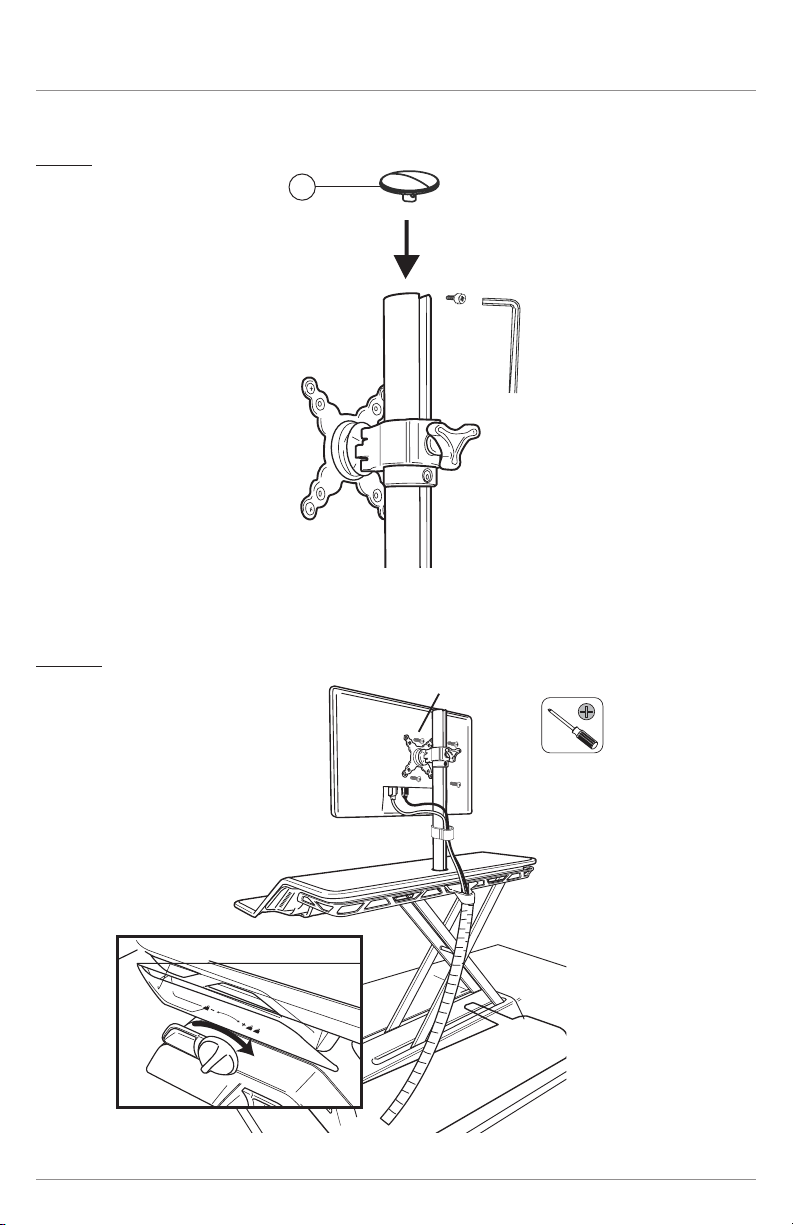
Page 7
Lotus™ single monitor arm kit Assembly
Step 9
Step 10
1
C
D
G,H
1
C
D
G,H

© 2023 Fellowes, Inc. | Part #413023
To contact a Fellowes
®
service representative,
call 1-800-833-3746
Warranty information can be found by contacting customer service, your sales representative or by visiting www.fellowes.com