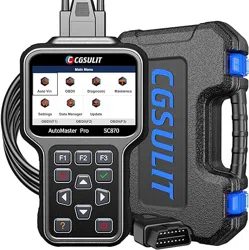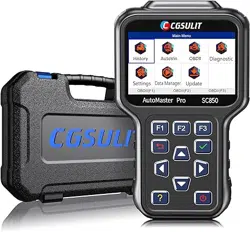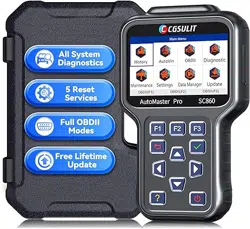
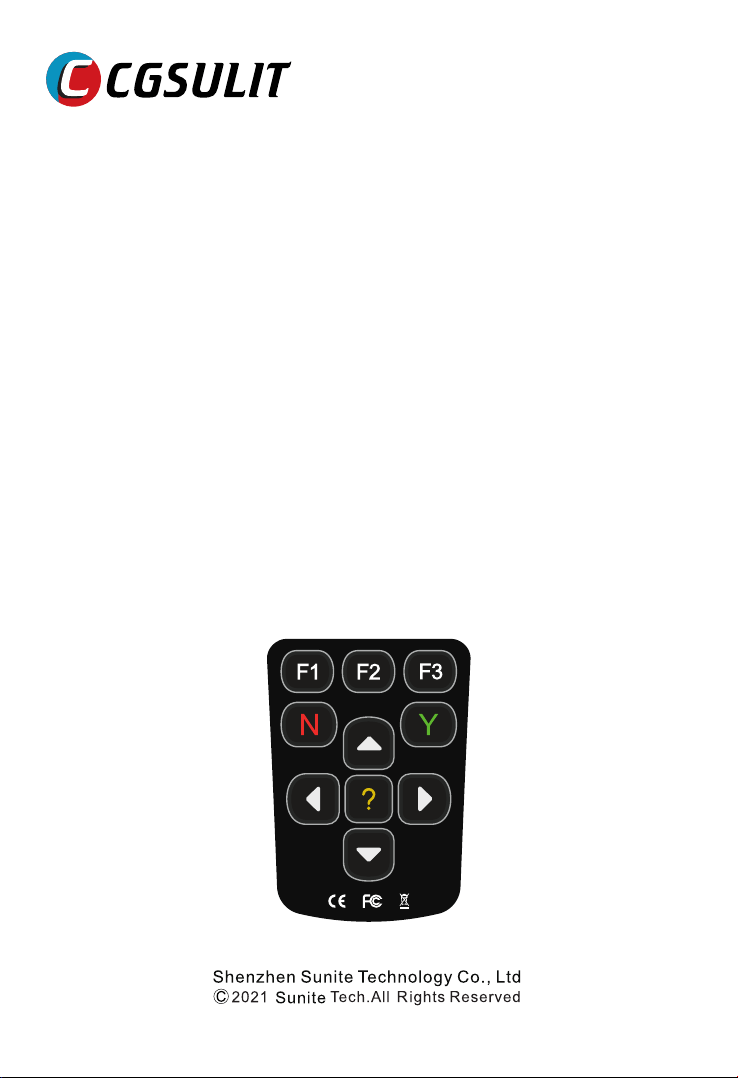
Full system diagnosis for
specific brand
SC530

Trademarks
CGSULIT is the trademark of Shenzhen Sunite Technology Co., Ltd.
All other marks are trademarks or registered trademarks of their respective holders.
Copyright Information
©2021 Shenzhen Sunite Technology Co., Ltd.
All rights reserved.
Disclaimer
The information, specifications and illustrations in this manual are based on the
latest information available at the time of printing.
CGSULIT reserves the right to make changes at any time without notice.
Visit our website at
www.cgsulit.com
For Technical Assistance, send us email at
support@cgsulit.com
1
CGSULIT SC530 Multi-System Scanner Manual_English

Subject to the conditions of this limited warranty, Shenzhen Sunite Technology Co., Ltd
(“CGSULIT”) warrants its customer that this product is free of defects in material and workmanship
at the time of its original purchase for a subsequent period of one (1) year.
In the event this product fails to operate under normal use, during the warranty period, due to
defects in materials and workmanship, CGSULIT will, at its sole option, either repair or replace the
product in accordance with the terms and conditions stipulated herein.
Terms and Conditions
1 If CGSULIT repairs or replaces the product, the repaired or replaced product shall be warranted
for the remaining time of the original warranty period. No charge will be made to the customer for
replacement parts or labor charges incurred by CGSULIT in repairing or replacing the defective
parts.
2 The customer shall have no coverage or benefits under this limited warranty if any of the
following conditions are applicable:
a) The product has been subjected to abnormal use, abnormal conditions, improper storage,
exposure to moisture or dampness, unauthorized modifications, unauthorized repair, misuse,
neglect, abuse, accident, alteration, improper installation, or other acts which are not the fault of
CGSULIT, including damage caused by shipping.
b) The Product has been damaged from external causes such as collision with an object, or from
fire, flooding, sand, dirt, windstorm, lightning, earthquake or damage from exposure to weather
conditions, an Act of God, or battery leakage, theft, blown fuse, improper use of any electrical
source, or the product was used in combination or connection with other product, attachments,
supplies or consumables not manufactured or distributed by CGSULIT.
3 The customer shall bear the cost of shipping the product to CGSULIT. And CGSULIT shall bear
the cost of shipping the product back to the customer after the completion of service under this
limited warranty.
4 CGSULIT does not warrant uninterrupted or error-free operation of the product. If a problem
develops during the limited warranty period, the consumer shall take the following step-by-step
procedure:
a) The customer shall return the product to the place of purchase for repair or replacement
processing, contact your local CGSULIT distributor or visit our website www.cgsulit.com to get
further information.
b) The customer shall include a return address, daytime phone number and/or fax number,
complete description of the problem and original invoice specifying date of purchase and serial
number.
c) The customer will be billed for any parts or labor charges not covered by this limited warranty.
d) CGSULIT will repair the Product under the limited warranty within 30 days after receipt of the
product. If CGSULIT cannot perform repairs covered under this limited warranty within 30 days, or
after a reasonable number of attempts to repair the same defect, CGSULIT at its option, will
provide a replacement product or refund the purchase price of the product less a reasonable
amount for usage.
e) If the product is returned during the limited warranty period, but the problem with the product is
not covered under the terms and conditions of this limited warranty, the customer will be notified
and given an estimate of the charges the customer must pay to have the product repaired, with all
shipping charges billed to the customer. If the estimate is refused, the product will be returned
freight collect. If the product is returned after the expiration of the limited warranty period,
CGSULIT’ normal service policies shall apply and the customer will be responsible for all shipping
charges.
5 ANY IMPLIED WARRANTY OF MERCHANTABILITY, OR FITNESS FOR A PARTICULAR
PURPOSE OR USE, SHALL BE LIMITED TO THE DURATION OF THE FOREGOING LIMITED
WRITTEN WARRANTY. OTHERWISE, THE FOREGOING LIMITED WARRANTY IS THE
CONSUMER’S SOLE AND EXCLUSIVE REMEDY AND IS IN LIEU OF ALL OTHER
WARRANTIES, EXPRESS OR IMPLIED. CGSULIT SHALL NOT BE LIABLE FOR SPECIAL,
INCIDENTAL, PUNITIVE OR CONSEQUENTIAL DAMAGES, INCLUDING BUT NOT LIMITED TO
LOSS OF
2
CGSULIT SC530 Multi-System Scanner Manual_English

ANTICIPATED BENEFITS OR PROFITS, LOSS OF SAVINGS OR REVENUE, LOSS OF DATA,
PUNITIVE DAMAGES, LOSS OF USE OF THE PRODUCT OR ANY ASSOCIATED EQUIPMENT,
COST OF CAPITAL, COST OF ANY SUBSTITUTE EQUIPMENT OR FACILITIES, DOWNTIME,
THE CLAIMS OF ANY THIRD PARTIES, INCLUDING CUSTOMERS, AND INJURY TO
PROPERTY, RESULTING FROM THE PURC HASE OR USE OF THE PRODUCT OR ARISING
FROM BREACH OF THE WARRANTY, BREACH OF CONTRACT, NEGLIGENCE, STRICT TORT,
OR ANY OTHER LEGAL OR EQUITABLE THEORY, EVEN IF CGSULIT KNEW OF THE
LIKELIHOOD OF SUCH DAMAGES. CGSULIT SHALL NOT BE LIABLE FOR DELAY IN
RENDERING SERVICE UNDER THE LIMITED WARRANTY, OR LOSS OF USE DURING THE
PERIOD THAT THE PRODUCT IS BEING REPAIRED.
6 Some states do not allow limitation of how long an implied warranty lasts, so the one-year warranty
limitation may not apply to you (the Consumer). Some states do not allow the exclusion or limitation
of incidental and consequential damages, so certain of the above limitations or exclusions may not
apply to you (the Consumer). This limited warranty gives the Consumer specific legal rights and the
Consumer may also have other rights which vary from state to state.
3
CGSULIT SC530 Multi-System Scanner Manual_English
For your own safety and the safety of others, and to prevent damage to the equipment and
vehicles, read this manual thoroughly before operating your scanner. The safety messages
presented below and throughout this user’s manual are reminders to the operator to exercise
extreme care when using this device. Always refer to and follow safety messages and test
procedures provided by vehicle manufacturer. Read, understand and follow all safety
messages and instructions in this manual.
We provide safety messages to help prevent personal injury and equipment damage. Below are
signal words we used to indicate the hazard level in a condition.
Indicates an imminently hazardous situation which, if not avoided, will result in death or serious
injury to the operator or to bystanders.
Indicates a potentially hazardous situation which, if not avoided, could result in death or
serious injury to the operator or to bystanders.
Indicates a potentially hazardous situation which, if not avoided, may result in moderate or
minor injury to the operator or to bystanders.
And always use your scanner as described in the user’s manual, and follow all safety
messages.
● Do not route the test cable in a manner that would interfere with driving controls.
● Do not exceed voltage limits between inputs specified in this user’s manual.
● Always wear ANSI approved goggles to protect your eyes from propelled objects as well as hot
or caustic liquids.
● Fuel, oil vapors, hot steam, hot toxic exhaust gases, acid, refrigerant and other debris produced
by a malfunction engine can cause serious injury or death. Do not use the scanner in areas where
explosive vapor may collect, such as in below-ground pits, confined areas, or areas that are less
than 18 inches (45 cm) above the floor.
● Do not smoke, strike a match, or cause a spark near the vehicle while testing and keep all
sparks, heated items and open flames away from the battery and fuel / fuel vapors as they are
highly flammable.
● Keep a dry chemical fire extinguisher suitable for gasoline, chemical and electrical fires in work
area.
● Always be aware of rotating parts that move at high speed when an engine is running and keep
a safe distance from these parts as well as other potentially moving objects to avoid serious injury.
● Do not touch engine components that get very hot when an engine is running to avoid severe
burns.
● Block drive wheels before testing with engine running. Put the transmission in park (for
automatic transmission) or neutral (for manual transmission). And never leave a running engine
unattended.
● Do not wear jewelry or loose fitting clothing when working on engine.
● Don't connect or disconnect the equipments while the ignition is on or the engine is running.
4
CGSULIT SC530 Multi-System Scanner Manual_English
5
CGSULIT SC530 Multi-System Scanner Manual_English
13

25
6
CGSULIT SC530 Multi-System Scanner Manual_English
7
CGSULIT SC530 Multi-System Scanner Manual_English
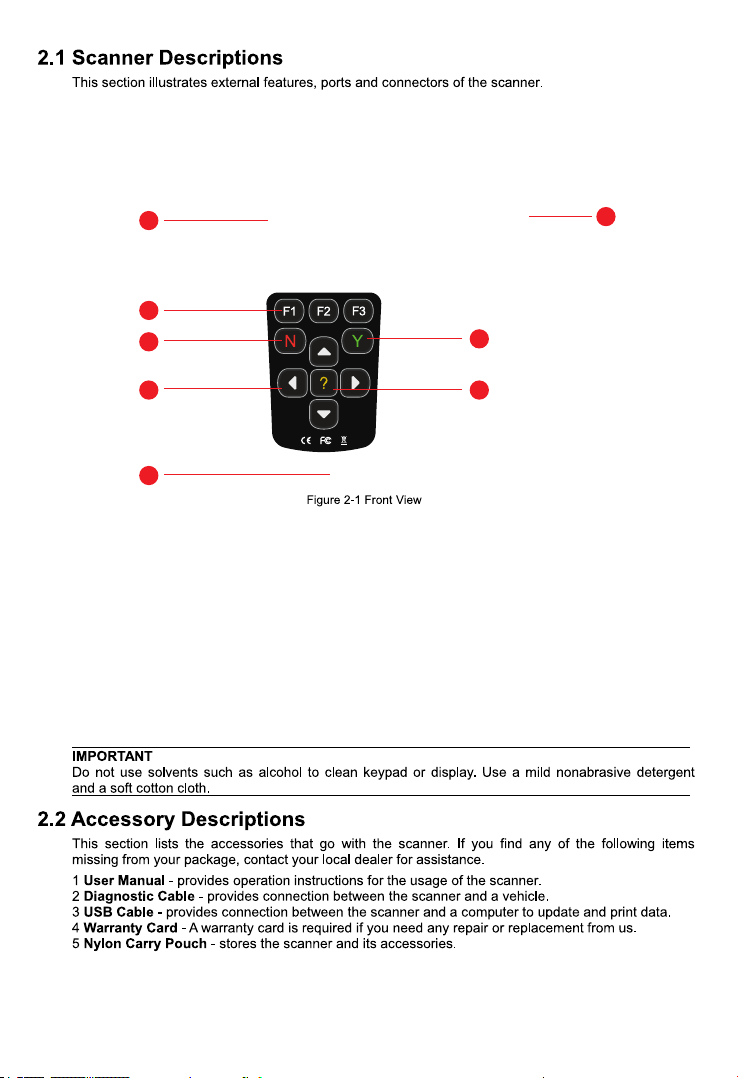
1 - provides connection between vehicle and the scanner.Diagnostic Port
2 - shows menus, test results and operation tips.LCD Display
3 / Shortcut keys - three keys that correspond with “buttons” on some screens for Function Keys
executing special commands or provide quick access to most frequently used applications or
functions.
4 - select an option or scroll through a screen of data or text. Direction Keys
5 - executes a selected option and generally goes to the next screen.ENTER Key
6 - exits a screen and generally returns to previous screen.BACK Key
7 - displays helpful information.HELP Key
8 - provides USB power connection between the scanner and PC/laptop.USB Port
1
2
3
6
4 7
5
8
8
CGSULIT SC530 Multi-System Scanner Manual_English
Display: Backlit, 240*320 TFT color display
Working Temperature: 0 to 60 ℃ (32 to 140℉)
Storage Temperature: -20 to 70℃ (-4 to 158℉)
Power Supply: 8-18V vehicle power and 5V USB power
Dimensions: (L*W*H): 188*93*32mm
Weight: 0.3 Kg
9
CGSULIT SC530 Multi-System Scanner Manual_English
10
CGSULIT SC530 Multi-System Scanner Manual_English
Main menu
OBDll TOYOTA Settings
Data
Manager
Update
OBDII(F1) OBDII(F2) OBDII(F3)
OBDII(F1) OBDII(F2) OBDII(F3)
I
S
E
E
K
L
Main menu
OBDll TOYOTA Settings
Data
Manager
Update
OBDII(F1) OBDII(F2) OBDII(F3)
11
CGSULIT SC530 Multi-System Scanner Manual_English
12
CGSULIT SC530 Multi-System Scanner Manual_English
Information
NO(F1) Yes(F3)
VIN:WVGAC65B5CD305551
Read VIN information
OBDII(F1)
Please input VIN number manually
VIN:WVGAC65B5CD30551
OBDII(F2) OBDII(F3)
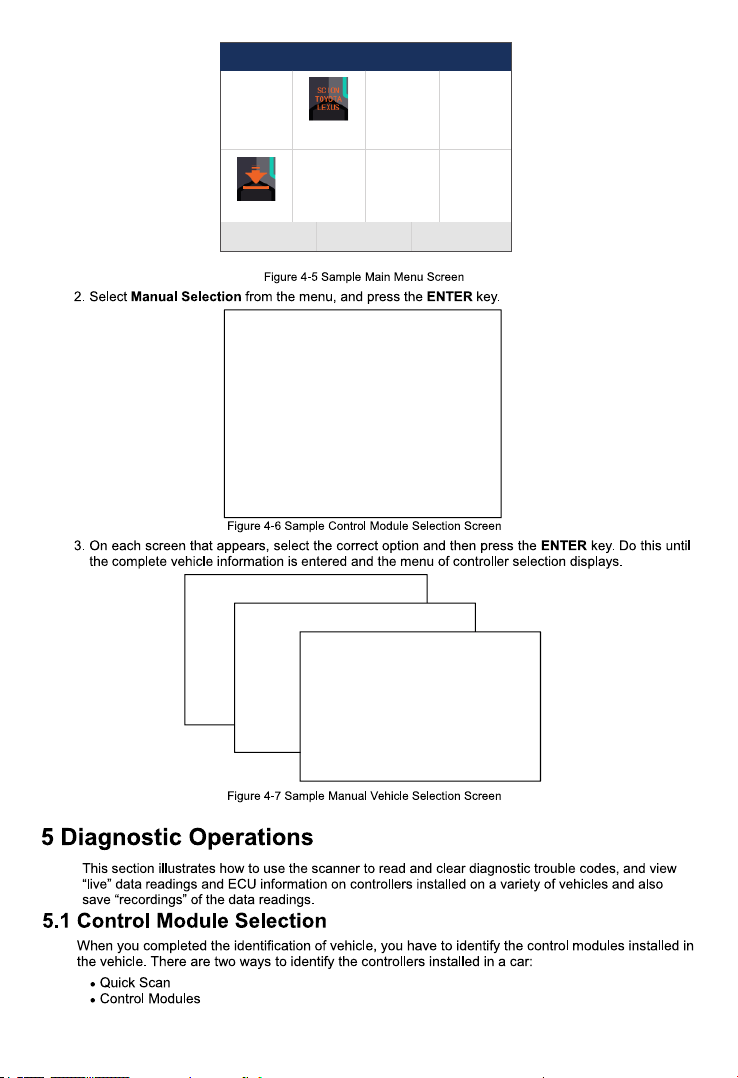
Main menu
OBDll TOYOTA Settings
Data
Manager
Update
OBDII(F1) OBDII(F2) OBDII(F3)
13
CGSULIT SC530 Multi-System Scanner Manual_English
14
CGSULIT SC530 Mulit-System Scanner Manual_English
15
CGSULIT SC530 Multi-System Scanner Manual_English
16
CGSULIT SC530 Multi-System Scanner Manual_English
17
CGSULIT SC530 Multi-System Scanner Manual_English
18
CGSULIT SC530 Multi-System Scanner Manual_English
19
CGSULIT SC530 Multi-System Scanner Manual_English
20
CGSULIT SC530 Multi-System Scanner Manual_English
21
CGSULIT SC530 Multi-System Scanner Manual_English
22
CGSULIT SC530 Multi-System Scanner Manual_English
ECU INformation
MODEL
SYSTEM
S/W VER
ECU P
S/W NUMBER
BC
DEF
48.49
6300154552
3265
23
CGSULIT SC530 Multi-System Scanner Manual_English
24
CGSULIT SC530 Multi-System Scanner Manual_English
25
CGSULIT SC530 Multi-System Scanner Manual_English
26
CGSULIT SC530 Multi-System Scanner Manual_English
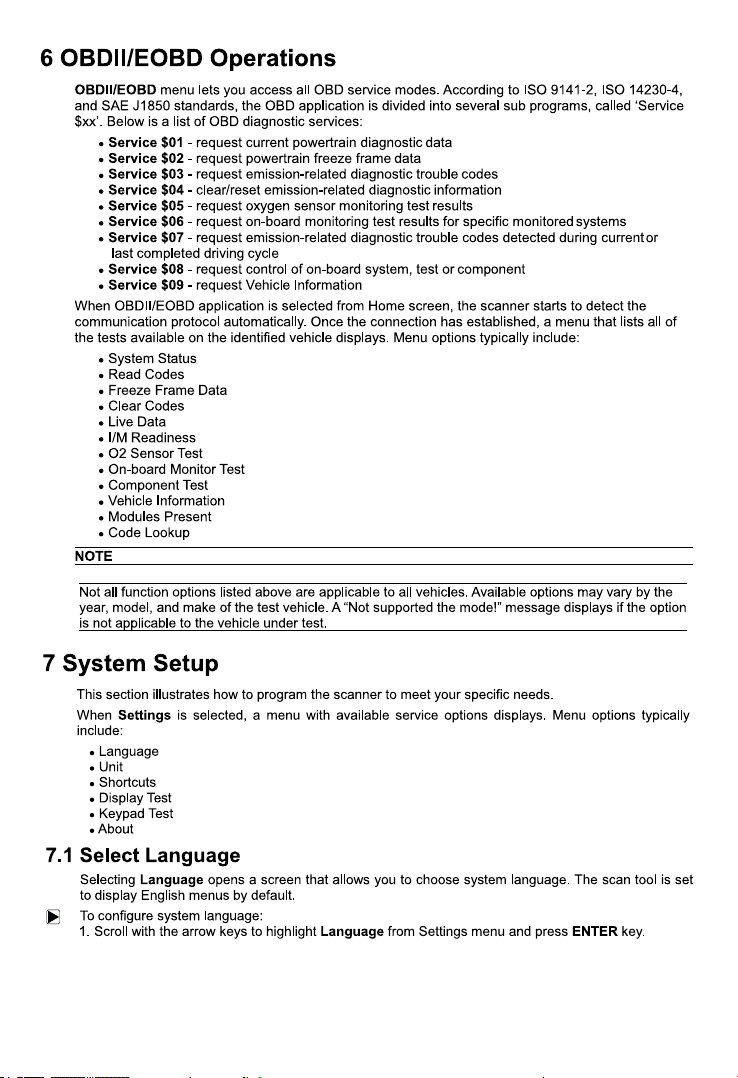
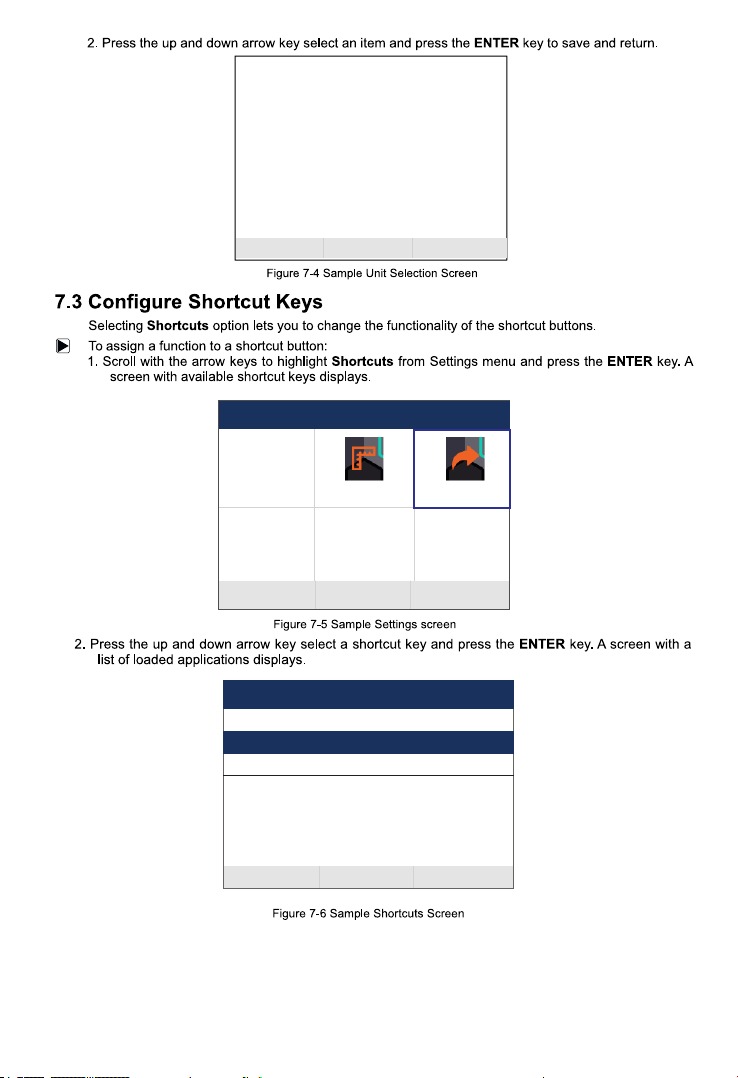
Settings
Language Unit
Display Test
Keypad Test
OBDII(F1) OBDII(F2) OBDII(F3)
Shortcuts
About
Settings
Language Unit
Display Test
Keypad Test
OBDII(F1) OBDII(F2) OBDII(F3)
Shortcuts
About
OBDII(F1) OBDII(F2) OBDII(F3)
27
CGSULIT SC530 Mulit-System Scanner Manual_English
Settings
Language Unit
Display Test
Keypad Test
OBDII(F1) OBDII(F2) OBDII(F3)
Shortcuts
About
OBDII(F1) OBDII(F2) OBDII(F3)
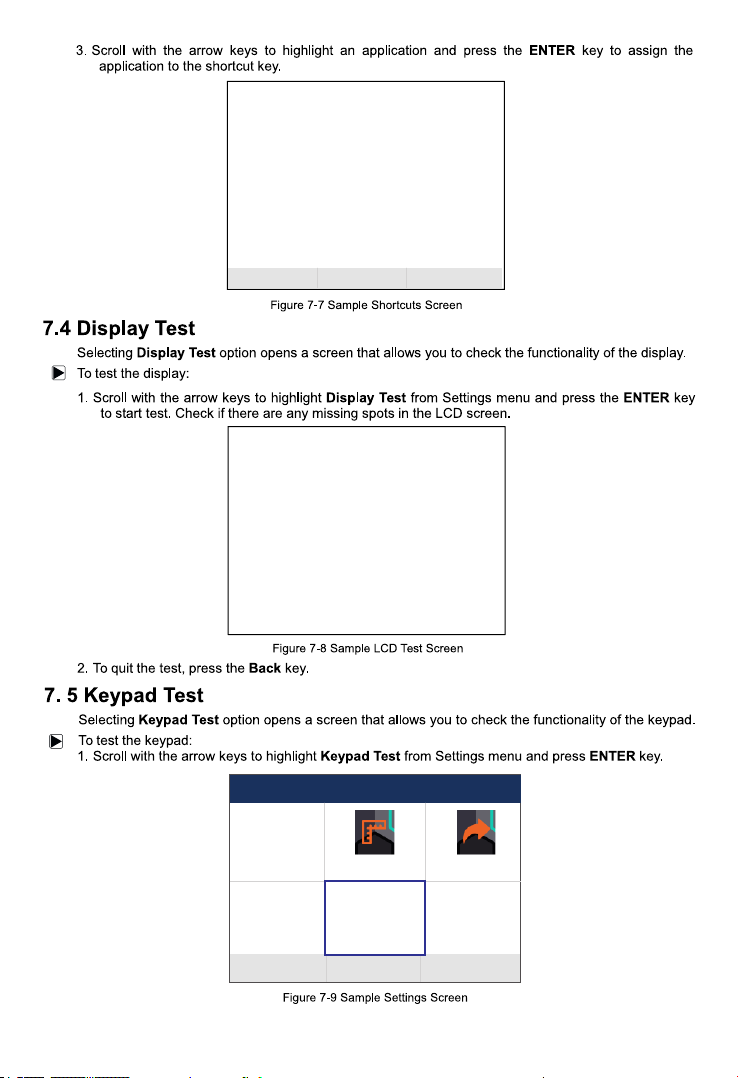
Shortcuts
Edit ShortCuts F1 Function
Edit ShortCuts F2 Function
Edit ShortCuts F3 Function
OBDII(F1) OBDII(F2) OBDII(F3)
28
CGSULIT SC530 Mulit-System Scanner Manual_English
Settings
Language Unit
Display Test
Keypad Test
OBDII(F1) OBDII(F2) OBDII(F3)
Shortcuts
About
OBDII(F1) OBDII(F2) OBDII(F3)
AUDI
29
CGSULIT SC530 Mulit-System Scanner Manual_English
Settings
Language Unit
Display Test
Keypad Test
OBDII(F1) OBDII(F2) OBDII(F3)
Shortcuts
About
About
OBDII(F1) OBDII(F2) OBDII(F3)
Home Version
BOOT Version
Serial Number
CoPyright
V1.10.002
V2.04.007
S530210600001
Copyright(c)2021
Sunite Technology Co.,
Ltd. AII rights
reserved
keypad Test
Press any key to start
the test. Press[BACK]
key twice to quit
30
CGSULIT SC530 Multi-System Scanner Manual_English
EOBD
HOME
PUBLIC
TOYOTA
V1.10.002 2.75MB
39.44KB
V1.21.002
V1.21.006
V1.44.008
1.05MB
83.16KB
ES
8
31
CGSULIT SC530 Multi-System Scanner Manual_English
EOBD
HOME
PUBLIC
TOYOTA
V1.10.002 2.75MB
39.44KB
V1.21.002
V1.21.006
V1.44.008
1.05MB
83.16KB
ES
EOBD
HOME
PUBLIC
TOYOTA
V1.10.002 2.75MB
39.44KB
V1.21.002
V1.21.006
V1.44.008
1.05MB
83.16KB
ES
EOBD
HOME
PUBLIC
TOYOTA
V1.10.002 2.75MB
39.44KB
V1.21.002
V1.21.006
V1.44.008
1.05MB
83.16KB
ES
32
CGSULIT SC530 Multi-System Scanner Manual_English